· fonts · 9 min read
13 Best Fonts for Infographic Posters in 2026
13 best fonts for infographic posters, with roles for titles, section headings, numbers and labels, plus hierarchy and pairing tips for print and screen layout.
What Makes a Great Font for an Infographic Poster?
An infographic poster has a headline that needs to read from across the room and data labels that need to read up close. One font rarely handles both jobs well. The best font for an infographic poster is usually a pairing: a display face for the title, a neutral sans for captions and numbers.
Large-format poster typography lives or dies on hierarchy. Size and weight contrast do the heavy lifting. A bold display face carries the title while a clean sans handles the fine print.
A poster also differs from a standard infographic in how it is read. Viewers take in the whole composition at a glance from a distance, then step closer for the data. The title, key numbers and section headings do the first job, and captions and sources do the second. Print and screen behave differently here: on screen, a poster is often shrunk for social feeds or slides, and small labels can become hard to read. Good poster type holds up in both formats, so check it at reduced size as well as at full scale.
One honest note: none of the 13 Creative Fabrica fonts below is positioned as an infographic font. Most are poster, headline, geometric, condensed or slab faces. Captions and long labels will need a separate neutral sans.
Planning the Type Hierarchy Before You Pick Fonts
Map the text first. A poster has a title, subtitle, section headings, big numbers, data labels, body notes, sources and footnotes. Assign one role to one style: size, weight, capitalization. Use weight or italic for emphasis, not random size jumps.
Two or three fonts is a common guideline. A display face for titles, a clean sans for labels, and optionally a third for numbers. A single family in several weights keeps things even simpler.
Contrast with the background matters as much as the typeface. Light text on dark blocks and dark text on light blocks both work, but thin or outline letterforms tend to struggle on colored panels and illustrations. Treat this as a general rule of thumb, not a verdict on any one font. Apply the same color logic across the whole poster so readers learn where to look.
For the neutral sans side of a font pairing for posters, familiar reference points include Futura, TT Commons, Work Sans, Montserrat, Arial, Helvetica, Open Sans and Roboto.
13 Best Fonts for Infographic Posters
The list is organized by poster role, from poster headline fonts to data label fonts. Each entry uses Creative Fabrica listing facts with a hedged role suggestion. Check the product page for licensing, formats and preview details.
Best Geometric and Condensed Sans for Titles, Numbers and Labels
1. Geometrica
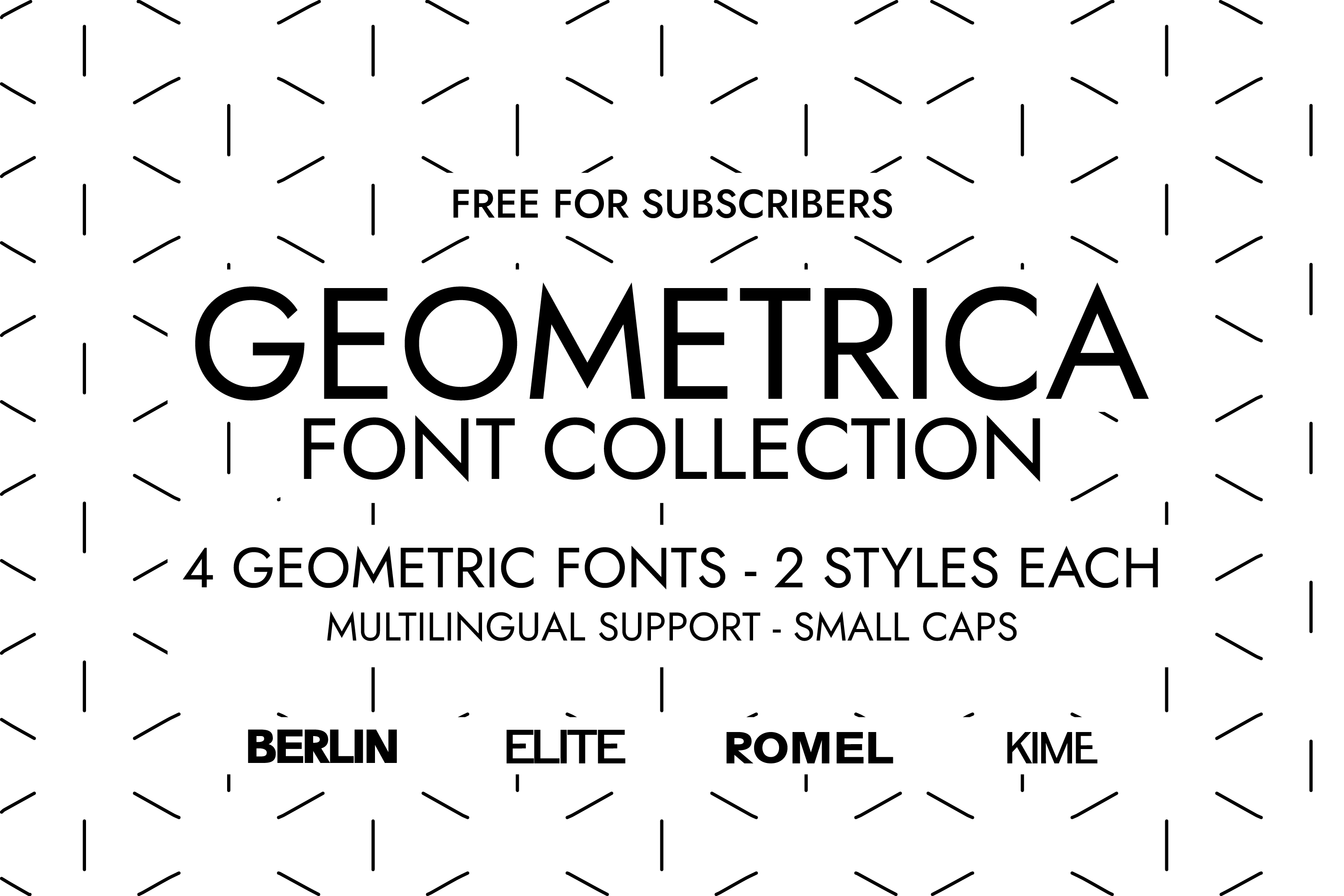
Geometrica is a set of four geometric minimalist sans serif fonts inspired by Swiss design principles. The listing aims it at branding and packaging. That geometric look could suit section titles or compact labels in a large-format poster, paired with a neutral sans for data labels. It is subscription-only.
Best for: titles, labels, branding. By: Creative Fabrica
2. Thinking Numbers
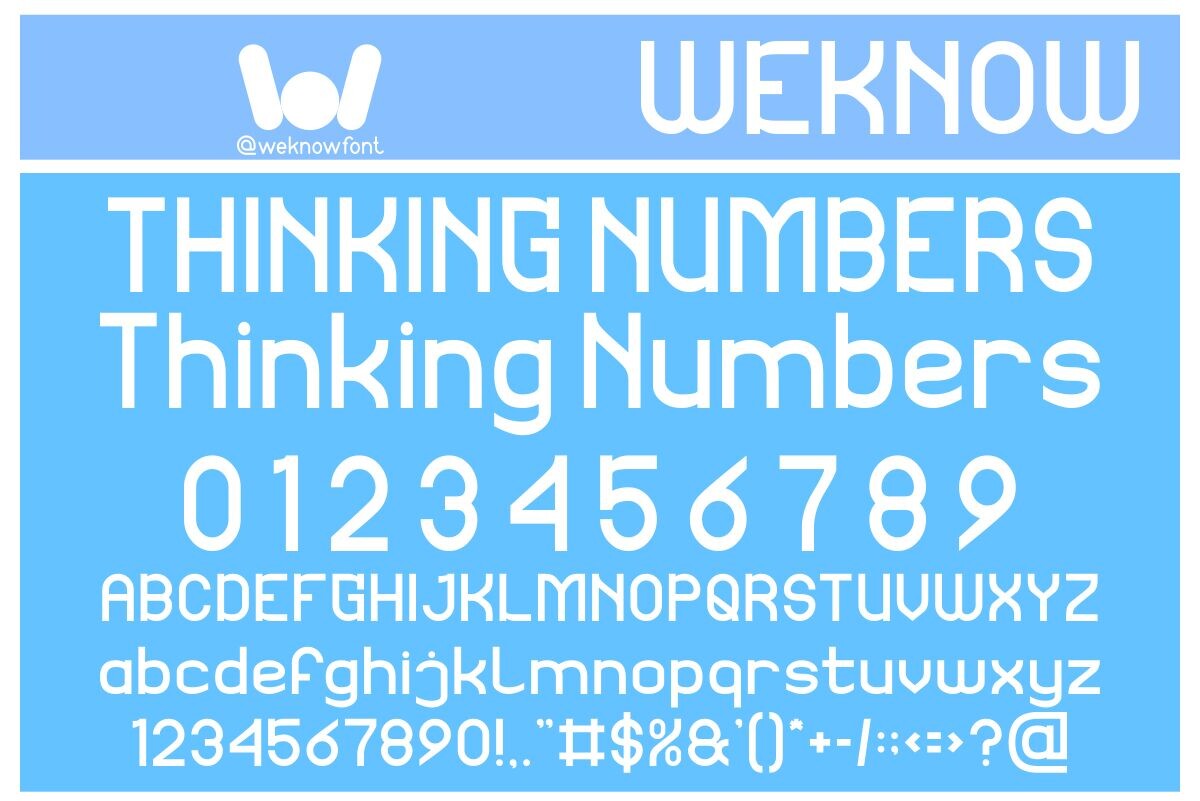
Thinking Numbers is a monospaced sans serif with a geometric basis and a retro-futuristic look. The listing pitches it for logos, headlines and corporate identities. Because it is monospaced and named for numbers, it could suit key figures, stat callouts or numeric labels in an infographic poster. It is subscription-only.
Best for: figures, callouts, labels. By: Creative Fabrica
3. Condensa
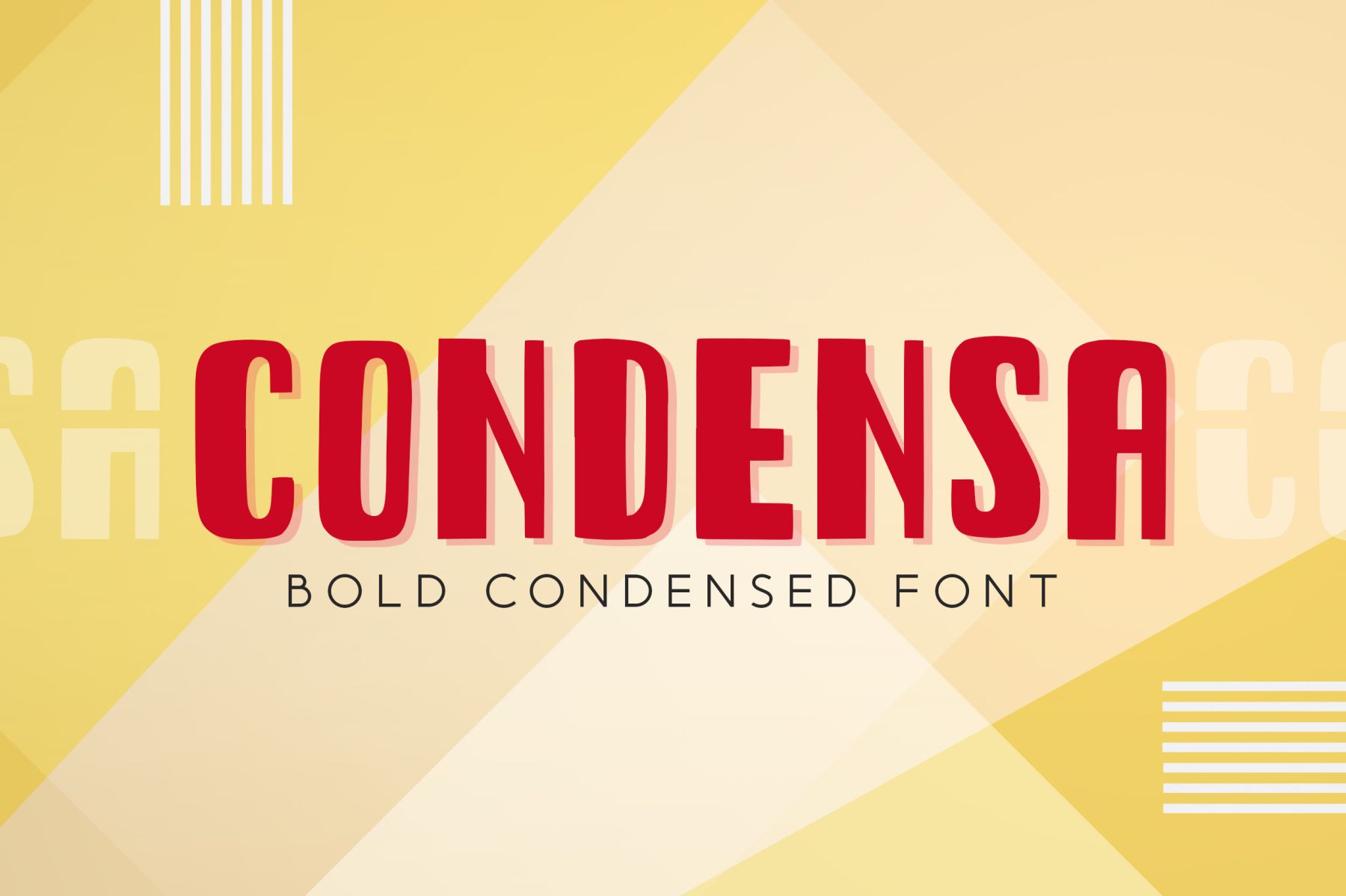
Condensa is a condensed sans serif with a vintage feel. The listing names posters among its uses, which makes it a candidate for a poster headline or section title. It is subscription-only. For an infographic poster, it could anchor the top title while a neutral sans handles captions.
Best for: headlines, titles, layouts. By: Creative Fabrica
4. Posteria
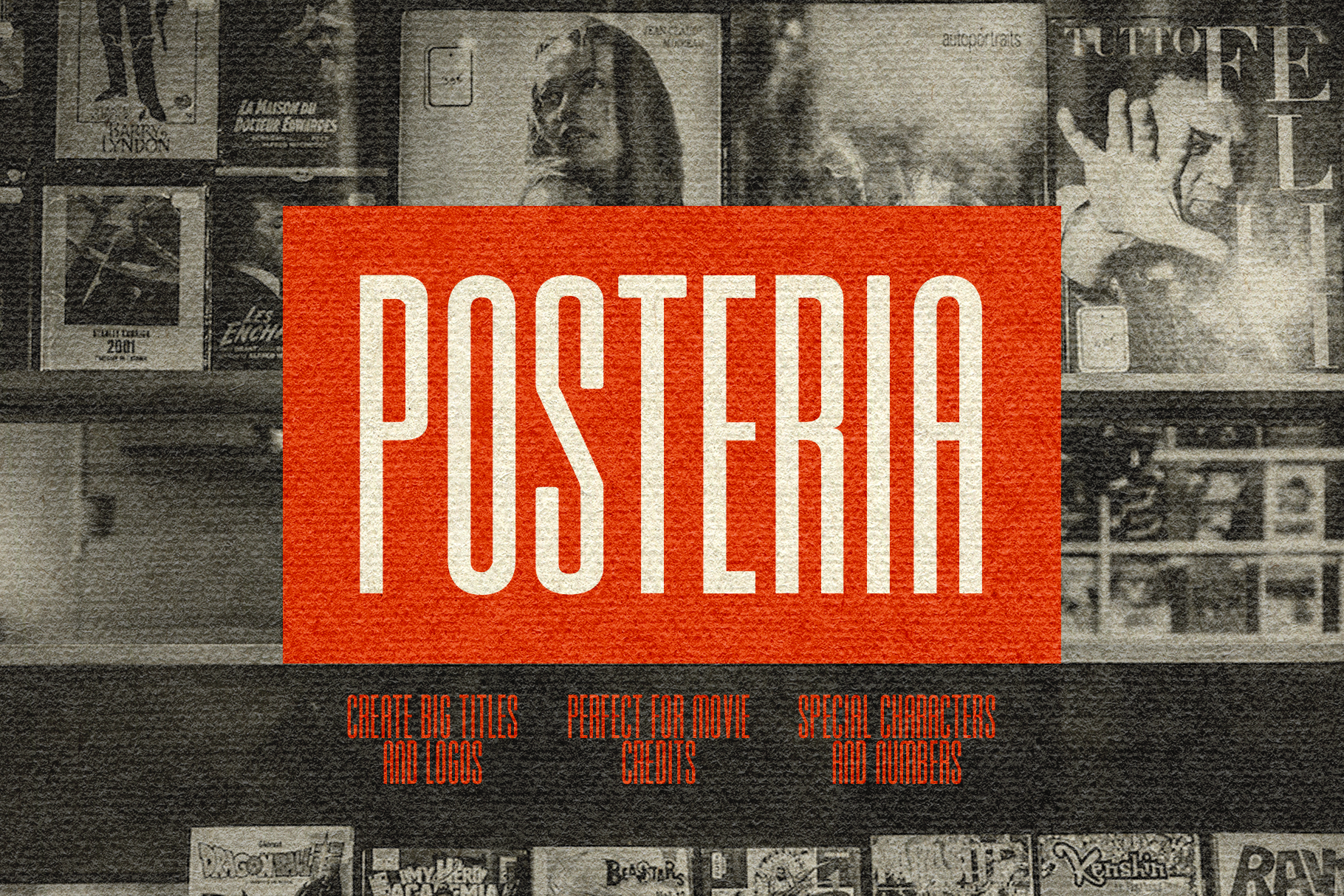
Posteria is a sans-serif display face in all caps, pitched at Hollywood-style movie posters. That cinematic tone is closer to a film poster than to a data report, so it may work best as a single title rather than labels. It is subscription-only. For a dramatic subject, this could be worth testing for the main headline.
Best for: titles, events, accents. By: Creative Fabrica
5. ModPoster
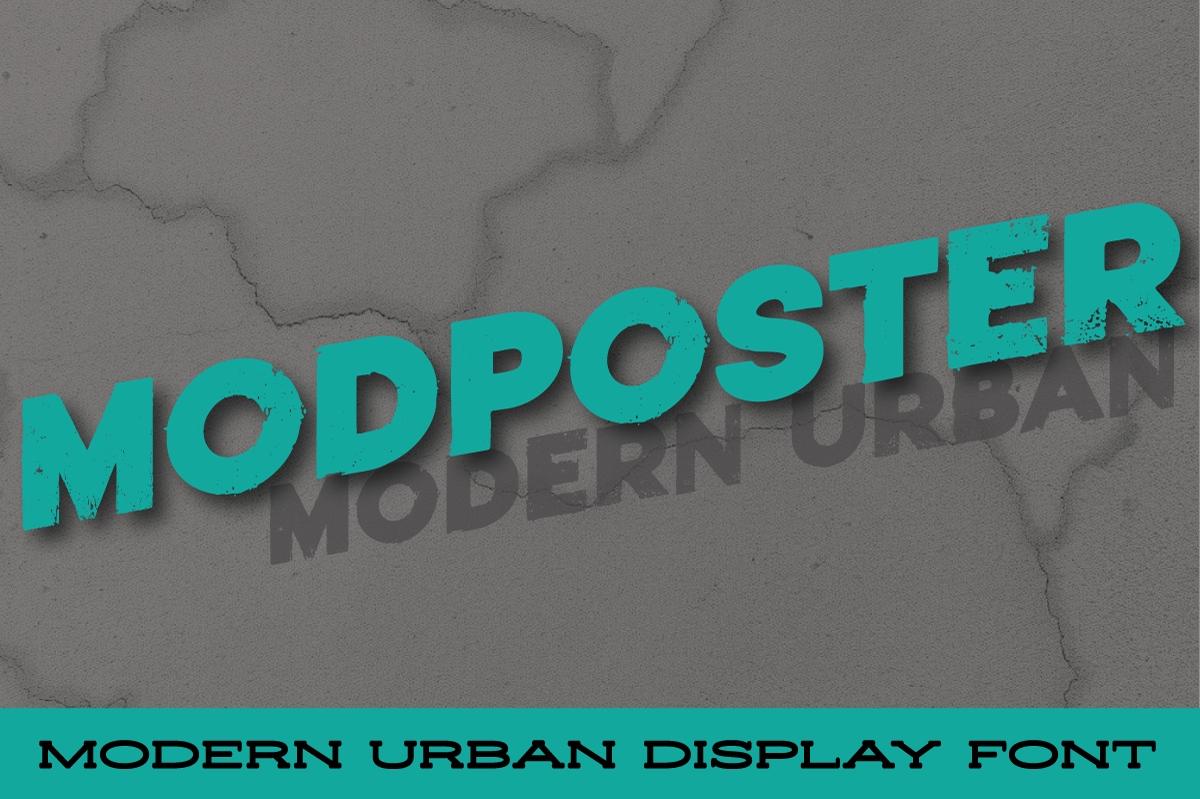
ModPoster is a sans-serif with a distressed texture. The poster-oriented name and listing suggest a worn look, but the available facts are thin. A textured face can distract from small captions and numbers, so it could suit one large headline only. Check the preview before using it.
Best for: headlines, accents. By: Creative Fabrica
Best Bold Display Fonts for Poster Headlines and Section Titles
6. Bold Display
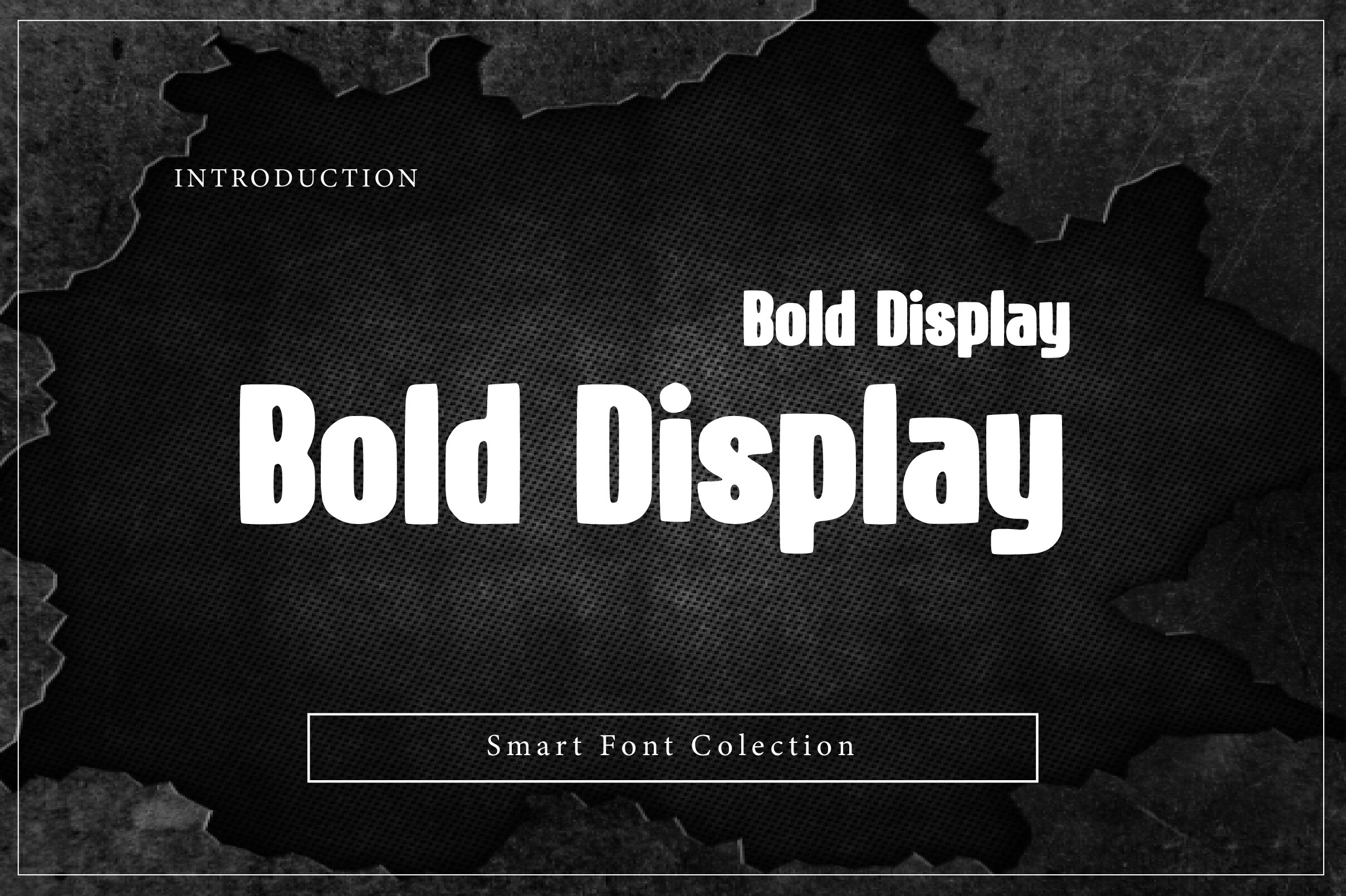
Bold Display is a condensed bold display face with softened corners. The listing names headlines, logos, posters, branding, packaging, signage and advertising, and it is often used in all caps. It is subscription-only. For an infographic poster, it could suit the main title or a section heading.
Best for: titles, headings, layouts. By: Creative Fabrica
7. Boldcore
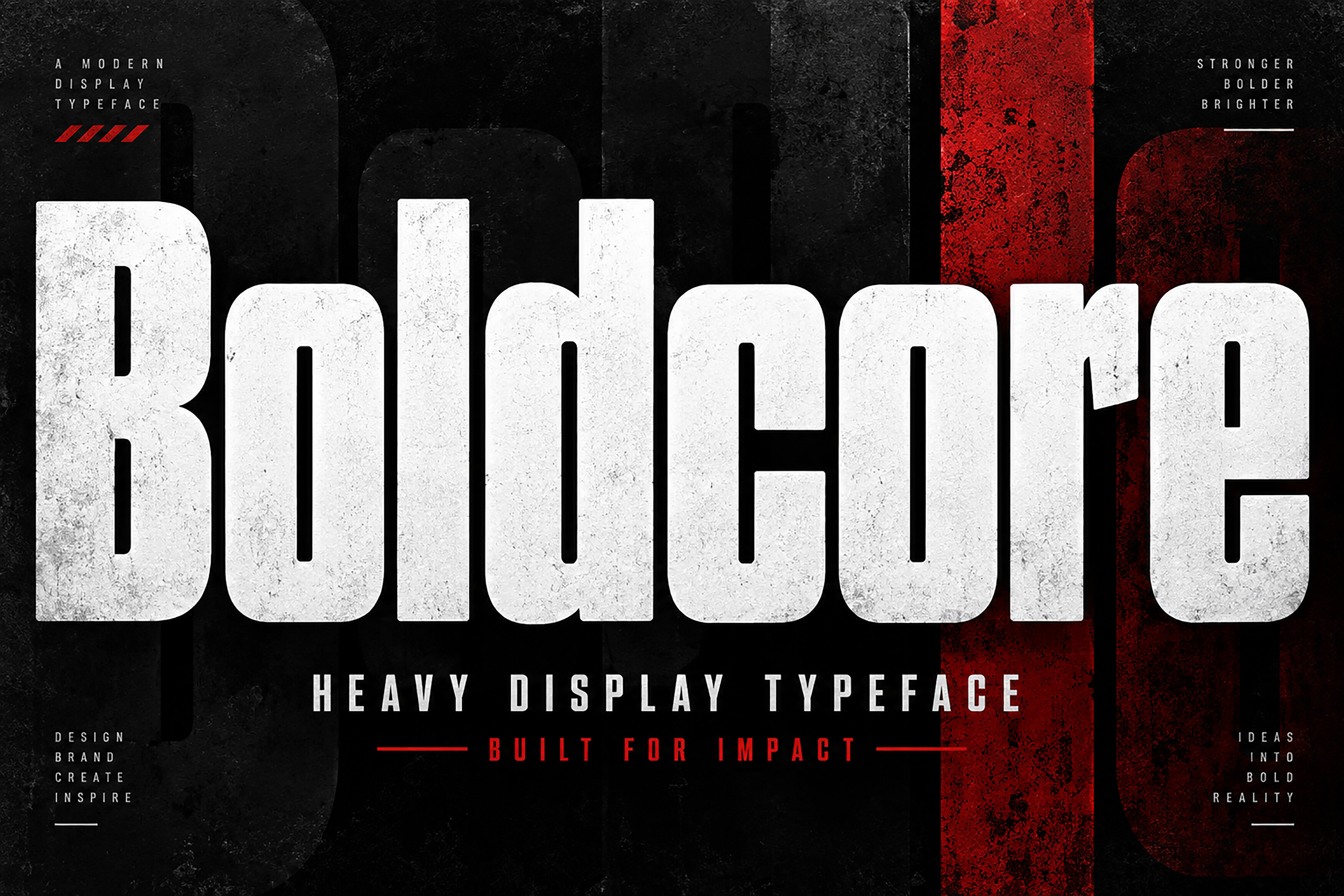
Boldcore is a heavy, condensed display face with a geometric feel. The listing aims it at posters, sports graphics and headlines. That sports-oriented character could suit an event poster, a sports infographic or a bold title block, but it may not match a calm educational style. Test it against the topic.
Best for: posters, sports, titles. By: Creative Fabrica
8. Boldza
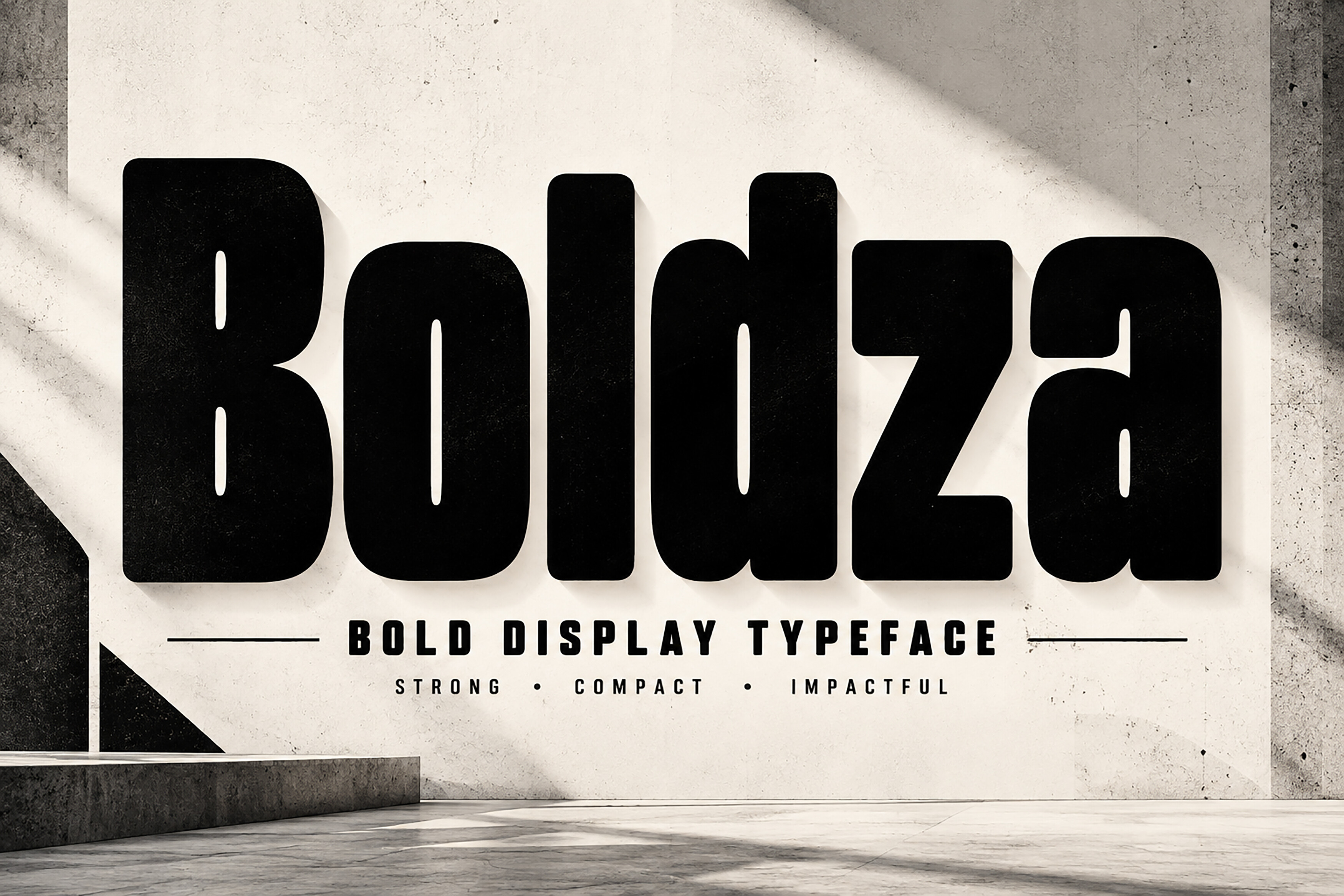
Boldza is a heavy, compact display face. The listing says OTF only, and a compatibility note conflicts with its own platform list. Verify formats and compatibility before buying, especially for Canva, Figma or Office. The available facts are limited, so review the preview before use.
Best for: headlines, titles. By: Creative Fabrica
9. Bold Depth
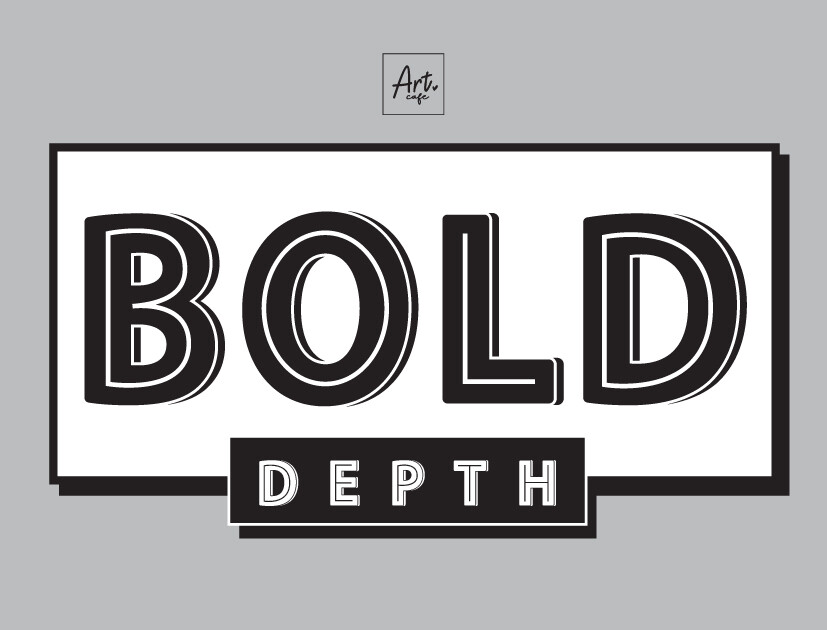
Bold Depth is a robust display face. The listing describes it as ideal for headline-grabbing posters or ambitious design projects. The facts are general, without detailed notes on letterforms or weights. For an infographic poster, it could serve as a main title when the layout needs a display face. Check the preview.
Best for: titles, headings, posters. By: Creative Fabrica
10. Bold Notes
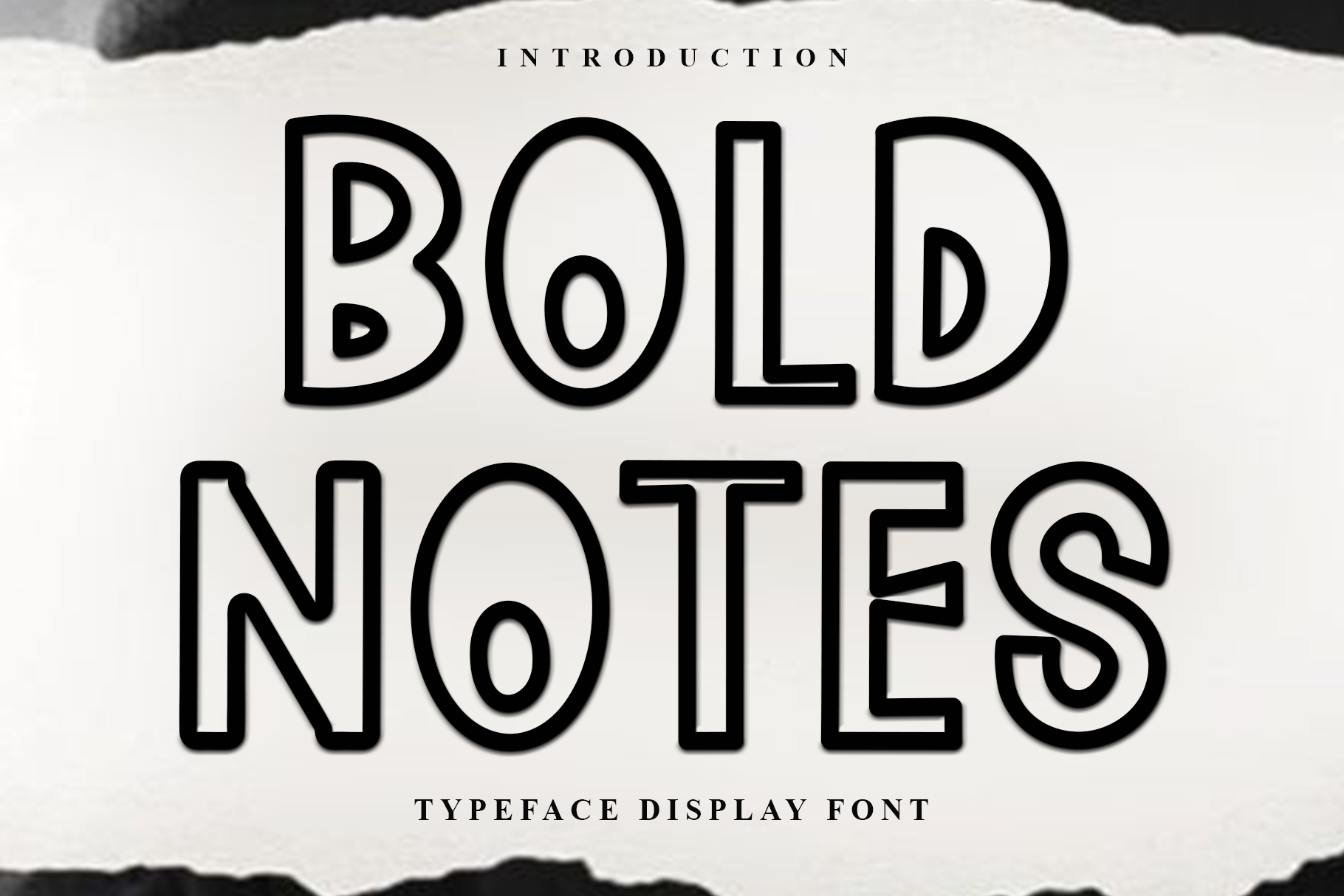
Bold Notes is a retro-modern outline display face described for headings and posters. Outline letterforms can disappear on busy backgrounds or at small sizes, so it could work best as one large title or accent, not for labels. Review the preview before use.
Best for: titles, accents, emphasis. By: Creative Fabrica
Best Slab and Serif Fonts for Accent Headings
11. Zero Slab
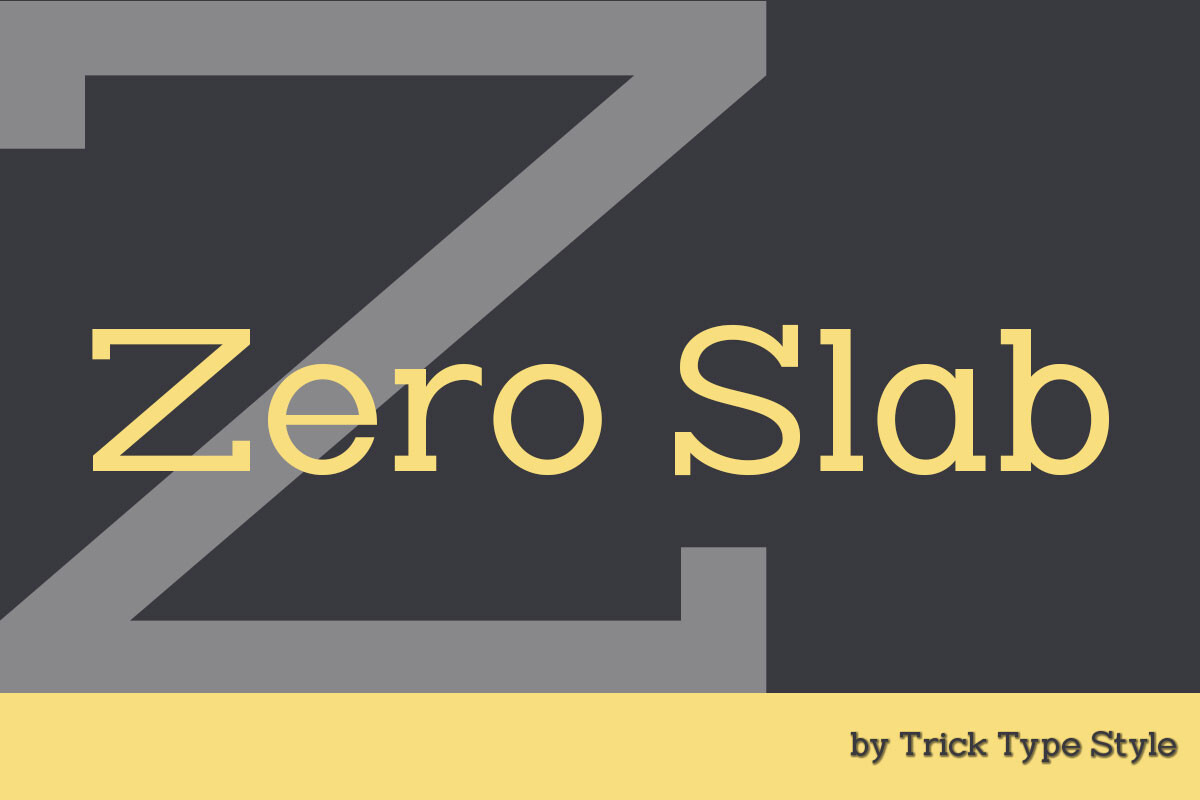
Zero Slab is a modern slab serif display face. The listing pitches it for headlines, editorial work and posters. It is subscription-only. In an infographic poster, it could suit section headings or a title that needs editorial character. Pair it with a neutral sans for captions and numbers.
Best for: headings, titles, accents. By: Creative Fabrica
12. Feriska
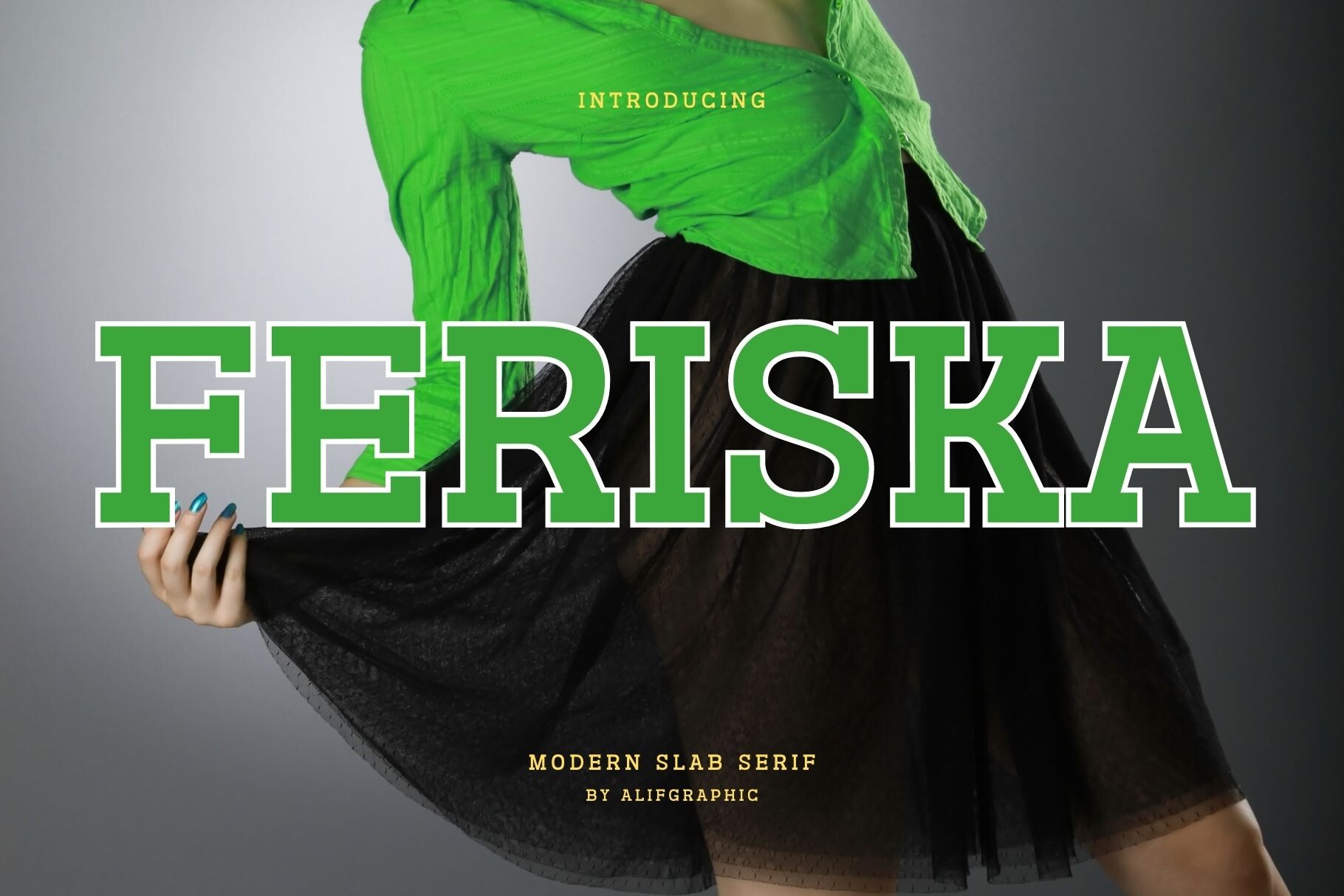
Feriska is a slab serif described as suited to logos and headers. The listing mentions a 10-download free trial and a commercial license, so check the product page for exact terms. For an infographic poster, it could suit a headline or section title that needs a slab accent, while a neutral sans handles labels.
Best for: headlines, titles, accents. By: Creative Fabrica
13. Quaron
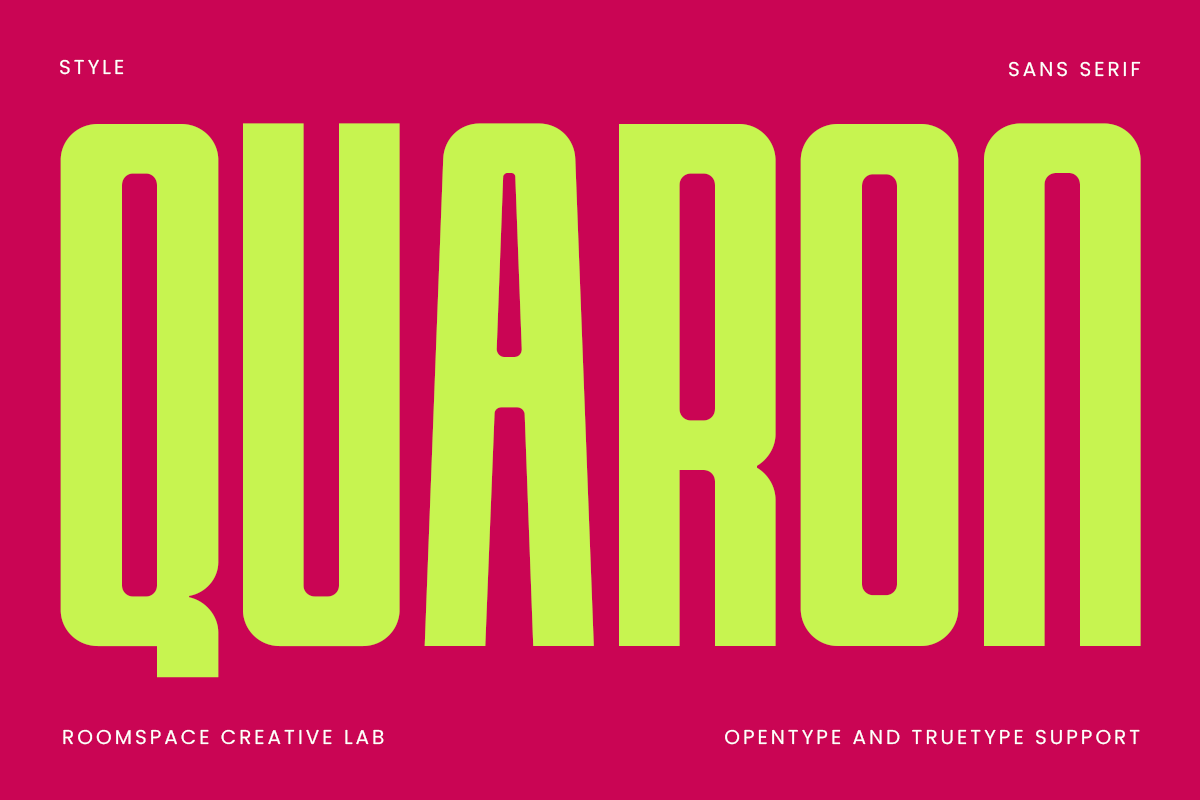
Quaron is a bold, condensed serif, seen on the Spanish locale page and listed as Quaron Condensed. The available facts are limited, so avoid assuming extra styles or weights. It could suit a poster headline as a contrast to sans-serif captions, but check the preview and product page.
Best for: headlines, accents, titles. By: Creative Fabrica
How to Set Type on an Infographic Poster
Set the title largest, then key numbers, section headings, data labels, body notes and sources. For print, check reading distance and margins, including bleed and safe margins. For screen, preview at reduced size, because readable fonts for print and screen behave differently.
Pair a display face for the title with a neutral sans for labels. Avoid mixing two display faces. Slab or serif faces can work as section accents. Neutral options include Roboto, Open Sans, Source Sans 3, Montserrat, Lato, Work Sans and Roboto Mono for numbers.
What font size works for an infographic poster? There is no single number, because it depends on the poster dimensions and the reading distance. As a general guide, the title is the largest element, key numbers come next, and data labels and sources are the smallest but must stay readable from the working distance. Print a test at actual scale, or view the file at 100 percent, and step back to the distance a viewer will use. For screen, shrink the file to the size it will appear in a feed and confirm the smallest text still reads.
Align number columns, keep units consistent, and use monospaced or tabular figures when alignment matters. Add line spacing for captions and tracking for large caps.
In Canva, Adobe Illustrator, InDesign, Photoshop, Figma, PowerPoint or Google Slides, install the font. For print, embed fonts in the PDF or convert text to outlines. Check numbers and contrast.
How to Choose the Right Font for Your Poster
The best fonts for infographics often start with a neutral sans plus one display accent. For marketing or report posters, use brand fonts if available. For event or sports posters, a heavy condensed display face may fit. For an editorial style, a slab or serif can carry section headings.
Licensing matters. Six fonts in this list are subscription-only: Geometrica, Thinking Numbers, Condensa, Posteria, Bold Display and Zero Slab. The others do not state a model, so check the product page. For print runs, advertising, client work or resale, review commercial use fonts for posters. Feriska mentions a 10-download free trial and a commercial license; verify terms. No font in this list is confirmed as available without cost.
For caveated fonts, test title, numbers and labels in the preview. For Boldza, check formats and compatibility.
Should an infographic poster use serif or sans-serif fonts? Sans-serif is the common choice for headings, labels and lists, and it is a safe default for small data text. Serif or slab faces tend to work better as accents, such as section headings, while a serif for body notes is a matter of taste. Zero Slab, Feriska and Quaron fit the accent role in this list.
Can you use a decorative display font for the whole infographic? It is better to avoid it. Decorative, distressed or outline faces such as ModPoster or Bold Notes are best kept for a single headline or focal point, with a plain sans for everything else.
Where to Download Fonts for Infographic Posters
Creative Fabrica is the main source for the fonts above. Six of the listings are subscription-only, so review each product page before download. Google Fonts, DaFont and Font Squirrel are additional places to find neutral sans options.
For more typography guides, see the FontPro blog.