· fonts · 10 min read
14 Best Fonts for Infographic Text in 2026
14 fonts for infographic body copy, data labels, captions, and numbers. Size, numeral, and pairing tips included. Download options from Creative Fabrica.
What Makes a Great Font for Infographic Text?
The headline in an infographic pulls the eye in, but the small blocks carry the information: data labels, axis captions, footnotes, and descriptive text. They need a font that holds up at small sizes, so the text font is chosen separately from the headline font.
That makes choosing a font for infographic text a different problem from picking a display face. As a general guideline, three properties matter most here. A tall x-height and open letterforms keep small text distinct. Clear, distinguishable numerals (1 versus l, 0 versus O) and consistent column alignment keep data readable. A range of weights lets you build hierarchy without switching typefaces.
One thing worth stating upfront: none of the 14 fonts below is marketed as an infographic font. Readability claims in the listings are seller statements, not test results. Always check the preview at your actual size before committing.
Small-Size Legibility: x-Height, Numerals and Line Length
Small text in an infographic faces different problems than a headline. Here is what to look for.
x-height and apertures. Letters with a tall x-height and open apertures (the openings in c, e, a, s) stay distinct at small sizes. Thin and outlined weights lose definition at small sizes. All-caps text works for short labels but not for longer captions.
Numerals. Tabular (fixed-width) figures align in columns; proportional figures save space but can shift alignment. Check that 0 and O, 1 and l, and 7 and T are clearly different. Keep units of measurement, percent signs, and currency symbols consistent. A different font for large accent numbers is acceptable.
Line length and spacing. Descriptive blocks often sit in narrow columns, so aim for short lines. Keep line spacing moderate and align text to the left edge. Avoid justified text in narrow blocks. It creates uneven gaps that make scanning harder.
Monospace fonts. A monospace font gives every character the same width, which aligns columns of numbers and code-like values. For running text, proportional fonts are usually more comfortable. Roboto Mono is a common example of a monospace for data.
Contrast and background. Light text on dark backgrounds and text over colored blocks need extra contrast. Avoid placing small text directly on busy illustrations.
14 Best Fonts for Infographic Text
Each font below is grouped by its likely role in an infographic: body copy, labels and callouts, or numbers and stats. Descriptions use only the details available in the Creative Fabrica listing. Readability claims are attributed to the listing, not presented as test results.
Best Serif Fonts for Body Copy and Long Captions
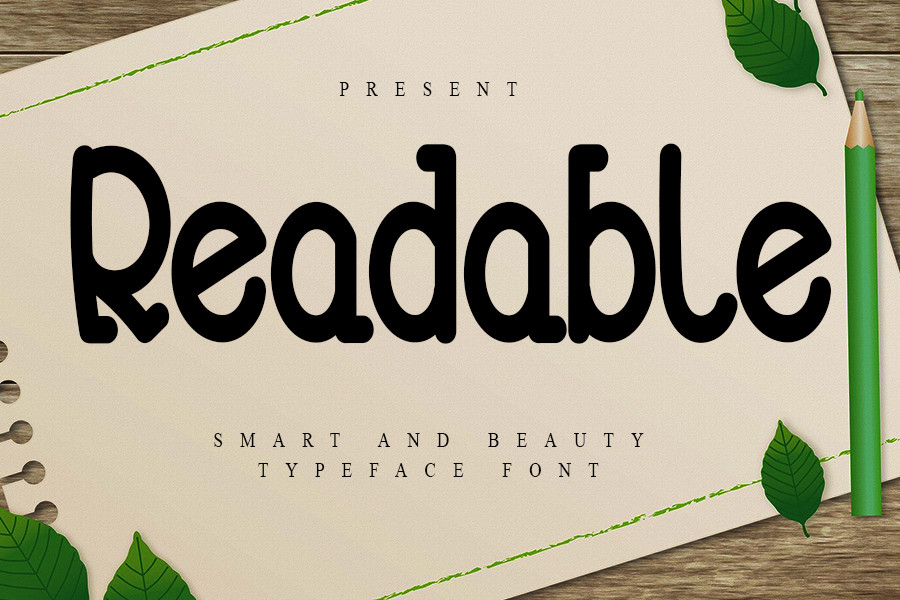
1. Readable
Readable is a friendly, simple slab serif. The listing says it matches a very large set of projects, which makes it a candidate for descriptive blocks where a warmer tone helps. It is subscription-only on Creative Fabrica. Check the preview at your target size before committing to long captions.
Best for: descriptive blocks, body copy, long captions. By: Creative Fabrica
2. Nikolas
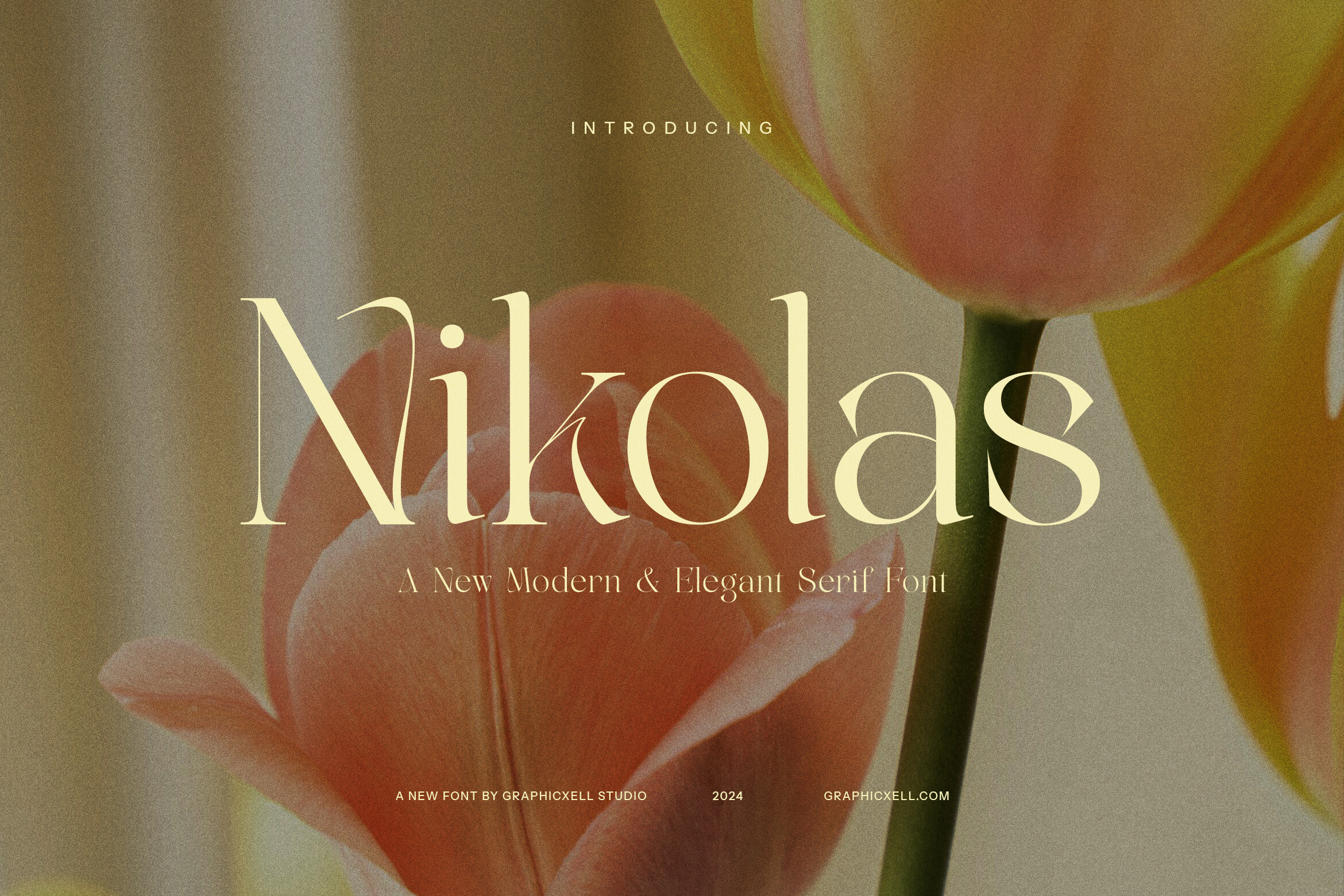
Nikolas is a modern serif pitched for body text as well as display. The listing cites legibility at various sizes, which positions it as a candidate for infographic body copy. It could suit longer descriptive passages that need to stay readable without switching to a sans-serif. Worth testing in a real layout before finalizing.
Best for: infographic body copy, long captions, descriptive text. By: Creative Fabrica
3. Malobe
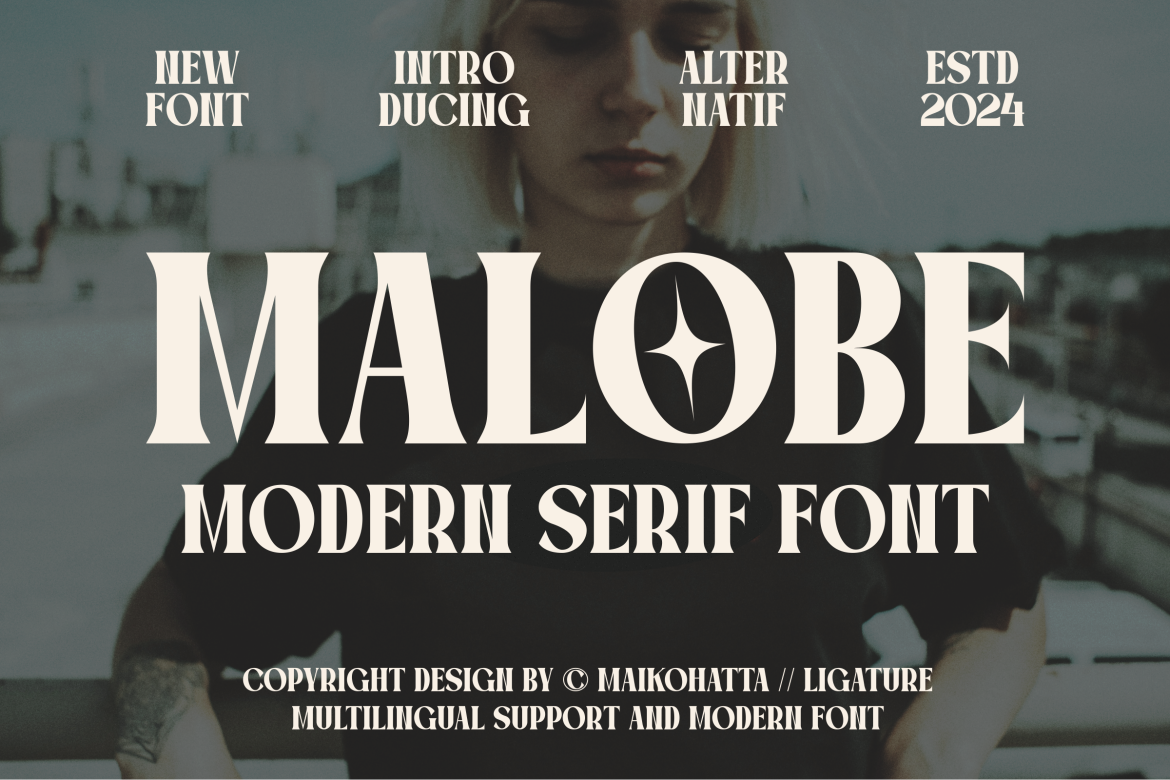
Malobe is a modern serif with balanced stroke thickness and fineness. The listing describes it as easy to read, a claim worth verifying in the preview at small sizes. Its even weight distribution could suit body copy in data-heavy infographics where consistency across a column matters. A reasonable candidate for captions and short paragraphs.
Best for: body copy, captions, short paragraphs. By: Creative Fabrica
4. Modist

Modist is listed with a claim of high clarity and readability, but the snippet provides no further detail. The product page and preview are the only way to confirm how it performs at small sizes. Check the numerals and letterforms before considering it for labels or captions.
Best for: labels, captions (verify in preview). By: Creative Fabrica
5. Cingker
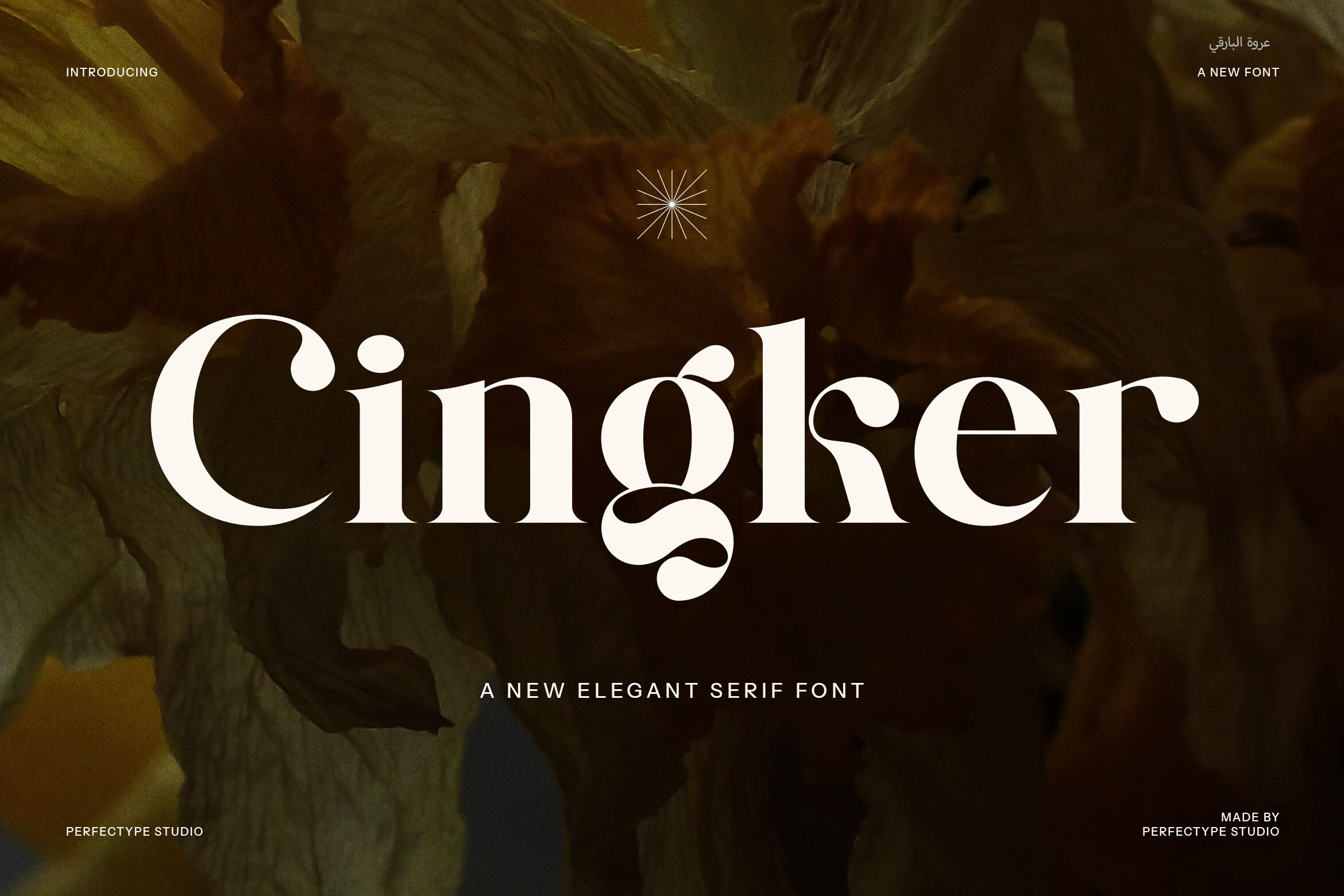
Cingker is a display serif. The listing claims smaller text stays sharp and polished, which is an unusual claim for a display face and worth verifying directly. Open the preview and set a sample line at your smallest caption size. If the letterforms hold up, it could work for short labels; otherwise keep it for larger elements.
Best for: short labels, display accents. By: Creative Fabrica
Best Sans-Serif Fonts for Labels, Callouts and Data
6. Marquerite
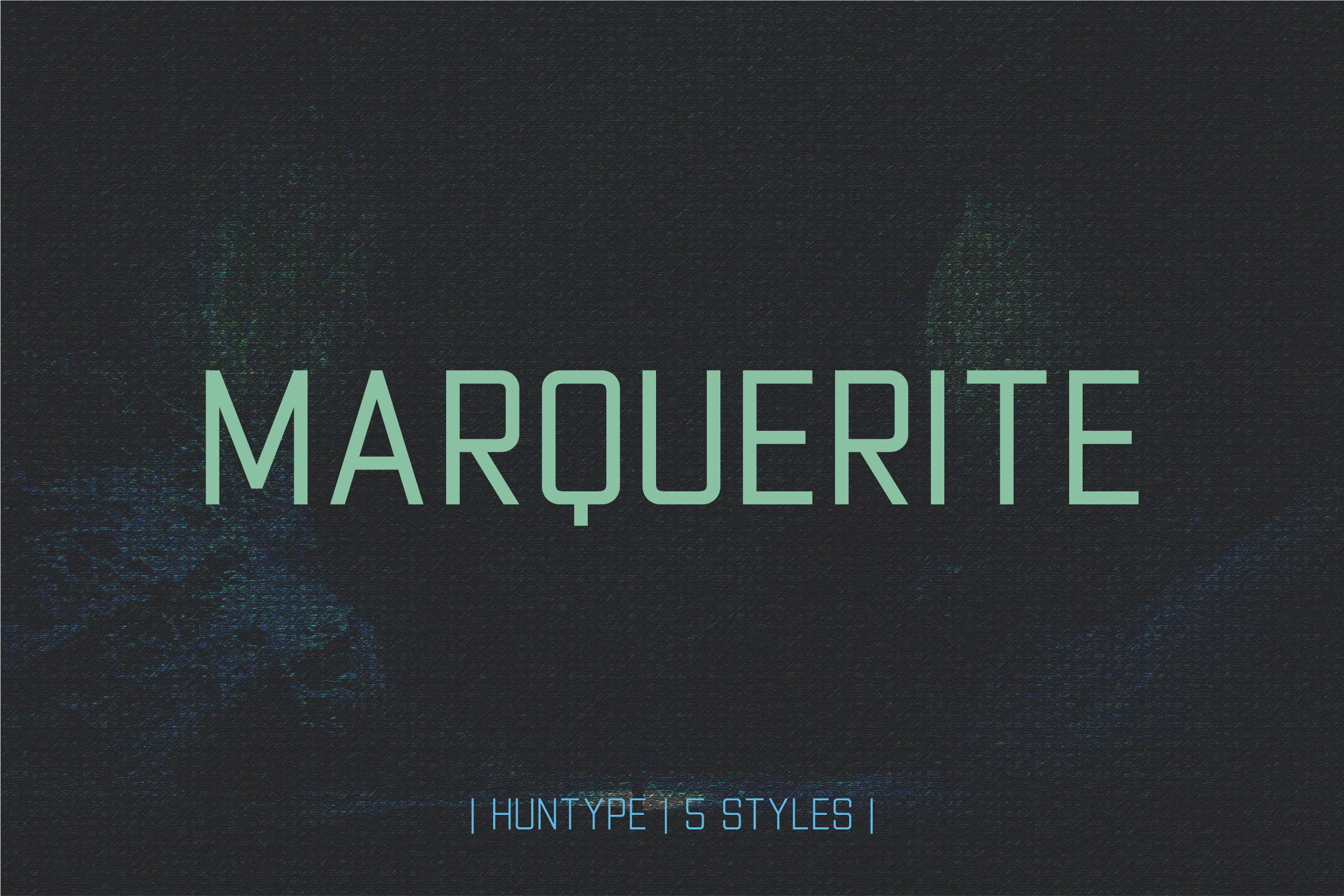
Marquerite is a sans-serif family in five weights, Thin through Black. The mid-range weights are the practical choice for labels, callouts, and data captions. The thinnest weights are risky at small sizes, a general caution that applies to any light face. Test the middle of the range before assigning it to dense text blocks.
Best for: labels, callouts, data captions. By: Creative Fabrica
7. Killan
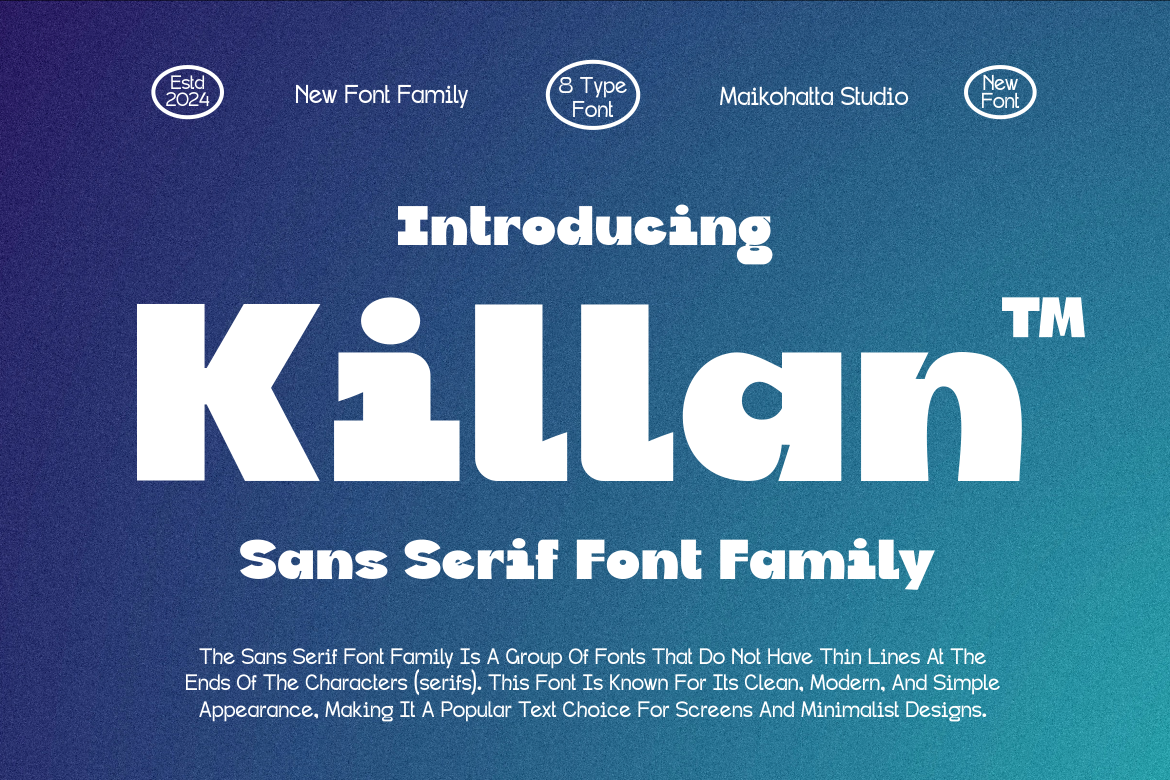
Killan is a sans-serif family offered in various styles, but the snippet does not list specific weights. The product page is needed to confirm the full range before judging its fit for labels or captions. Check the preview at small sizes and look at the numerals before deciding.
Best for: labels, captions (verify family on page). By: Creative Fabrica
8. Krafthouse Rounded
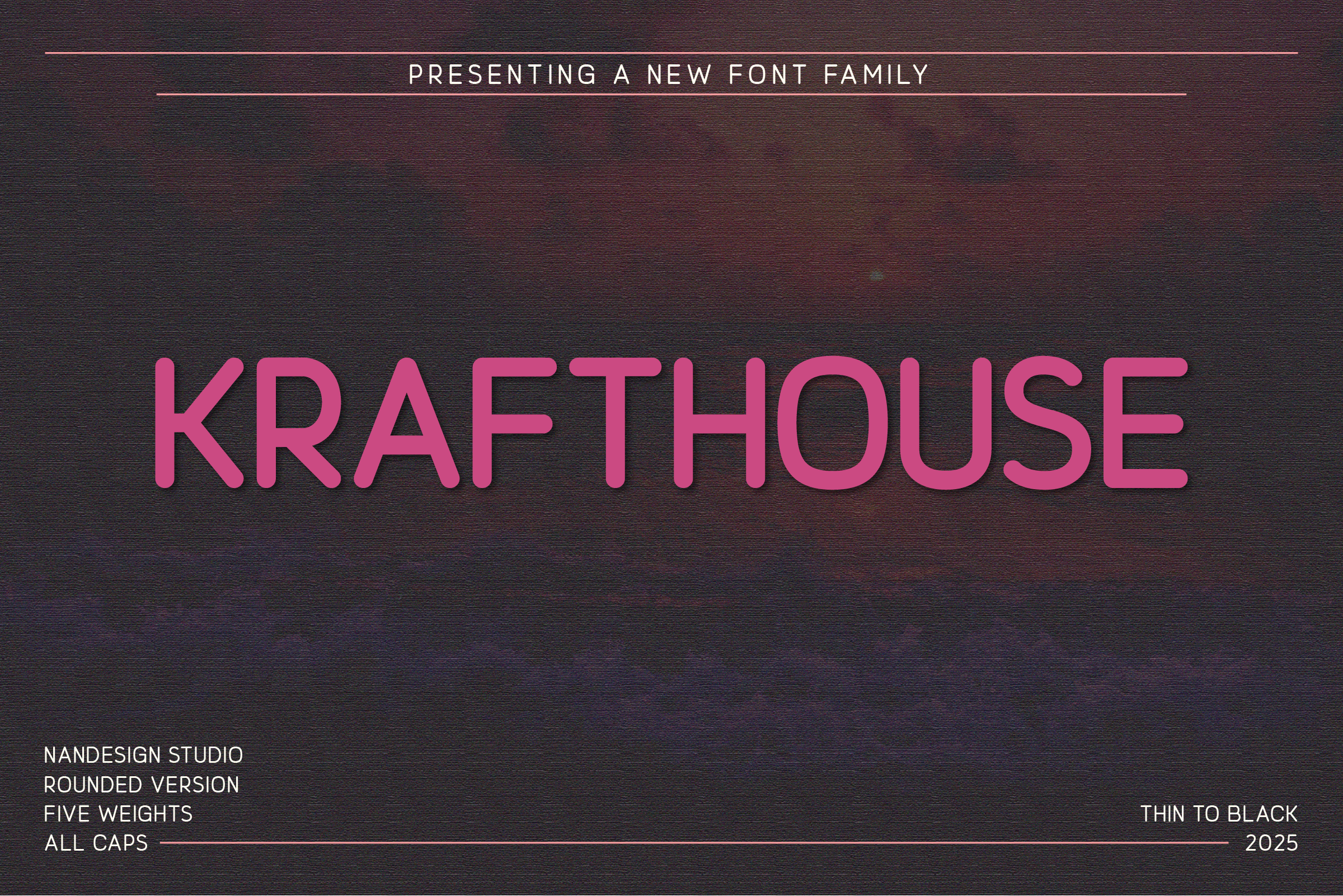
Krafthouse Rounded is an all-caps rounded sans-serif family in five weights: Thin, Light, Regular, Bold, and Black. The rounded terminals give it a friendly feel for short labels and category tags. All-caps text is best kept to brief phrases, since long captions in capitals are harder to scan. It is subscription-only on Creative Fabrica.
Best for: short labels, category tags, axis markers. By: Creative Fabrica
9. Rationalized Rounded
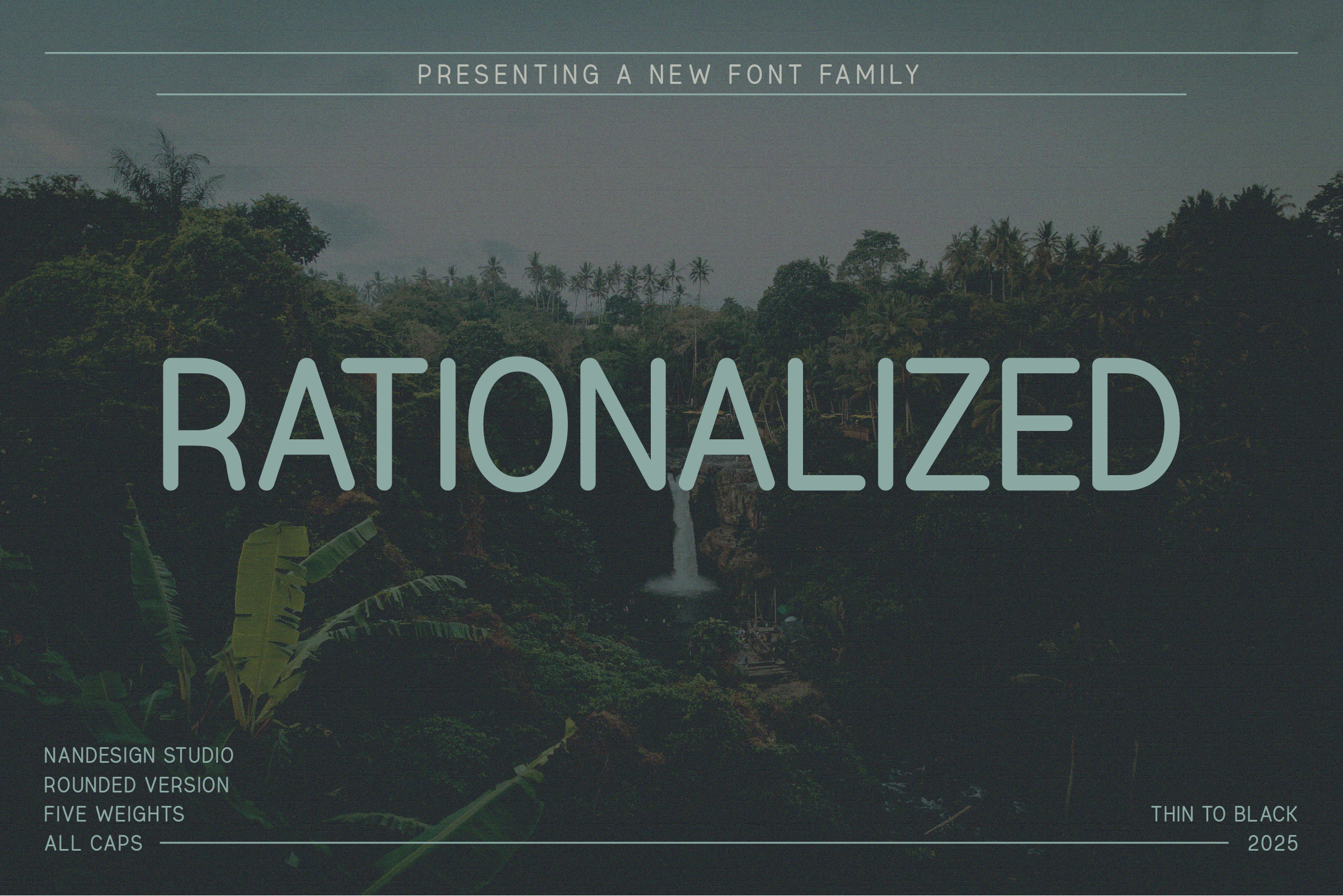
Rationalized Rounded is an all-caps rounded sans-serif family with the same five weights as Krafthouse Rounded, from Thin to Black. It is subscription-only. The rounded construction could suit short tags, axis labels, and section markers in a clean infographic. Both fonts share the same weight range, so compare them on the product page to see which fits the layout.
Best for: short tags, axis labels, section markers. By: Creative Fabrica
10. Neque Regular
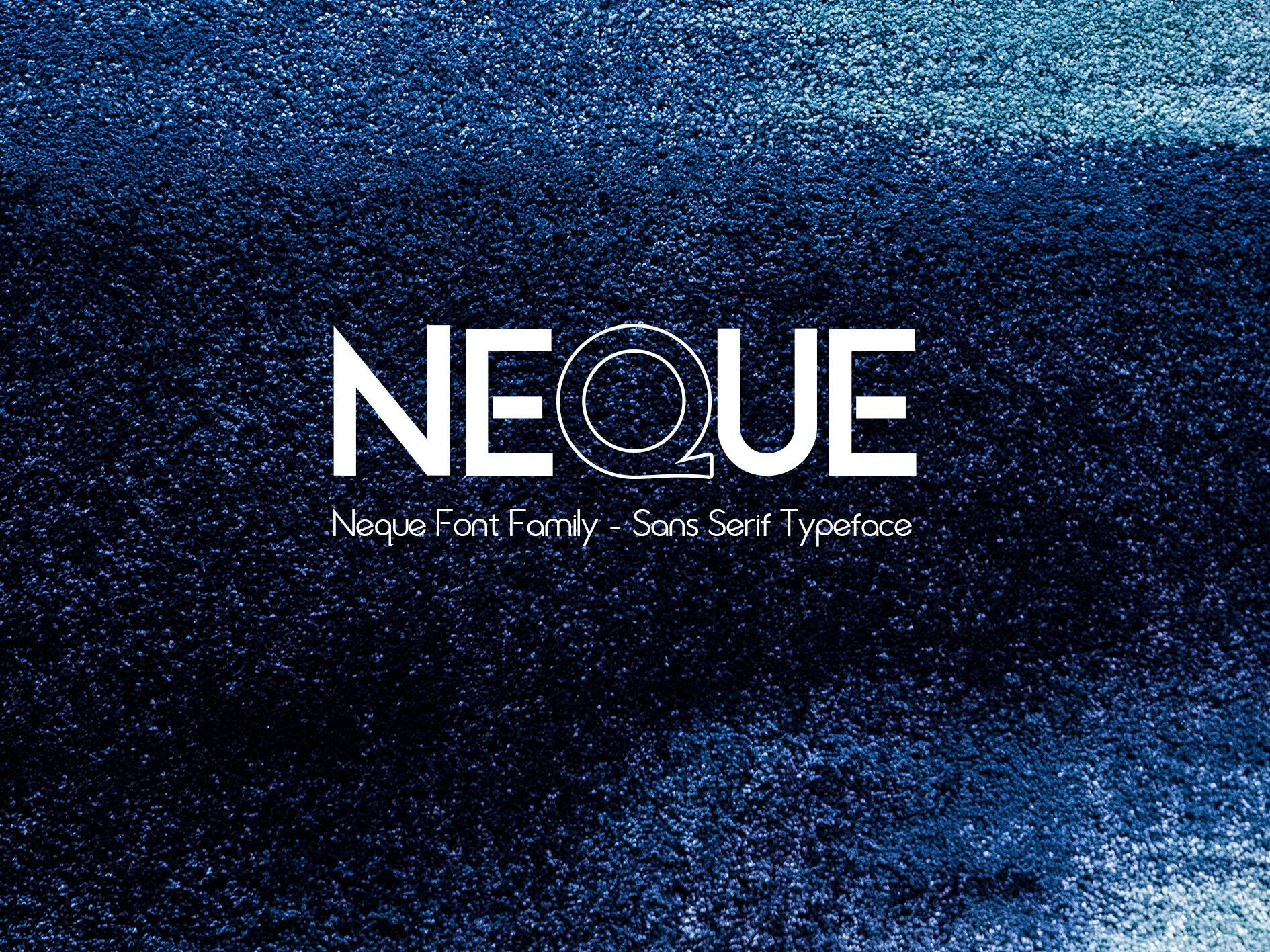
Neque Regular is a modern sans-serif built from geometric shapes: circle, square, and triangle. The balance of sharp detail and gentle curves gives it a structured yet approachable look. It could suit labels and short callouts in an infographic where a geometric feel matches the overall design. No numeral details are provided in the listing, so check the preview.
Best for: labels, short callouts, geometric designs. By: Creative Fabrica
11. Protify
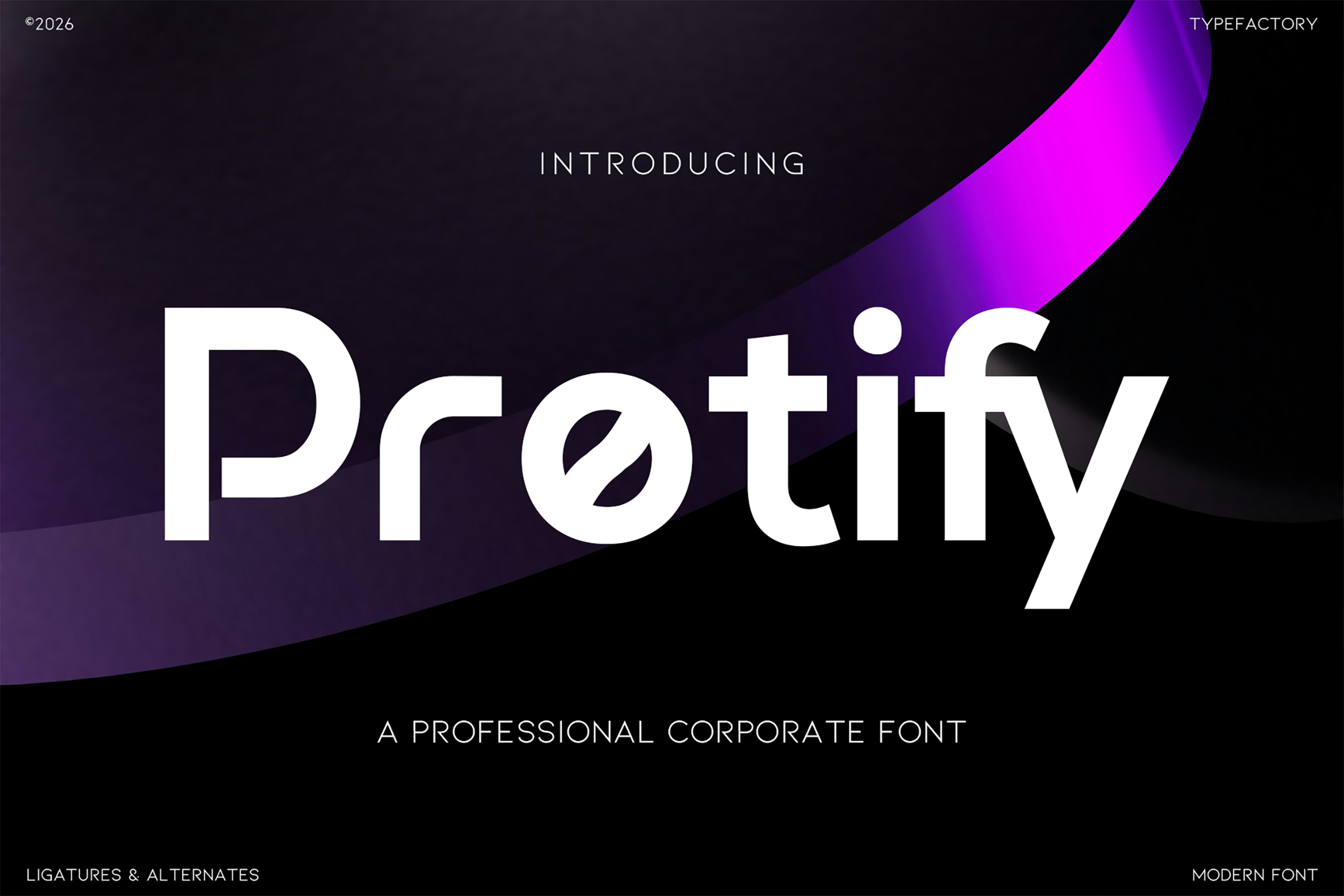
Protify is a modern corporate sans-serif. The listing names presentations among its uses, which makes it a candidate for report-style infographics and slide-based data visuals. Its corporate tone could suit business reports, internal dashboards, and client-facing summaries. It is subscription-only on Creative Fabrica. Test it in a real slide layout before finalizing.
Best for: report infographics, slides, business data. By: Creative Fabrica
12. Miniro
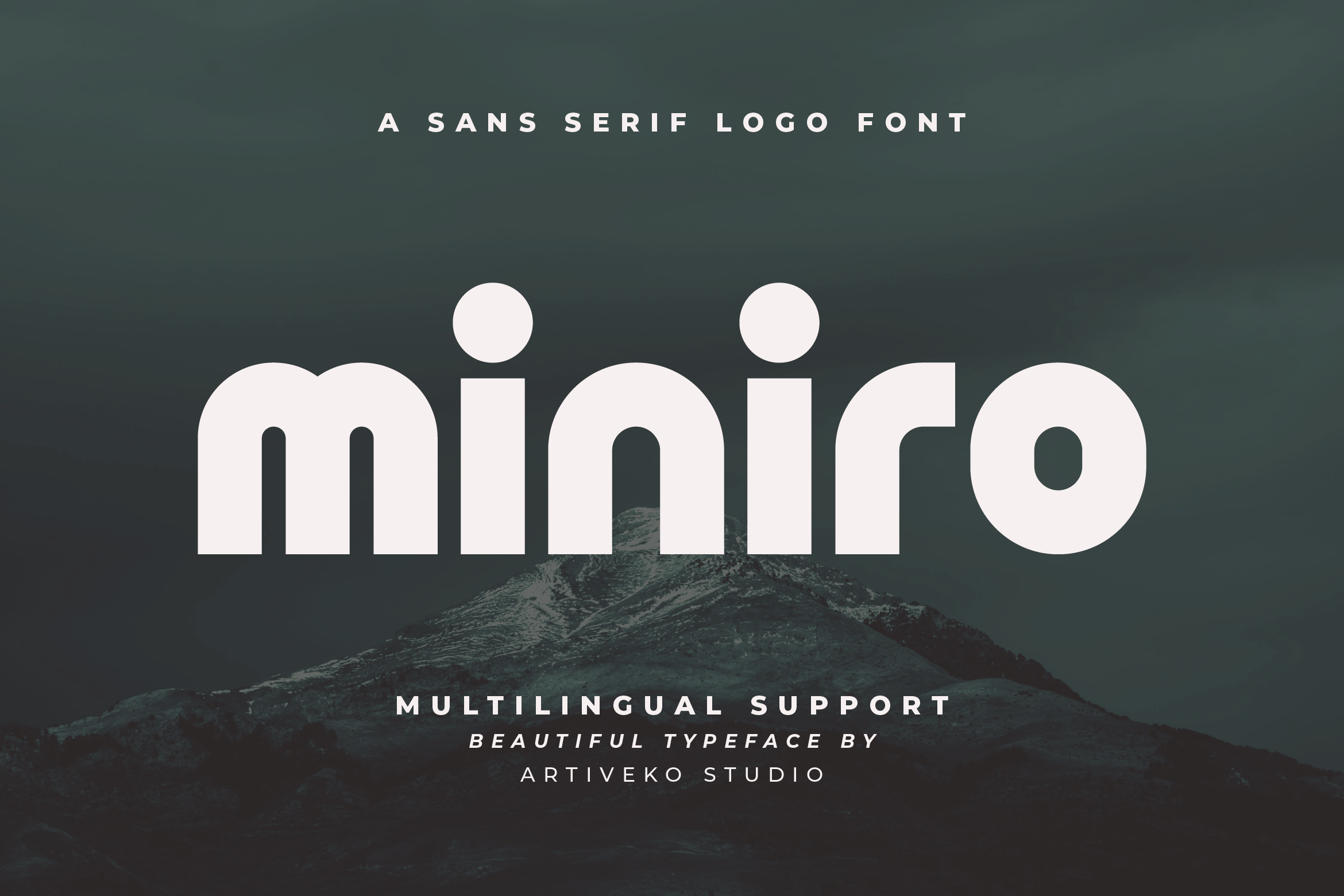
Miniro is a sans-serif with a geometric base, suited to branding and digital content. Its geometric construction could work for labels and short captions in a digital infographic or social media post. The listing does not provide weight details, so check the product page for the full range. It is subscription-only on Creative Fabrica.
Best for: labels, short captions, digital infographics. By: Creative Fabrica
Best Monospace Fonts for Numbers and Stats
13. Monopack Regular
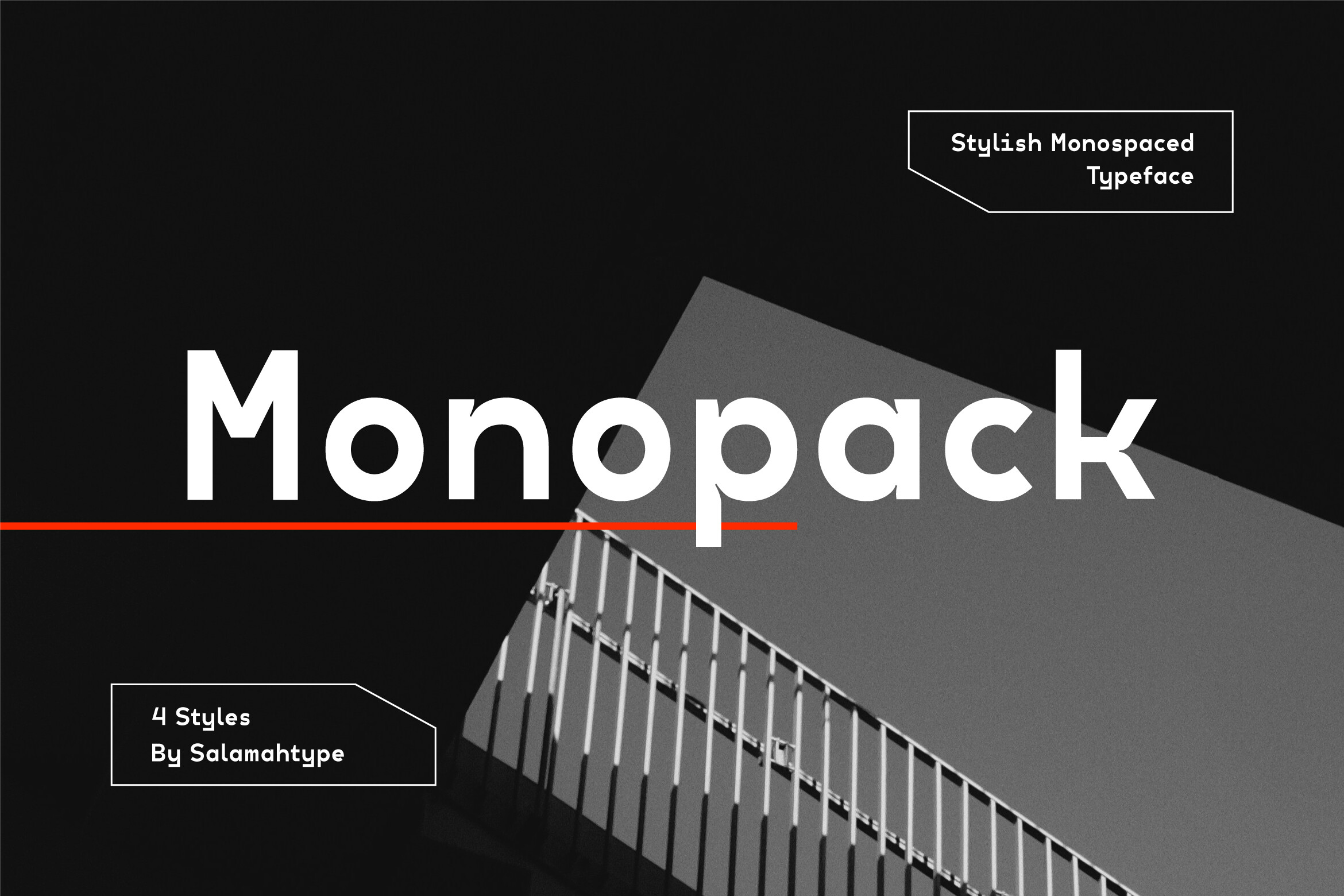
Monopack Regular is a modern monospace in four styles: Regular, Oblique, Condensed, and Condensed Oblique. It includes subtle ink traps. The monospace construction aligns columns of numbers and data values, a practical advantage for tables and stat blocks in an infographic. It is subscription-only. A candidate for data labels and numeric columns.
Best for: data labels, tables, numeric columns. By: Creative Fabrica
14. Code Mono
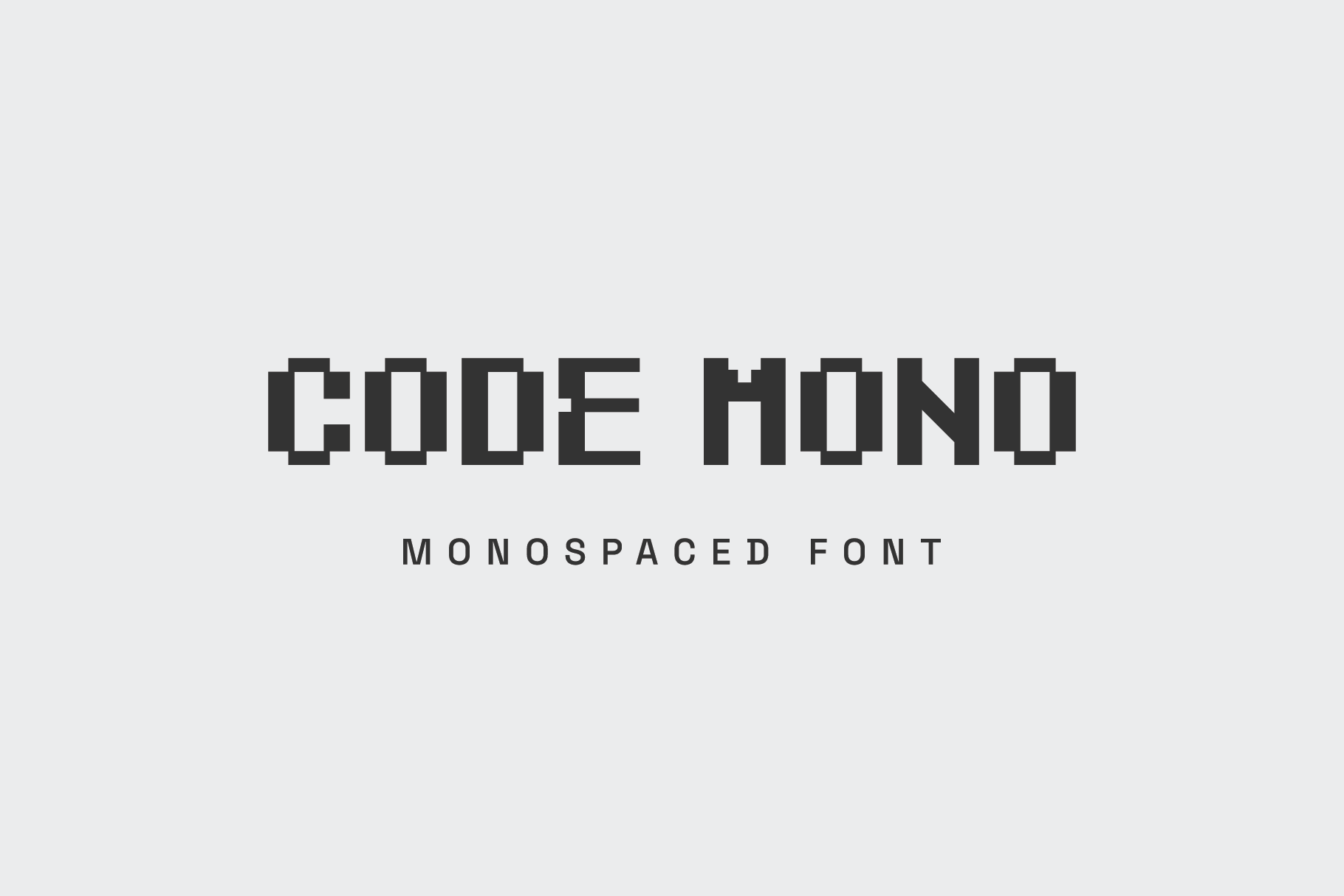
Code Mono is a pixel-inspired display monospace for titles, techy posters, and headers. The listing notes it is better for accents than small text. That makes it a fit for large numeric callouts or a section header, not for data labels or captions. Check the preview to confirm the pixel style at your target size.
Best for: large numeric accents, section headers. By: Creative Fabrica
How to Set Text in an Infographic
Size and hierarchy. Set body text, data labels, and footnotes at distinct sizes so the eye can scan. There is no single correct font size for infographic text, so treat any number as a rough guide. Check the smallest size at your actual output: on screen at 100 percent zoom, and in print if applicable.
Pairing. One font in multiple weights is the simplest approach. A text font plus a separate face for numbers is the next step. Keep the total to two or three fonts, which is also the usual answer to how many fonts an infographic should use. Free options to consider alongside the CF picks include Roboto, Open Sans, Source Sans 3, Lato, and Montserrat. Roboto Mono works for data columns.
Number alignment. Right-align numbers or align them to the decimal point. Use consistent units. Tabular figures or a monospace font keep columns straight.
Spacing. Slightly wider tracking helps very small text. Keep line spacing moderate. Do not set captions in all caps.
Software. Canva, Adobe Illustrator, InDesign, Figma, PowerPoint, and Google Slides all handle font installation. When exporting to PDF, embed the fonts so they render correctly on other machines.
Final check. Shrink the layout to social media size and to a phone screen. Verify contrast. Have a second person proofread the numbers.
How to Choose the Right Font for Your Infographic Text
Match the font to the project type:
- Report or presentation: A corporate sans-serif like Protify fits business data.
- Educational material: A slab or serif for body text adds warmth.
- Dashboards and statistics: A monospace font for data columns keeps numbers aligned.
- Marketing post: A rounded or geometric sans for short labels keeps the tone light.
There is no single best font for infographic text. The answer depends on the role: labels, body copy, or numbers. On serif versus sans-serif, sans-serif is the typical suggestion for labels and data, while serif body copy is a matter of taste. Both can work if the letterforms hold up at small size. A monospace font is a reasonable choice for data and numbers because it aligns columns, though it is usually less comfortable for running text.
Licensing. Six of the 14 fonts are confirmed subscription-only on Creative Fabrica: Readable, Krafthouse Rounded, Rationalized Rounded, Protify, Miniro, and Monopack Regular. The remaining eight do not have a stated license in the listing. Check the product page for terms before using a font in commercial reports, advertising, or client work. No free CF fonts are confirmed in this set.
For the three thin-detail fonts (Modist, Killan, Code Mono), open the product page and check the preview at small size and on numerals. Code Mono is not suited to small text.
Where to Download Fonts for Infographic Text
Creative Fabrica is the primary source for all 14 fonts in this list. Google Fonts, DaFont, and Font Squirrel are additional free sources for pairing fonts, mentioned here as plain text without links.
For more font guides and pairing tips, see the FontPro blog.