· fonts · 13 min read
22 Best Signature Fonts for Logos, Branding, and Personal Use in 2026
Discover 22 best signature fonts for logos, branding, and invitations. Elegant, bold, and handwritten styles with free and premium options to download.
What Makes a Great Signature Font?
A signature font is a script or cursive typeface built to look like a personal autograph. It usually has uneven rhythm, varied stroke pressure, and small quirks that make a name feel like one person wrote it. That is why signature fonts for logo work can be so useful. They add personality without a custom lettering project.
You will use these fonts in different places. A luxury brand may want an elegant signature font for a wordmark. A wedding designer may search for signature fonts for wedding invitations. A creator may need a personal branding signature font for YouTube, email, or social media. Some readers also want a handwritten signature font that can stand in for a digital signature on a PDF.
I grouped the list below into three styles: elegant and classic, modern and bold, and casual and handwritten. Each entry includes a preview, a practical use case, and a direct download link. If you are short on time, test your actual name before you decide.
22 Best Signature Fonts for Logos, Branding, and Personal Use
The fonts below are grouped by visual mood, not by price. These are the 22 best signature fonts I would test first. Start with elegant and classic if you want a refined, certificate-ready look. Move to modern and bold when you need a stronger logo presence. Then check casual and handwritten for a warmer, personal feel.
I would not buy a signature font from the preview alone. Type your full name, your initials, and a short tagline. That quick test saves a lot of time later.
Elegant & Classic Signature Fonts
This group favors smooth curves, refined spacing, and a polished finish. These elegant signature fonts suit luxury branding, wedding invitations, certificates, and photography branding where the signature should feel timeless rather than trendy.
I would use these when the design needs to feel calm and expensive. They are less about shouting and more about looking right on paper.
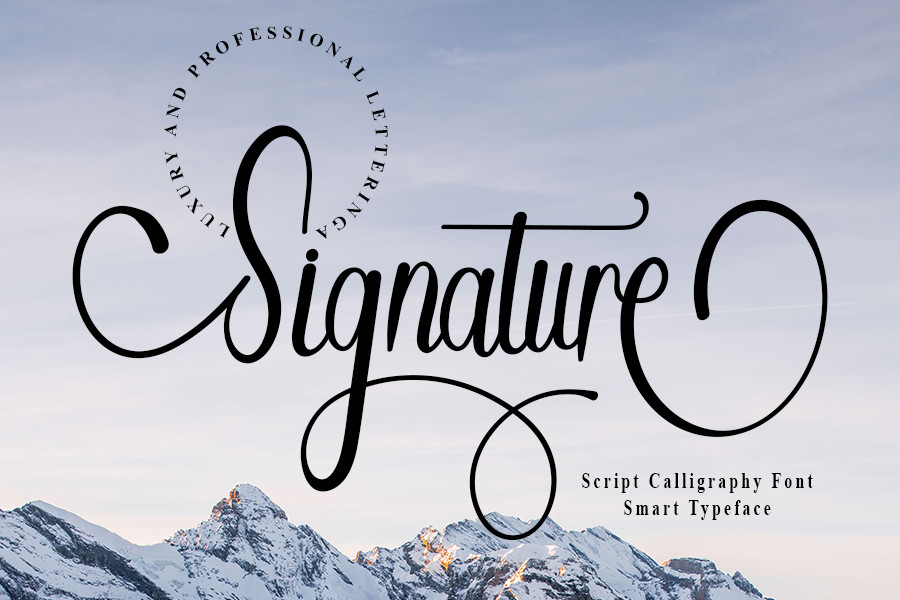
1. Signature Font (by Inermedia STUDIO)
Signature Font by Inermedia STUDIO has a delicate, flowing rhythm that feels like a practiced autograph. The letterforms stay clear enough for a name to look official. I reach for it when a logo or certificate needs a polished personal touch.
Best for: luxury logos, certificates. By: Inermedia STUDIO
Download Signature Font by Inermedia STUDIO
2. Elegant Signature (by RedyStudio)
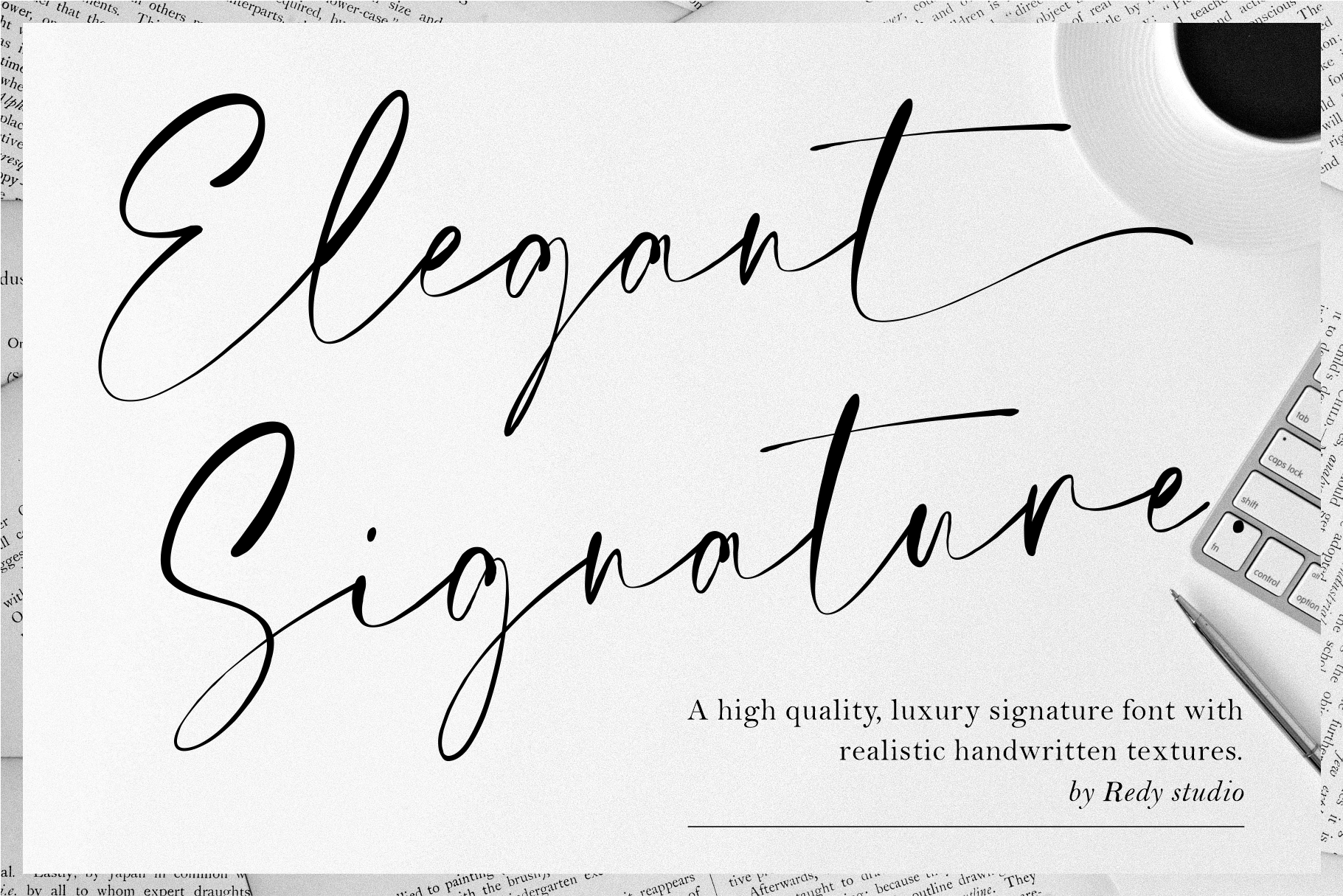
Elegant Signature by RedyStudio uses thin, smooth strokes that sit nicely under a photo or beside a quote. It supports the image without competing with it. This is a good choice when the signature should feel light and editorial.
Best for: photography branding, quote overlays. By: RedyStudio
3. Elegance Signature (by Burntilldead)
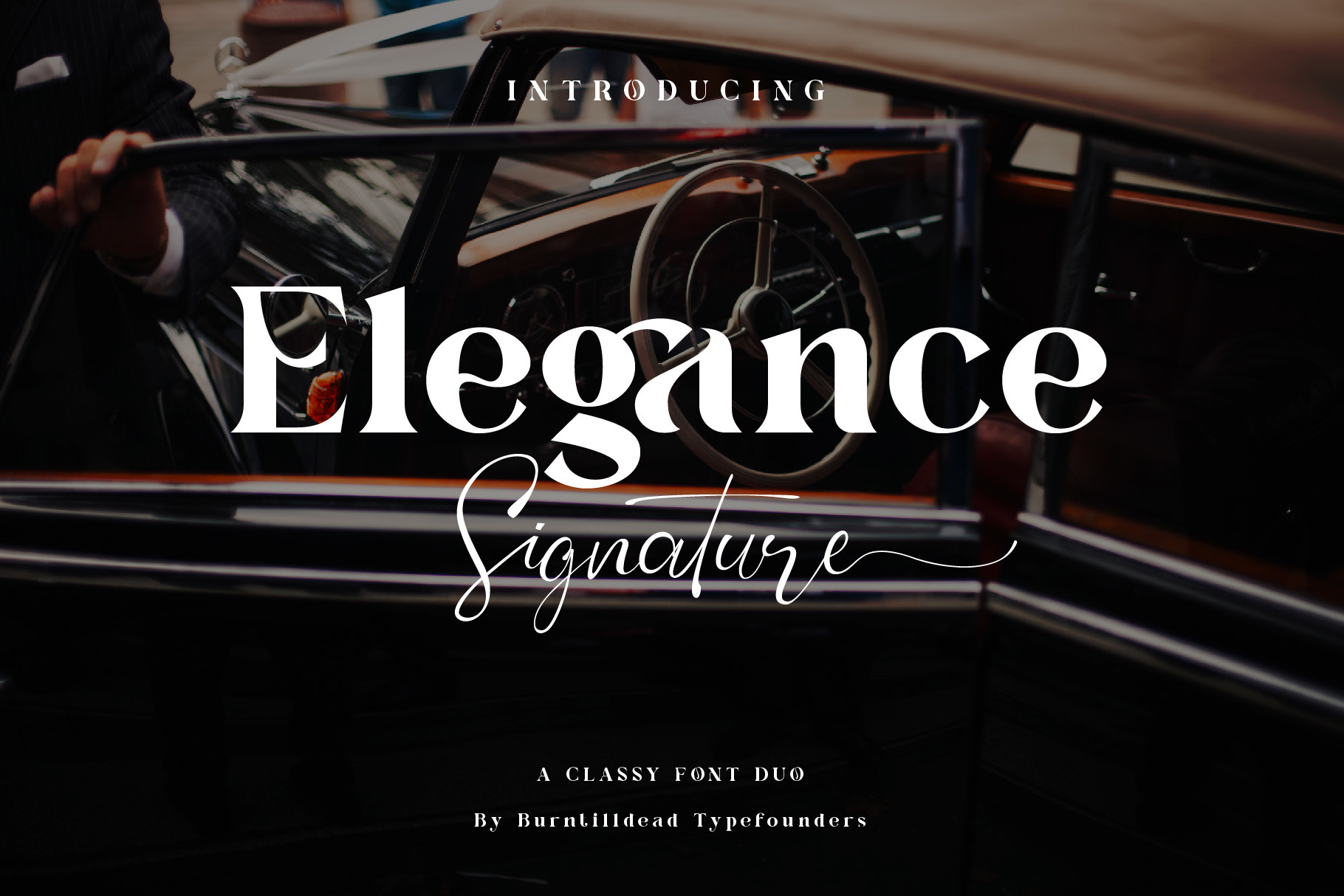
Elegance Signature by Burntilldead is a refined lettering style with a beauty and fashion edge. It includes a matching serif companion for supporting text, which makes layout work easier. Use it for brands that want a soft, boutique feel.
Best for: beauty branding, fashion branding. By: Burntilldead
4. American Signature (by Essentials Studio)
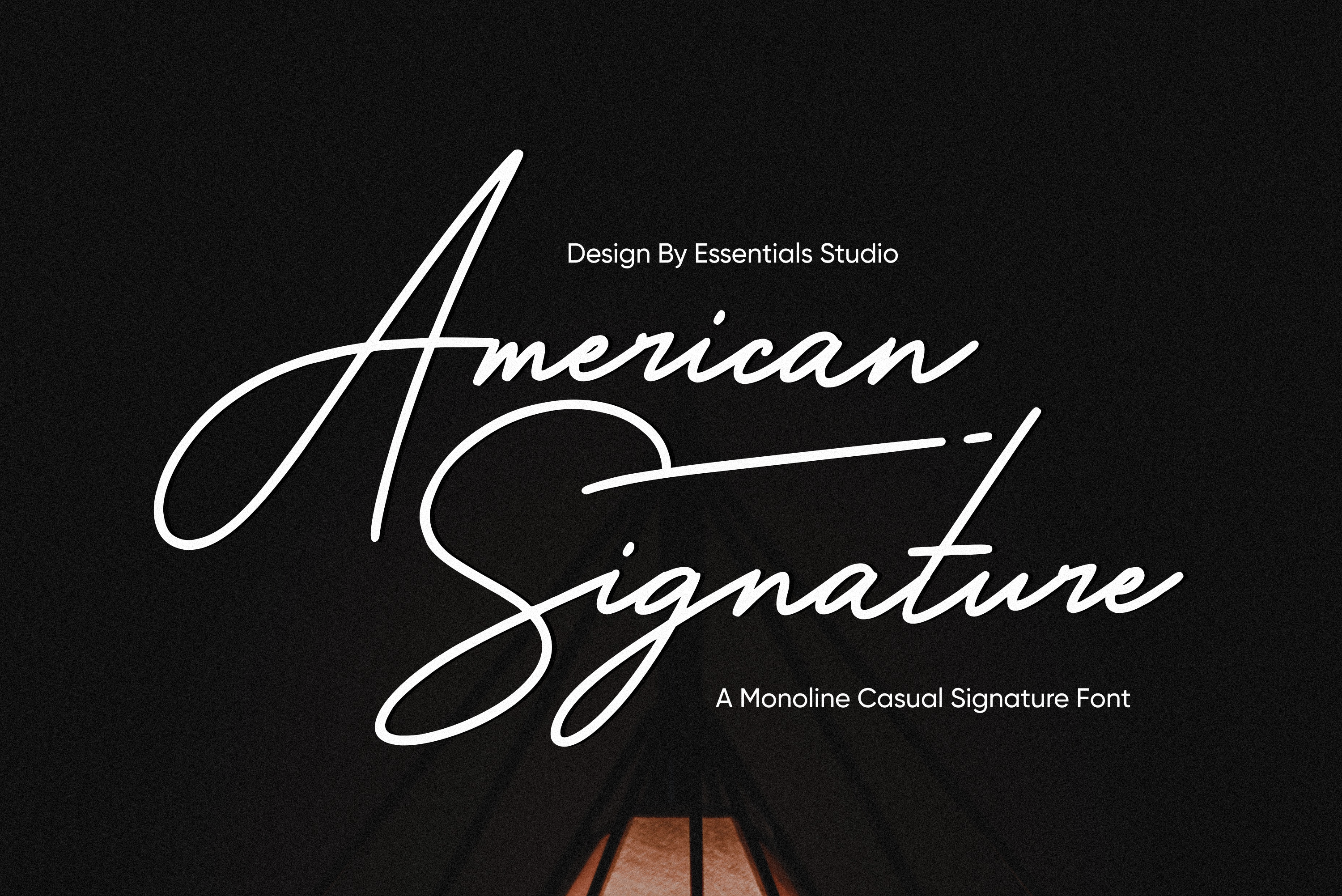
American Signature by Essentials Studio has a confident, classic autograph look that reads well at larger sizes. It feels established and businesslike on printed collateral. This one works when the design needs to look trusted, not playful.
Best for: business cards, letterheads. By: Essentials Studio
5. Le Mores Signature (by Great Studio)
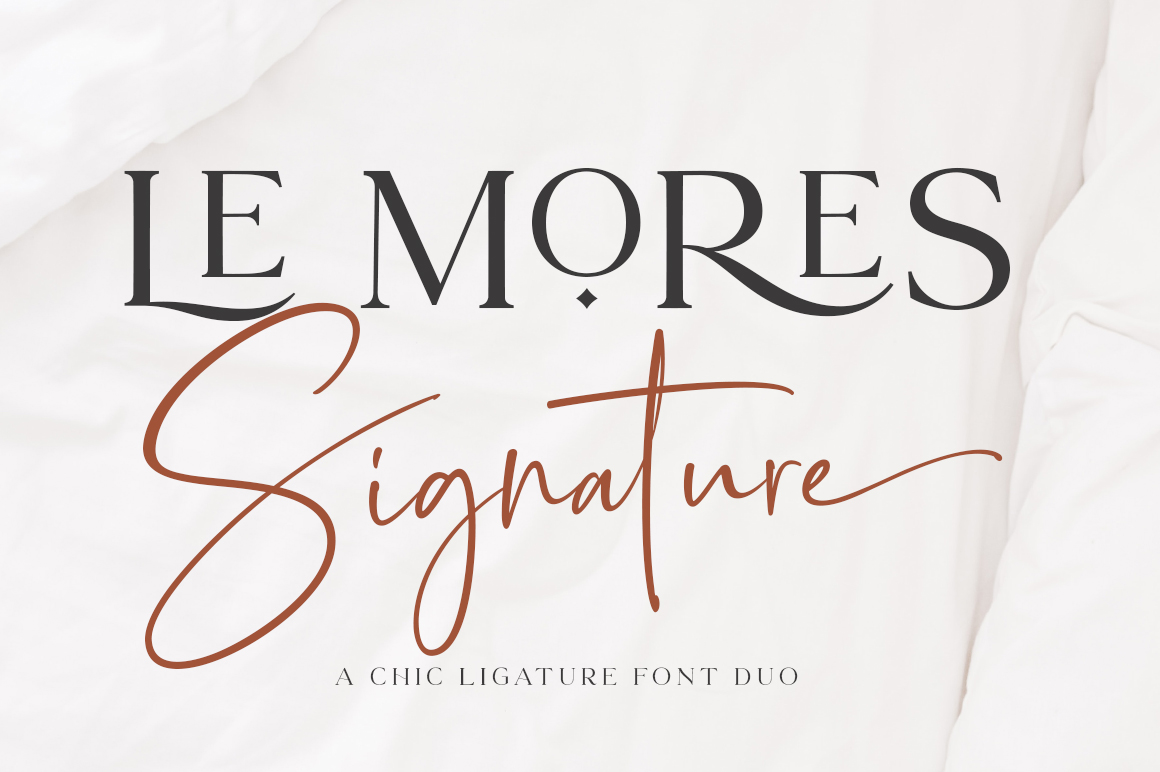
Le Mores Signature by Great Studio has soft curves and a romantic tone that suits wedding stationery. The matching serif companion helps build a complete invitation layout. I would test it with the full couple name before deciding.
Best for: wedding invitations, greeting cards. By: Great Studio
6. Prestige Signature (by Graphix Line Studio)
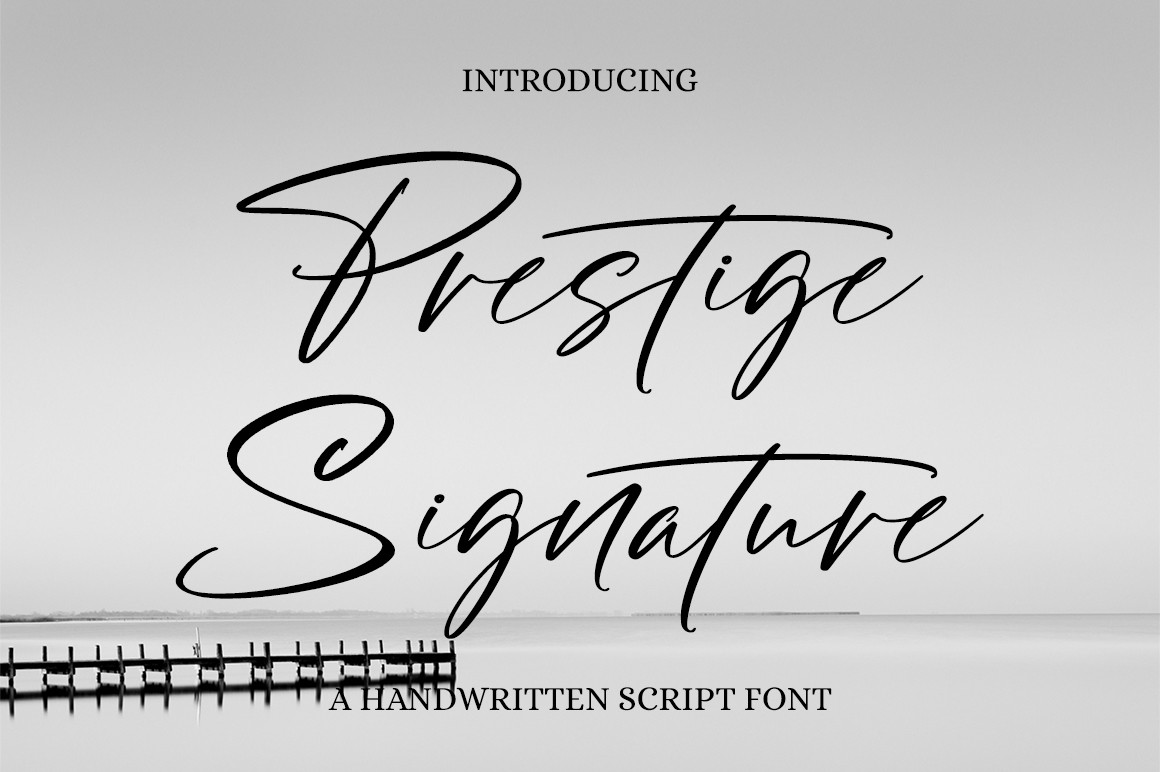
Prestige Signature by Graphix Line Studio leans into a premium, upscale feel. Its controlled strokes work on packaging, labels, and brand marks that need to feel expensive. It is a safe pick for luxury product branding.
Best for: premium branding, packaging. By: Graphix Line Studio
7. Signature Script (by Salt and Pepper Fonts)
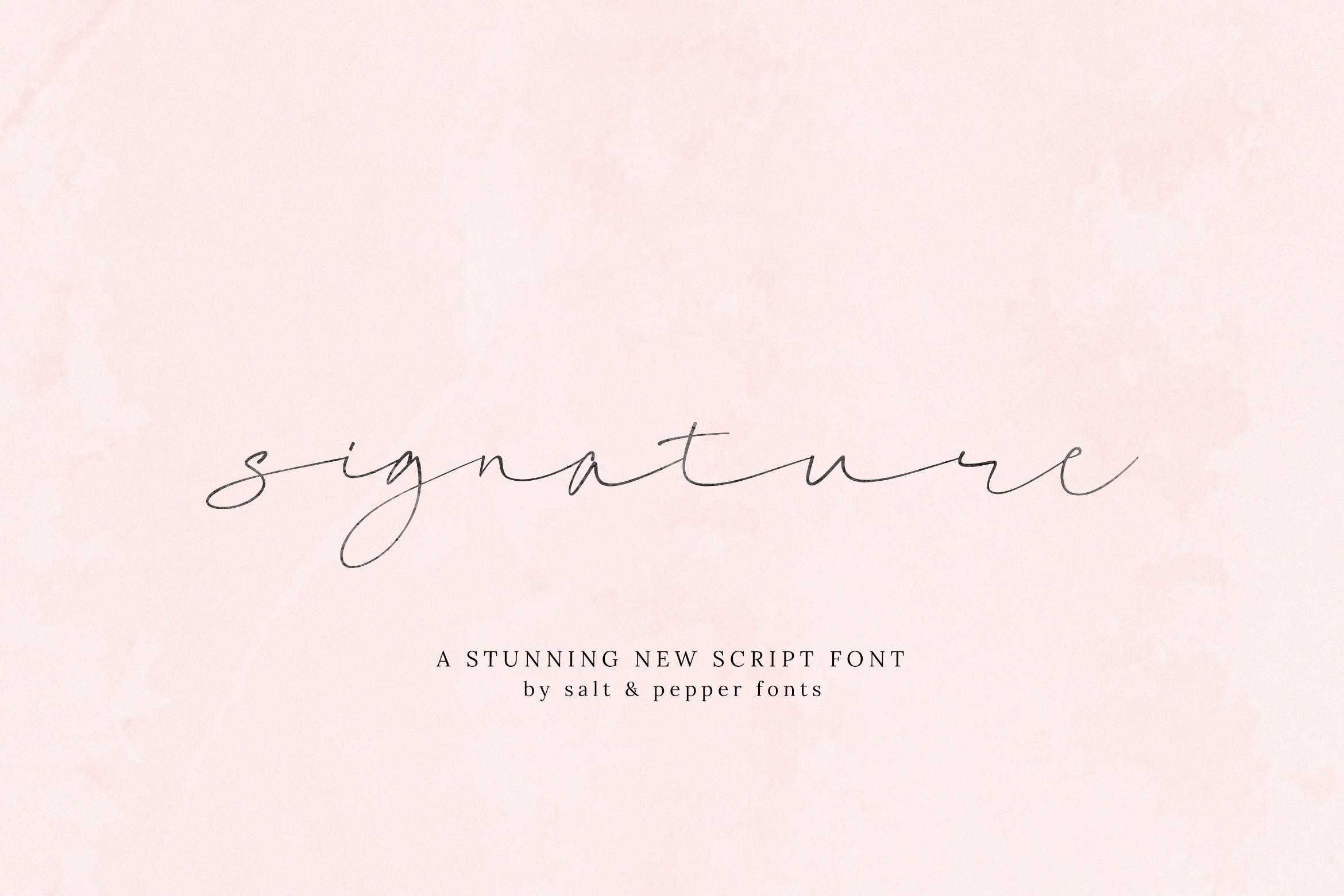
Signature Script by Salt and Pepper Fonts is a classic signature script font with a clear autograph character. It balances decorative flow with readable letterforms. It works well for invitations and certificates that need a traditional look.
Best for: invitations, certificates. By: Salt and Pepper Fonts
8. Perfect Signature (by thomasaradea)
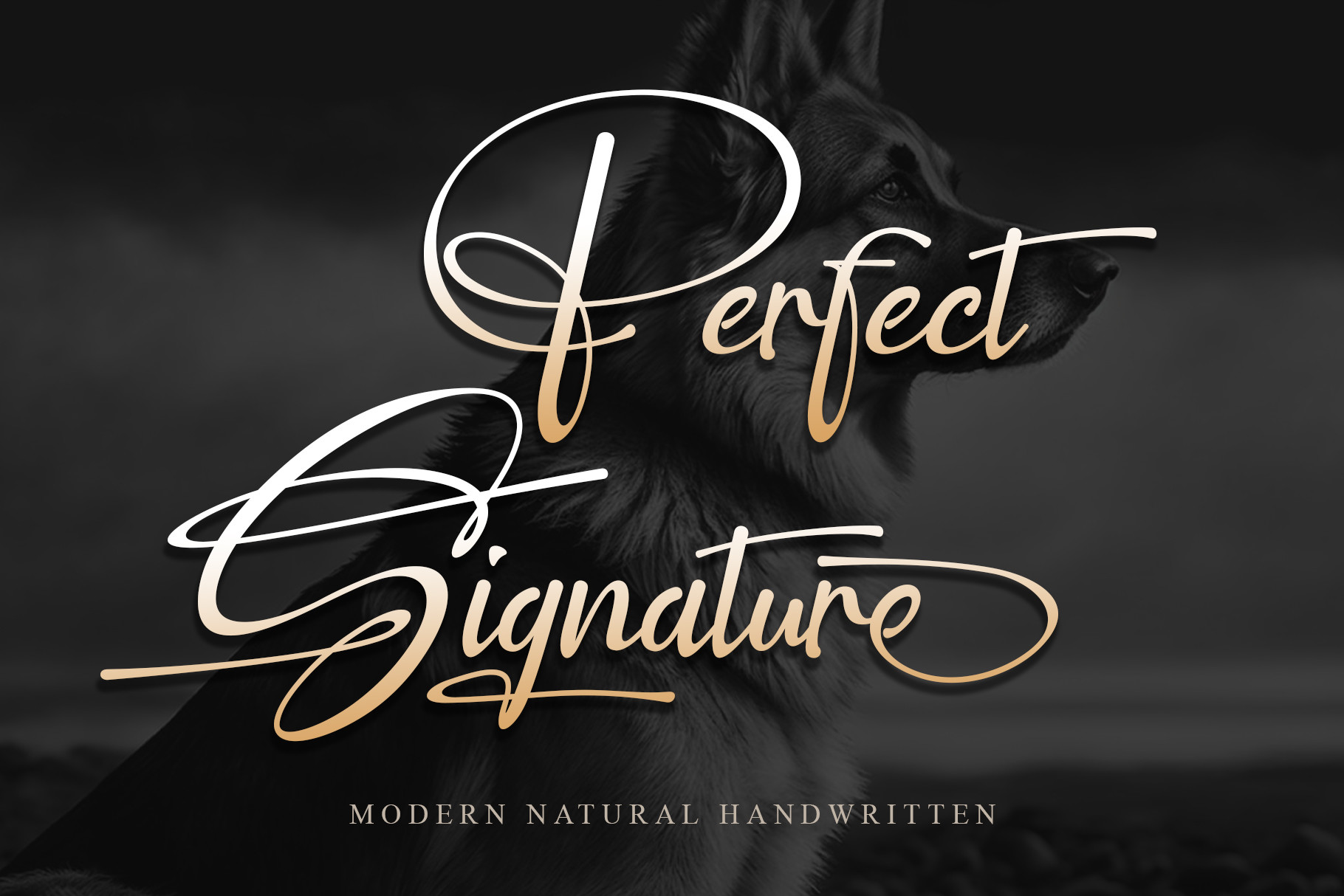
Perfect Signature by thomasaradea is a clean, versatile option that stays useful in small print. Its elegant letterforms work well for stationery and small brand details. This is the one I would test first if the font needs to survive at smaller sizes.
Best for: stationery, small print details. By: thomasaradea
Modern & Bold Signature Fonts
This group is built for stronger visual impact. A modern signature font works well on packaging, social media graphics, merch, and logo wordmarks where the name needs to stand out quickly.
These fonts are more energetic than the elegant group. I would use them when the brand needs to feel current, direct, and easy to spot in a feed.
9. Signature Font (by ade studio)
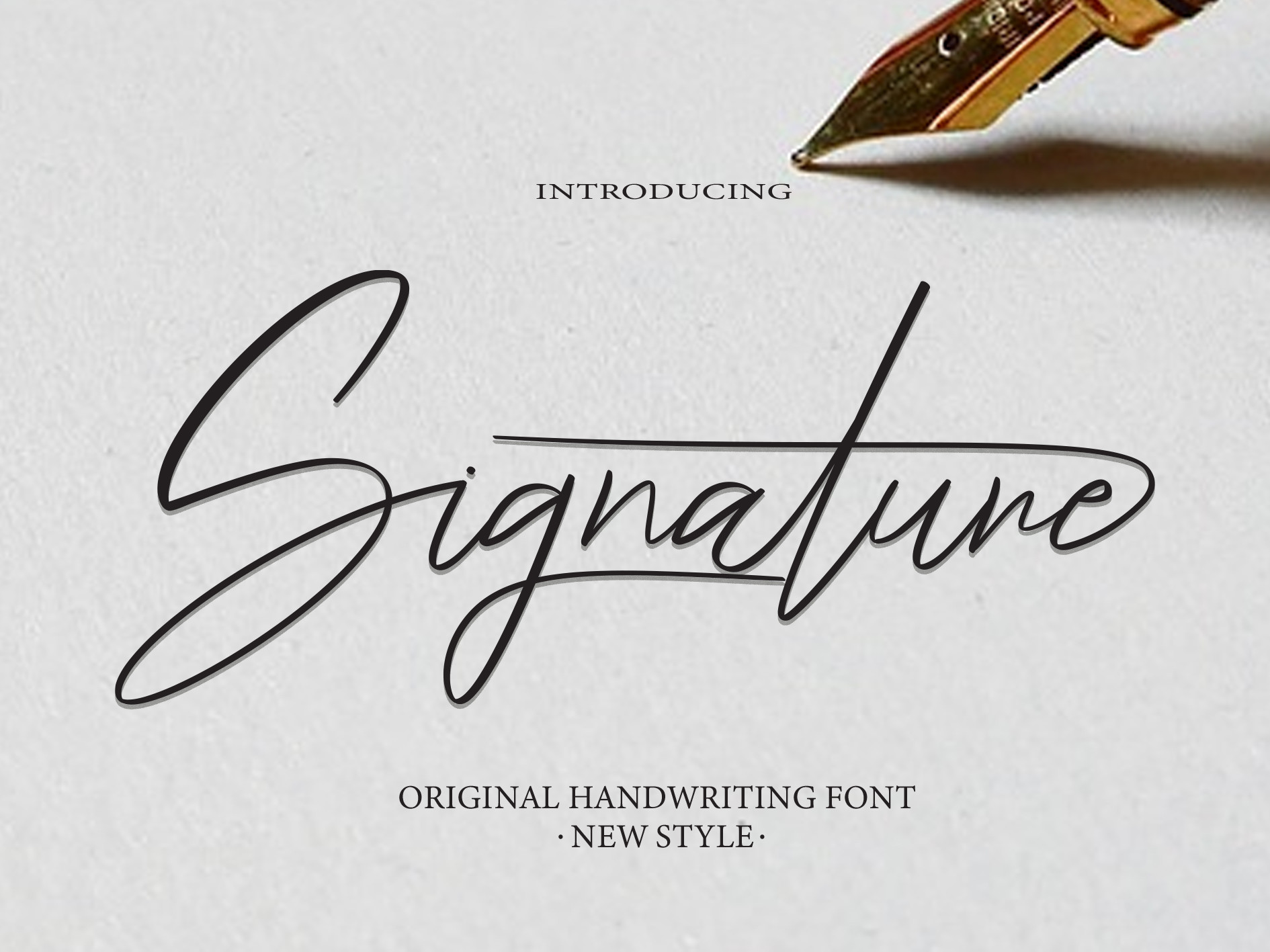
Signature Font by ade studio has a confident, versatile style with a lively slant. It feels current and energetic for social media branding and merch. Use it when the logo needs a bit of motion.
Best for: social media branding, merch. By: ade studio
Download Signature Font by ade studio
10. Signature Font (by Kama Studio)
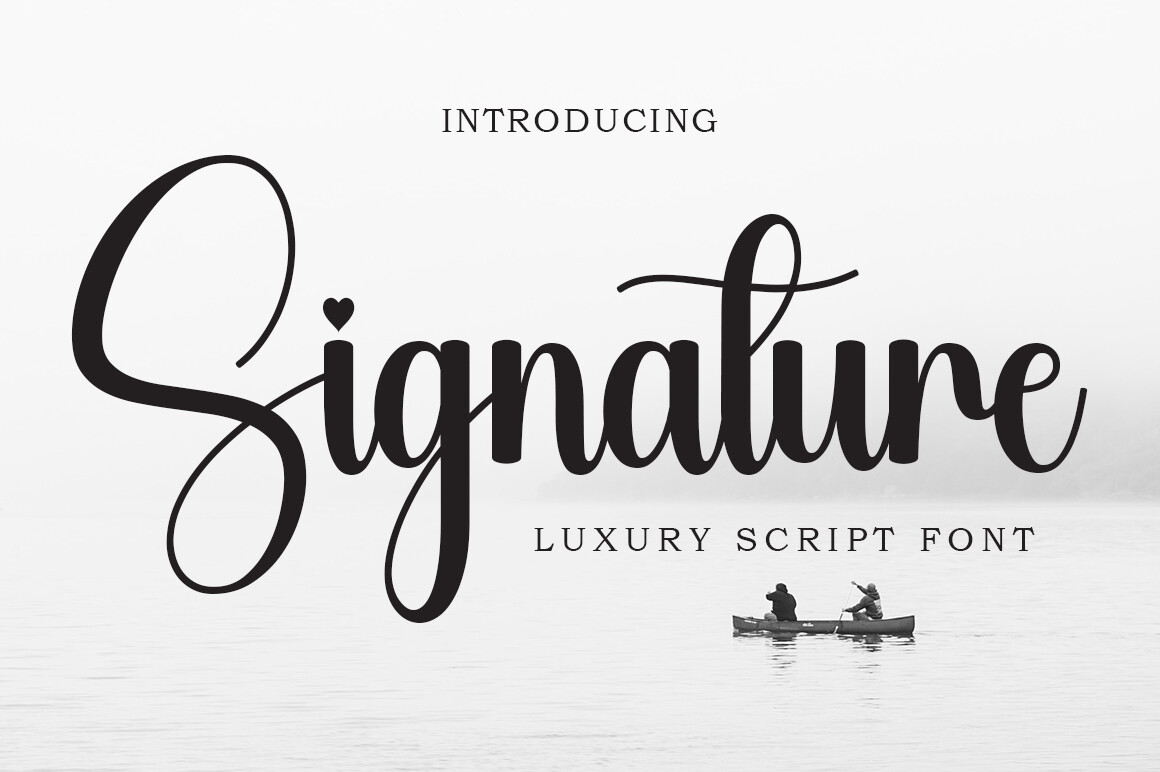
Signature Font by Kama Studio has fluid, expressive strokes with a romantic feel. It stays visible at smaller sizes for packaging labels and compact wordmarks. This is a good middle ground between bold and elegant.
Best for: packaging labels, logo wordmarks. By: Kama Studio
Download Signature Font by Kama Studio
11. Thesignature (by Khurasan)
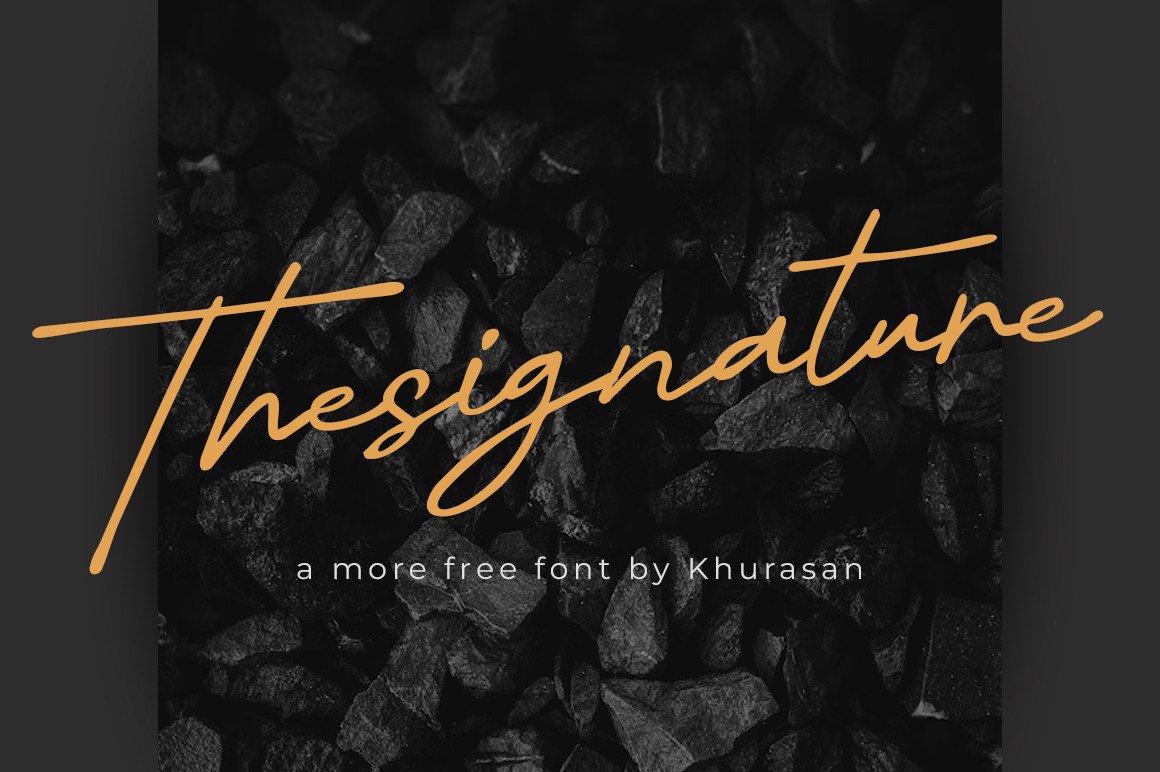
Thesignature by Khurasan is the only truly free font in this list, priced at $0.00. Its sharp, modern autograph look works for logo tests and personal projects. I would start here if you want to test a signature style before spending money.
Best for: streetwear branding, bold headlines. By: Khurasan
12. Winstyle Signature (by R. Studio)
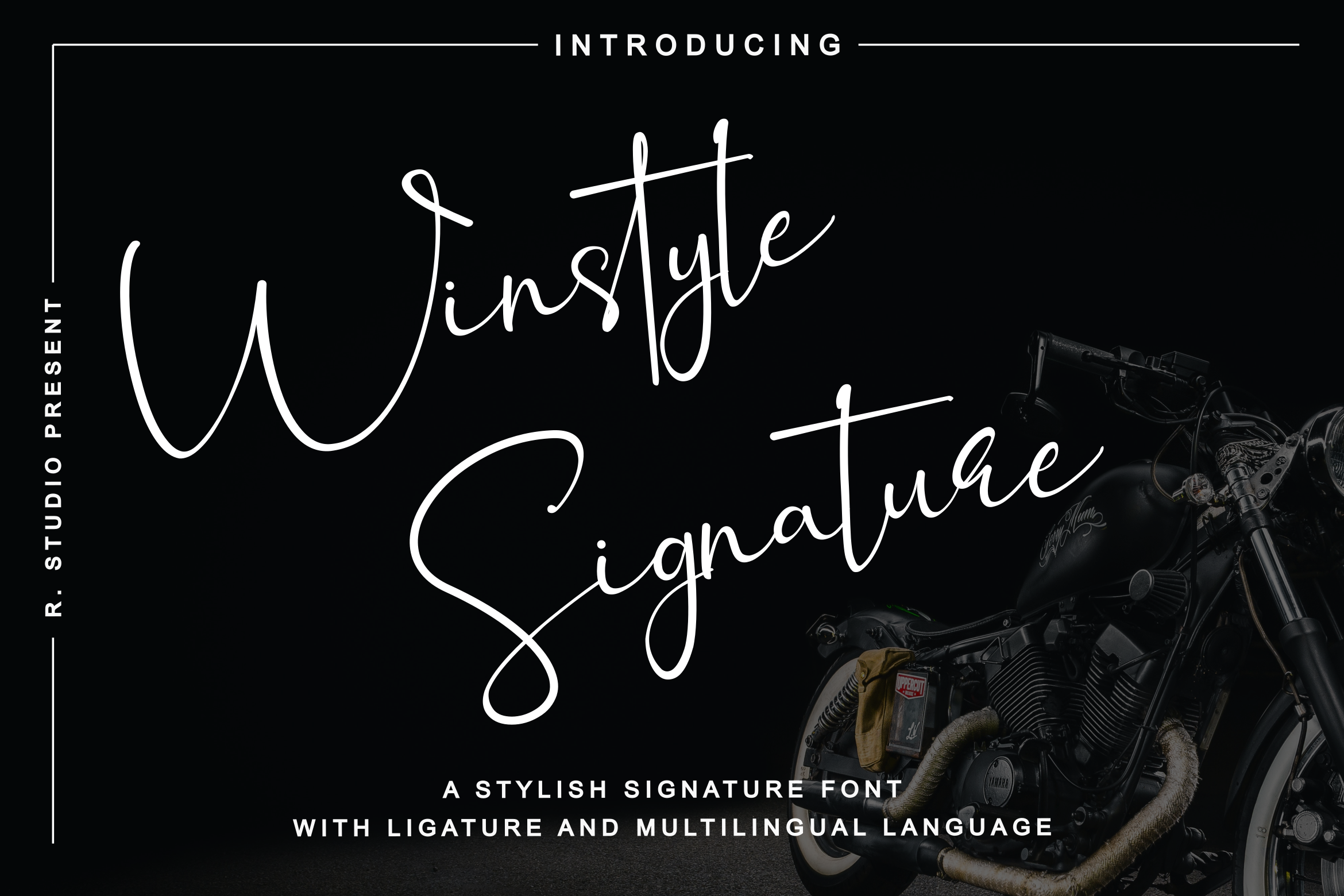
Winstyle Signature by R. Studio has an energetic, slanted rhythm that suits active brands. It feels dynamic and sporty for athletic logos and event branding. It works when the design needs speed and confidence.
Best for: sports branding, dynamic logos. By: R. Studio
13. Pilot Signature (by attypestudio)
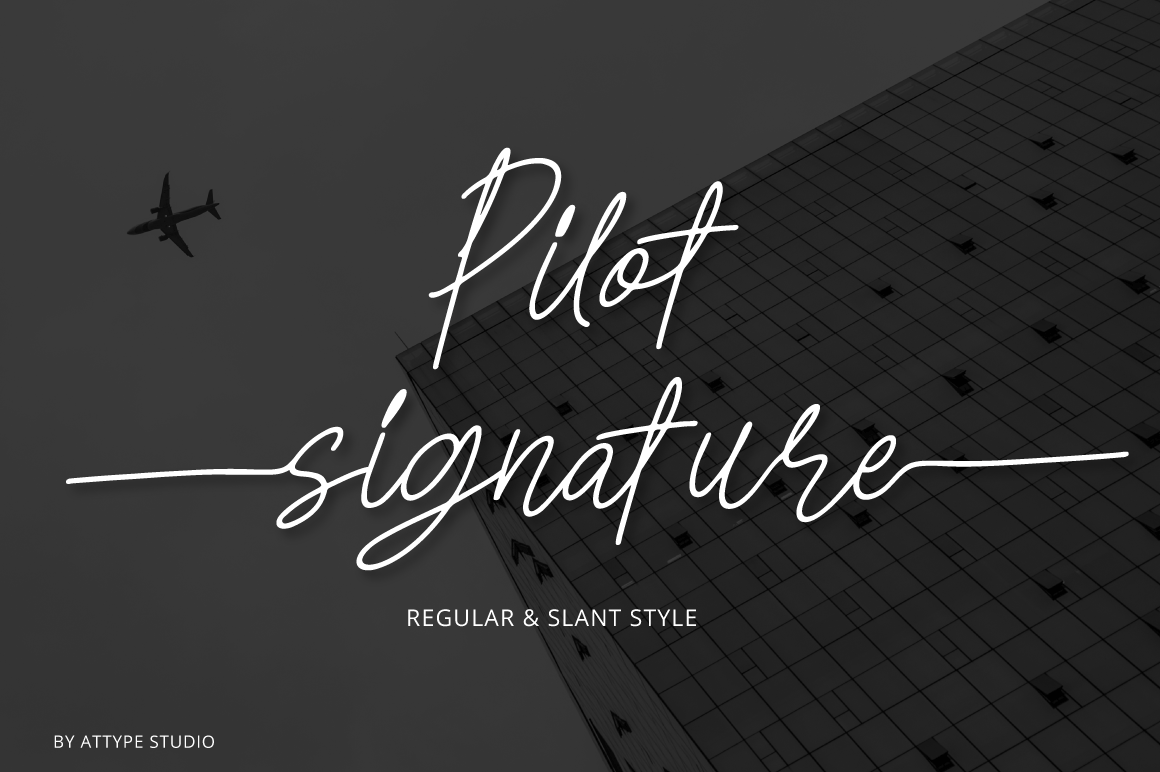
Pilot Signature by attypestudio uses strong, decisive flourishes that suggest authority. Its professional edge suits personal branding, creator logos, and YouTube channel art. This one works well when the name needs to feel like a personal brand, not a hobby.
Best for: personal branding, YouTube/creator logos. By: attypestudio
14. Monarque Signature (by Creacy Studio)
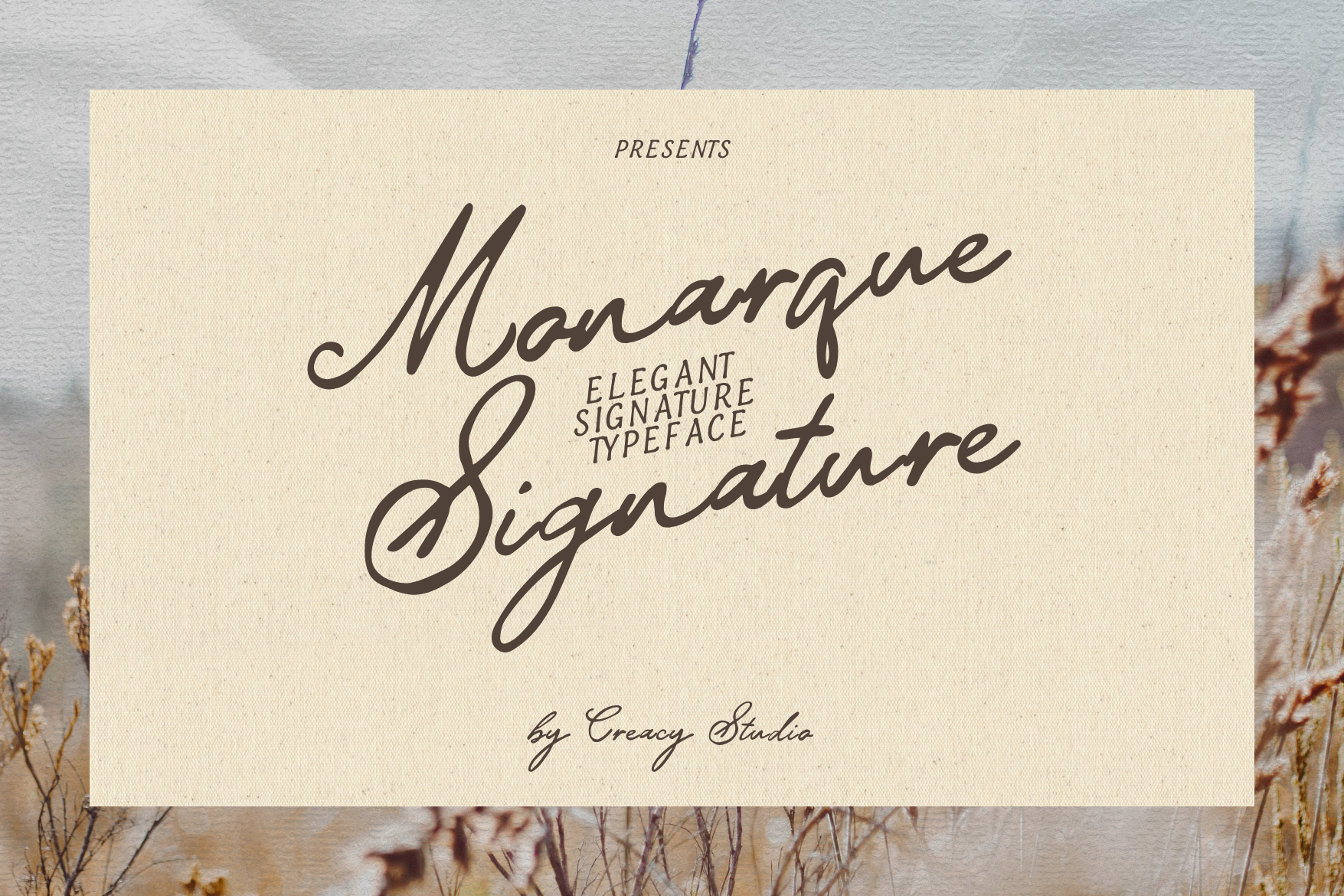
Monarque Signature by Creacy Studio has a luxurious modern feel with a regal mood. Its polished letterforms suit high-end product branding and premium packaging. Use it when the product itself feels expensive.
Best for: luxury product branding, premium packaging. By: Creacy Studio
15. Stylish Signature (by PriorityType)
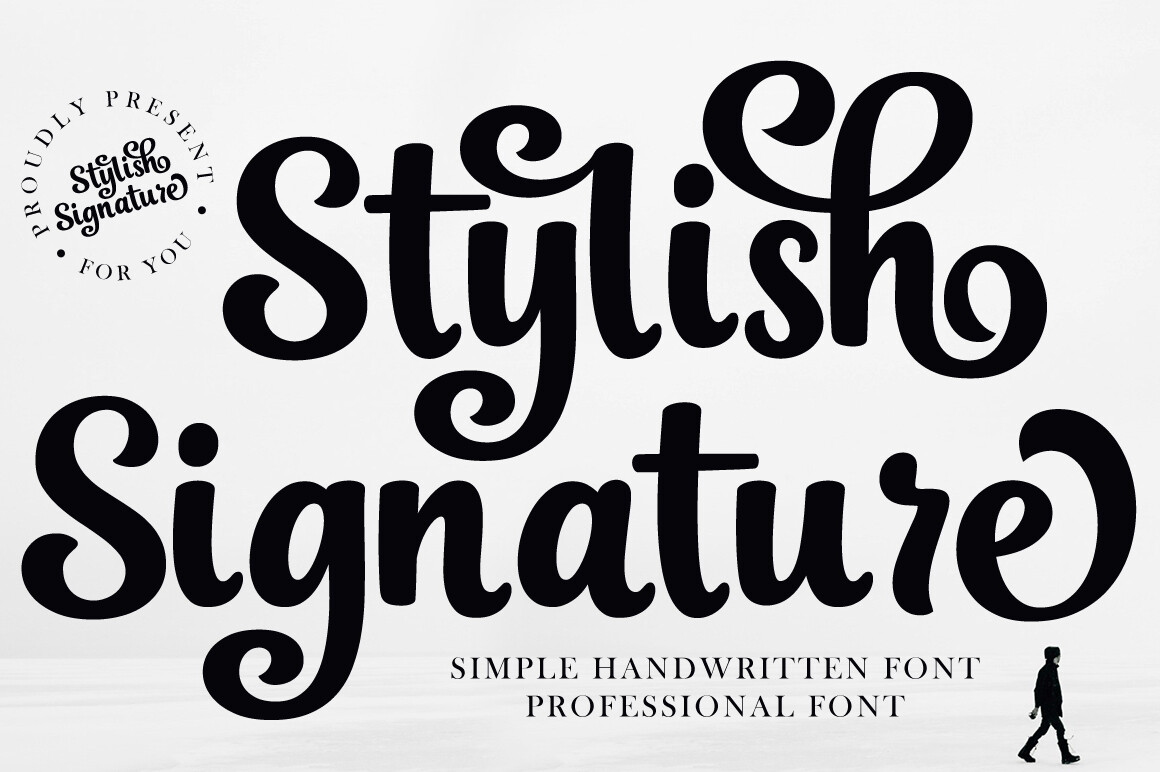
Stylish Signature has a current, Instagram-ready look that feels polished but not stiff. It suits influencer branding and social media graphics. This is a good pick for creators who want a clean, modern signature.
Best for: social media graphics, influencer branding. By: Kama Studio
16. Pattas Signature (by Grappict.com)
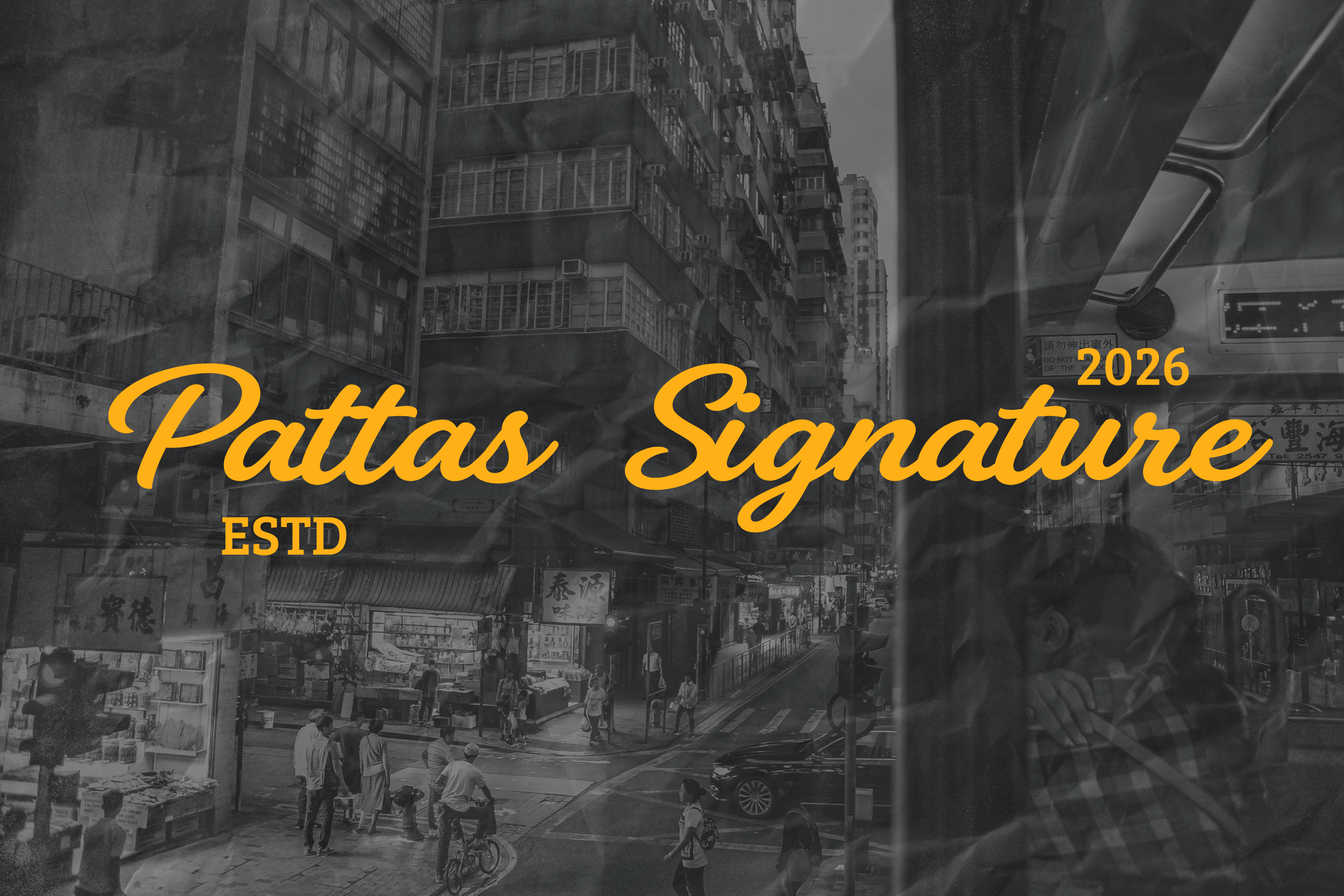
Pattas Signature by Grappict.com is the boldest option in this group. Its thick, uniform weights and forward-slanted posture give it a strong startup-logo presence. I would use it when the wordmark needs to feel confident and modern.
Best for: startup logos, modern stationery. By: Grappict.com
Casual & Handwritten Signature Fonts
This group feels warmer and more personal. These handwritten signature fonts imitate the look of a real pen stroke, which works well for personal brands, greeting cards, journals, and digital notes.
I would choose these when the design should feel like a person wrote it, not a machine generated it. They are less formal and more approachable.
17. Harris Signature (by Maulana Creative)
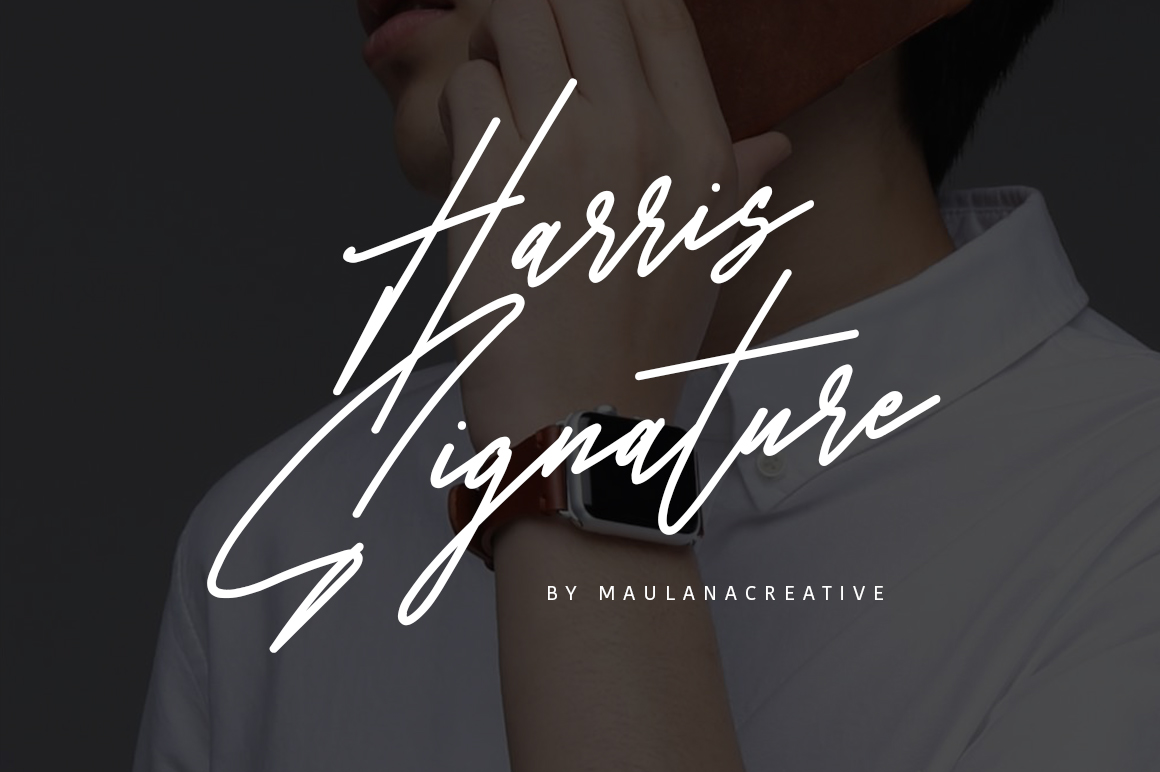
Harris Signature by Maulana Creative has a relaxed, natural rhythm that resembles a real handwritten signature. It feels approachable for personal blogs and greeting cards. It works when the brand needs to feel friendly and low pressure.
Best for: personal blogs, greeting cards. By: Maulana Creative
18. Writing Signature (by YanStudio)
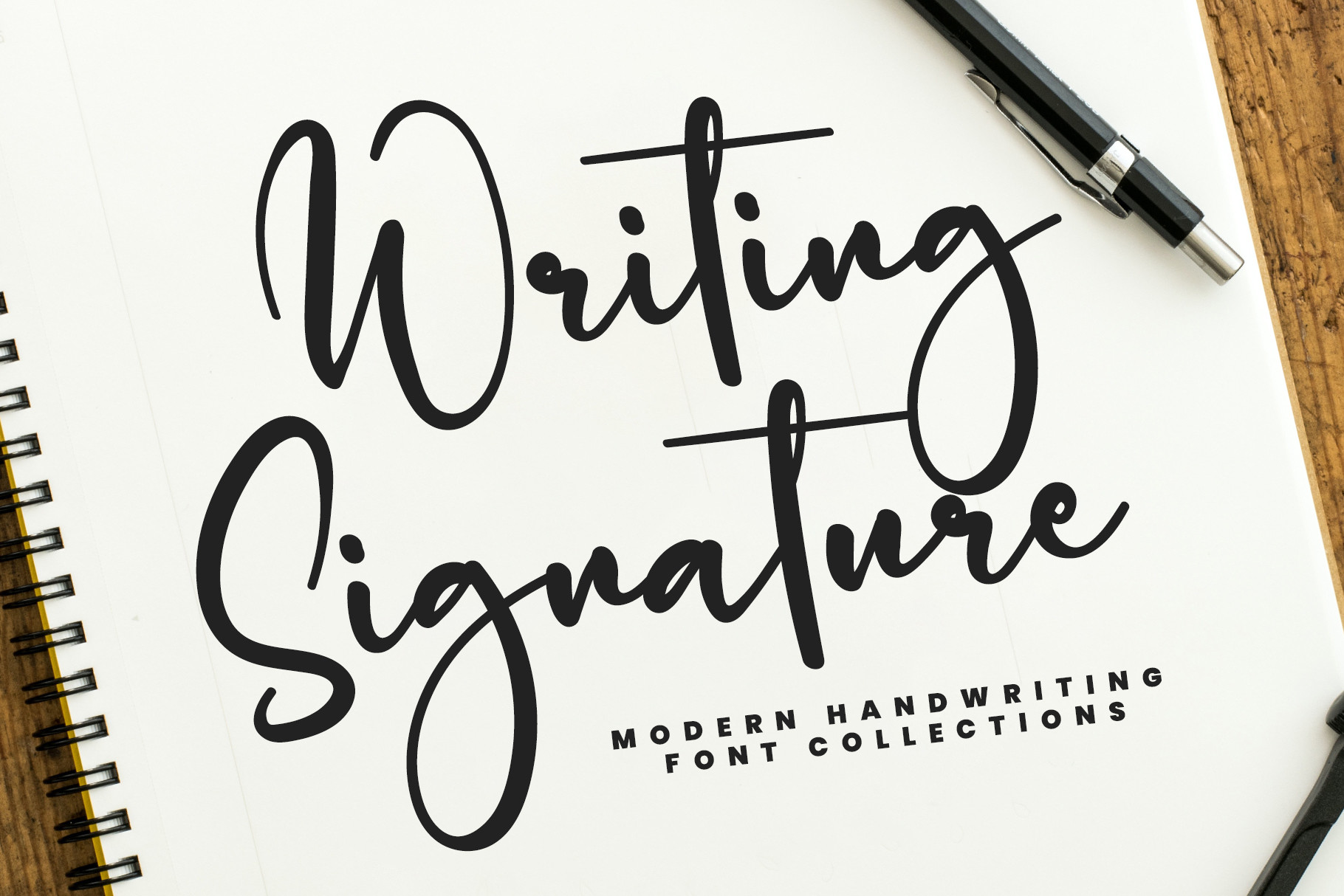
Writing Signature by YanStudio has a light, natural delivery that feels like fountain pen writing. It suits journals, digital planners, and personal notes. This one works well when the text should feel quiet and personal.
Best for: journals, digital planners. By: YanStudio
19. Ethan Signature (by Situjuh)
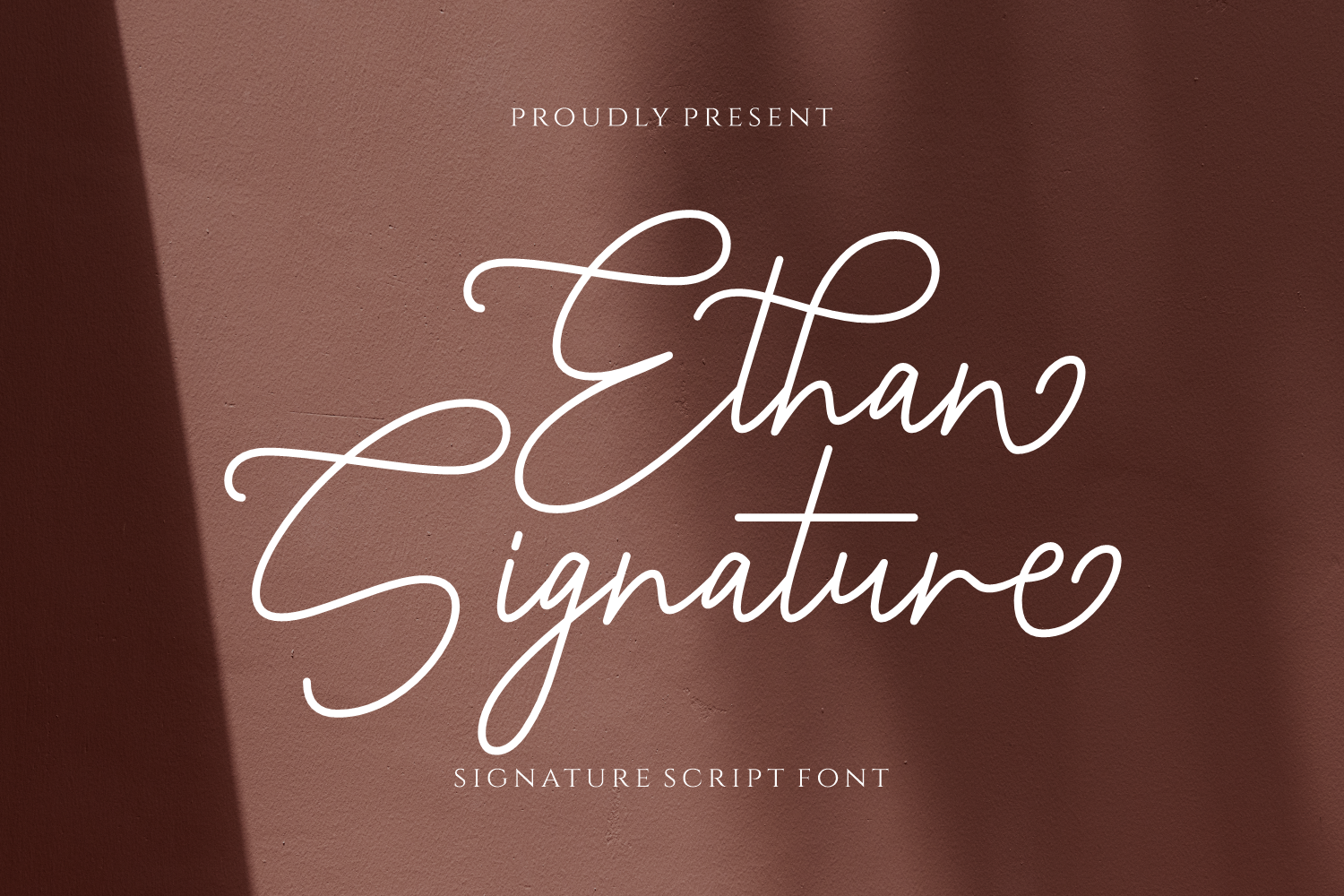
Ethan Signature by Situjuh has a friendly, informal autograph look that feels easy and personal. It works well for personal branding and email signatures. Use it when the signature should feel like a quick, real note.
Best for: personal branding, email signatures. By: Situjuh
20. Brittany Signature Script (by CreatypeStudio)

Brittany Signature Script by CreatypeStudio has a soft, feminine handwritten style with a gentle flow. At $150, it is the priciest option here, so test it carefully. I would only buy it if the design needs a very specific soft, invitation-ready feel.
Best for: feminine branding, invitations. By: CreatypeStudio
Download Brittany Signature Script
21. Handscript Signature (by Perspectype)
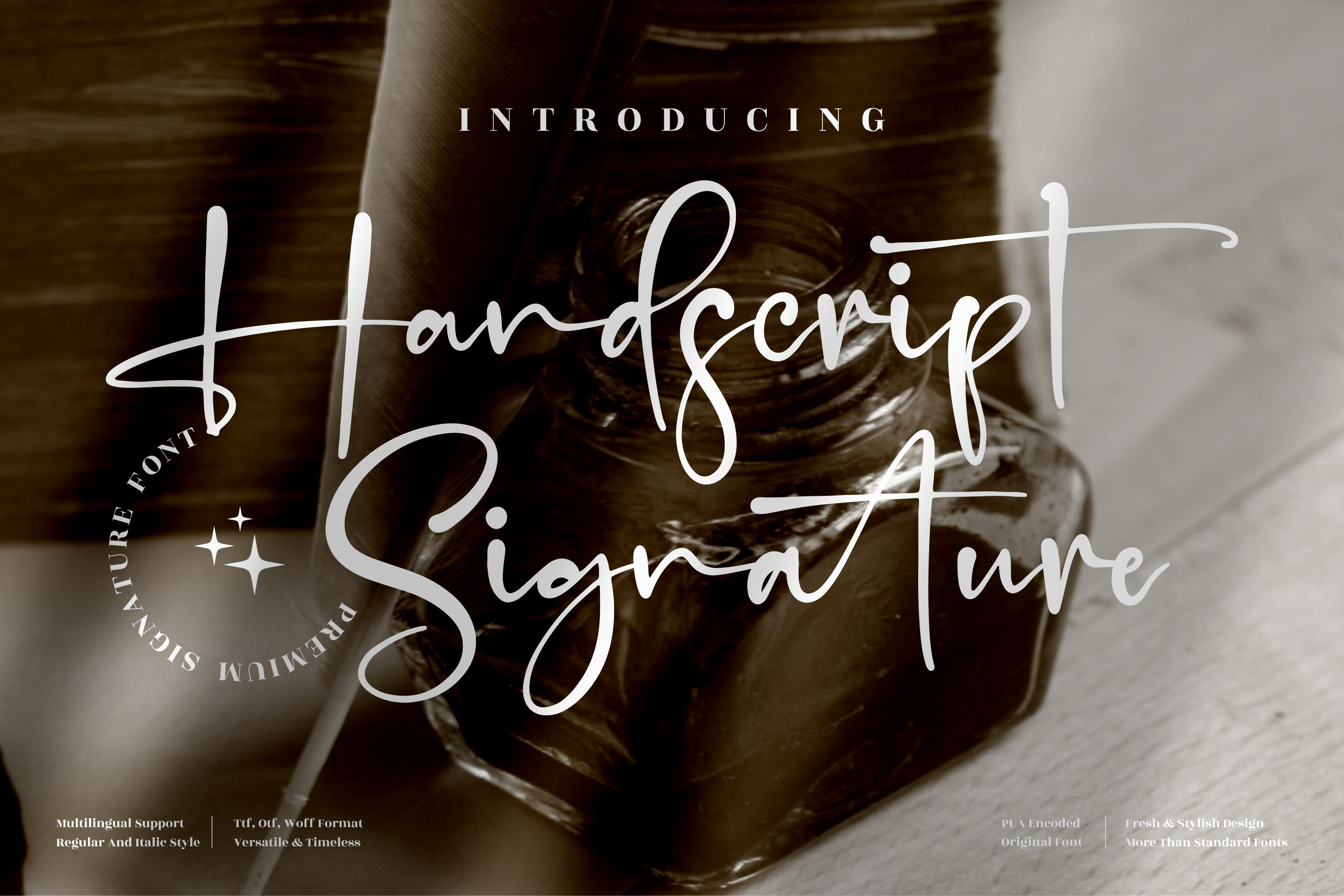
Handscript Signature by Perspectype offers a convincing imitation of real handwriting. Its natural, varied strokes suit digital signatures, contracts, and documents. This is a strong pick if you want a handwritten look that still feels usable.
Best for: digital signatures, contracts. By: Perspectype
22. Miracle Signature (by Aveni Letter Type)
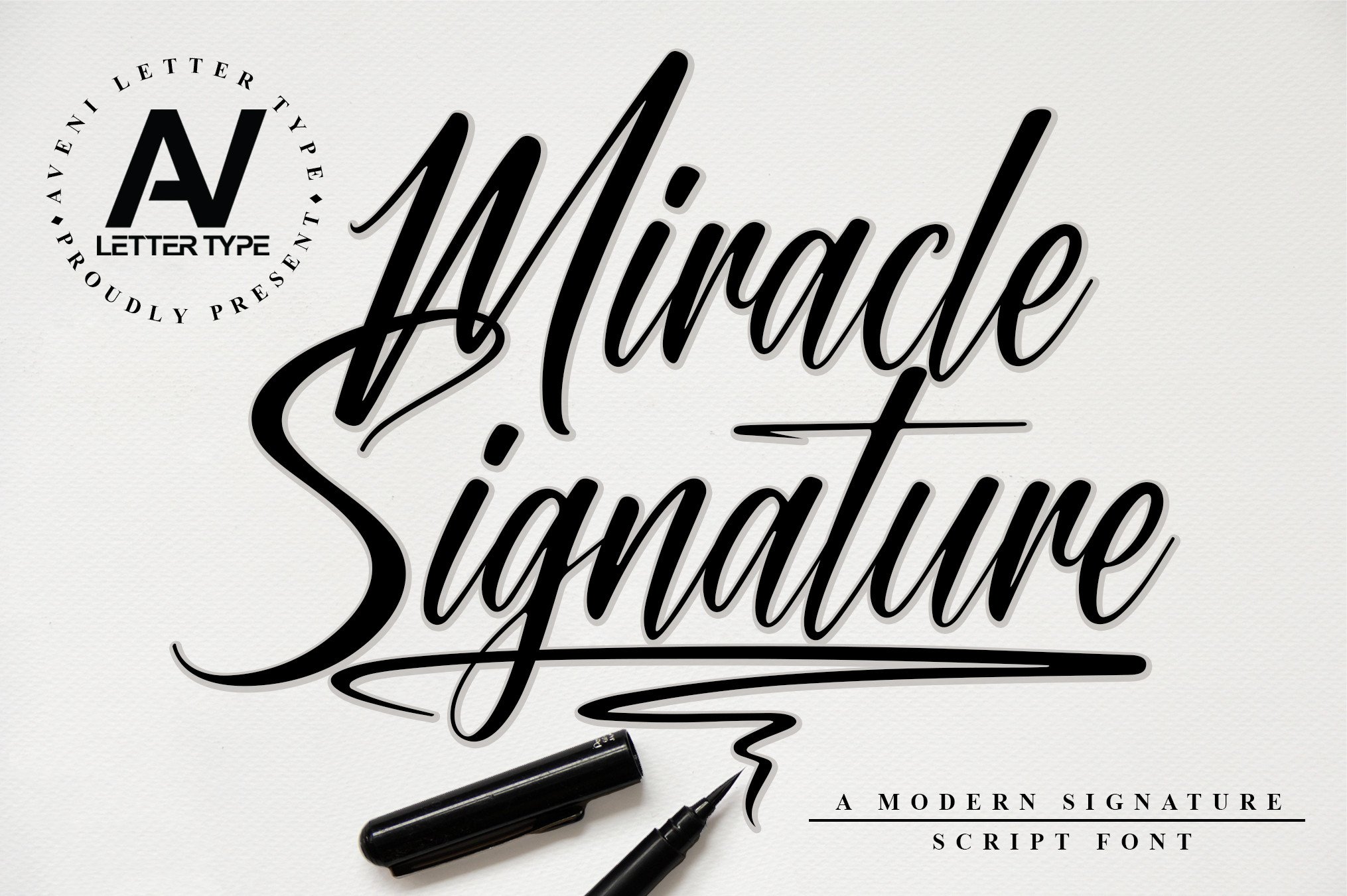
Miracle Signature by Aveni Letter Type is light, airy, and easy to use as a final accent. It suits greeting cards, personal notes, and small decorative details. Use it for small touches, not as the main body text.
Best for: greeting cards, personal notes. By: Aveni Letter Type
How to Use Signature Fonts in Your Design Projects
A signature font can make a logo feel personal, but it needs the right size and pairing. For logos, keep the script large enough that the flourishes do not collapse. If the signature is the main wordmark, test it at 24pt, 48pt, and 96pt before committing. At very small sizes, thin strokes can disappear, especially in print or on low-resolution screens.
Tip: Pair the signature with one clean supporting font. A simple sans-serif or a neutral serif keeps the design readable. Use an elegant signature font for the brand name and a sans-serif for the tagline, address, or contact details. This pairing rule is especially useful for signature fonts for logo, because the script provides personality while the supporting face handles information.
For wedding invitations and certificates, keep essential details legible. Names, dates, and addresses should usually sit around 9 to 12pt in print. Use the signature font for the couple’s names, the certificate title, or the signature line, and reserve a cleaner typeface for the fine print.
For email signatures and digital documents, a handwritten signature font can look more personal than a typed name. In the United States, the ESIGN Act and UETA give electronic signatures, including typed or font-based signatures, the same legal standing as handwritten signatures in most cases. In the EU, eIDAS covers electronic signature rules. The key factor is signer intent and consent, not the cursive appearance of the font. Still, check local requirements for high-stakes documents.
Tips for Choosing the Right Signature Font
There is no single best signature font to use for a signature. The right choice depends on the use case. Start by testing the font with your actual name or brand name, not a generic sample. A signature font that looks beautiful in “Aa” can fail when your name has tight letter combinations, ascenders, or a long surname. Type your full name, initials, and a short tagline, then zoom out to check readability.
Note: Check the license before you use a font commercially. Free signature fonts are not automatically cleared for commercial use. Some are free for personal projects only, while others allow logos, packaging, and client work. On Creative Fabrica, the product page shows the license tier. Do not rely on site-wide free banners. The product page license is what matters. Verify whether the font covers commercial use before you place it in a logo, merch design, or paid brand identity.
If you are comparing price, know that this list includes one truly free option, Thesignature by Khurasan, at $0.00. The remaining fonts range from $1 to $150, with Brittany Signature Script by CreatypeStudio at the top of that range. A higher price does not always mean a better fit, but it can reflect a more developed family.
For software, Adobe Illustrator is the best choice for logo work because you can convert the signature to vector paths and adjust spacing precisely. Photoshop works for raster mockups, social posts, and photo overlays. Canva is useful for quick invitations and brand kits. To install a font locally, download the file, then install it on your operating system before using it in Word or Canva. Microsoft Word is fine for email signatures and documents, while Cricut Design Space works for cut projects if the font is vector or SVG-compatible.
If you want the most realistic handwritten look, look for a handwritten signature font with varied stroke pressure and natural rhythm. Handscript Signature by Perspectype is a strong example. If you need a quick cursive signature font for a personal digital signature, choose a face that resembles your actual signature and keep the size consistent.
Where to Download Signature Fonts
Creative Fabrica is the main source for the fonts in this list. It offers premium signature fonts with commercial license options, which makes it useful for logos, client work, packaging, and personal branding. Always check the product page for the exact license before you use a font in a commercial project.
For free signature fonts, Google Fonts is a safe starting point because its fonts are free for personal and commercial use under the SIL Open Font License. DaFont is also useful for browsing additional cursive and handwriting styles. So is FontSpace, though you should verify each font’s license individually.
If you prefer a signature font generator, it can help you preview a name quickly. A downloadable font gives you more control across Canva, Adobe Illustrator, Photoshop, Microsoft Word, and Cricut Design Space. For more font pairings and typography guides, visit the FontPro blog.