· laser-cut · 9 min read
Laser Engraving Ideas for Wood, Slate, Leather and Acrylic
Laser engraving ideas for wood, slate, leather and acrylic, with notes on which type styles engrave cleanly, from name signs to wedding favors.
The best laser engraving ideas are small, personal items with clear text: name signs, coasters, cutting boards, leather patches, wedding favors and shop tags. Pick a material, choose a sturdy font with open letter shapes, and keep the design simple enough to survive burning. Below are ideas by material, plus the type that engraves cleanly.
What makes a design engrave well
A laser does not print. It burns, melts or removes a thin layer, so every detail has to be big enough for the beam and the material to hold. Most failed engravings are not machine problems. They are design problems.
Three things matter most.
Stroke weight. Hairline strokes vanish or turn ragged. Choose letters with a medium or bold weight and even strokes.
Open shapes. Tight counters (the holes in a, e, g, 8) fill in with burn marks, especially on wood. Wider letters with generous spacing stay readable.
Contrast with the surface. Dark wood, light slate and coated metal all react differently. A design that looks crisp on pale birch can look muddy on walnut.
Always run a test on a scrap piece before the real one. Settings differ by machine, power and material, so treat any number you read online as a starting guess.
Quick match: material to type style
| Material | What engraves well | Type style to look for | Watch out for |
|---|---|---|---|
| Light wood (birch, maple) | Names, quotes, line art | Sturdy sans or slab serif | Grain showing through thin strokes |
| Dark wood (walnut) | Large bold text | Bold, wide letters | Low contrast on small text |
| Slate and stone | Illustrations, monograms | Medium serif or clean sans | Fine details lost in rough texture |
| Leather | Patches, wallet initials | Simple script or bold sans | Thin scripts scorching together |
| Acrylic | Signs, tags, ornaments | Clean sans, light script | Tiny type looks fuzzy |
| Glass | Names, dates | Medium-weight serif or sans | Very small text turning cloudy |
Wood signs and cutting boards
Wood is the friendliest material to start with. It engraves with a warm brown tone and forgives small mistakes.
Name and door signs. A family name with a founding year, a nursery name, or a “Studio” sign for a home office. Big letters, plenty of margin.
Cutting boards. A monogram, a recipe in handwriting, or a short line like “Made with love” in a script. Check that any finish you use is food safe, follow the board maker’s guidance, and keep engraving on the side that will not be cut on.
Desk and shelf pieces. Pen holders, bookmarks, name plates, small wall quotes.
Maps and coordinates. A simple line map of a hometown with coordinates in a clean sans works as a gift or a market item.
The caution: wood grain adds its own texture. Fine serifs with thin hairlines can break up against it, so lean toward sturdier letterforms.
Slate and stone gifts
Slate gives a pale gray engraving on a dark surface. It looks sharp and a little formal, which is why it suits coasters and house signs.
Coasters. A set of four with a monogram, a pattern, or a line drawing of a local landmark.
Serving boards. Cheese or appetizer boards with a short title in a serif.
Garden and memorial markers. Pet names, plant labels, house numbers.
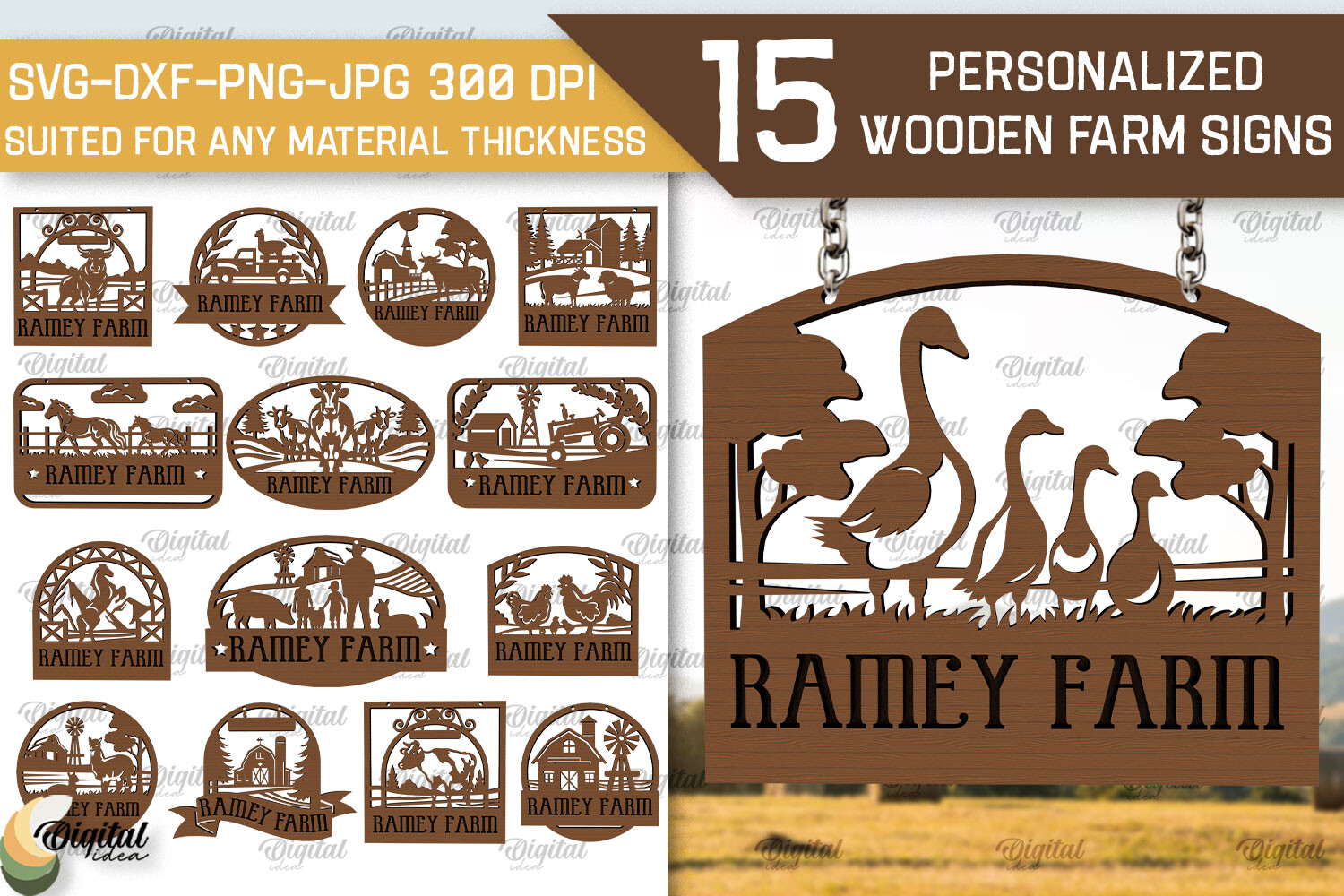
Natural stone has an uneven surface, so choose designs with confident lines and fewer tiny details. Detailed illustrations and animal portraits work well when the artwork is made for engraving. Check the license on the product page before using any purchased artwork on items you sell.
Leather patches and wallets
Leather engraves darker and slightly debossed, which gives a handmade look. Make sure the material is real or engrave-safe leather and that your machine and ventilation are set up for it. Some synthetic leathers release fumes you do not want in your workshop.
Patches for hats and bags. Small circles or rectangles with a logo and a one-word label.
Wallet and card holder initials. Two or three letters, centered, with a lot of room around them.
Key tags and luggage tags. Name on one side, phone number or city on the other.
Journal covers. A title, a date, or a small icon in the corner.
Scripts can work here, but thin connecting strokes scorch and merge. A script with a heavier stroke, or a plain bold sans, is the safer choice at small sizes.
Acrylic and glass pieces
Acrylic gives a frosted white engraving on clear or tinted sheets. It works beautifully with backlighting or a simple stand.
Table numbers and place cards. Clean, consistent, easy to reuse.
Ornaments and gift tags. A name and a year. Add a hole for ribbon.
Edge-lit signs. Engrave on acrylic, then set it in a lit base. Bold letters read best because the light travels through the lines.
Drinkware and glass. Names, dates and short quotes. Test glass carefully and follow your machine’s guidance, since results vary with the glass type.
On acrylic, small text can look fuzzy while large clean text looks crisp. Pick a font with consistent stroke width and avoid heavy decorative flourishes.
Wedding and event favors
Weddings are one of the best fits for laser engraving, because every item carries the same names and date.
Place cards and table numbers. Wood or acrylic, engraved in one font across the whole set.
Guest favors. Mini cutting boards, coasters, bottle openers, keychains.
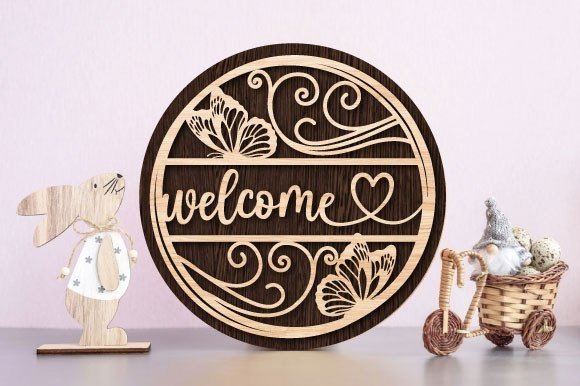
Welcome signs. A large wooden or acrylic board with the couple’s names and the date.
Cake toppers and ornaments. Two names joined by an ampersand, in a script that is bold enough to survive.
Pick one script for names and one simple sans or serif for dates and details. Two fonts are enough, and they will make the whole set look planned. If you plan to cut and engrave the same piece, keep text away from cut lines.
Branding for small businesses
Engraving is a quiet way to brand a small business, and it lasts longer than a printed sticker.
Coffee shops and bakeries. Wooden menu boards, stamped-look cup sleeves, engraved tags for bags, and slate price signs.
Auto and repair shops. Engraved key tags, metal-look plates, and bold wooden signs with the shop name.
Makers and stalls at markets. Engraved price tags, branded packaging tags, business cards made from thin wood or leather.
Gifts for clients. A small engraved coaster or notebook with the client’s name on it feels thoughtful and costs little.
The same rule applies everywhere: choose one brand font, set it large, and let the material do the rest.
Fonts that fit this project
Laser engraving rewards sturdy, open letterforms and punishes thin, fussy ones. These picks cover signs, leather, acrylic and gifts. Links to Creative Fabrica are affiliate links: I may earn a commission at no extra cost to you.
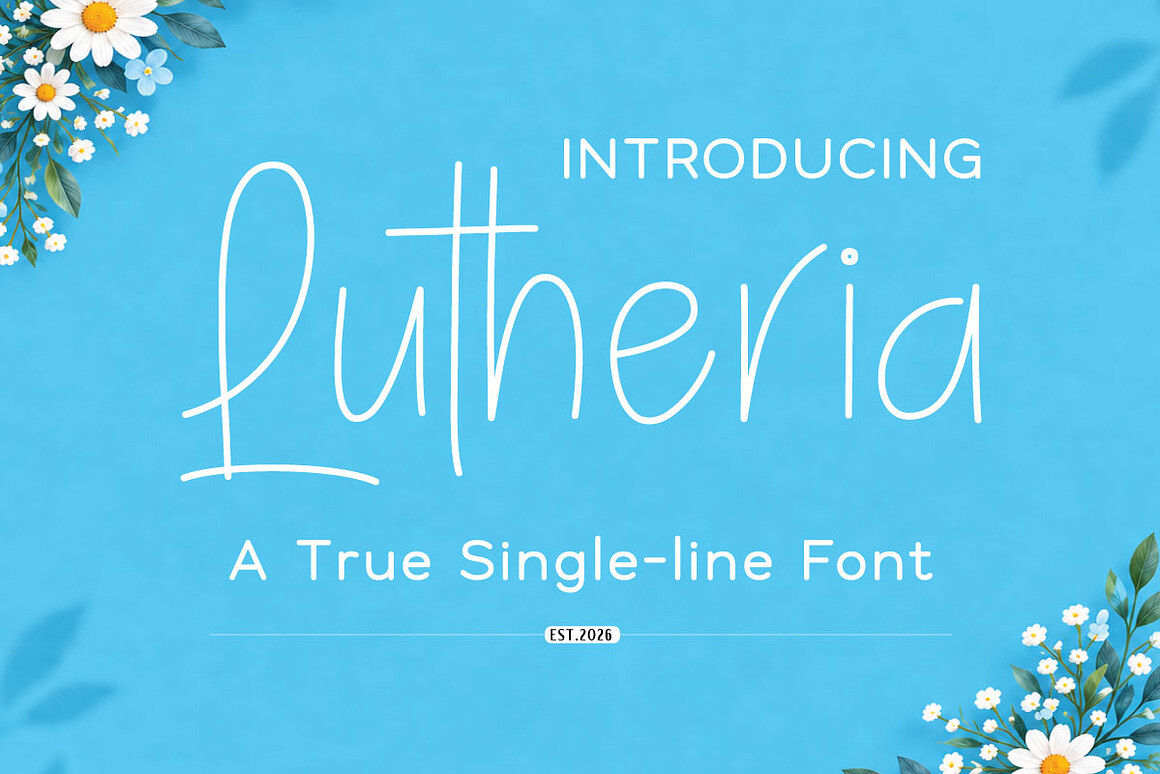
Lutheria
Lutheria is a single-line handwritten script. Because each letter is drawn as one line, the laser can trace it as a clean thin stroke, which can suit fine detail as well as engraving.
The caution: a single line is thin by nature. Test depth and power on scrap, and use it at larger sizes on wood or leather.
Best for: names on wedding signs, journal covers, delicate leather tags.
Barleto
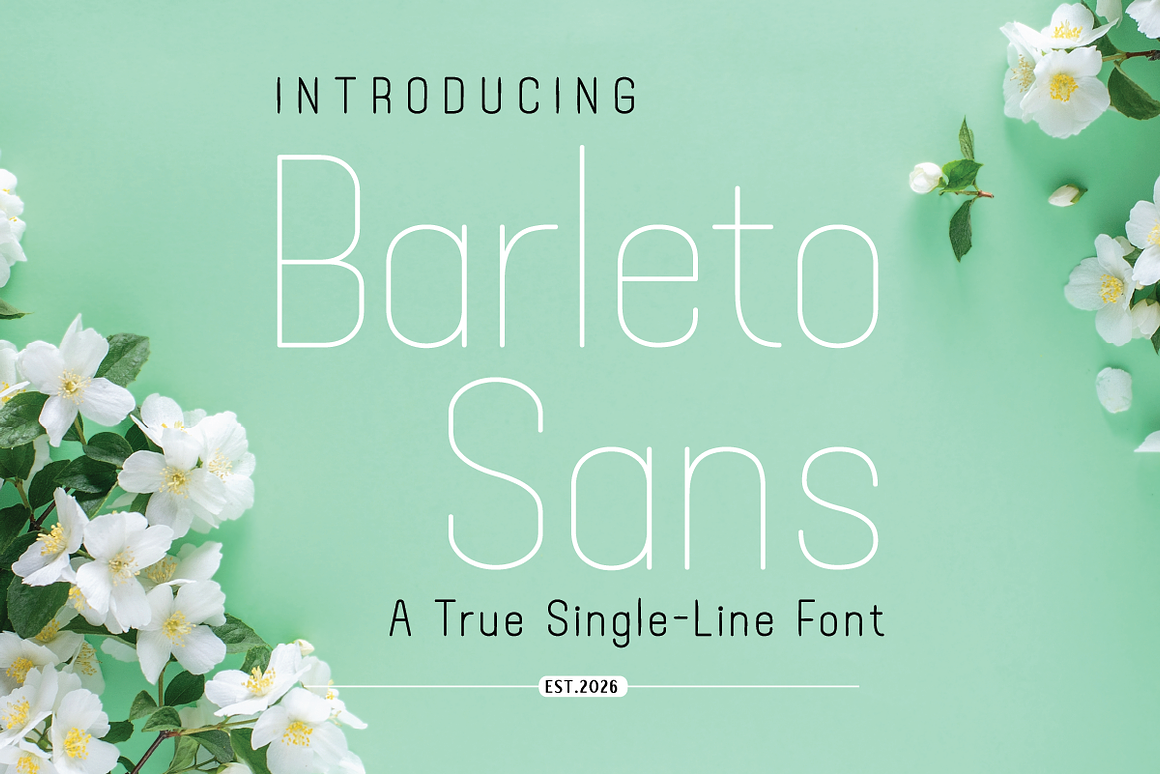
Barleto is a display font worth testing for signage and labels. Check the product page for the uses it lists, since it is meant for physical production, not just screens.
The caution: preview the exact words you need at the final size, and check the license on the product page before commercial use.
Best for: shop signs, product labels, wooden name plates.
3D Laser Engrave Files & Font Bundle

The 3D Laser Engrave Files & Font Bundle combines engraving files with several fonts. It suits sellers who want artwork and lettering from one place.
The caution: bundles mix styles, so pick one or two fonts and stay with them across a product line.
Best for: seasonal gifts, ornaments, market stall items.
Download 3D Laser Engrave Files & Font Bundle
Free options on Google Fonts
If you want to start without spending, these families are widely available and engrave predictably:
- Roboto Slab: sturdy slab serif with even strokes. Good for wood and slate.
- Oswald: tall, condensed sans. Fits narrow signs and tags.
- Montserrat: wide, open sans. Reads well on acrylic and glass.
- Bebas Neue: all-caps display sans with simple shapes. Good for large headings on boards.
Pairing that works
Use Oswald for the heading (shop name or family name) and Roboto Slab for the details (date, address, short line). Both are sturdy, and their contrast in width keeps the layout organized.
If your piece is a wedding sign, set the names in a single-line script such as Lutheria, set large, and the date in Montserrat.
Before you commit, always engrave a test piece. Pick one idea from this list, one font, and one material, and run a small sample first. That one scrap will teach you more than any chart.
Try Studio AI on Your Own Design
Want to see a font in a real design before downloading it? Creative Fabrica Studio is a browser-based tool with AI features — test fonts on your own text, generate matching graphics, remove backgrounds, and export finished designs for print or social media.
Try Studio AI Free →Frequently asked questions
What are good laser engraving ideas for beginners?
Start with coasters, name tags and simple wooden signs. They are small, forgiving, and use one font and one material. Once those turn out well, move to cutting boards and leather.
What can you engrave with a laser?
Common materials include wood, slate, leather, acrylic and glass, and some coated metals. What works depends on your machine type and power, so check the manufacturer’s guidance for each material.
Which fonts are best for laser engraving?
Choose fonts with medium or bold strokes, open counters and even stroke weight. Slab serifs, simple sans serifs and single-line scripts at a large size usually work best. Very thin hairlines and tiny details tend to break up.
Can I sell items I engrave with purchased fonts and artwork?
It depends on the license. Check the license on the product page before commercial use, since terms differ from one product to another.
Do I need to test before engraving the final piece?
Yes. Settings vary by machine, work on scrap, and even batch. A scrap test shows you contrast, depth and whether the letters hold up.