· laser-cut · 13 min read
18 Best SVG Files for Laser Cutting in 2026
The best SVG files for laser cutting: welcome signs, mandalas, coasters, earrings, puzzles and seasonal ornaments ready for Glowforge, xTool and CNC routers.
The right SVG file can save you hours of drawing clean vector paths from scratch. Here are 18 of the best SVG files for laser cutting from Creative Fabrica, organized by project type, with tips on choosing files that actually work with your machine.
What to Look for in Laser Cut SVG Files
A good laser cut file starts with clean vector paths. Broken nodes, overlapping lines, and unclosed shapes will confuse your machine and waste material. Before you buy, check that the file includes the formats you need. SVG is the most common, but many bundles also include DXF, PDF, and AI files for different software.
Machine compatibility matters. Files designed for Glowforge usually work in xTool, Cricut, and most CNC routers, but check the product description to be sure. Some files are optimized for specific bed sizes or material thicknesses.
Pay attention to layers. Multilayer files use separate pieces that stack together for a 3D effect, while single-cut files are simpler and faster to produce. Both have their place depending on your project.
If you plan to sell finished products on Etsy or at craft fairs, check that the license covers commercial use. Most Creative Fabrica files include a commercial license, but always confirm on the product page before listing anything for sale.
Signs and Wall Art SVG Files
Welcome signs, farmhouse signs, and home decor pieces are some of the best-selling laser cut projects. These five files cover everything from front door signs to full farm sign bundles.
1. Welcome Sign Laser Cut
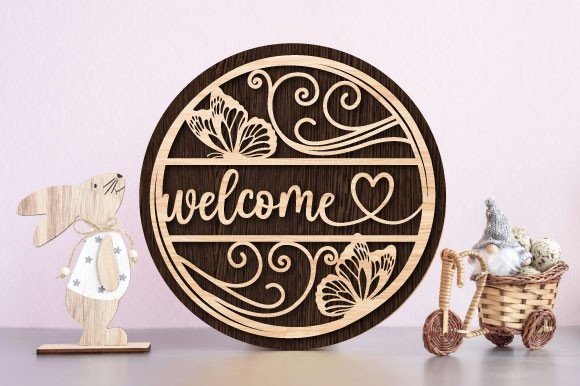
Welcome Sign Laser Cut is a clean, multilayer welcome sign file that works well for front door decor and housewarming gifts. The layered design adds depth and visual interest when cut from wood or acrylic.
It is a solid starting point if you are new to laser cutting signs, since the paths are simple and the assembly is straightforward.
Best for: front door signs, housewarming gifts, craft fair inventory. By: LaserCutano
Download Welcome Sign Laser Cut
2. Welcome Sign SVG Door Laser Cut File
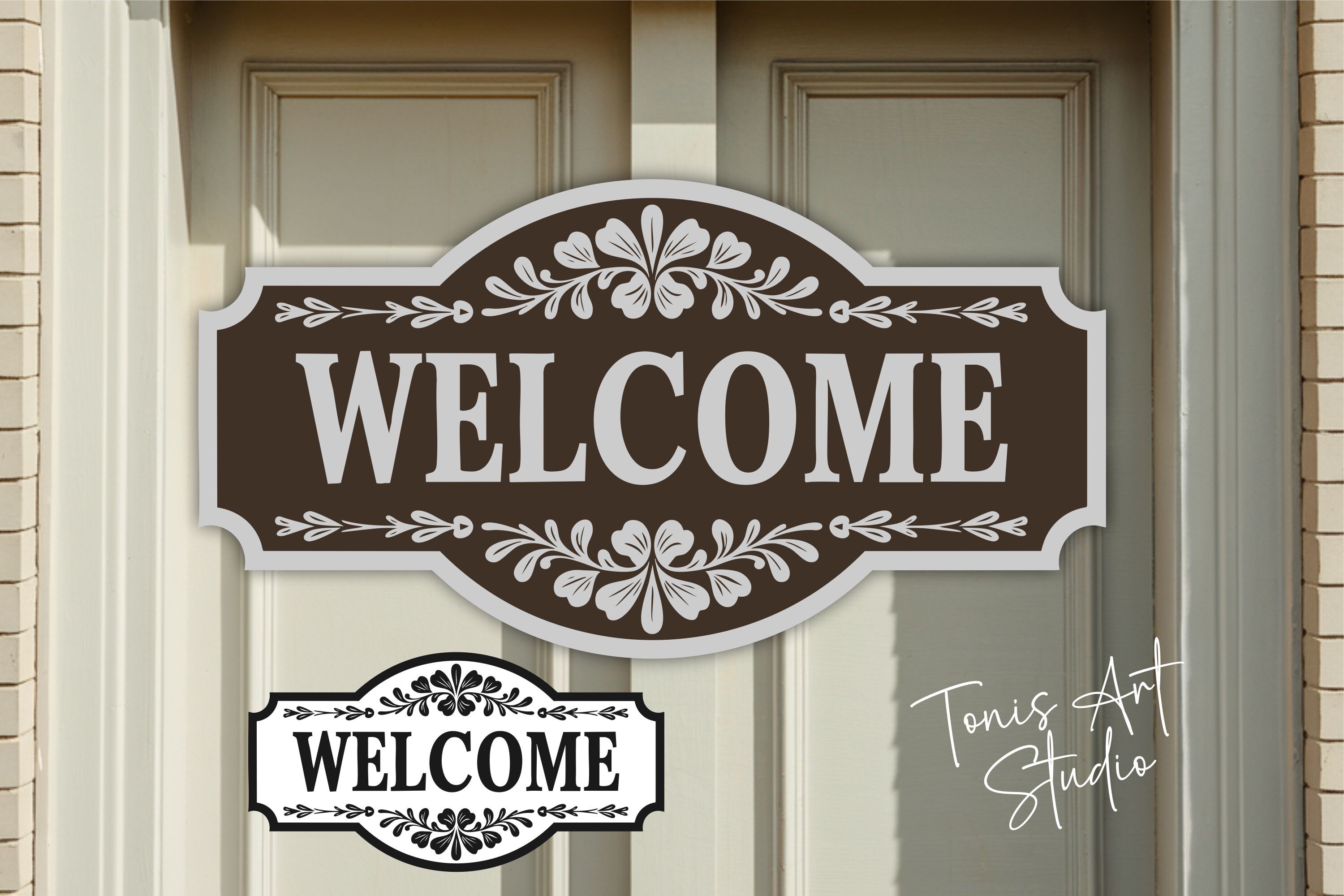
Welcome Sign SVG Door Laser Cut File takes the welcome sign concept and adds ornamental details around the door shape. The result is a more decorative piece that works well as a standalone wall hanging or seasonal porch sign.
I like this one when the project needs a little more personality than a simple rectangle with text.
Best for: porch decor, seasonal signs, decorative wall hangings. By: TonisArtStudio
Download Welcome Sign SVG Door Laser Cut File
3. Wooden Farm Signs Laser Cut Bundle
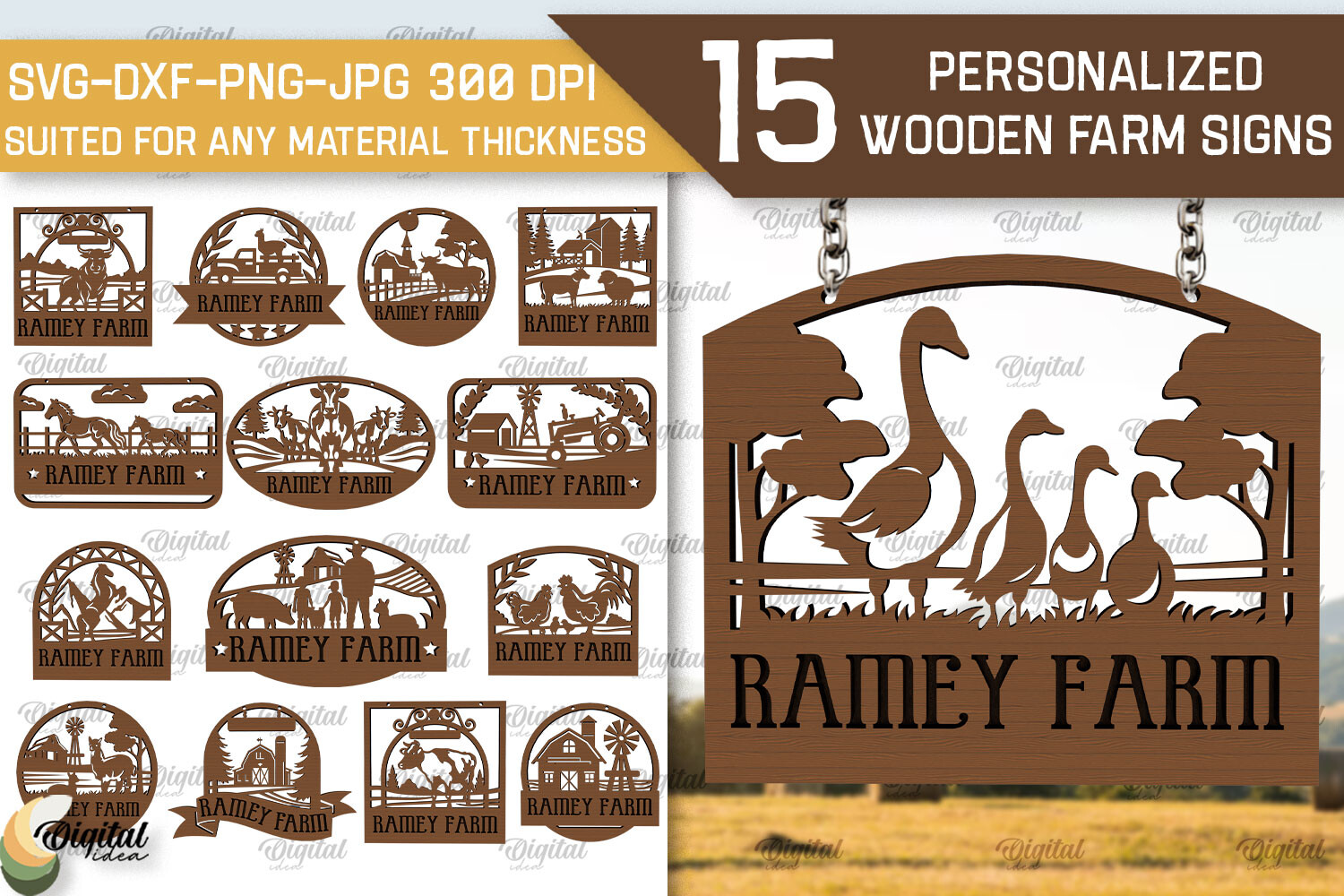
Wooden Farm Signs Laser Cut Bundle includes multiple farmhouse-style sign designs in one package. You get a range of layouts and styles, which makes it practical if you sell at markets or want to offer variety without sourcing files one by one.
The farmhouse look is consistently popular, and having a bundle means you can test which designs sell best without buying separate files each time.
Best for: farmhouse decor, market sellers, batch production. By: LaserCutano
Download Wooden Farm Signs Laser Cut Bundle
4. Interchangeable Home Signs Laser Cut
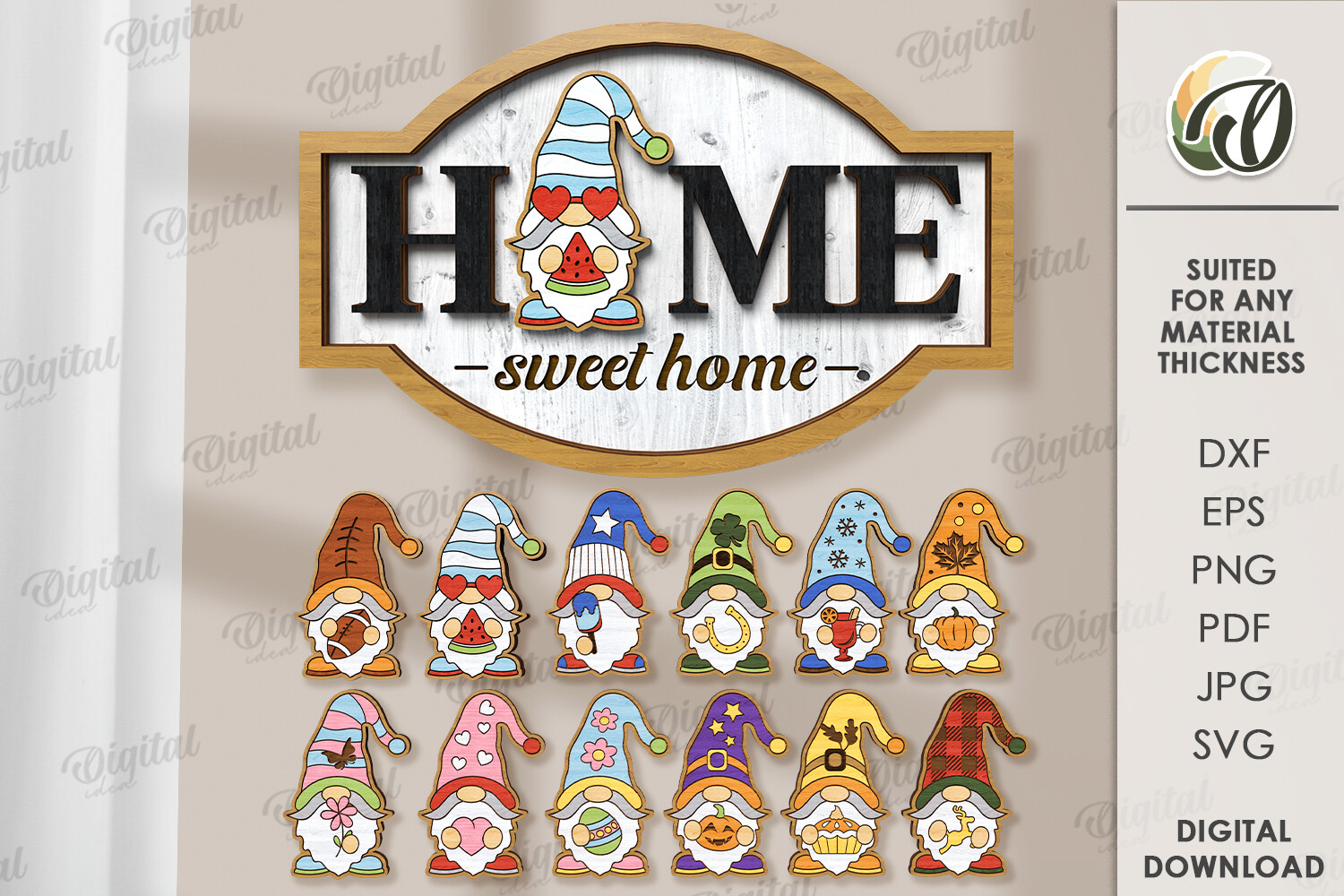
Interchangeable Home Signs Laser Cut is a modular sign system with a base frame and swappable inserts for different seasons or holidays. One base sign, multiple looks throughout the year. That is a smart design for both personal use and selling.
Customers love interchangeable signs because they get more value from one purchase. If you sell laser cut products, this style tends to bring repeat buyers who come back for seasonal inserts.
Best for: seasonal home decor, repeat-sale products, gift sets. By: Digital Idea
Download Interchangeable Home Signs Laser Cut
5. Sign Home Bundle Laser Cut Wood
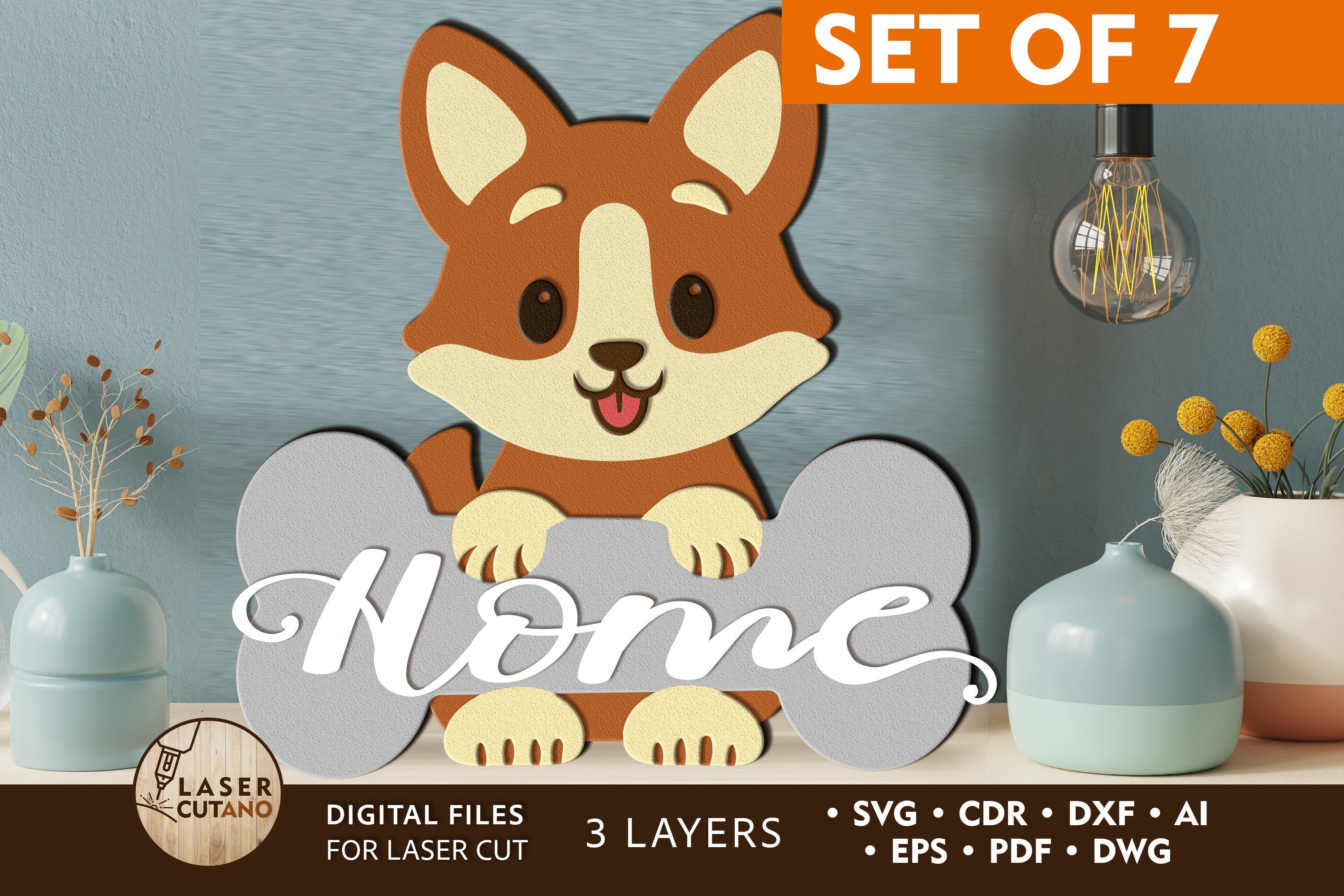
Sign Home Bundle Laser Cut Wood is a collection of home-themed sign designs optimized for wood cutting. The bundle gives you several ready-to-cut layouts for kitchen signs, family name signs, and general home decor.
This is the kind of bundle I reach for when I want variety without spending time adjusting files. The designs are ready to load and cut.
Best for: kitchen signs, family name signs, home decor gifts. By: LaserCutano
Download Sign Home Bundle Laser Cut Wood
Mandala and Decorative SVG Files
Multilayer mandalas and decorative wall panels are where laser cutting really shines. The layered depth you can achieve with these files is something you simply cannot get with a printer or vinyl cutter.
6. Multilayer Mandala Laser Cut SVG
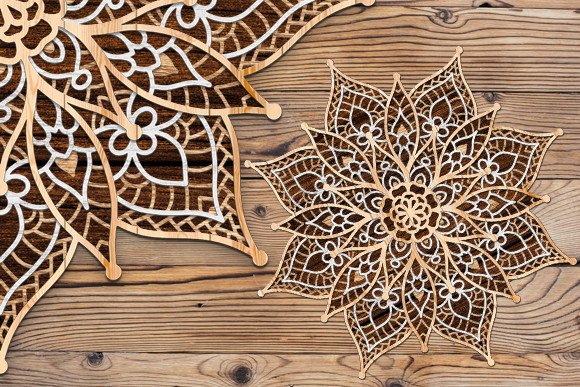
Multilayer Mandala Laser Cut SVG is a detailed, layered mandala that builds up from several cut pieces stacked together. The final result has real depth and shadow, making it a strong wall art piece that looks far more complex than it is to assemble.
Each layer is a separate file, so you can cut them from different colors of wood, cardstock, or acrylic for even more contrast.
Best for: wall art, shadow boxes, custom color combinations. By: atacanwoodbox
Download Multilayer Mandala Laser Cut SVG
7. Octopus Mandala Laser Cut SVG
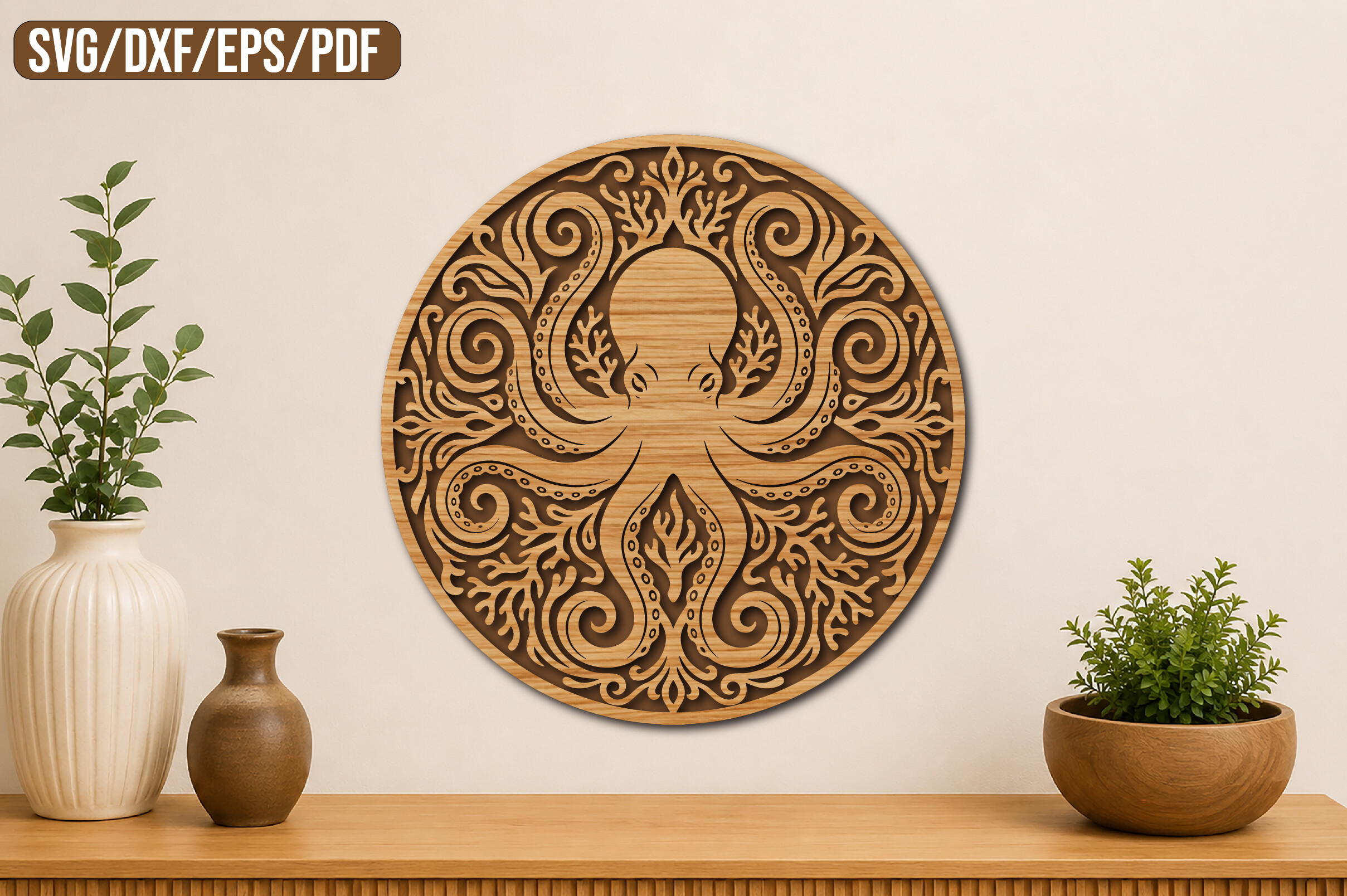
Octopus Mandala Laser Cut SVG combines the mandala style with an octopus silhouette. The animal shape makes it more interesting than a standard circular mandala, and it tends to attract buyers who want something unique for a home office or living room.
It is a good conversation piece. If you sell at craft markets, animal-shaped mandalas consistently draw more attention than geometric ones.
Best for: unique wall decor, craft market standouts, gift items. By: atacanwoodbox
Download Octopus Mandala Laser Cut SVG
8. Laser Cut Wall Art Mandala Panel
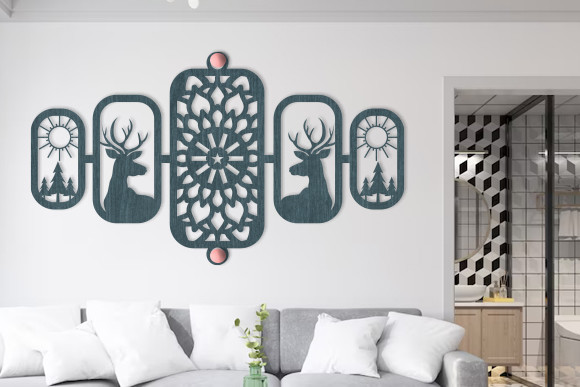
Laser Cut Wall Art Mandala Panel is designed as a large decorative panel rather than a small tabletop piece. The pattern fills the full panel area, which means it works well as a room divider, headboard accent, or large-scale wall installation.
The file is set up for a single-layer cut, so production is faster than multilayer mandalas. That makes it practical for larger orders or bigger pieces where stacking layers would be time-consuming.
Best for: large wall panels, room dividers, headboard accents. By: Art Hub
Download Laser Cut Wall Art Mandala Panel
9. Mandala Name Sign SVG Bundle
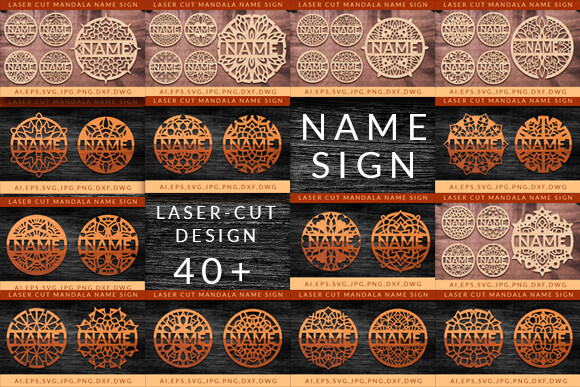
Mandala Name Sign SVG Bundle merges the mandala look with personalized name signs. The bundle includes multiple mandala frames where you can add a custom name, making each piece unique to the buyer.
Personalized items sell well on Etsy, and this bundle gives you a template system rather than a single fixed design. Cut the mandala frame and add names using your laser’s engraving settings.
Best for: personalized gifts, Etsy sellers, nursery decor. By: MegaPrezencik
Download Mandala Name Sign SVG Bundle
Coasters and Jewelry SVG Files
Small items like coasters and earrings are some of the most profitable laser cutting projects. They use minimal material, cut quickly, and sell well online and at markets.
10. Decorative Boxed Coasters Laser Cut
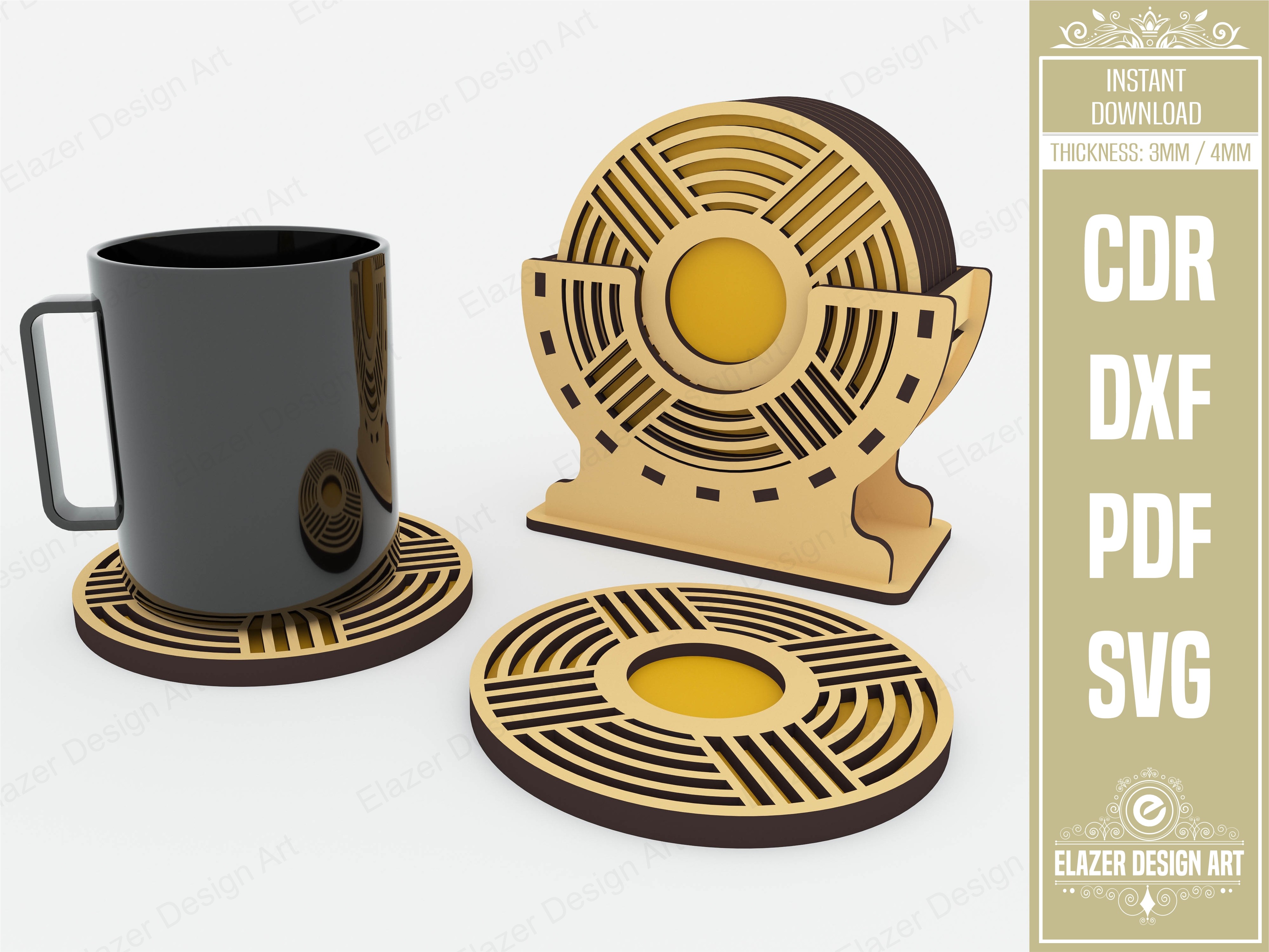
Decorative Boxed Coasters Laser Cut includes coaster designs along with a matching storage box. The box is a nice touch because it turns a simple coaster set into a gift-ready product without any extra packaging work.
Coaster sets with boxes sell at a higher price point than loose coasters. If you are building an Etsy shop, this kind of file pays for itself quickly.
Best for: gift sets, Etsy products, housewarming presents. By: Elazer Dizayn
Download Decorative Boxed Coasters Laser Cut
11. Laser-cut Coasters Mega Bundle
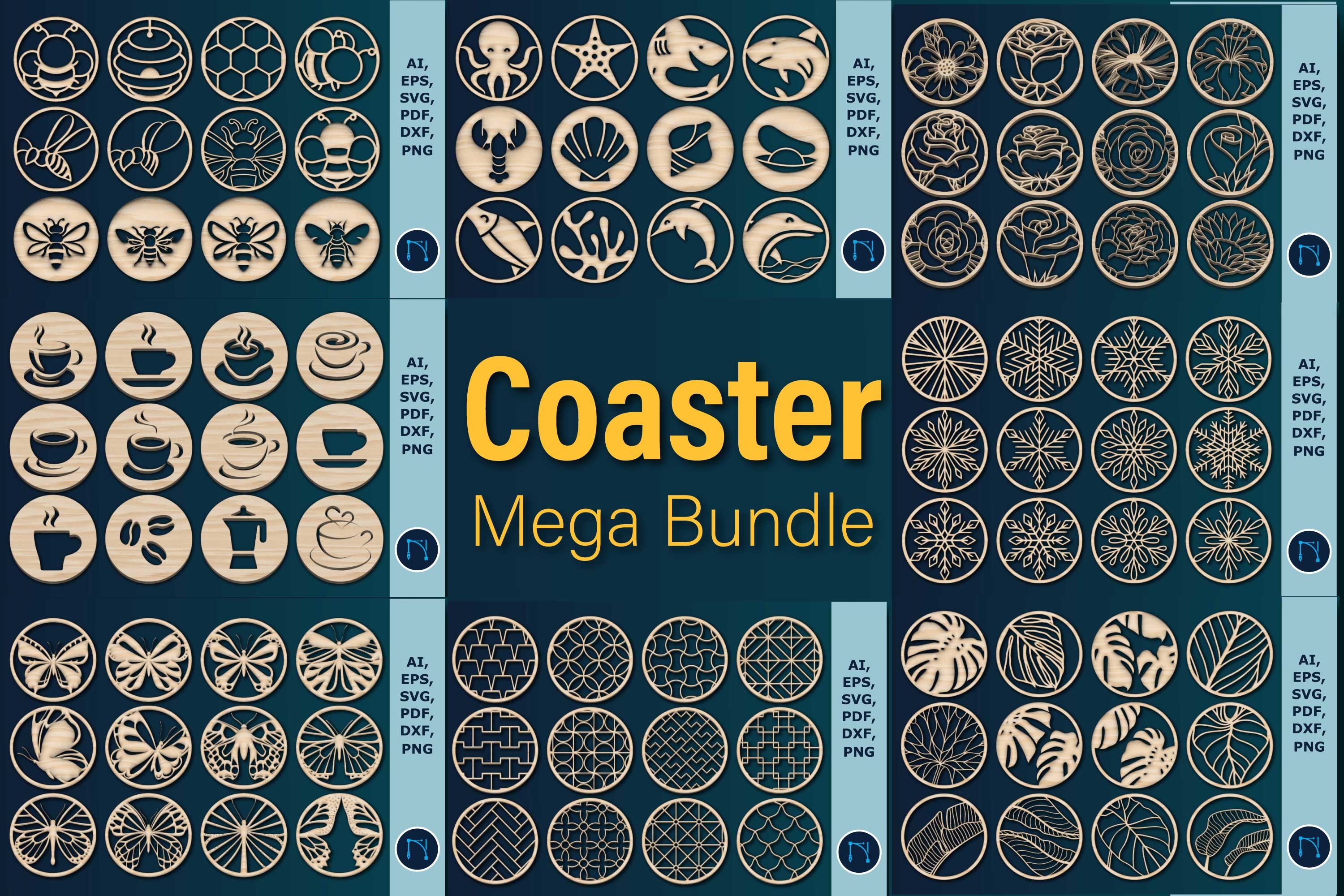
Laser-cut Coasters Mega Bundle is a large collection of coaster designs with different patterns and shapes. If you want to test which coaster styles sell best, a mega bundle like this is more cost-effective than buying individual files.
The variety means you can offer seasonal collections, themed sets, or mix-and-match packs without sourcing new files each time.
Best for: product testing, seasonal collections, bulk production. By: LaijuAkter
Download Laser-cut Coasters Mega Bundle
12. Earrings Jewelry Laser Cut Bundle
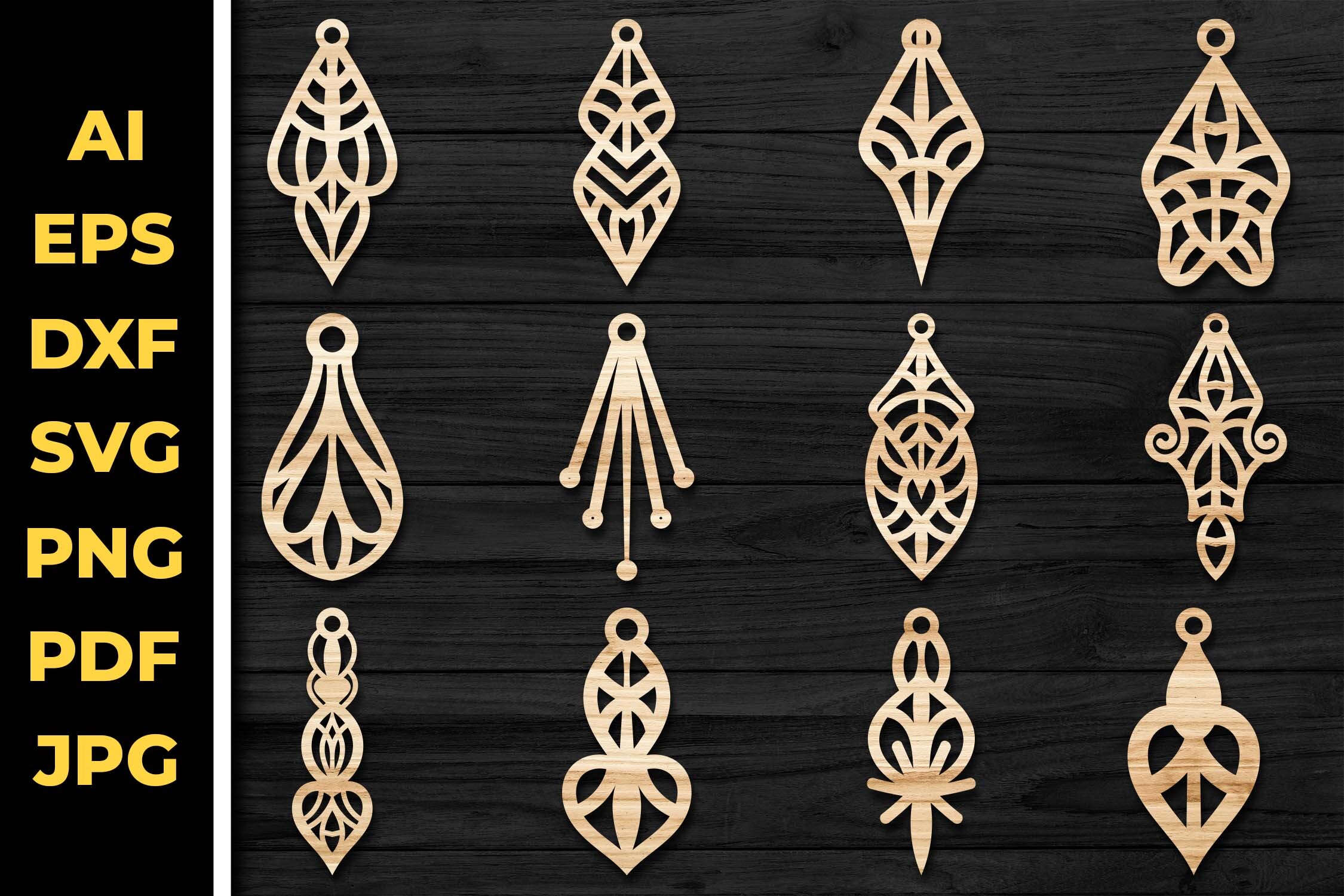
Earrings Jewelry Laser Cut Bundle offers a range of earring shapes and styles ready for laser cutting. Earrings are one of the fastest-selling laser cut products because they use scraps of material and can be priced attractively while still maintaining good margins.
The designs work in wood, acrylic, and leather. I recommend testing a few shapes in different materials to see what resonates with your audience.
Best for: jewelry sellers, craft fairs, material scrap projects. By: atacanwoodbox
Download Earrings Jewelry Laser Cut Bundle
13. 20 Wooden Earrings Laser Cut SVG
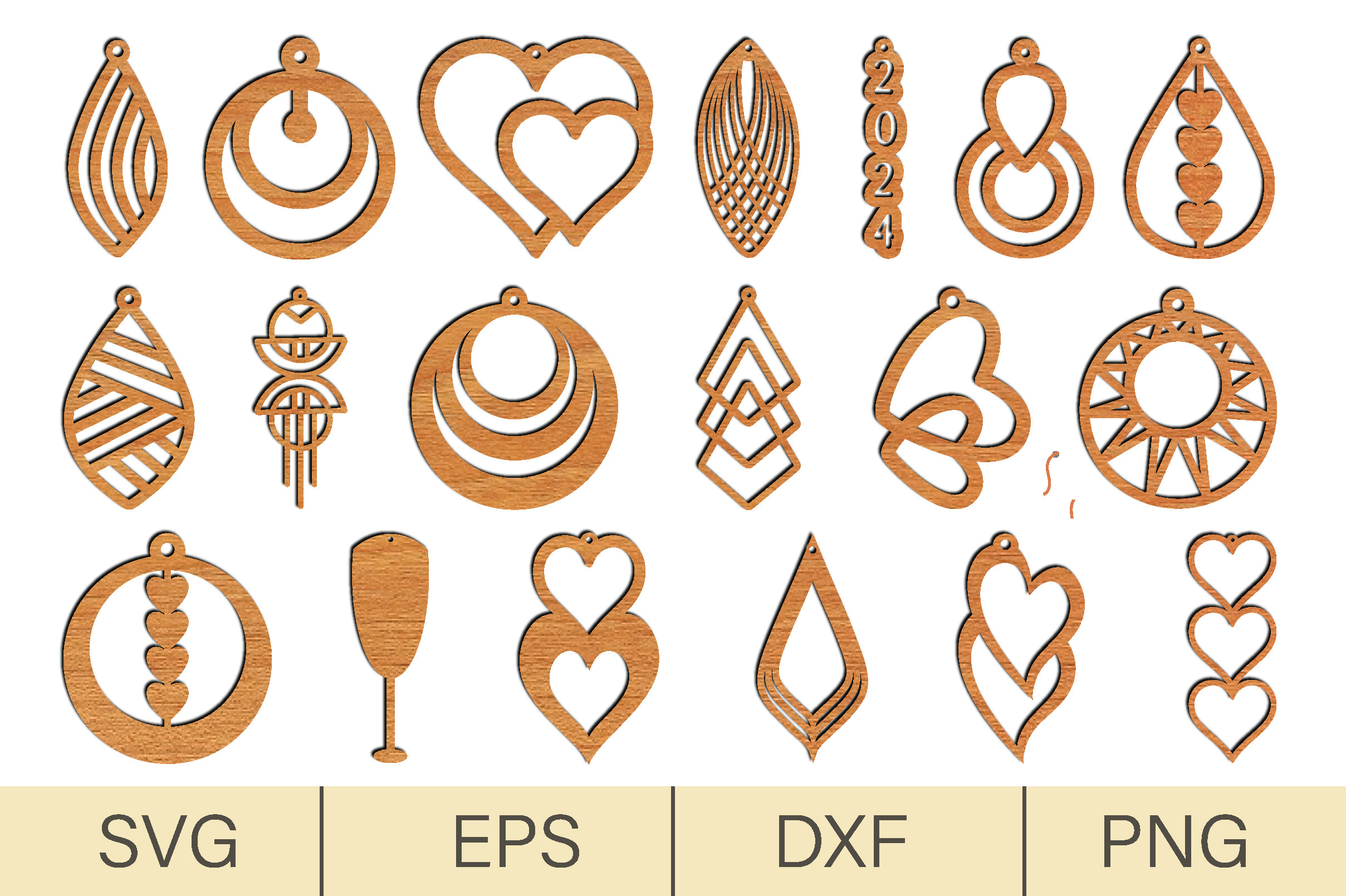
20 Wooden Earrings Laser Cut SVG gives you twenty distinct earring designs specifically optimized for wood. The shapes range from simple geometric forms to more detailed patterns, giving you a full product line from a single file purchase.
Twenty designs is enough to stock a booth or launch a small earring brand. The wood-specific optimization means the paths are clean and the details are sized appropriately for the material.
Best for: wooden jewelry lines, booth inventory, small brand launches. By: digitalbrightcreations
Download 20 Wooden Earrings Laser Cut SVG
Boxes, Puzzles and Seasonal SVG Files
These files cover functional items, gifts, and seasonal products. Drawer boxes, puzzles, bookmarks, Christmas ornaments, and wedding cake toppers round out a well-stocked laser cutting shop.
14. Drawer Box Laser Cut SVG
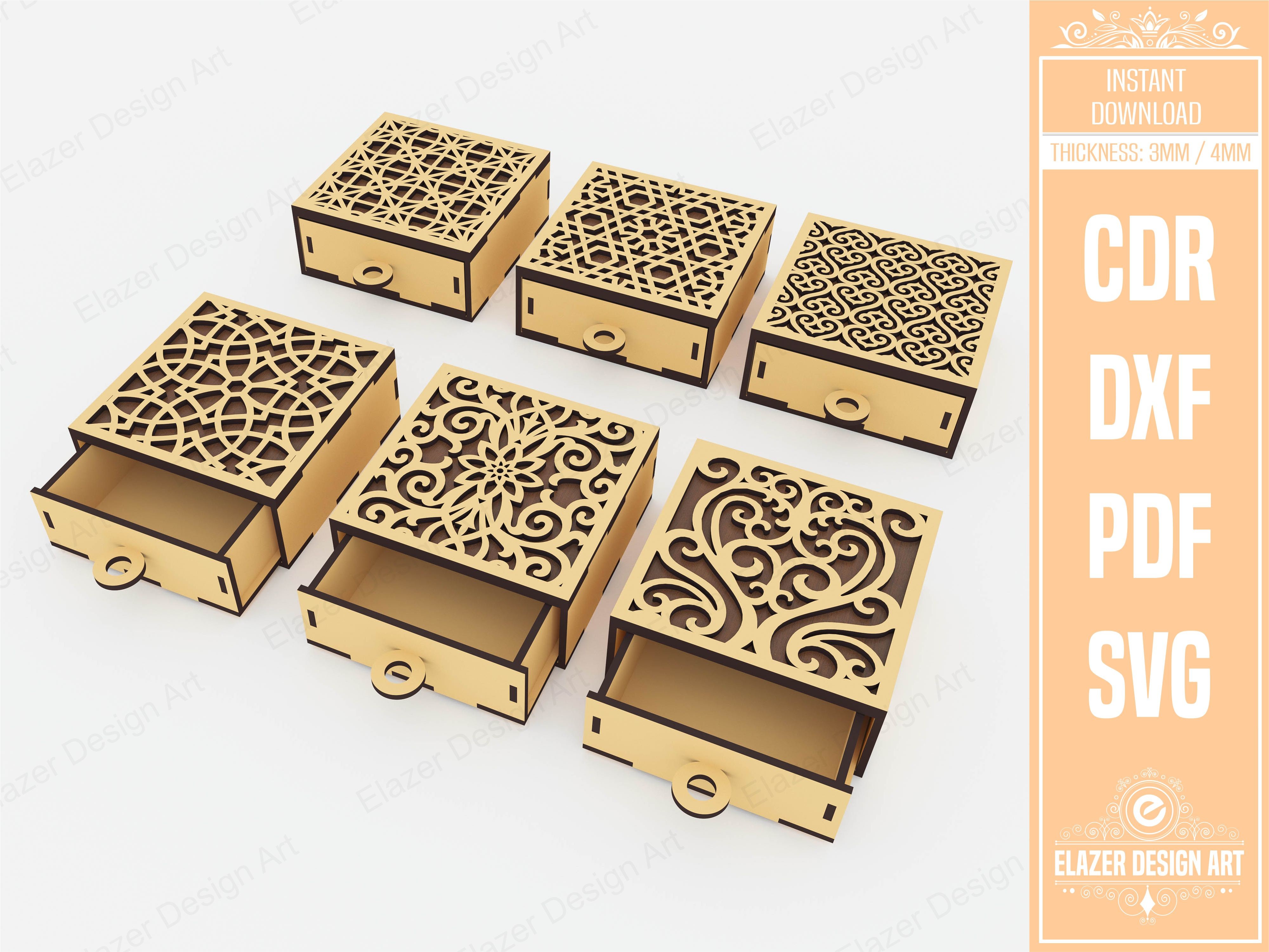
Drawer Box Laser Cut SVG is a functional box design with decorative elements. The file includes the joints and tabs needed for assembly, so the pieces fit together without glue in most cases.
Boxes are a practical addition to any laser cutting product line. They work as standalone products, packaging for other items, or gift boxes that add perceived value to smaller products like jewelry or coasters.
Best for: gift packaging, organizer products, craft storage. By: atacanwoodbox
Download Drawer Box Laser Cut SVG
15. Laser Cut Puzzle SVG Bundle
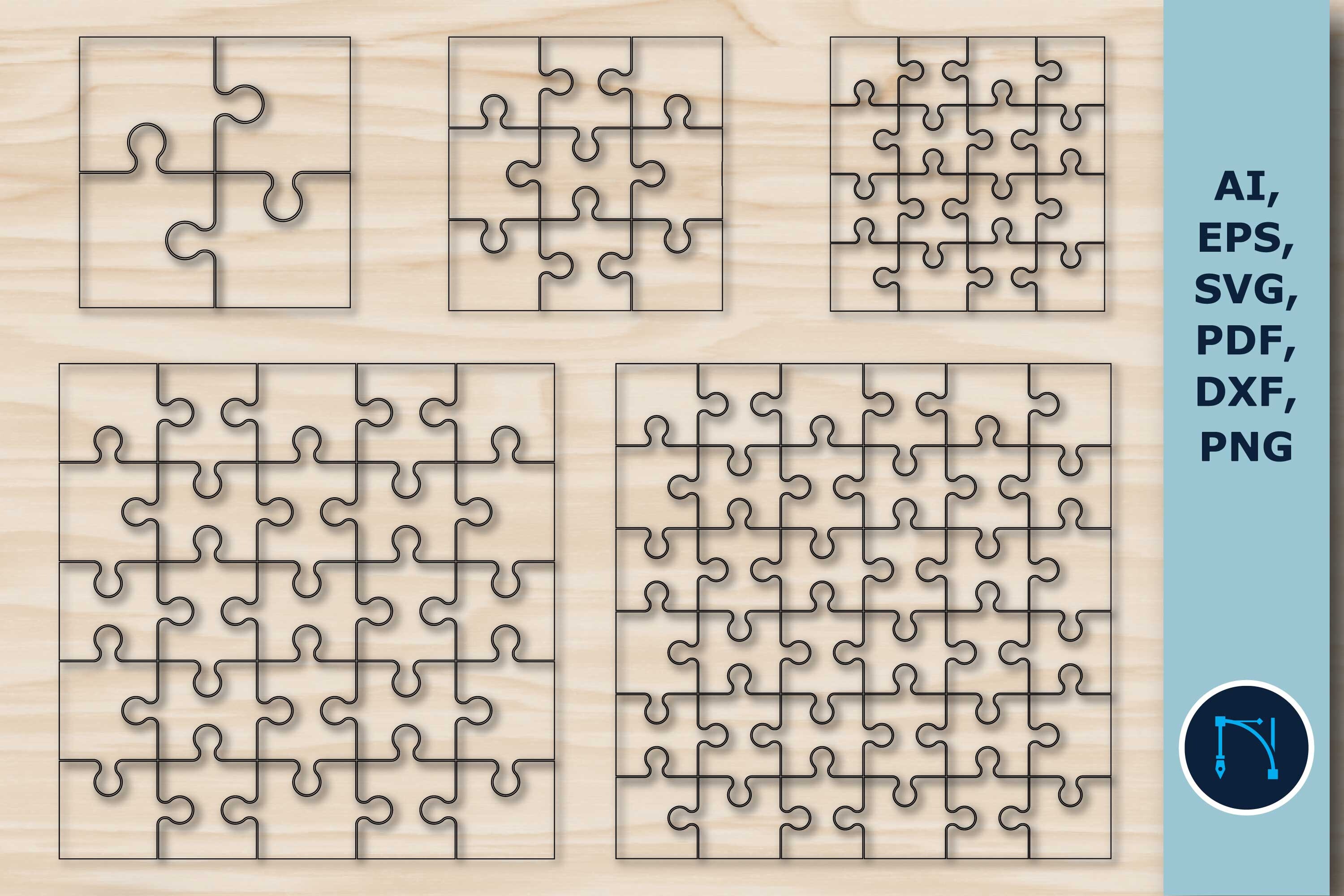
Laser Cut Puzzle SVG Bundle includes multiple puzzle designs that are ready to cut and assemble. Puzzles make excellent gifts for kids and adults, and they are a strong seasonal seller during holidays.
The pieces interlock properly, which is important. A poorly designed puzzle file will produce pieces that are too loose or too tight. This bundle handles the tolerances well.
Best for: children’s gifts, educational toys, holiday products. By: atacanwoodbox
Download Laser Cut Puzzle SVG Bundle
16. Bookmark Laser Cut SVG Bundle
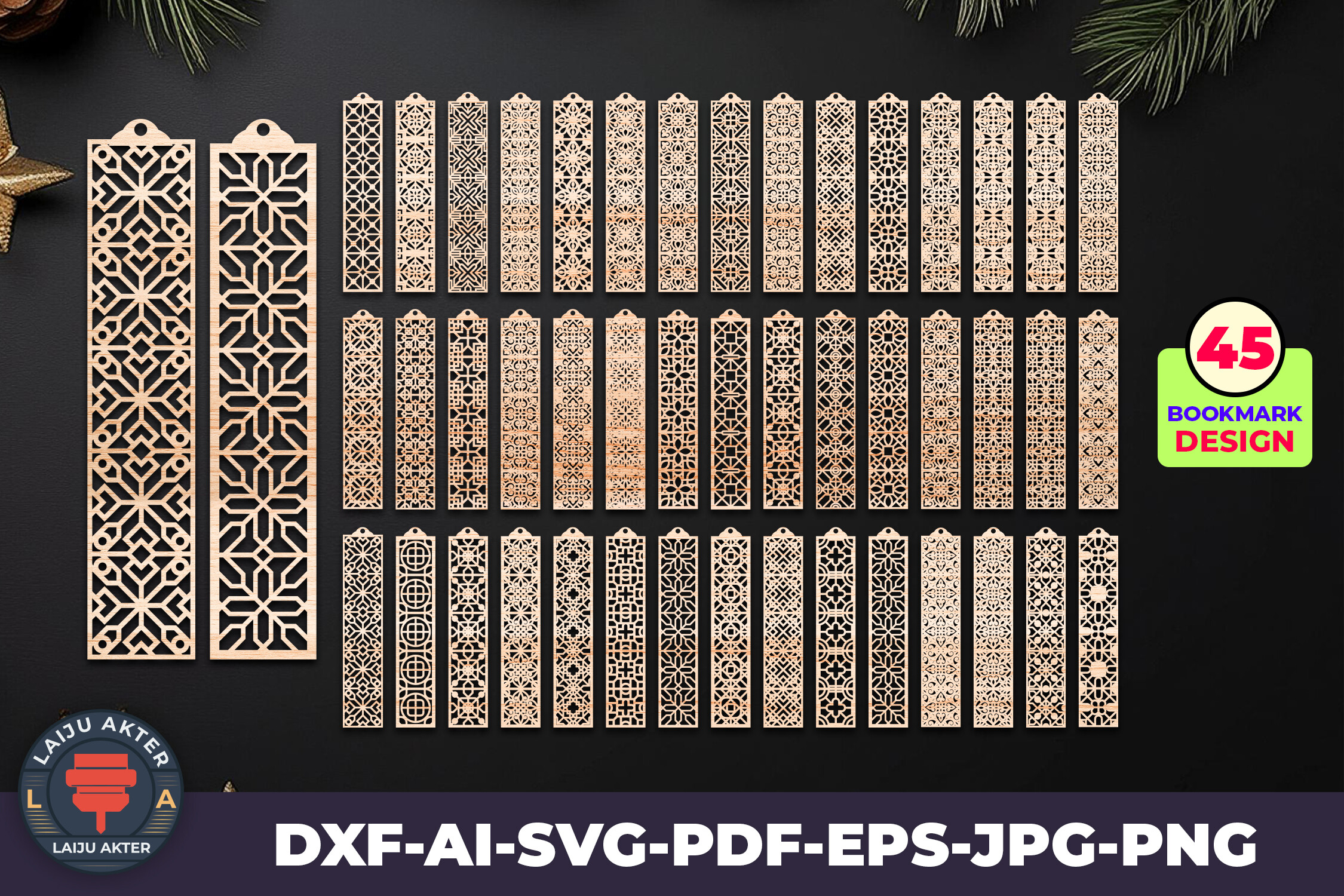
Bookmark Laser Cut SVG Bundle offers a set of decorative bookmark designs that cut quickly from thin wood or acrylic. Bookmarks are a low-material, high-margin product that works well as add-on items or stocking stuffers.
They also make great samples to hand out at craft fairs. A beautifully cut bookmark is a business card that people actually keep and use.
Best for: add-on products, stocking stuffers, craft fair samples. By: atacanwoodbox
Download Bookmark Laser Cut SVG Bundle
17. Christmas Ornament SVG Laser Cutting
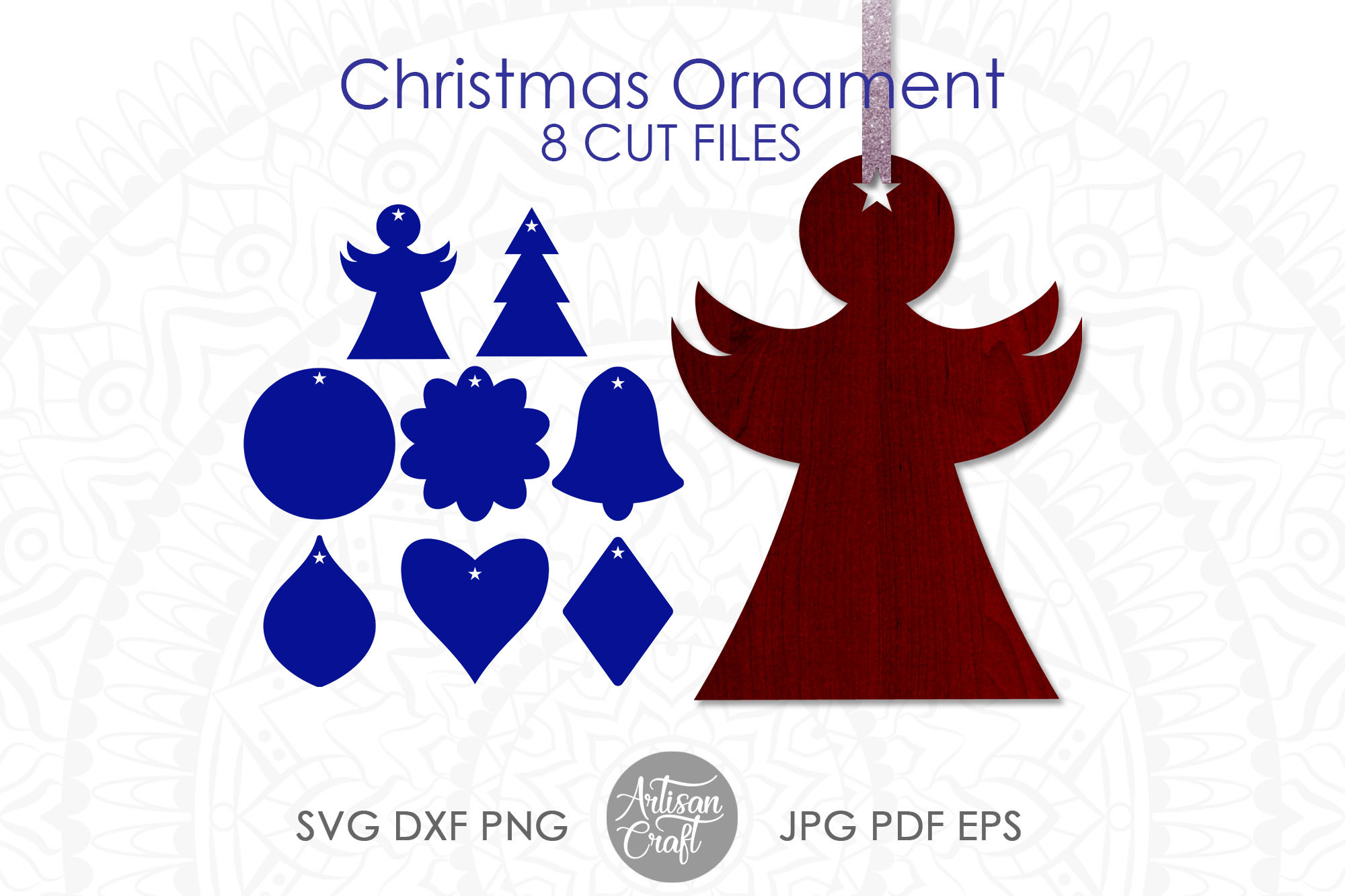
Christmas Ornament SVG Laser Cutting gives you holiday ornament designs that are ready for the seasonal rush. Christmas ornaments are one of the highest-demand laser cutting products from October through December, and having files ready before the season starts is important.
Start cutting in September so you have inventory built up by the time buyers start shopping. Ornaments in wood and acrylic both sell well.
Best for: holiday inventory, tree ornaments, personalized gifts. By: Morning SVG
Download Christmas Ornament SVG Laser Cutting
18. Wedding Cake Topper SVG Laser Cut
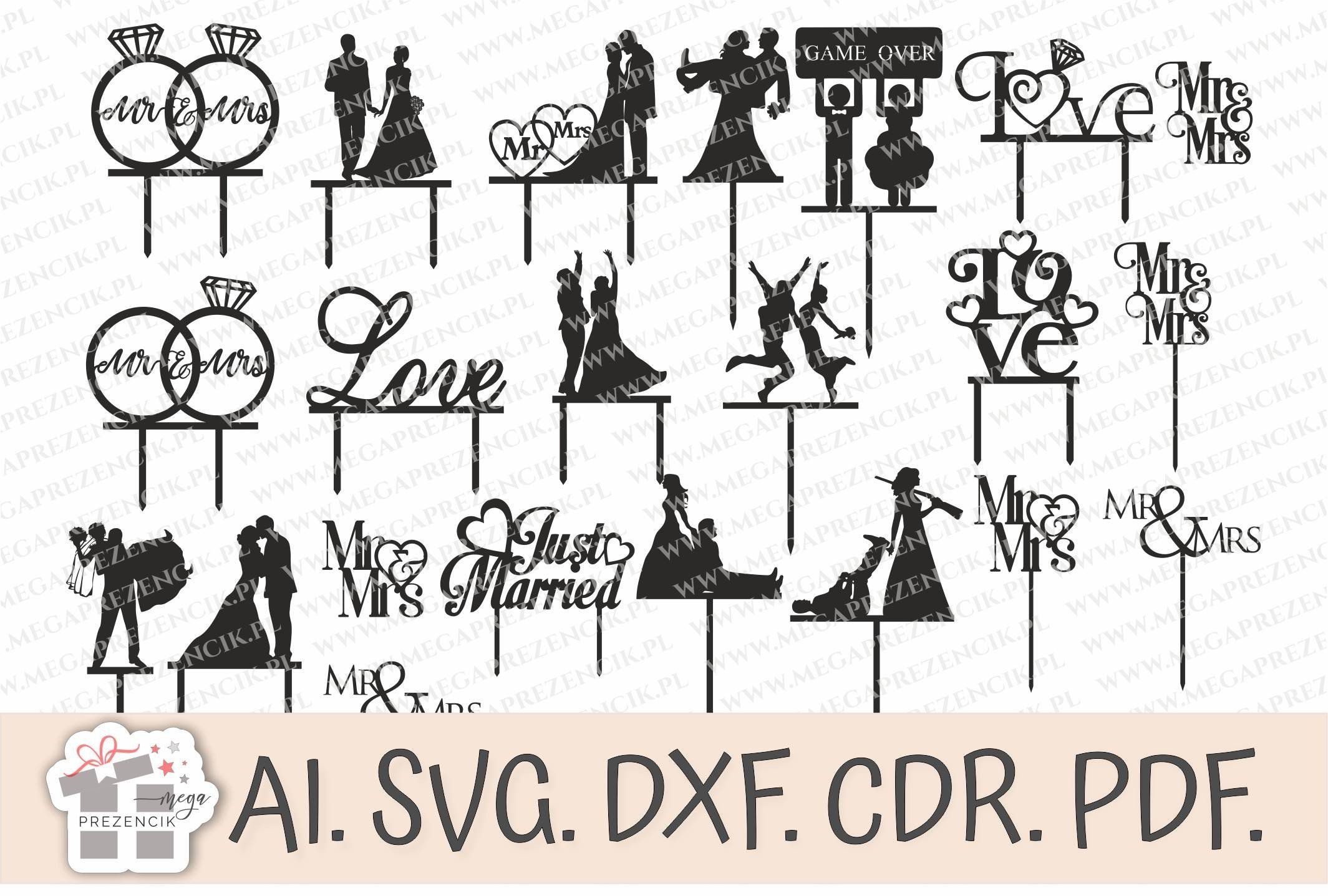
Wedding Cake Topper SVG Laser Cut is an elegant topper design that cuts cleanly from acrylic or thin wood. Wedding cake toppers are a high-value product with strong demand from spring through fall.
The design is simple enough to personalize with names or dates using your laser’s engraving function. Personalized wedding items command premium prices, and the material cost for a single topper is minimal.
Best for: wedding products, personalized toppers, bridal shop partnerships. By: MegaPrezencik
Download Wedding Cake Topper SVG Laser Cut
How to Use Laser Cut SVG Files
The basic workflow is the same regardless of your machine. Download the SVG file, open it in your laser software, adjust the size to fit your material, set your cut and engrave settings, and run a test on scrap material before committing to your final piece.
For Glowforge users, import the SVG directly into the Glowforge app. The app will auto-detect cut lines and engrave areas based on the file’s colors. For LightBurn users, import the SVG and assign layers to different operations like cut, score, and engrave. xTool Creative Space works similarly, with drag-and-drop SVG import.
Always test on scrap first. Different materials need different power and speed settings, and even the same material from different suppliers can behave differently. Keep a settings log for each material you use regularly.
For text-heavy files like signs, you might also want to pair the design with the right font. Check out our guide to the best free fonts for laser cutting for typefaces that cut cleanly and look great on wood and acrylic.
Tips for Choosing the Right SVG Files
Check the path quality. Open the SVG in Inkscape or Adobe Illustrator before sending it to your laser. Look for open paths, stray nodes, and overlapping lines. A clean file will cut the first time without surprises.
Look at layer organization. Well-organized files separate cut lines, score lines, and engrave areas into different layers or colors. This saves you time when setting up the job in your laser software.
Confirm machine compatibility. Most SVG files work with most machines, but some designs include features like living hinges or tight tolerances that may not work on lower-powered lasers. Check the product description for recommended machine specifications.
Verify the commercial license. If you plan to sell finished products, make sure the license explicitly allows commercial use. Most Creative Fabrica files include this, but always confirm before listing products for sale.
Consider material thickness. Some files are designed for specific material thicknesses, especially box designs with interlocking joints. A box designed for 3mm plywood will not fit together if you cut it from 6mm material. Check the file notes for recommended thickness.
Start with bundles. If you are new to laser cutting or building a product line, bundles give you more designs per dollar. They let you test what sells before investing in specialized single files.
Where to Download Laser Cut SVG Files
Creative Fabrica is the main source for the SVG files in this list, and each product page includes license details and file format information. For more laser cutting resources, design tips, and project ideas, visit the FontPro blog.