· fonts · 12 min read
18 Best Fonts for Funeral Announcements in 2026
Discover the best font for funeral announcement. 18 picks, from classic serifs to clean sans, for obituaries and programs. Download free and premium options.
What Makes a Great Font for a Funeral Announcement?
The font on a funeral announcement is a small decision, but it shapes how the whole document feels. Someone reading a name, dates, and service details for the first time will notice the typeface before they notice anything else. It needs to feel calm, formal, and easy to read, whether it sits on a printed program, a memorial card, or a digital notice.
Three qualities matter most. The typeface has to stay legible at small sizes and in print. It needs a restrained, formal character that does not compete with the content. And it should work alongside one or two other typefaces without clashing. The people reading this document span a wide age range, and they may be looking at paper or at a phone screen. Contrast and size are as important as style.
One honest note before the list: none of the 18 fonts below is positioned on Creative Fabrica as a funeral or memorial font. They are general serif, script, and sans-serif typefaces chosen for their measured, readable, and formal character. Treat them as a starting point, and always test a layout before committing to a print run.
18 Best Fonts for Funeral Announcements
The list is grouped by style so you can match a typeface to its role in the layout. Serifs suit the name and body text, scripts suit a name or short quote, sans-serifs suit service details, and display faces suit a special heading. Each entry notes the style, a practical use, and a caveat where one exists.
Best Serif Fonts for Formal Announcements
Serifs are the usual choice for the main text of a formal notice. Classic names like Garamond, Baskerville, and Palatino are often suggested for obituaries. The picks below lean toward a quiet, editorial feel.
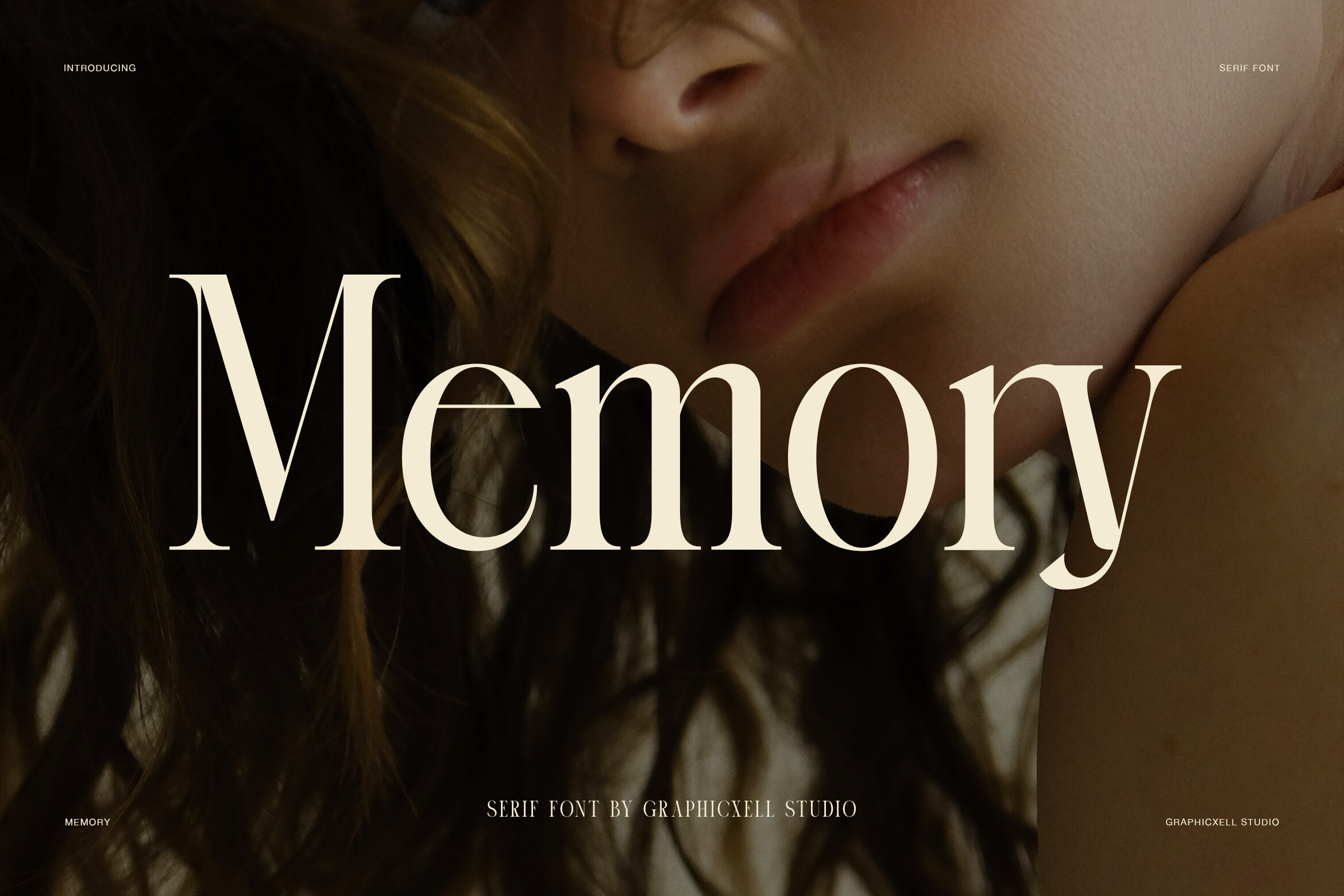
1. Memory
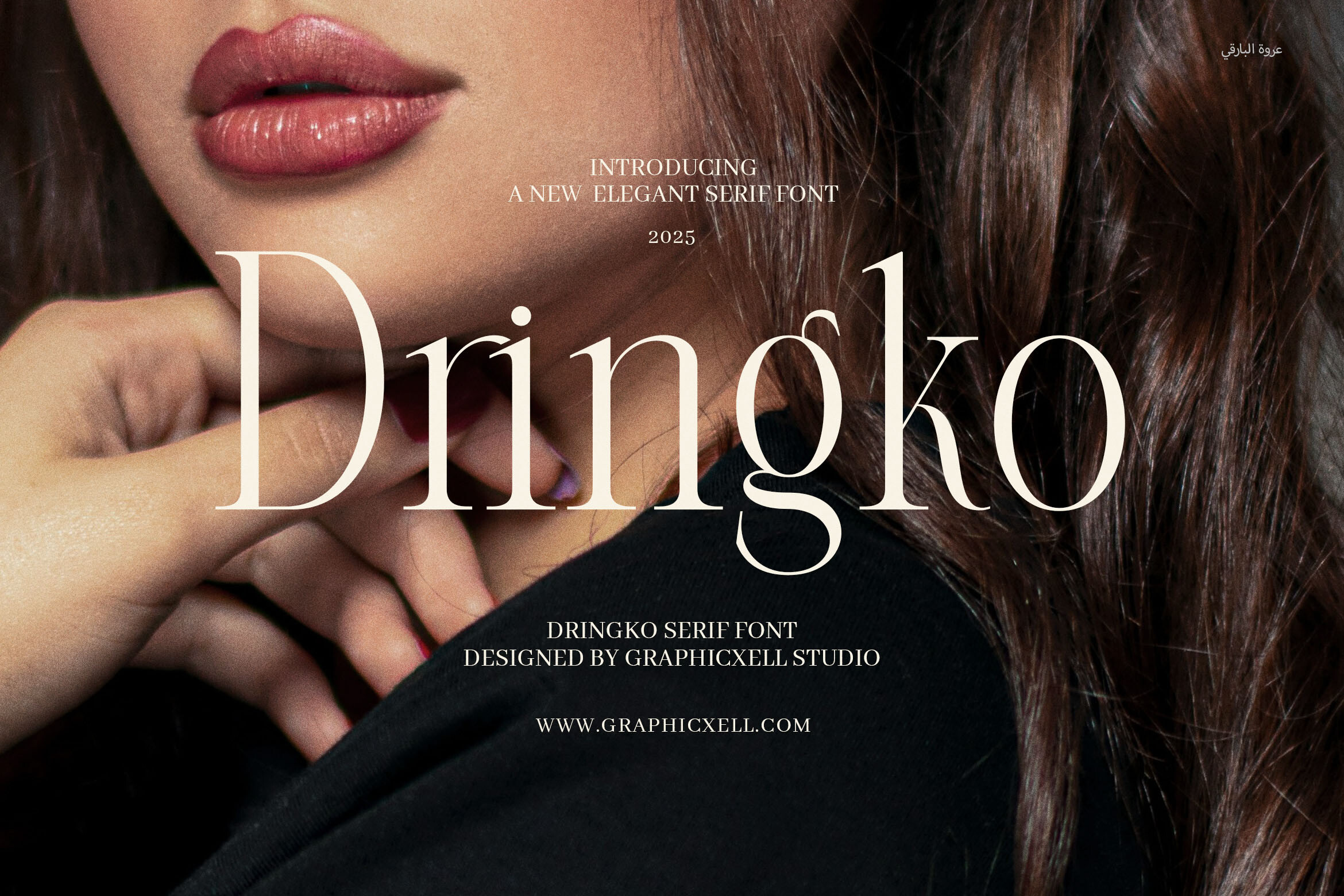
Memory is described as an elegant, high-contrast serif with a fashion and editorial feel, suggested for luxury branding, magazines, and wedding stationery. One caveat: a Spanish listing calls it a sans serif, while other descriptions call it a high-contrast serif. Check the style on the Creative Fabrica page before you use it. It is subscription-only.
Best for: a name or a short heading on a formal program. By: Creative Fabrica
2. Mortane
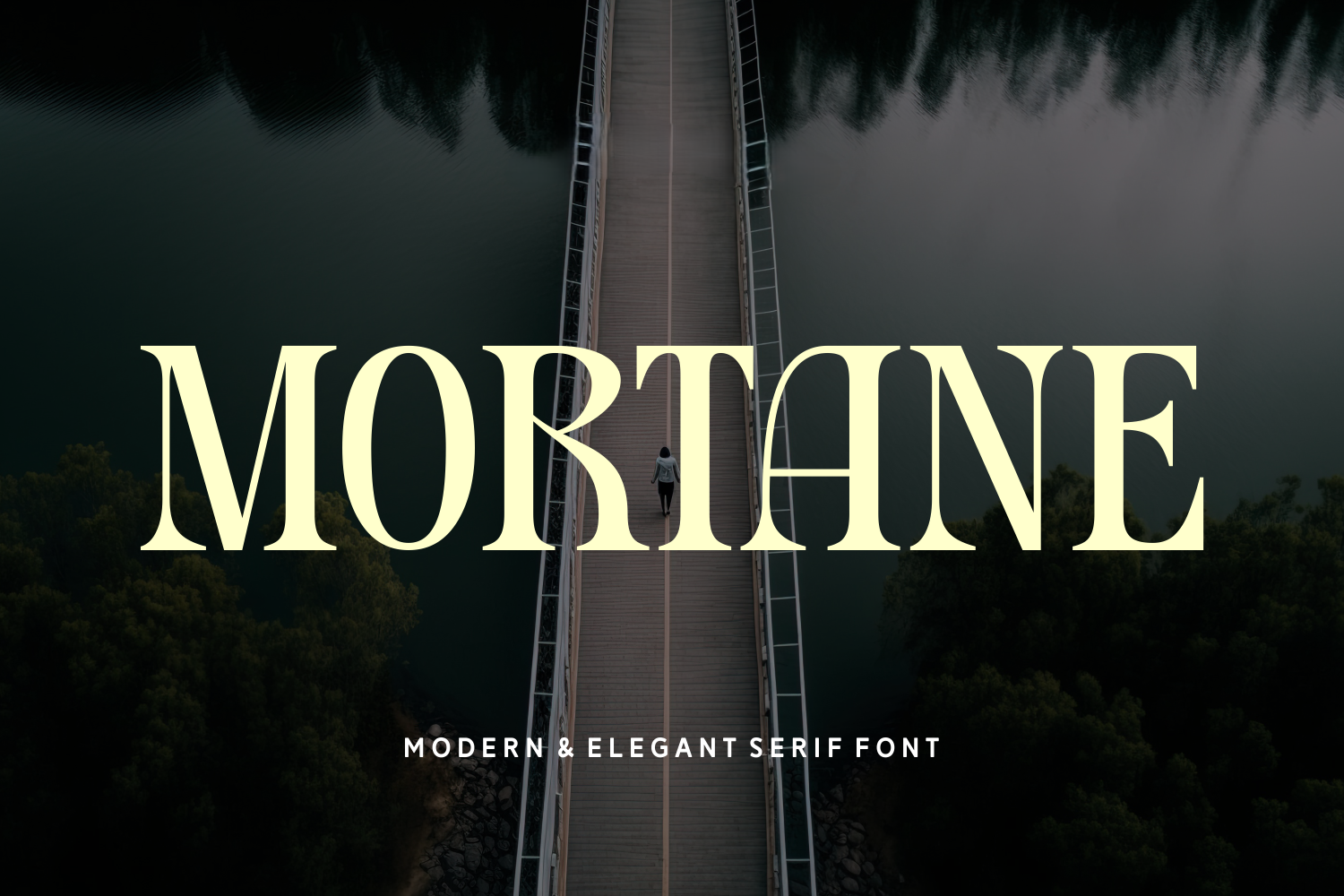
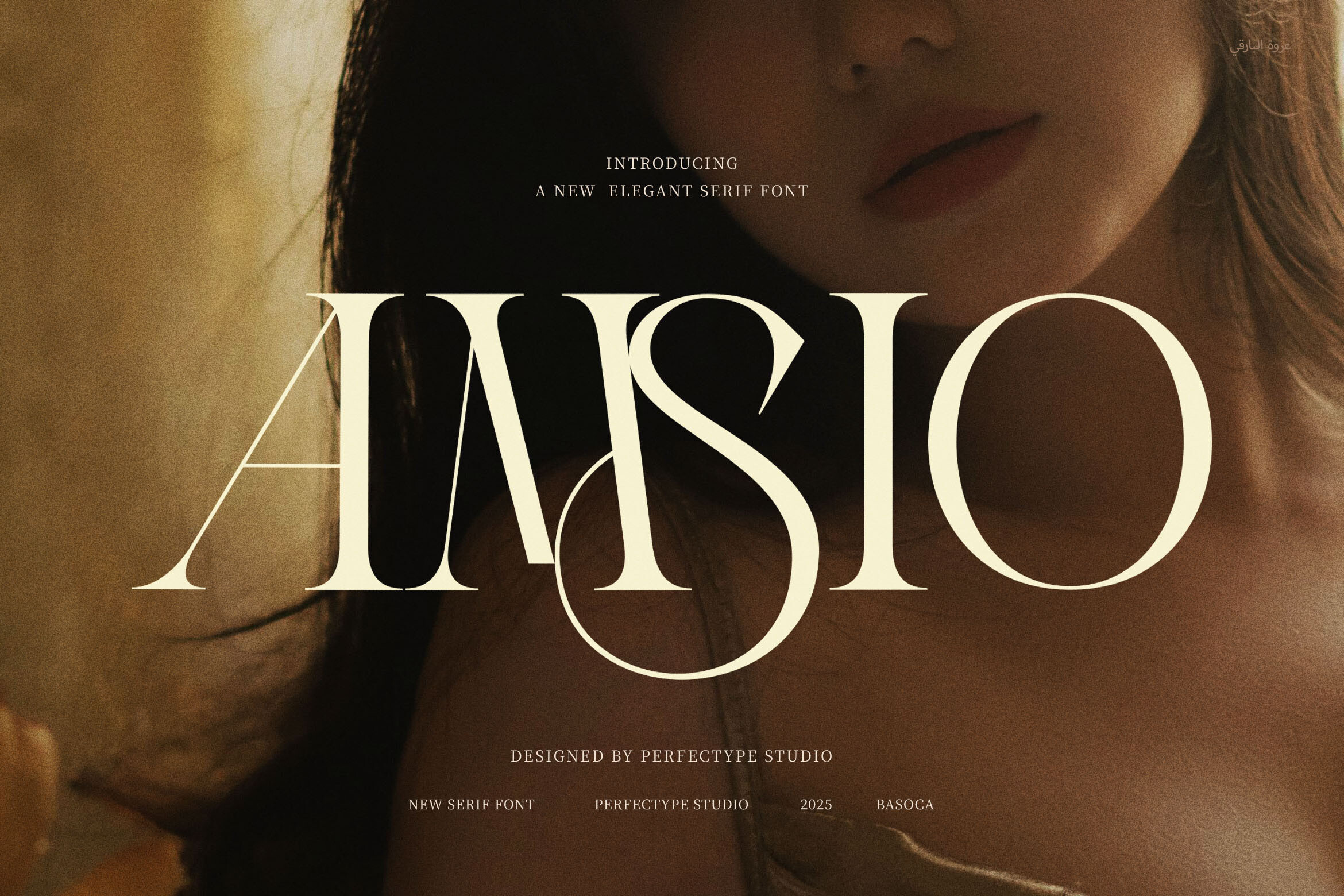
Mortane is a modern and elegant serif with high-contrast strokes and smooth curves, aimed at luxury branding and editorial headlines. Because it is aimed at headlines, it suits a name or a short line rather than a full paragraph of service details. It is subscription-only on Creative Fabrica.
Best for: a name or a short heading on an obituary. By: Creative Fabrica
3. Memogram
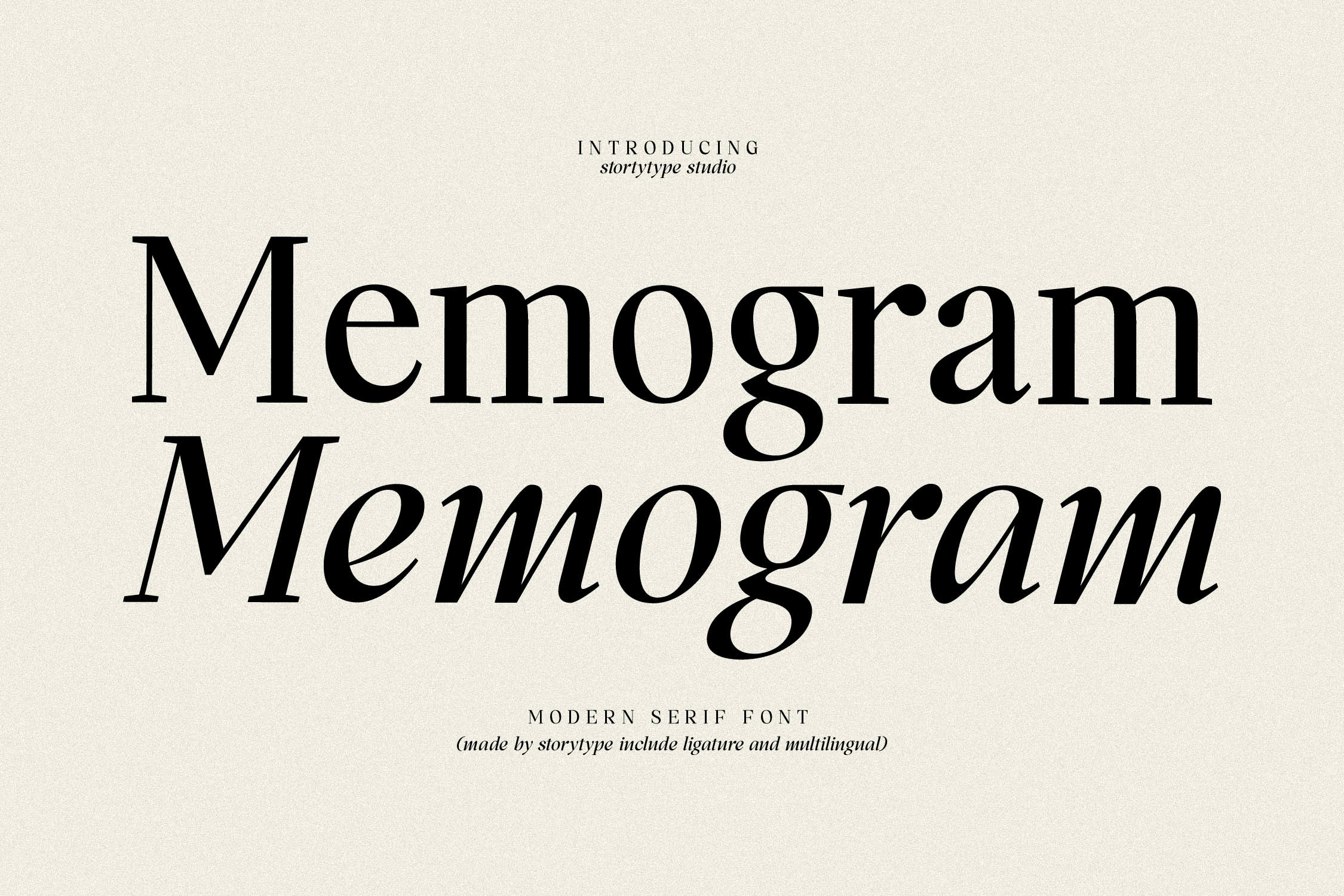
Memogram is a modern, stylish serif suited to elegant, luxurious logos, fashion brands, and magazines. It fits a name, a short quote, or a heading on a memorial card, set at a calm, moderate size.
Best for: a name or a heading on a memorial card. By: Creative Fabrica
4. Midens
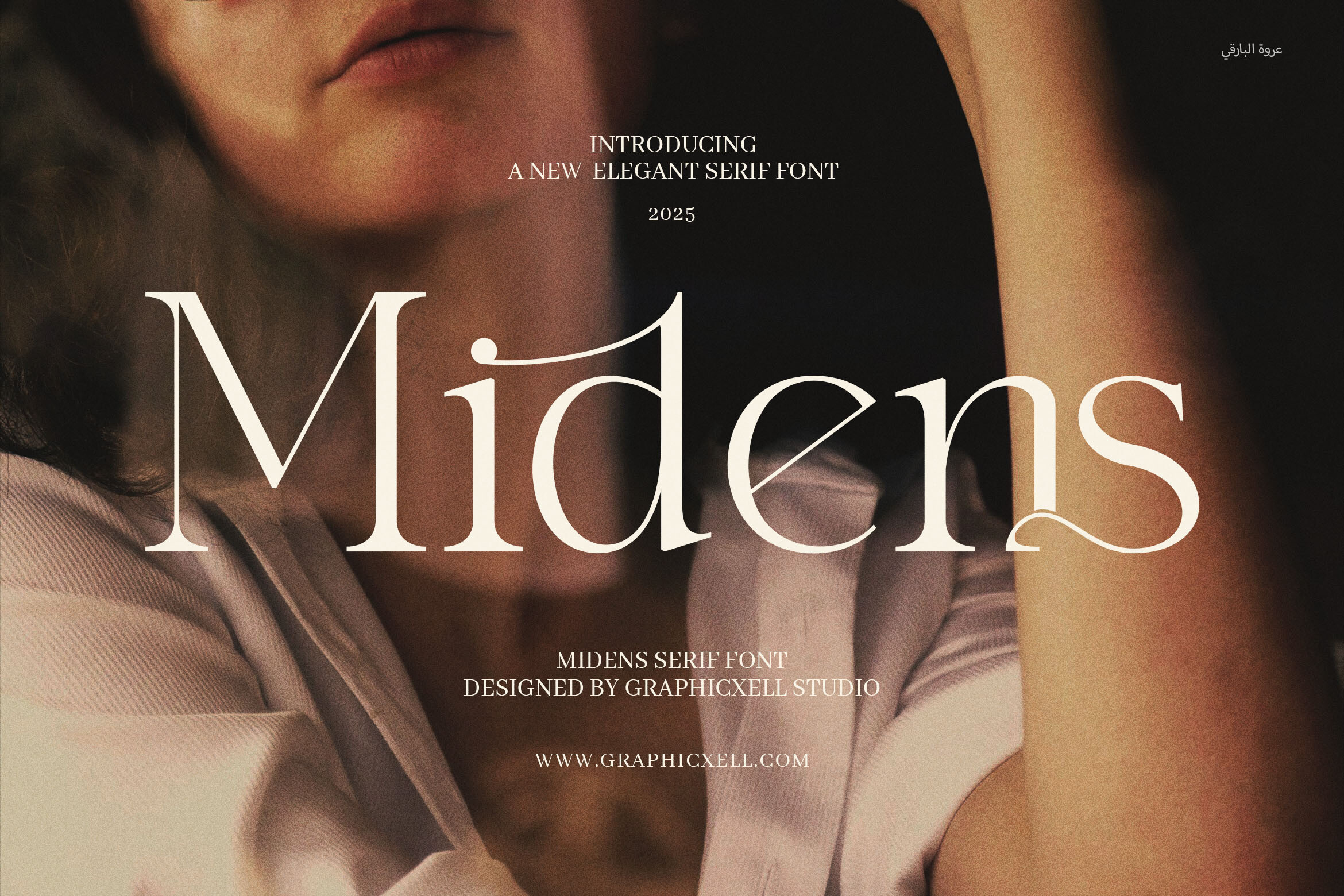
Midens is an elegant serif with classic elements, aimed at luxury branding and packaging. It suits the name or a short line of a funeral program, where a steady, conventional look is what you want. It is subscription-only on Creative Fabrica, so check access before building a layout around it.
Best for: a name or a short line on a formal program. By: Creative Fabrica
5. Classical Premiera
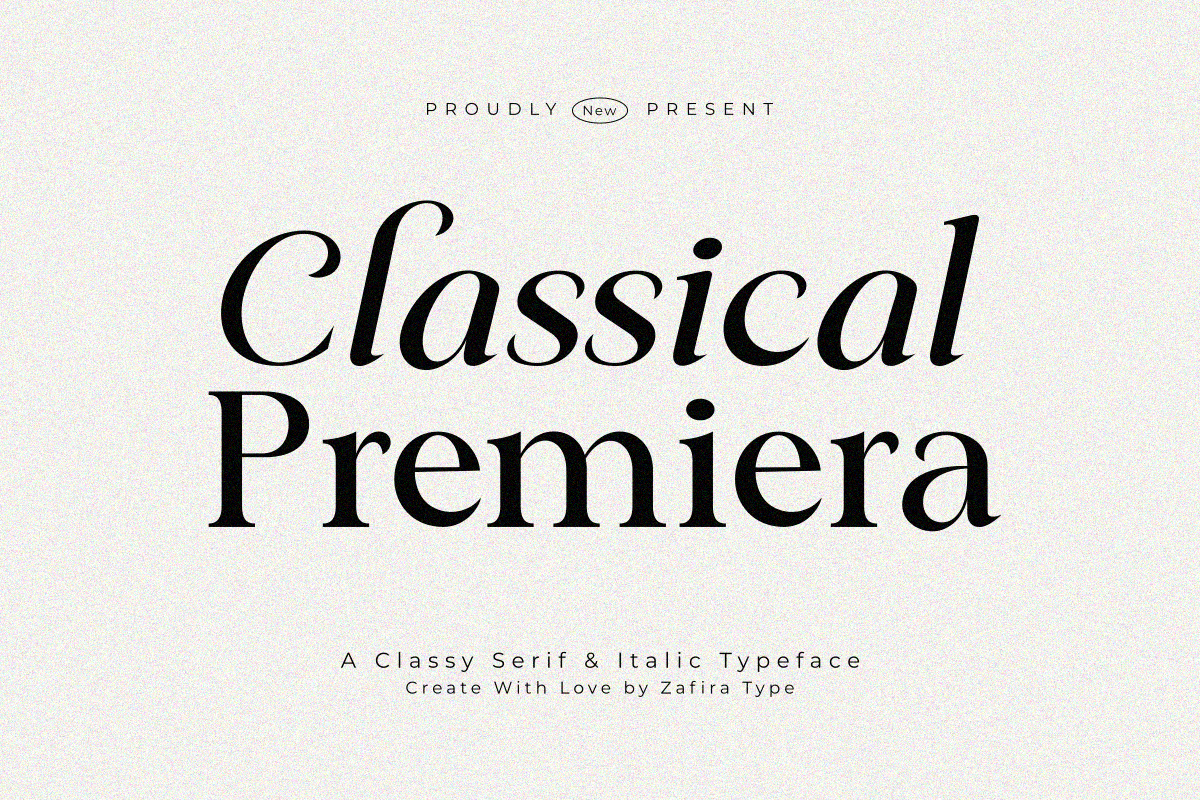
Classical Premiera comes in Regular and Italic styles and is described as formal and stylish. Having both styles is useful here: Regular for the name and body, Italic for a short quote. Use it for the main text of an obituary or the name on a service program.
Best for: main text or a name on an obituary. By: Creative Fabrica
6. Ramea
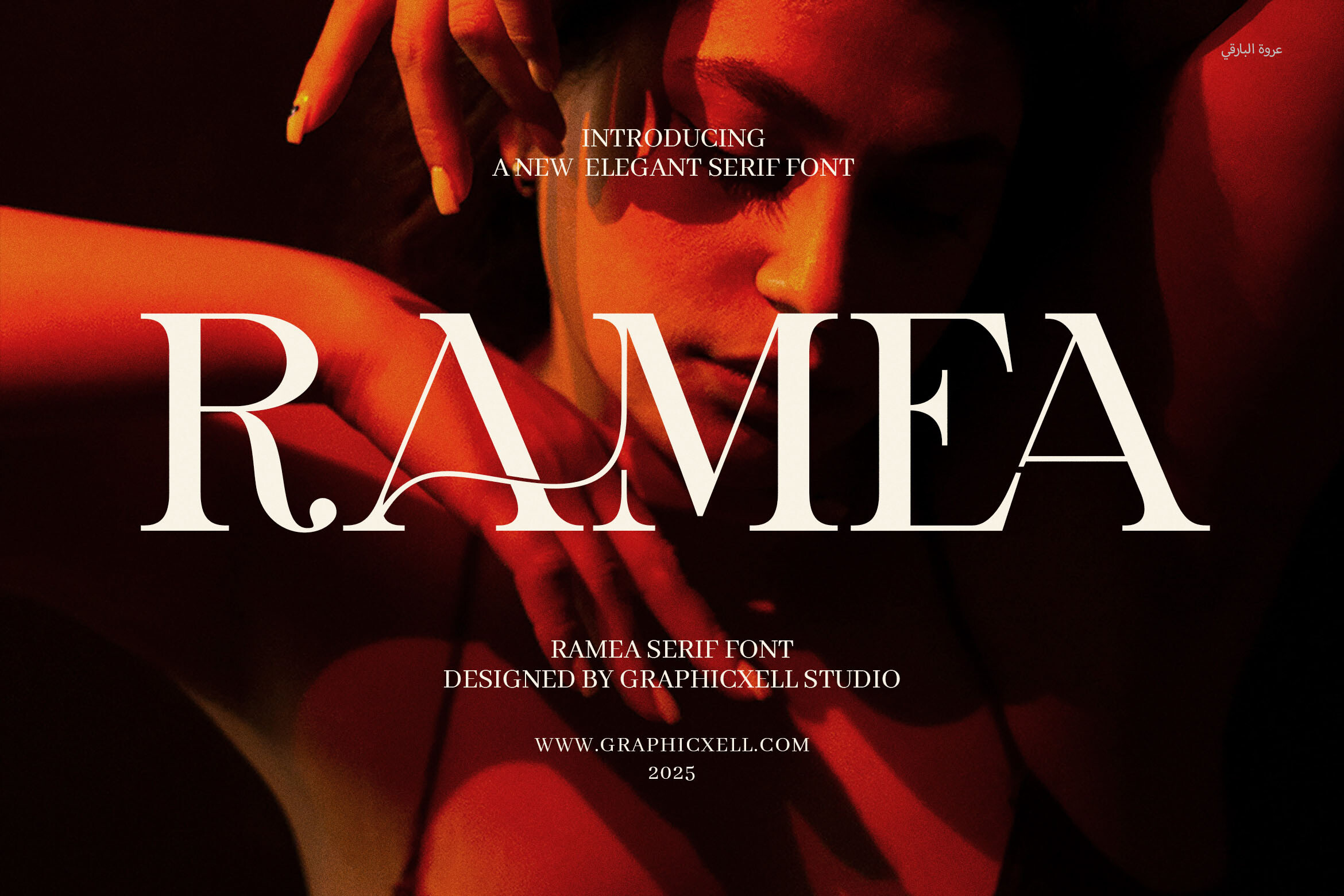
Ramea is a serif marketed for boutiques, fashion, and luxury products. Because it is aimed at luxury and fashion branding rather than memorial use, treat it as a general serif and judge it by its letterforms. It suits a name or a heading on a formal card or program, set at a calm, moderate size. Check the sample on the Creative Fabrica page before you commit to it.
Best for: a name or a heading on a formal card. By: Creative Fabrica
7. Serifa
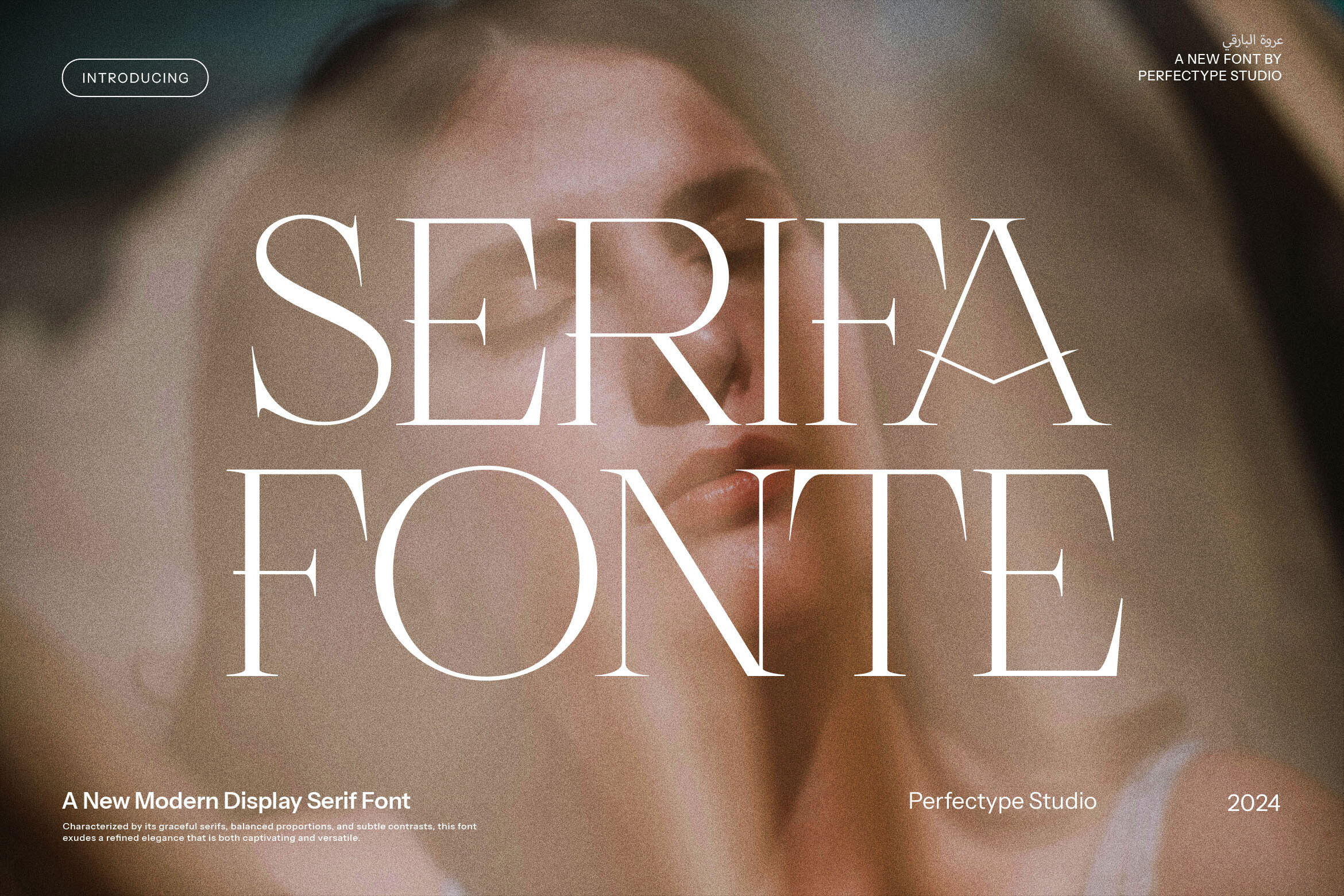
Serifa is an elegant, classy serif for branding and logos, with alternates and ligatures. It suits a name on a memorial program or a short line you want to set apart.
Best for: a name or a short heading on a program. By: Creative Fabrica
8. Classy
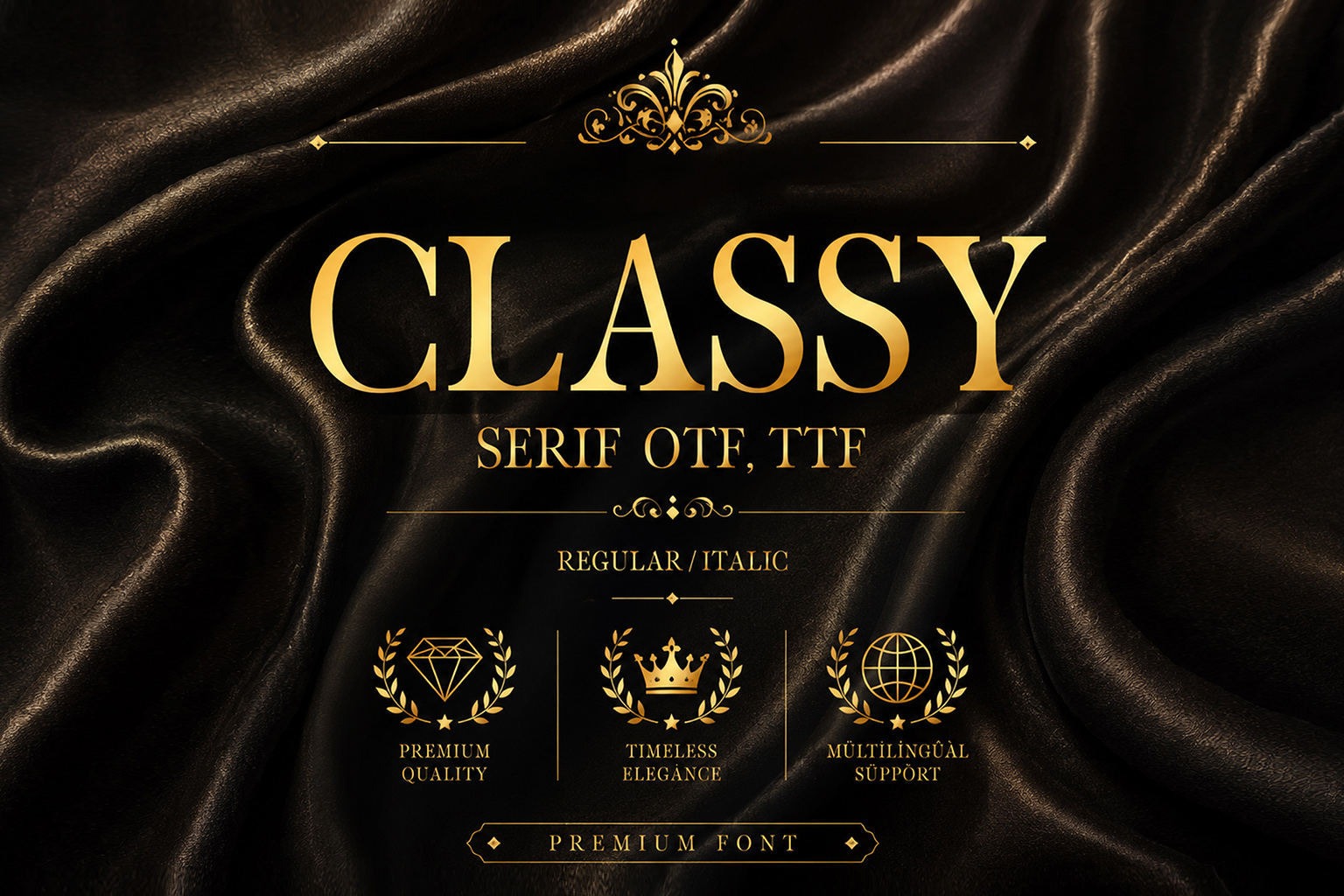
Classy is a minimalist, elegant serif aimed at luxury designs. It suits a name or a short heading on a clean program. It is subscription-only on Creative Fabrica. Because many of these serif picks are aimed at luxury branding, use them in a calm, moderate size for an announcement.
Best for: a name or a heading on a clean program. By: Creative Fabrica
Best Script Fonts for a Name or Short Quote
A script is best reserved for a name or a short quote, not for body text, dates, or an address. Readability matters more than decoration, so a script should appear in a single, focused place. Great Vibes is one name often mentioned in this role, though the picks below are what you can download from this list.
9. Simpathy
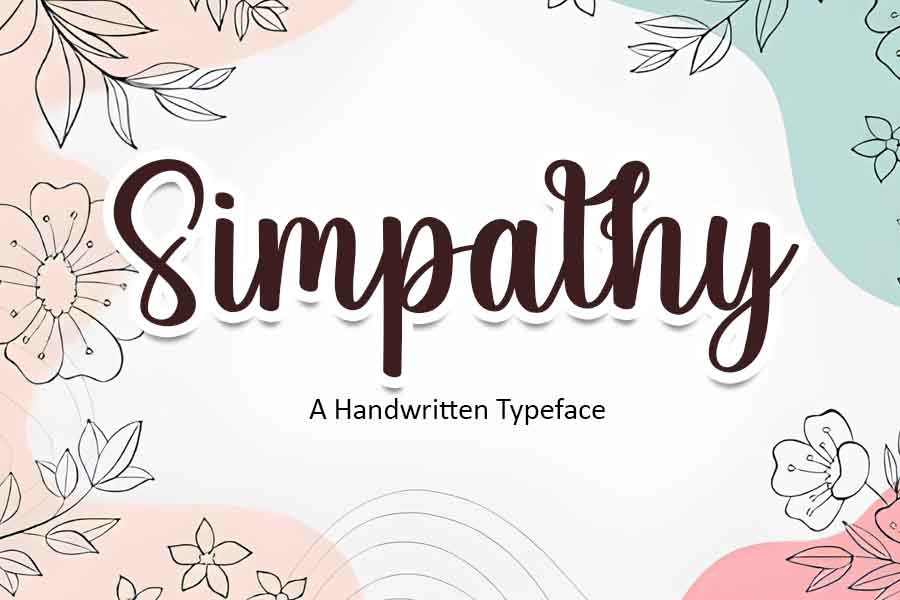
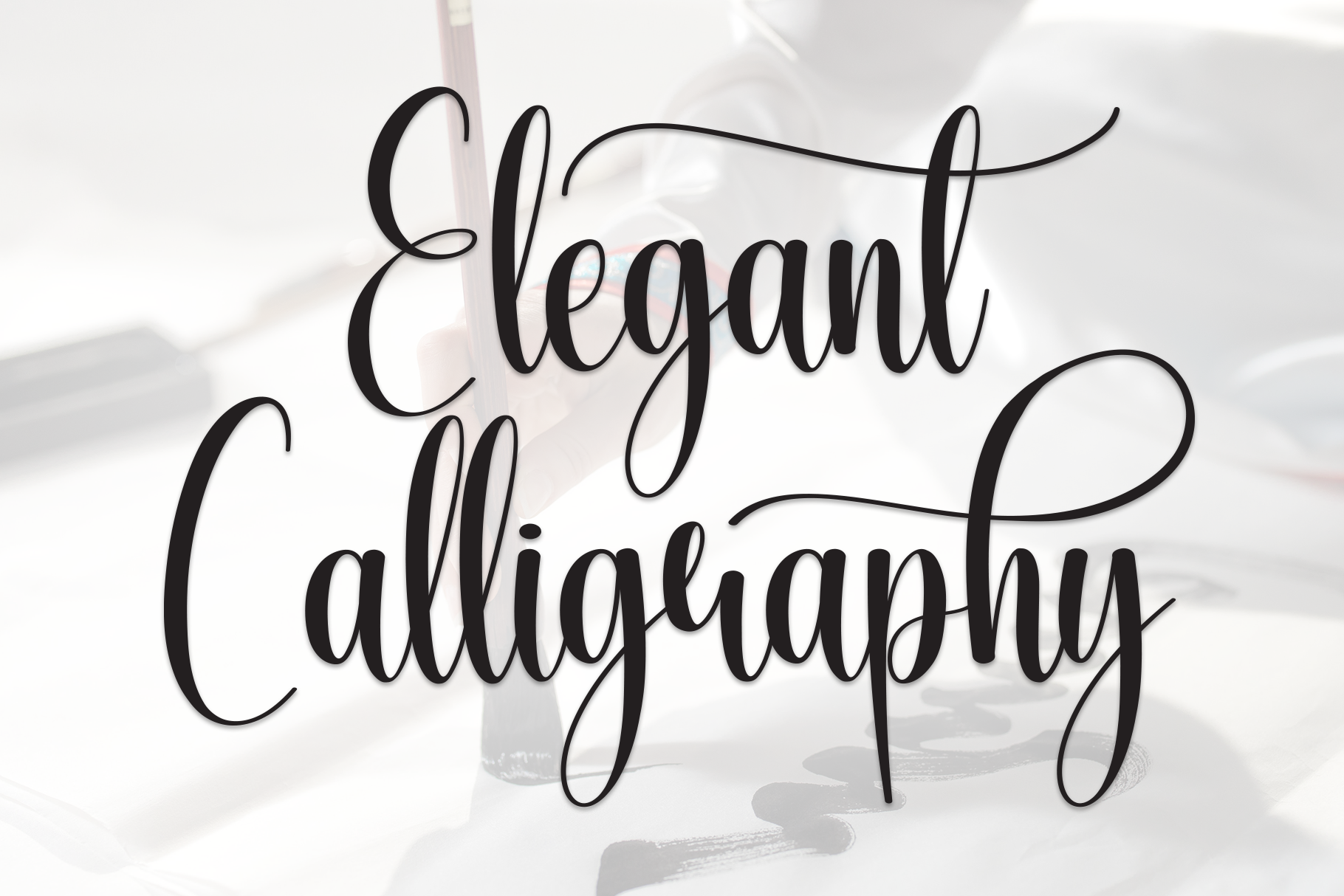
Simpathy is a handwritten script suited to formal or informal designs. Its listing pitches it at wedding invitations, thank-you cards, and greeting cards, not condolence notes, so treat that as a caution. If you use it, use it only for a name, and only if the letterforms suit the tone you want. It is subscription-only. Check the sample on the Creative Fabrica page before you commit.
Best for: a name only, used with caution. By: Creative Fabrica
10. Thankfully Script
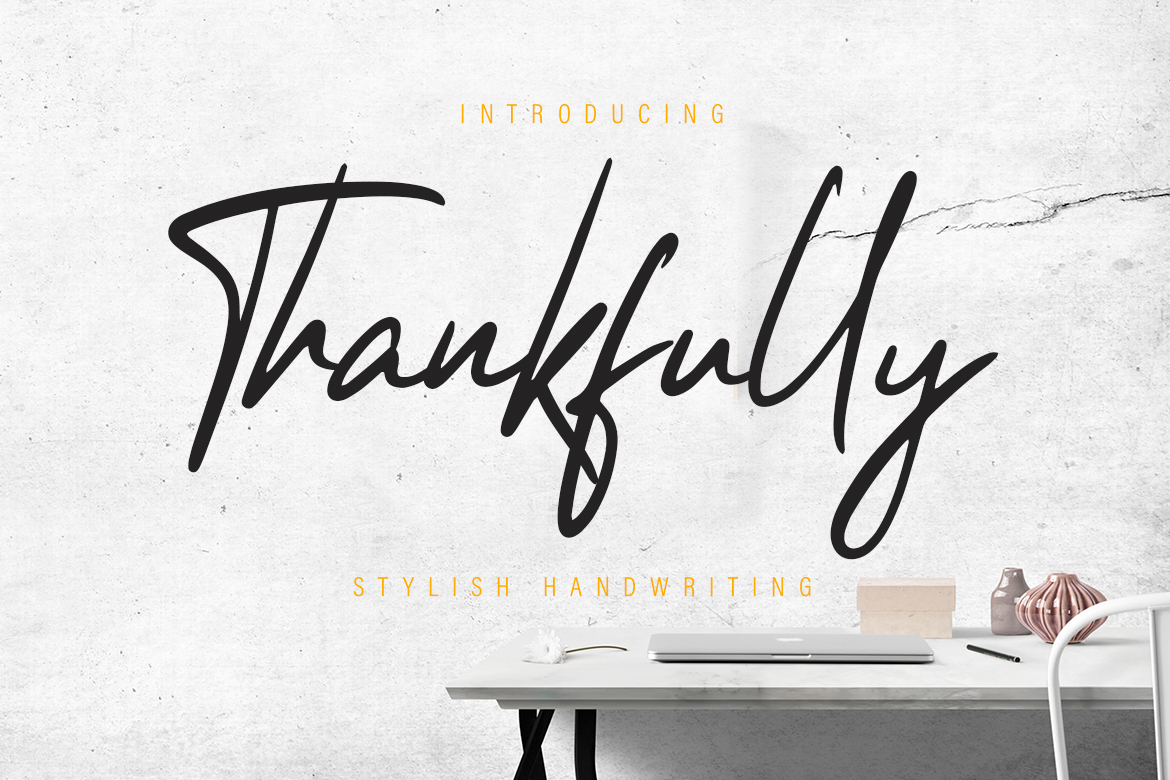
Thankfully Script is a handwritten script described as plain but elegant. Its listing does not mention condolence use, so the choice here is about the shape of the letterforms rather than a memorial context. It suits a name or a short quote, used in one spot.
Best for: a name or a short quote on a card. By: Creative Fabrica
11. Only Script
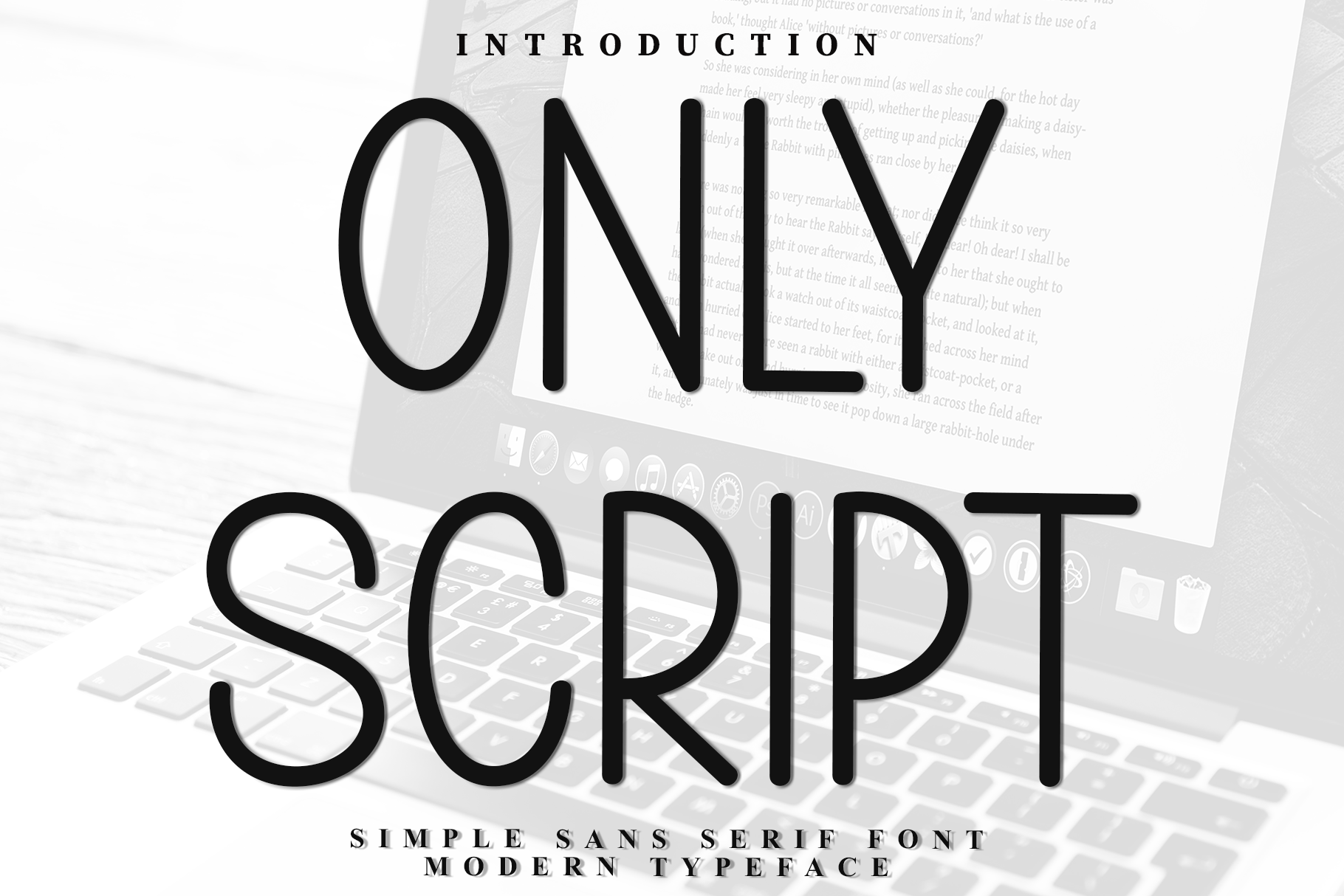
Only Script is a monoline sans with a modern script feel, pitched for minimalist branding and stationery. It is not a classic script, so it reads more like a modern hand than a traditional one. It suits a name on a minimalist program or card. It is subscription-only on Creative Fabrica.
Best for: a name on a minimalist card or program. By: Creative Fabrica
Best Sans-Serif Fonts for Service Details and Digital Notices
Sans-serifs are the practical choice for the details of a notice: the time, the place, the address, the order of service, and any link to an online stream. Clean names like Montserrat, Lato, and Helvetica are commonly suggested for this role, and the picks below follow the same clean, neutral line.
12. Mybasic
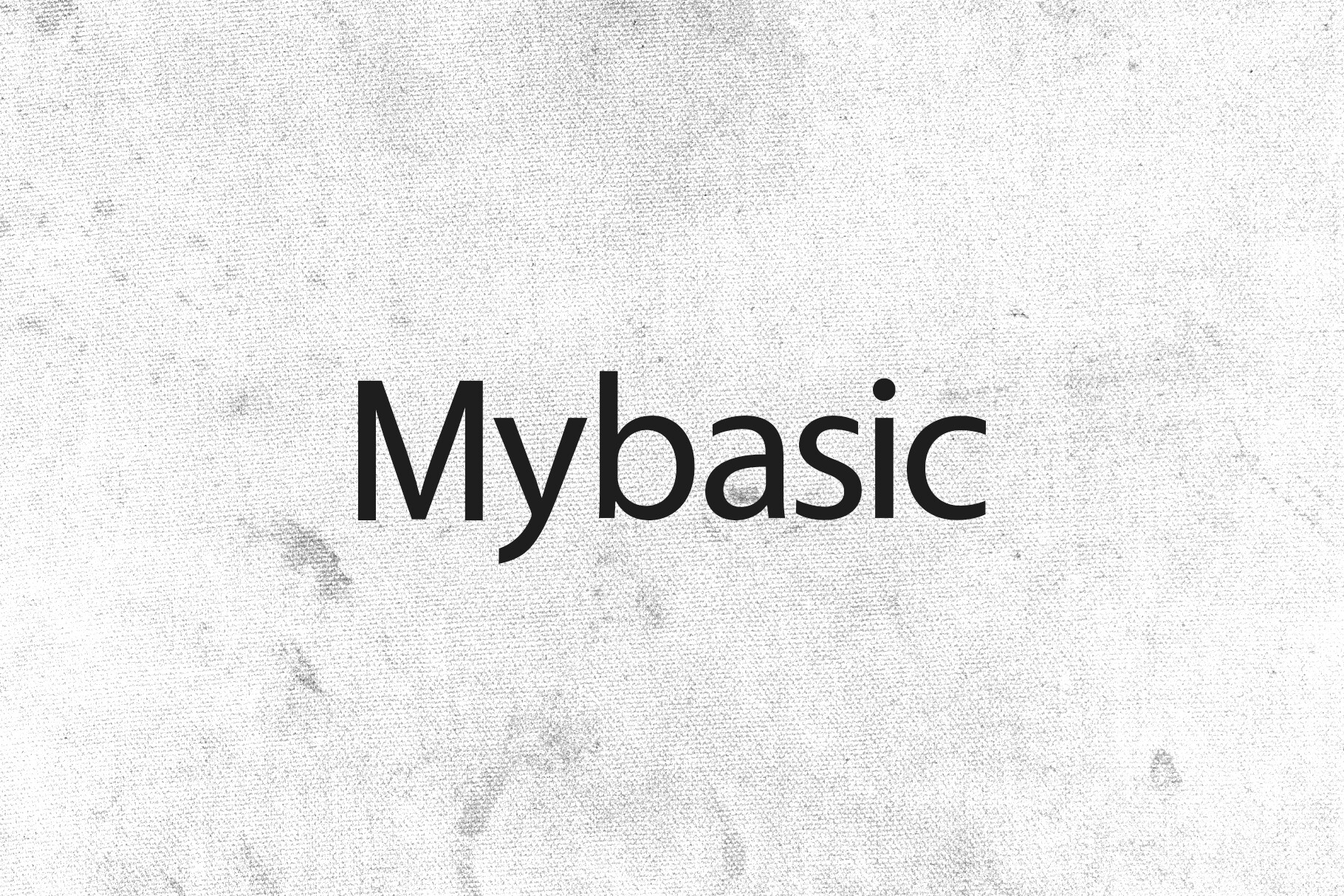
Mybasic is a minimalist sans serif for websites, branding, and clean print layouts. It suits the practical details of a notice: the time, place, and address on a program or a digital notice. It is subscription-only on Creative Fabrica.
Best for: service details on a program or digital notice. By: Creative Fabrica
13. Simple
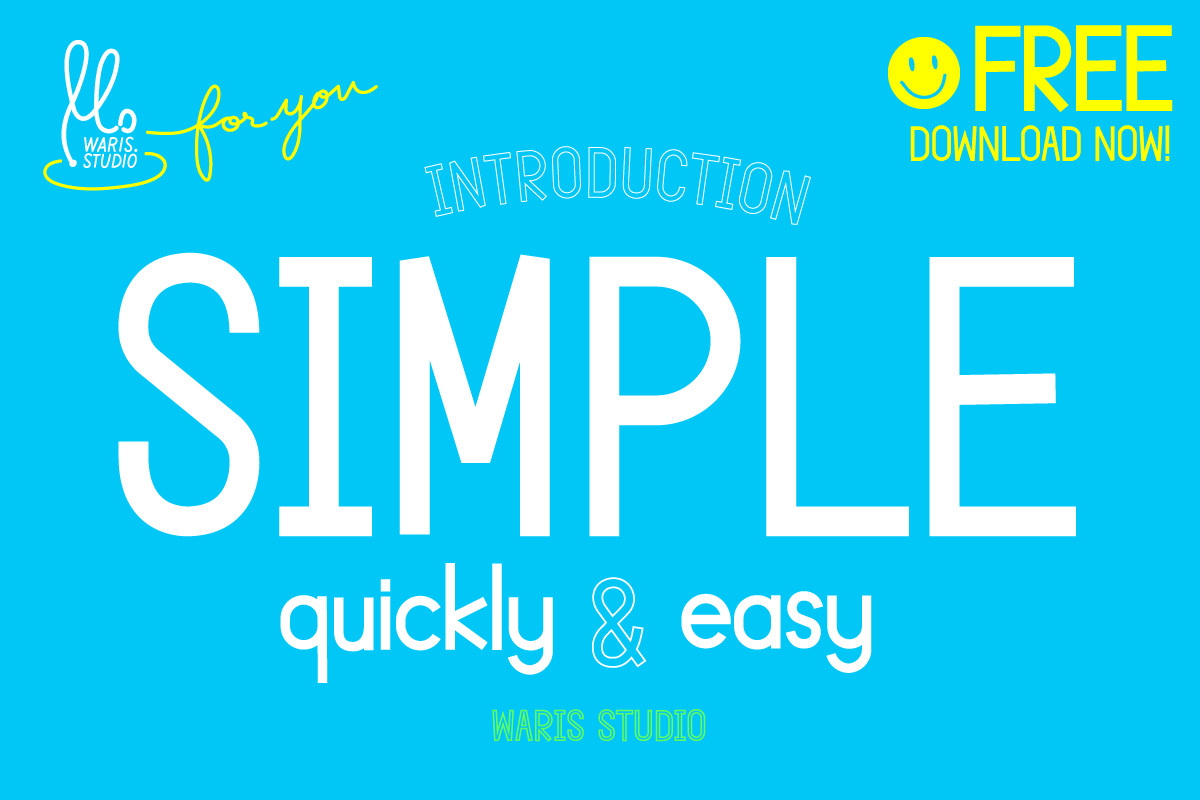
Simple is a minimalistic, clean sans serif in Creative Fabrica’s free font collection, so it is the one free pick in this list. One reviewer found some letterforms a little quirky, especially the letter i. Because of that, do a test print with text that contains the letter i before you commit to a run. It suits the time, place, and address on a clean layout.
Best for: service details on a clean layout. By: Creative Fabrica
14. Vecata
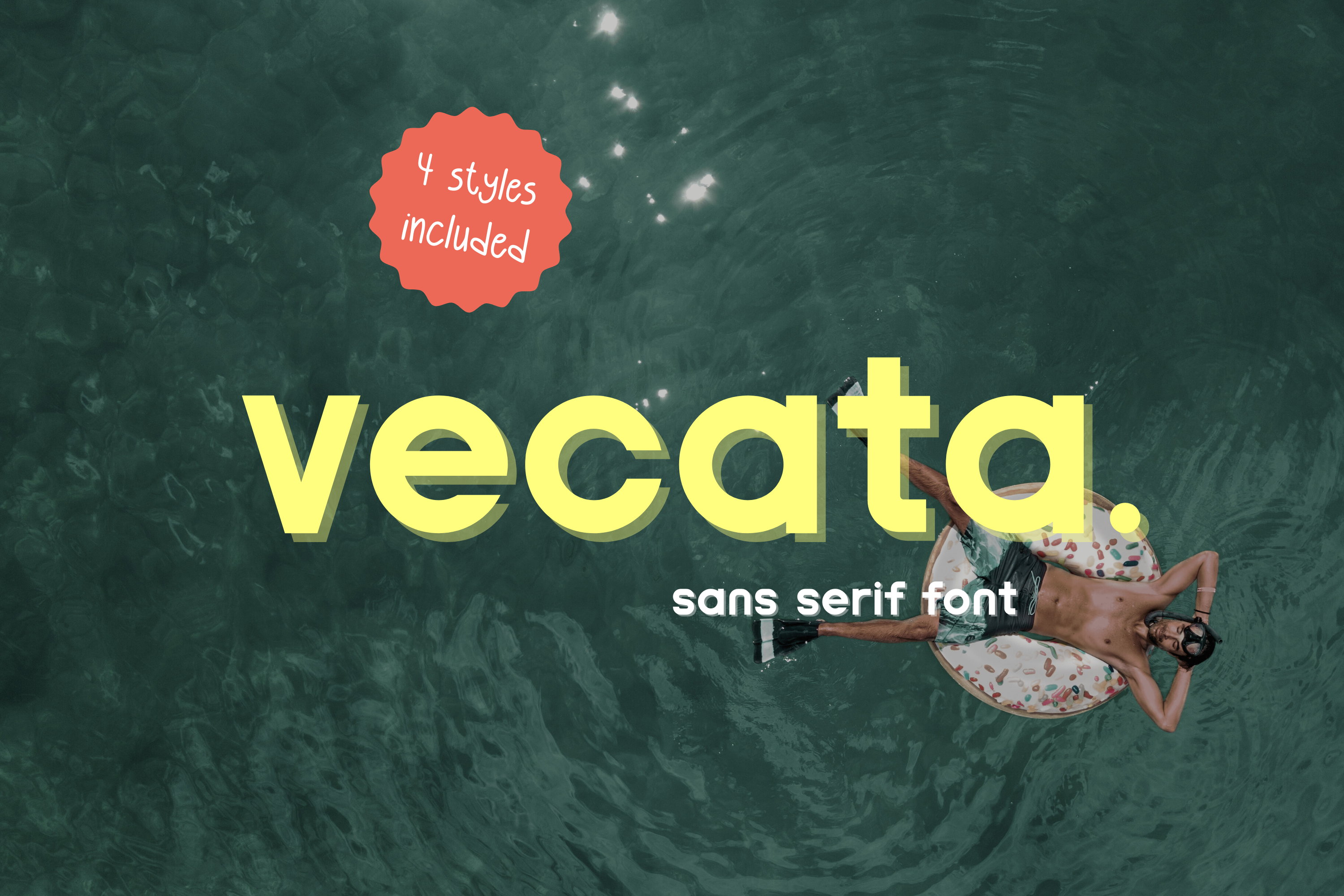
Vecata is a modern sans serif for minimalist aesthetics and bold headlines. It suits a heading or a short line you want to stand out, such as the order of service. Keep the body details in a separate typeface so the headline style does not dominate. It is subscription-only on Creative Fabrica.
Best for: a heading or a short line on a program. By: Creative Fabrica
15. Consa
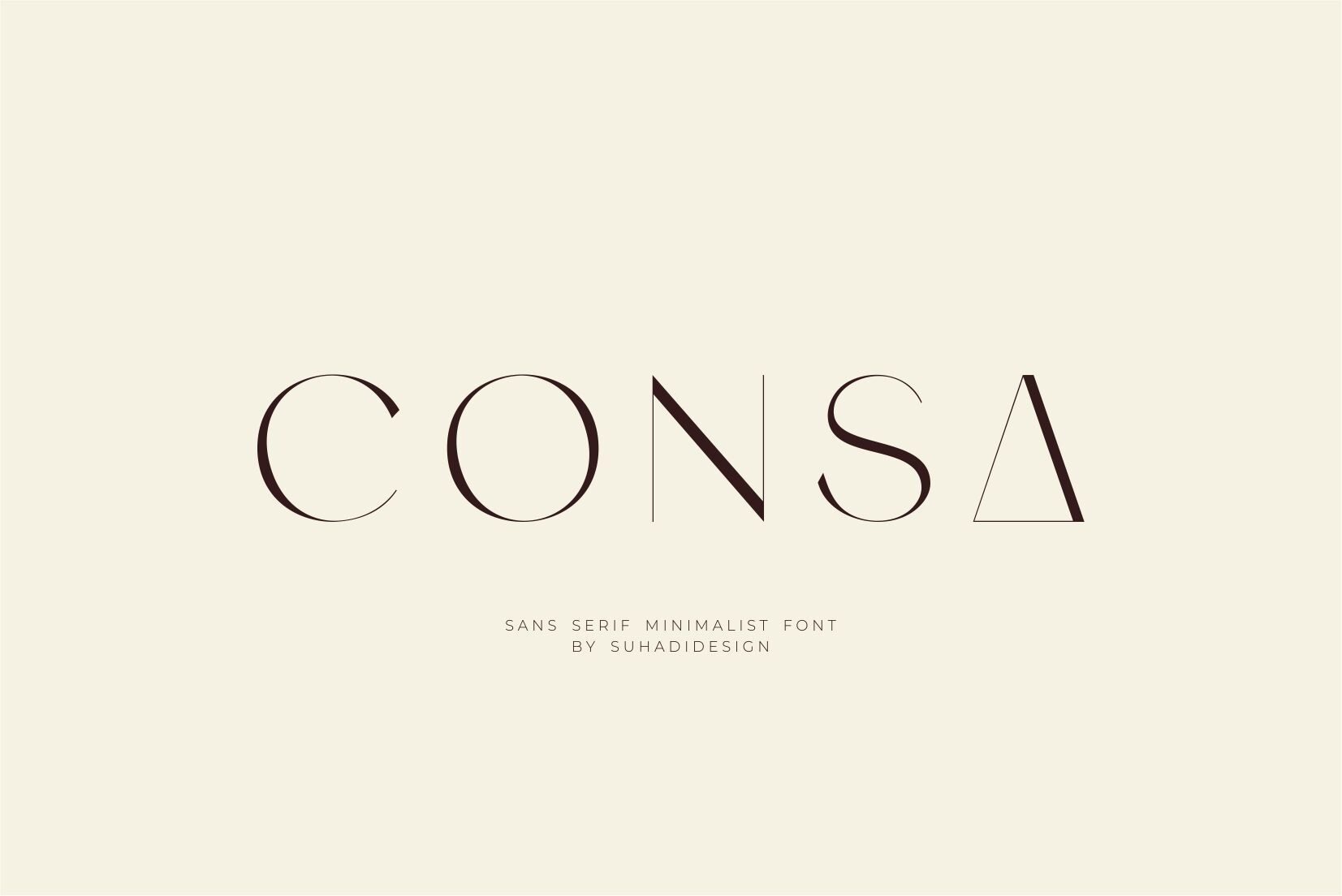
Consa is a minimalist sans serif for branding, logos, and publications. It suits the time, place, and address on a printed program or a digital post. It is subscription-only on Creative Fabrica, so check access before building a layout around it.
Best for: service details on a program or a digital post. By: Creative Fabrica
16. Katten
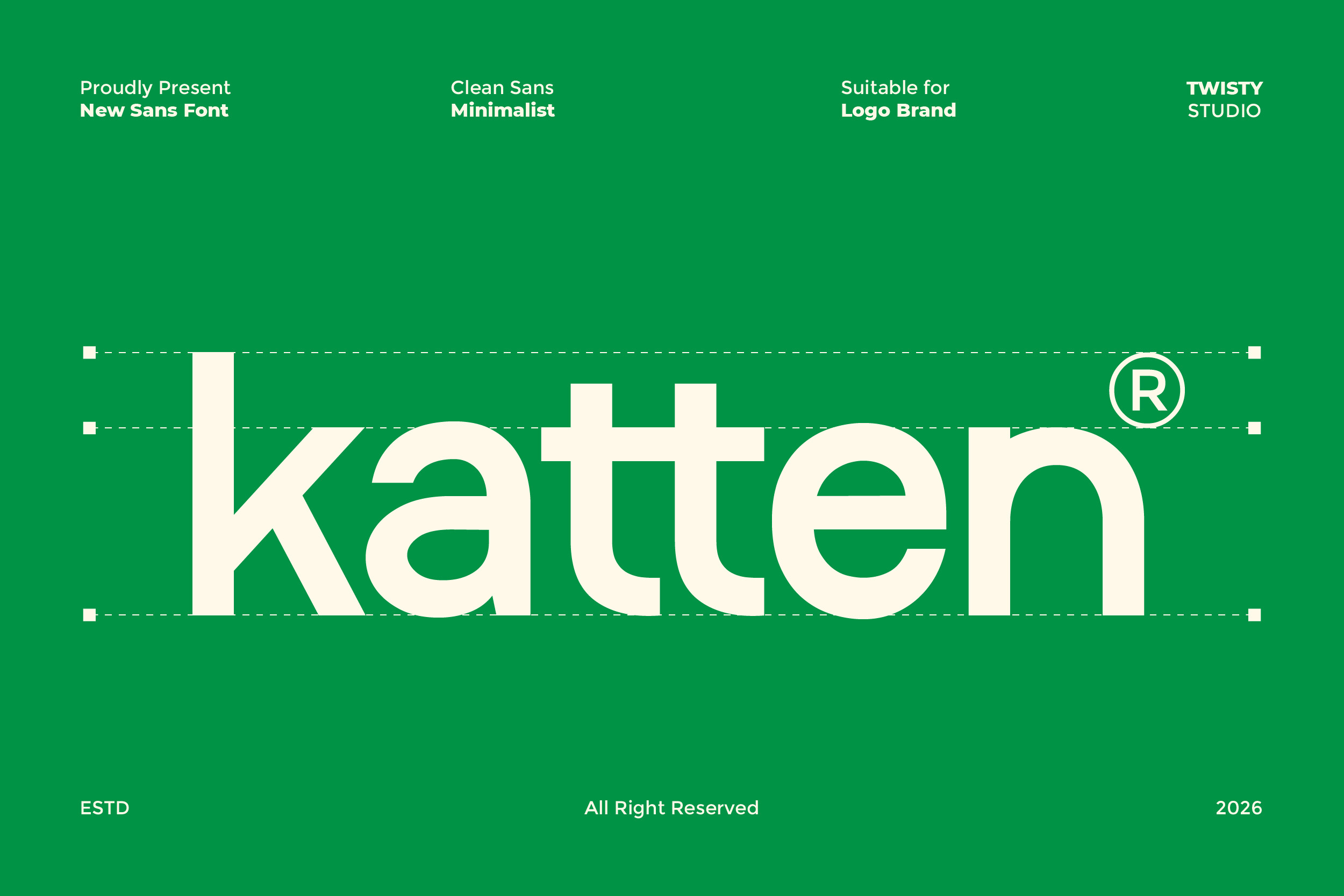
Katten is a clean, minimalist sans for headlines and body text. Because it covers both roles, it can carry the details and a short heading in one family, which keeps the layout consistent. It is subscription-only on Creative Fabrica.
Best for: details and a short heading on a simple program. By: Creative Fabrica
Display and Blackletter Fonts for Traditional Cases
Display and blackletter faces are for special, traditional cases and for short lines only. They carry a strong visual character, so use them sparingly and at a size that stays readable. They are not suited to a full paragraph of service details.
17. Classicly
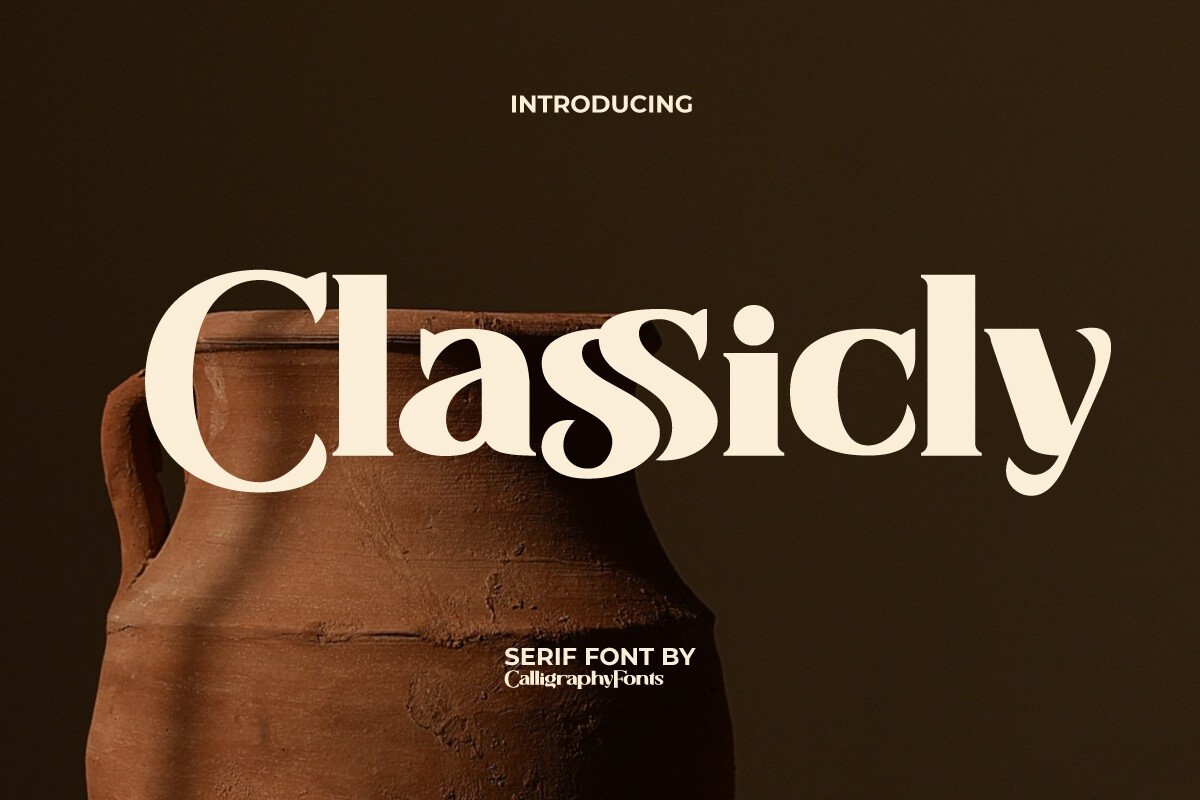
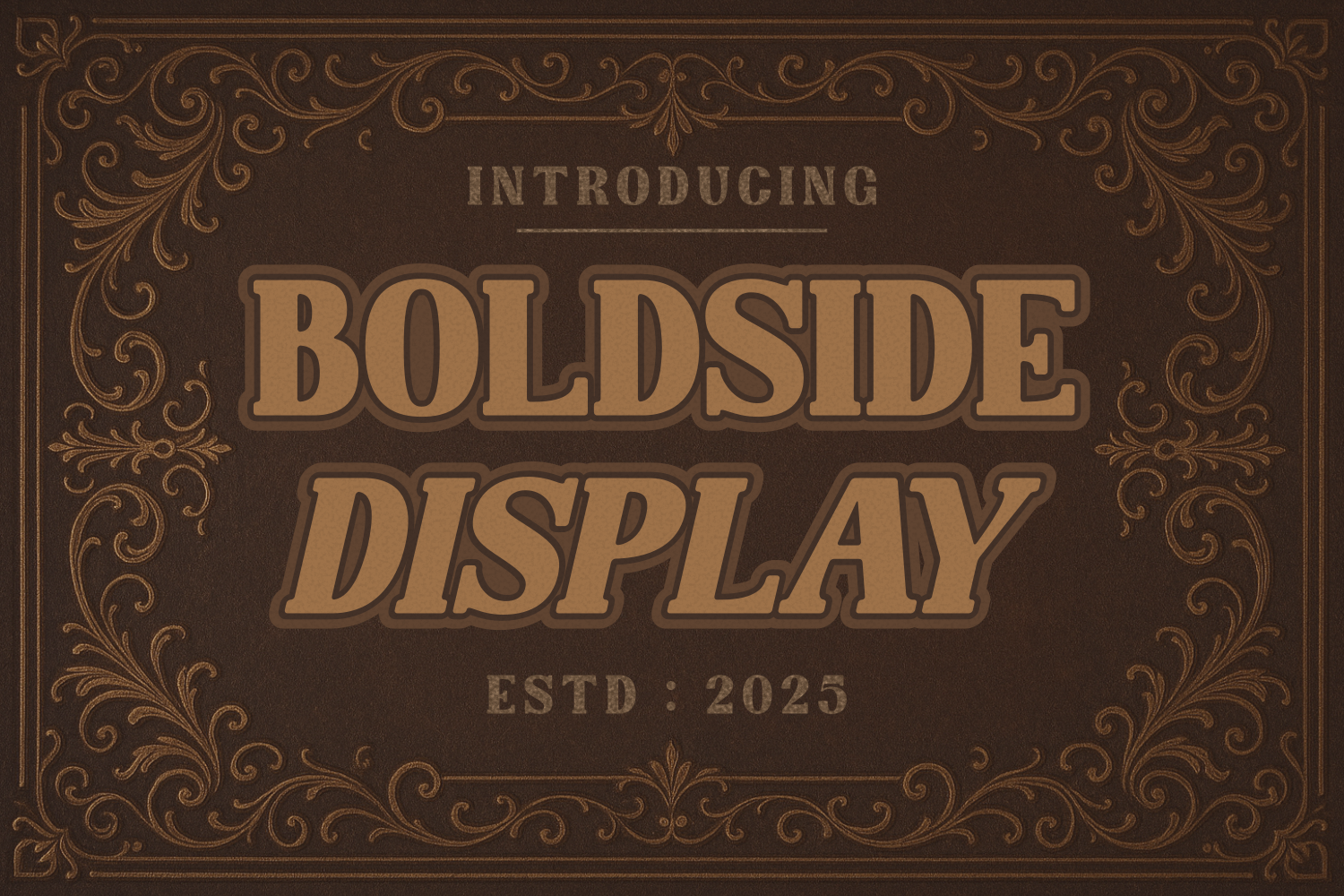
Classicly is a bold, vintage-inspired display serif with ligatures. Its display weight and vintage character suit a heading or a short line, not a block of body text. Use it for one short line on a traditional program.
Best for: a heading or a short line on a traditional program. By: Creative Fabrica
18. Getting Blacker
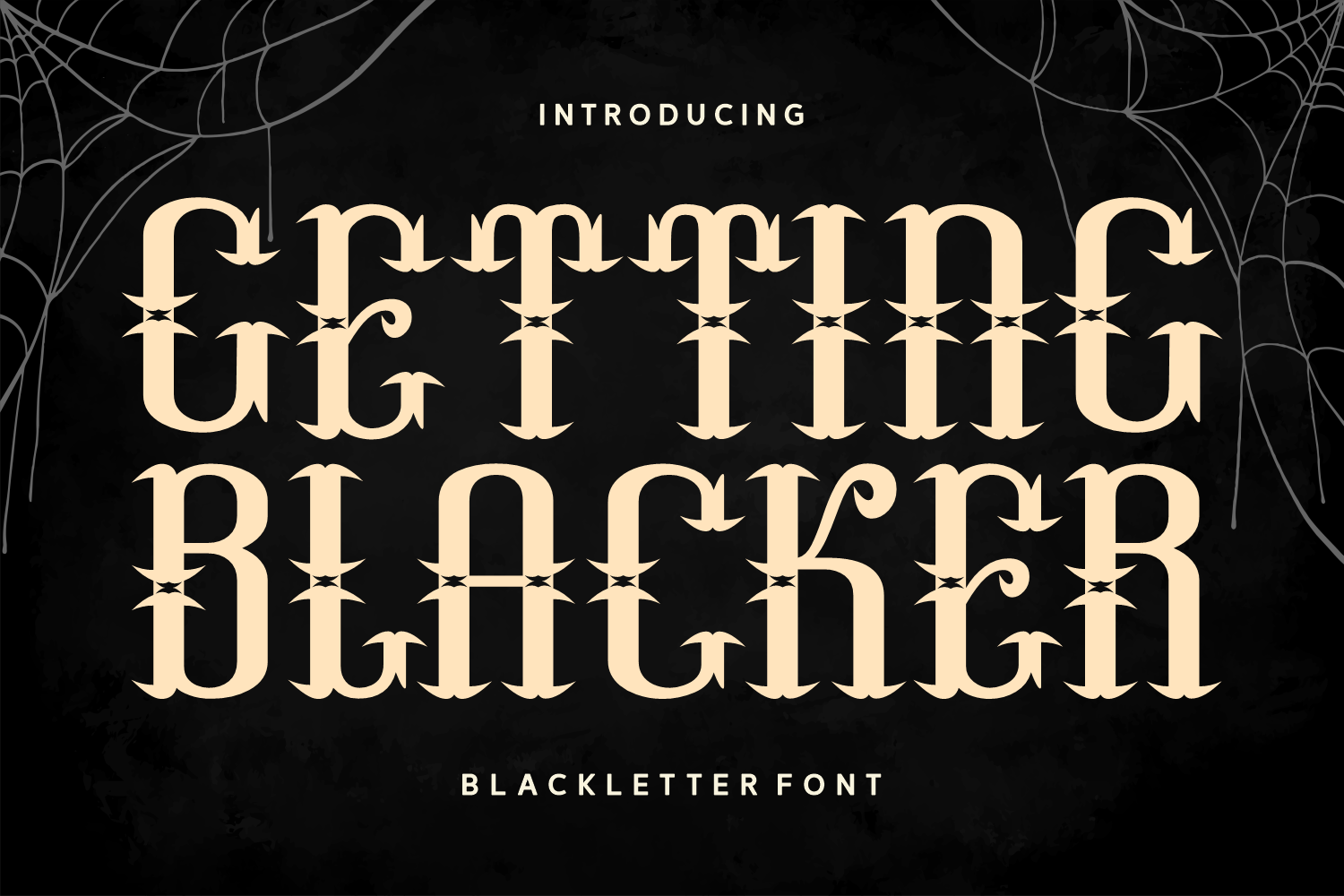
Getting Blacker is a blackletter display with a classical look, gothic charm, and a dark academia aesthetic. It suits only special, traditional cases and short lines. As a general typographic point, blackletter is hard to read at small sizes and in long text, so keep it to a name or a brief heading. It is subscription-only on Creative Fabrica and is a deliberate, distinctive choice.
Best for: a name or a brief heading in a traditional case. By: Denustudio
How to Use Fonts in a Funeral Announcement
The goal is a clear hierarchy. Set the name larger than the rest of the text, and keep the dates and service details in a calmer, smaller size. Limit the layout to two or three typefaces: one for the name or the main text, one for the details, and at most one for a short quote. That keeps the notice easy to follow, and it is easier on the people reading it, who may be reading in a difficult moment.
For pairing, a serif for the name or the main text plus a clean sans-serif for the details is a reliable combination. A script can appear for the name or a short quote, but not for the dates or the address. Either can work: the best font for a funeral announcement is usually a serif for the text and a sans-serif for the details.
Keep size and contrast in mind. For a printed program, body text around 10 to 12 pt and headings at 16 pt or larger are a useful starting point. Dark text on a white or cream background keeps the contrast high. These are rough guides, not rules, so adjust to the size of your layout.
Before a print run, make a test print at the real size, and ask someone else to read it through.On a screen, small problems do not always show, but they do on paper. Check the names, the dates, and the numbers for typos. Tools like Canva, Word, or Illustrator all let you install a downloaded font and set a layout, so the workflow is the same in each.
How to Choose the Right Font for Your Announcement
A traditional announcement or obituary suits a classic serif for the name and the text, with a clean sans-serif for the details. A funeral program works well with a serif for the name and a sans-serif for the order of service. A digital message or a post suits a clean sans-serif throughout, with a serif or a script for the name if you want a touch of formality. A memorial card can carry a script for the name and a sans-serif for the details.
If you are short on time, a simple starting point is one serif from the first group for the name and one sans-serif from the third group for the details. Add a script only if you want a second style for a short quote. Fewer choices make the layout easier to read and easier to finish.
On licensing, most of the fonts here are subscription-only on Creative Fabrica, and Simple is part of the free collection. If you are printing announcements for clients, for example as part of a funeral service, check the license terms on the Creative Fabrica product page before you use a font commercially. The license on the page is the one that applies to your use.
Where to Download Fonts for Funeral Announcements
Creative Fabrica is the main source for the fonts in this list, and most are available through a subscription, with Simple from the free collection. You can also look at Google Fonts, DaFont, and Font Squirrel for additional options, though the picks above are the ones matched to a funeral announcement here. For more font guides and practical tips, see the FontPro blog.