· fonts · 10 min read
16 Best Fonts for Infographic Titles in 2026
A practical look at 16 Creative Fabrica fonts for infographic titles, section headers and big stat callouts, with pairing and hierarchy notes.
What Makes a Great Font for an Infographic Title?
The title and section headers are where a reader decides whether to keep going. That decision happens within seconds, which is why the title font gets picked on its own merits rather than as an afterthought to the body type.
Three things matter most. Weight and form need to hold up when the layout shrinks to a phone screen or a social feed. The title has to create a clear visual gap from the smaller text below it, so the hierarchy reads instantly. And the display face should sit next to a neutral text font without the two fighting for attention.
A word of honesty before the list. None of the sixteen fonts below is marketed specifically as an infographic font. They are display, slab, serif and sans faces built for headlines, posters, banners and magazine layouts. The claims in the product listings are the seller’s marketing copy, not tested results. Check each preview before committing to a design.
Title Hierarchy: Titles, Section Headers and Big Stat Callouts
Most infographics run on three typographic levels: the main title, the section headers, and large numbers or stat callouts. Keep the contrast in size and weight between them, and the layout stays organized.
The main title should be the most expressive element on the page. Section headers step back a notch. The big numbers can take their own accent, often in a heavier weight or a brand color. A useful rule: hold the display accent to one or two faces so the piece does not feel cluttered.
For the numbers, weight and color usually matter more than decoration. Leave breathing room around each stat, and set units and symbols like percent or dollar signs slightly smaller than the digit they attach to. A distinctive number face works, but every number in the infographic should look like part of the same system.
Long titles are a common problem. A condensed or narrow face helps fit a wordy headline into one line, and mixed case reads more easily than all caps on a long string. Display faces with tight letter spacing can look crowded, so give the tracking some room.
Contrast with the background is the last piece. A light title on a dark block, or a colored plate behind the text, keeps the words visible. Whatever the palette, test the title at the reduced size it will appear in on social platforms and mobile screens before finalizing.
If a no-cost starting point helps, sans-serif faces are a common safe choice for a title. Free options worth testing as plain text references: Montserrat in its heavier weights, Oswald Bold, and Playfair Display for a serif direction.
16 Best Fonts for Infographic Titles
This list is organized by the role each face could play in a title or header, not by a formal test. Each entry draws only on the facts in its Creative Fabrica listing, and the suggested use is a practical guess, not a guarantee.
Best Bold Sans-Serif Fonts for Main Titles and Headlines
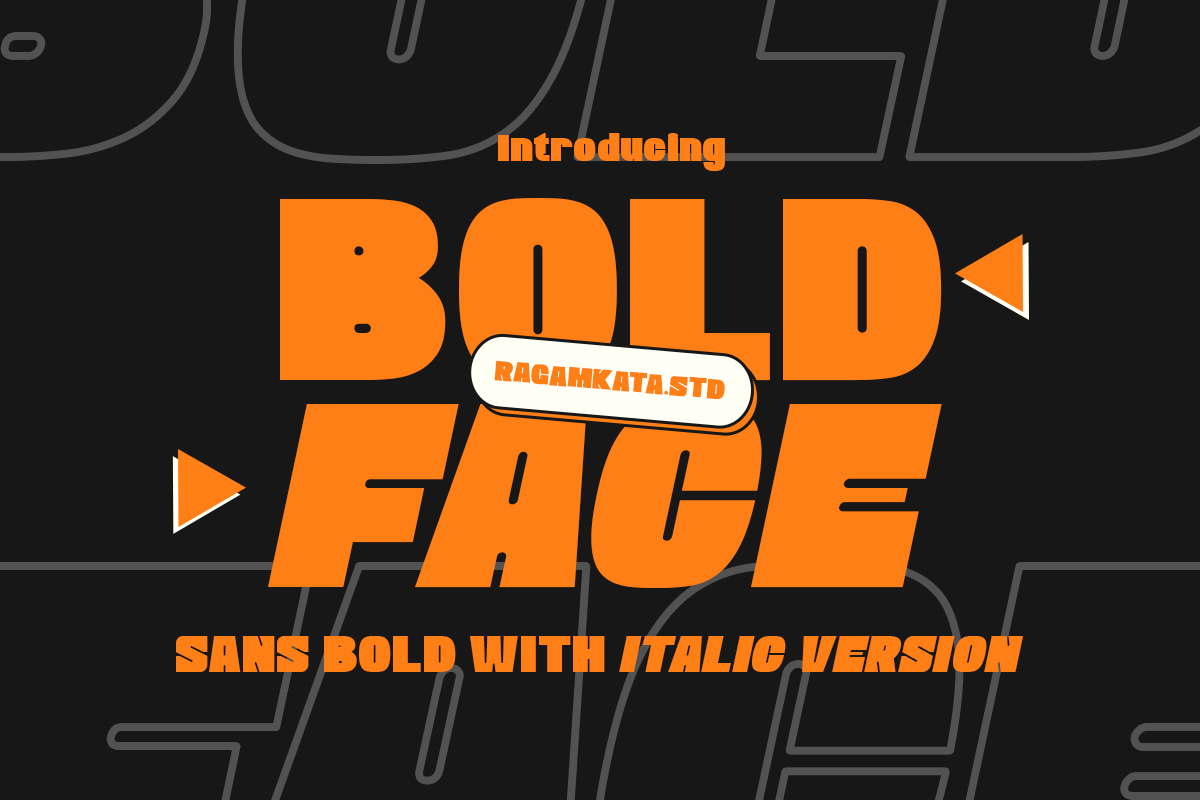
1. Boldface
Boldface is a sans-serif with heavy letterforms. The product page positions it for headlines, posters and banners, which makes it a candidate for a strong main title. It is subscription-only on Creative Fabrica.
Best for: a heavy main title, a poster headline, a banner. By: Creative Fabrica
2. Header
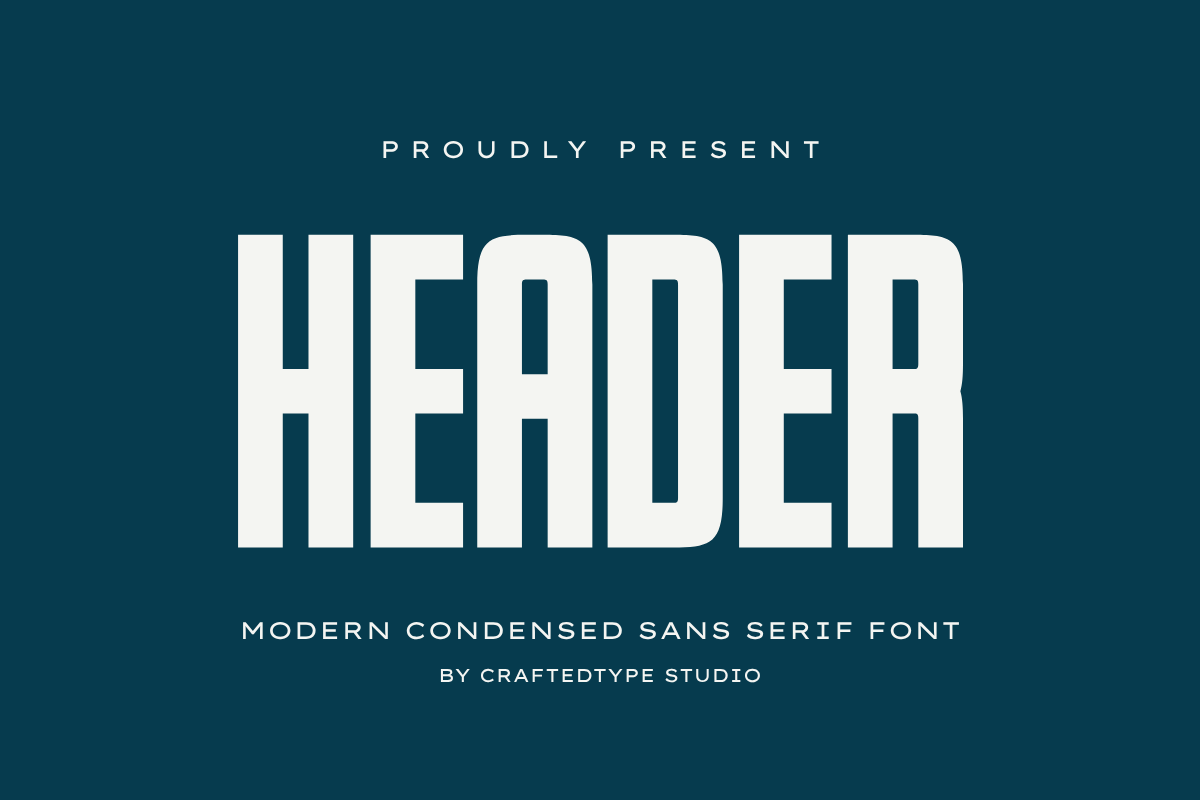
Header is a condensed sans-serif with tall letterforms and slightly softened corners. The listing markets it for print-on-demand and branding work. Because it is narrow, it could suit a longer title that needs to fit a tight space.
Best for: a long condensed title, branding. By: Creative Fabrica
3. Maximum Impact
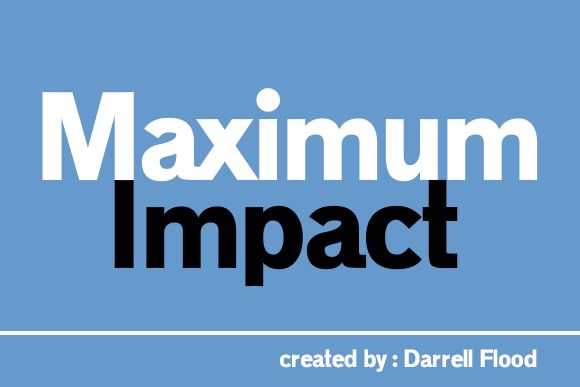
Maximum Impact is a bold, strong sans serif by Darrell Flood. The listing cites headline use and says it works for web and print. That makes it a candidate for a confident main title, worth testing at your final output size.
Best for: a bold headline, web and print titles. By: Darrell Flood
4. Boldon
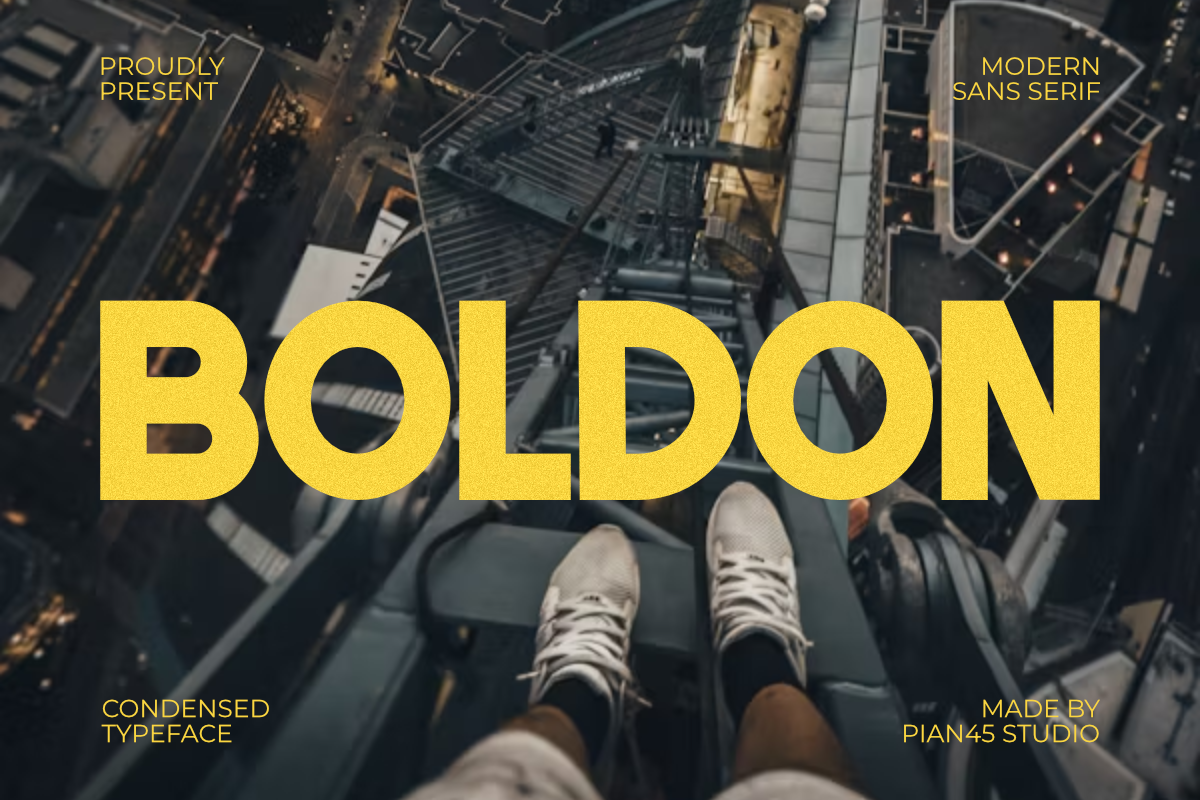
Boldon is a modern sans serif with a very heavy, condensed build. The listing pitches it for headlines and sports-style branding. That athletic tone may not fit every topic, so it is worth testing against your subject before use.
Best for: a sporty headline, energetic branding. By: Creative Fabrica
5. Infinity

Infinity is a bold display sans-serif with a strong geometric structure. The listing suggests impactful headlines, editorial titles and bold packaging. Its clean geometry could work well for a data-driven title that needs to feel precise.
Best for: a geometric headline, an editorial title. By: Creative Fabrica
6. Extensions
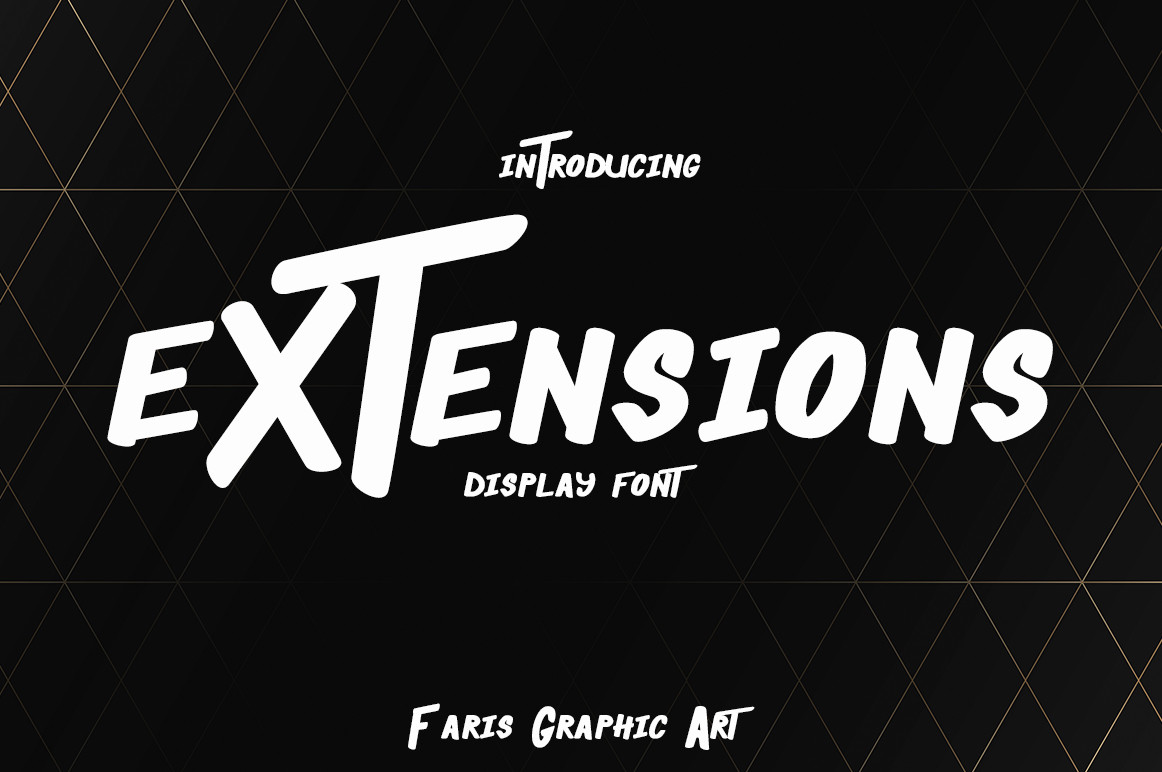
Extensions is a bold display font aimed at sporty, assertive designs. The listing is brief, so the exact look and the shape of its digits are worth checking in the preview. It is subscription-only.
Best for: a bold, assertive display title. By: Creative Fabrica
Best Rounded Fonts for Friendly Section Headers
7. Simple Rounded
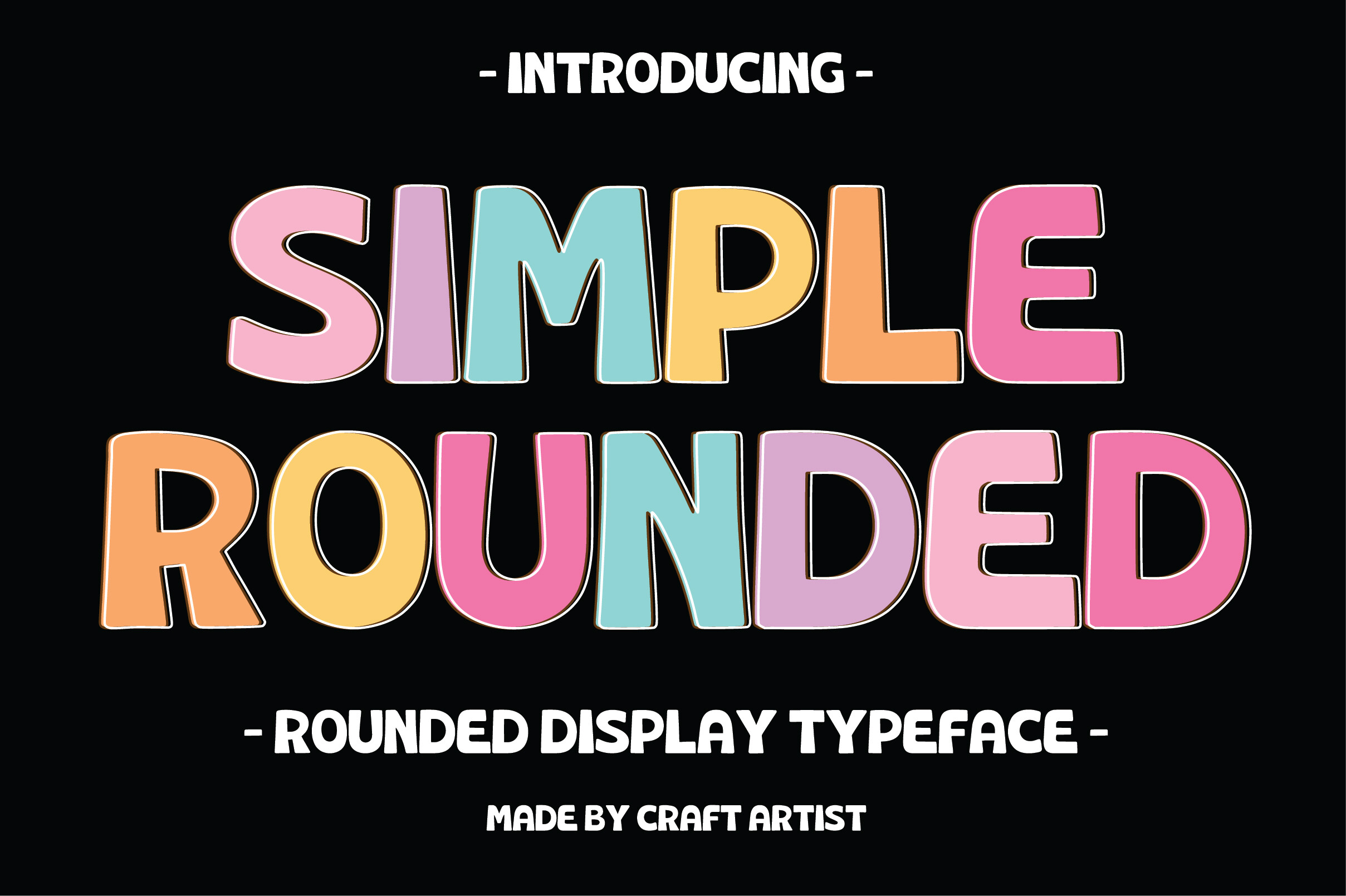
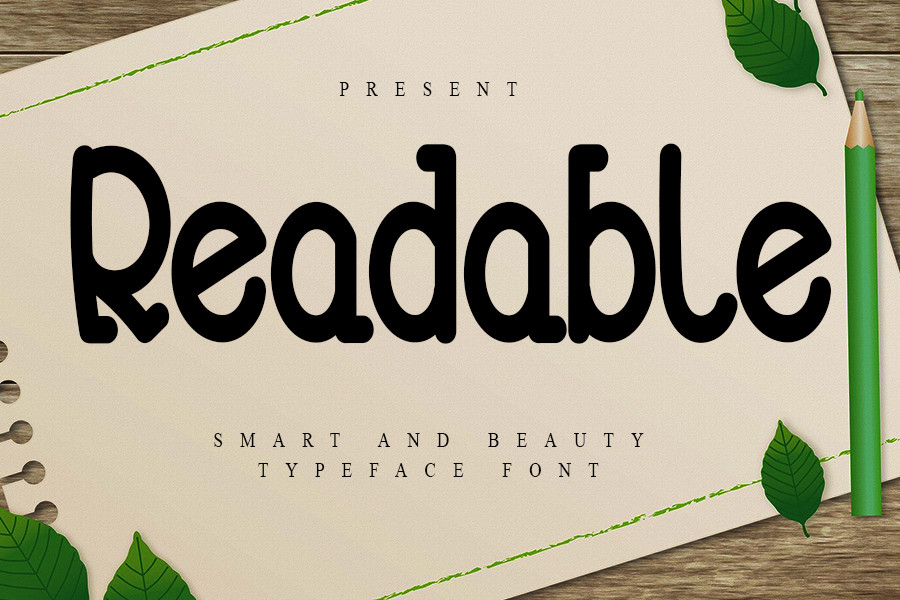
Simple Rounded is a display typeface with rounded shapes and soft, chunky letterforms. The listing calls it suited to headlines, logos and posters. Its friendly tone could suit a relaxed section header. It is subscription-only.
Best for: a friendly section header, a logo. By: Creative Fabrica
8. Museful Rounded
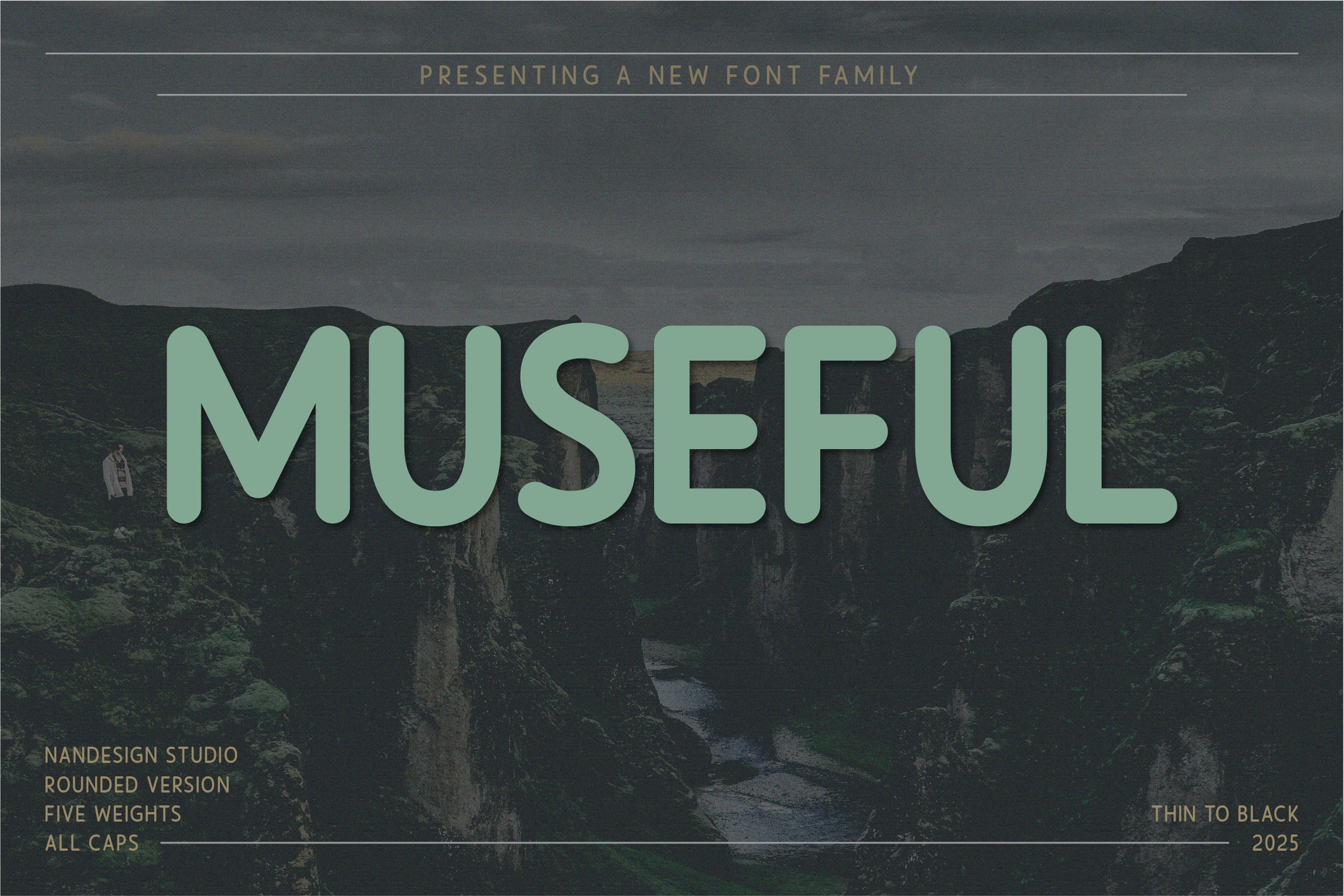
Museful Rounded is a sans serif family in five weights, from Thin to Black. The listing says it works for high-impact headlines. Having the full range in one family makes it easy to build a title hierarchy. Use the lighter weights for large titles with care.
Best for: a weighted title hierarchy, a section header. By: Creative Fabrica
9. Friendly Tech
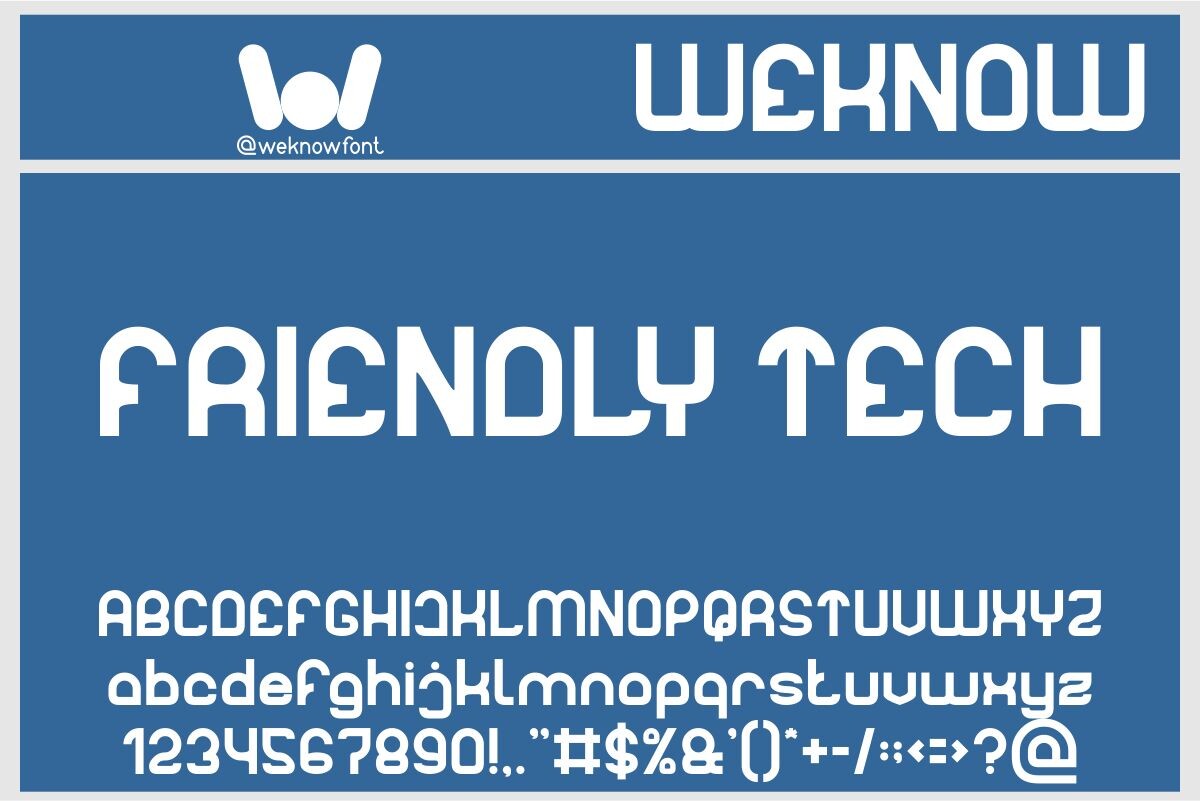
Friendly Tech is a rounded, retro-futuristic sans-serif display face positioned for headlines and brand identities. The retro-futuristic styling could suit a technology or product-themed infographic title, which is worth confirming in the preview.
Best for: a tech-themed headline, a brand identity. By: Creative Fabrica
Best Slab Serif and Serif Fonts for Editorial-Style Titles
10. Head Grade
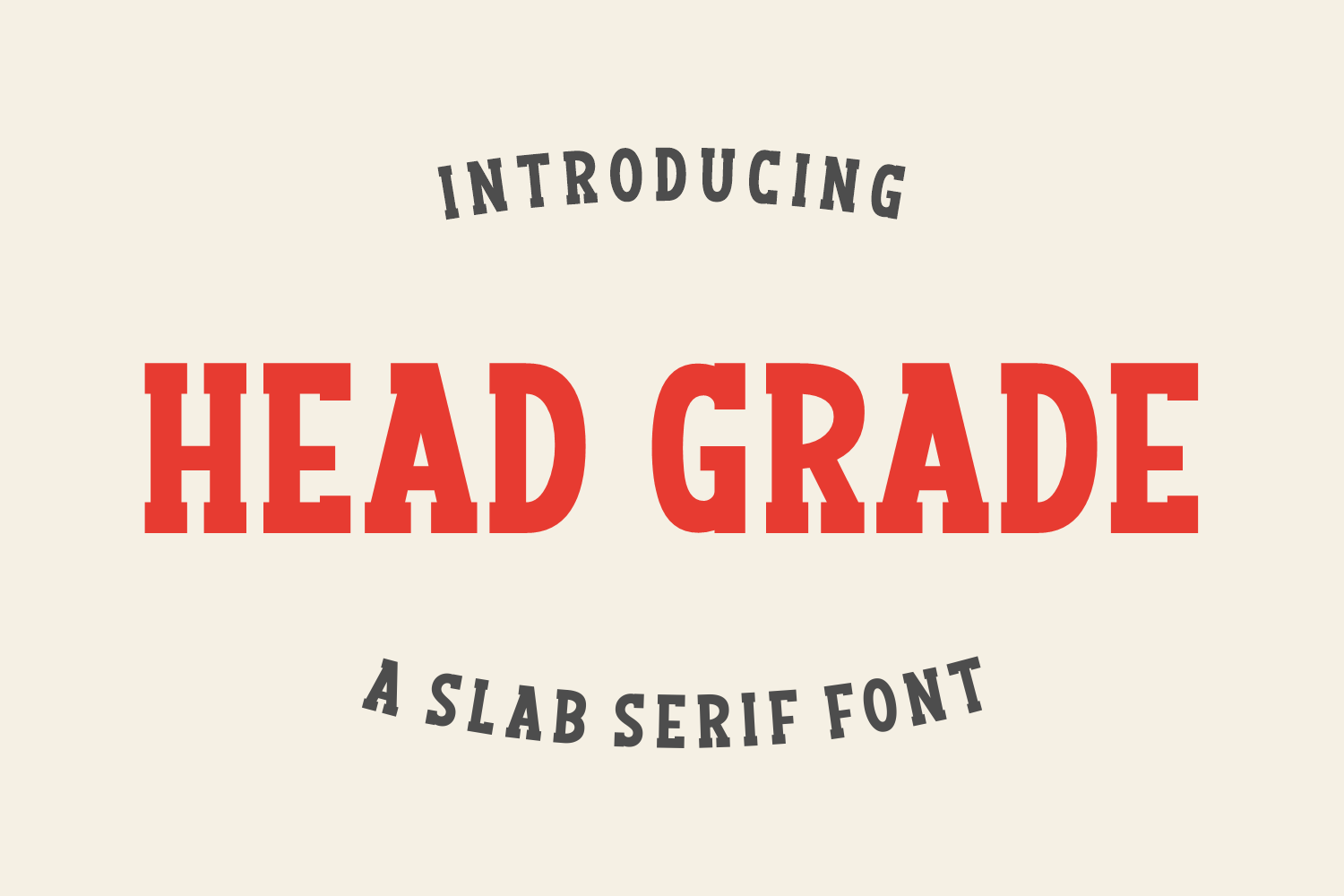
Head Grade is a slab serif that the listing says can lift any headline, pitched at banners and posters. The description is thin, so the form and the digits are worth checking in the preview before use.
Best for: a banner headline, a poster title. By: Creative Fabrica
11. College Draft
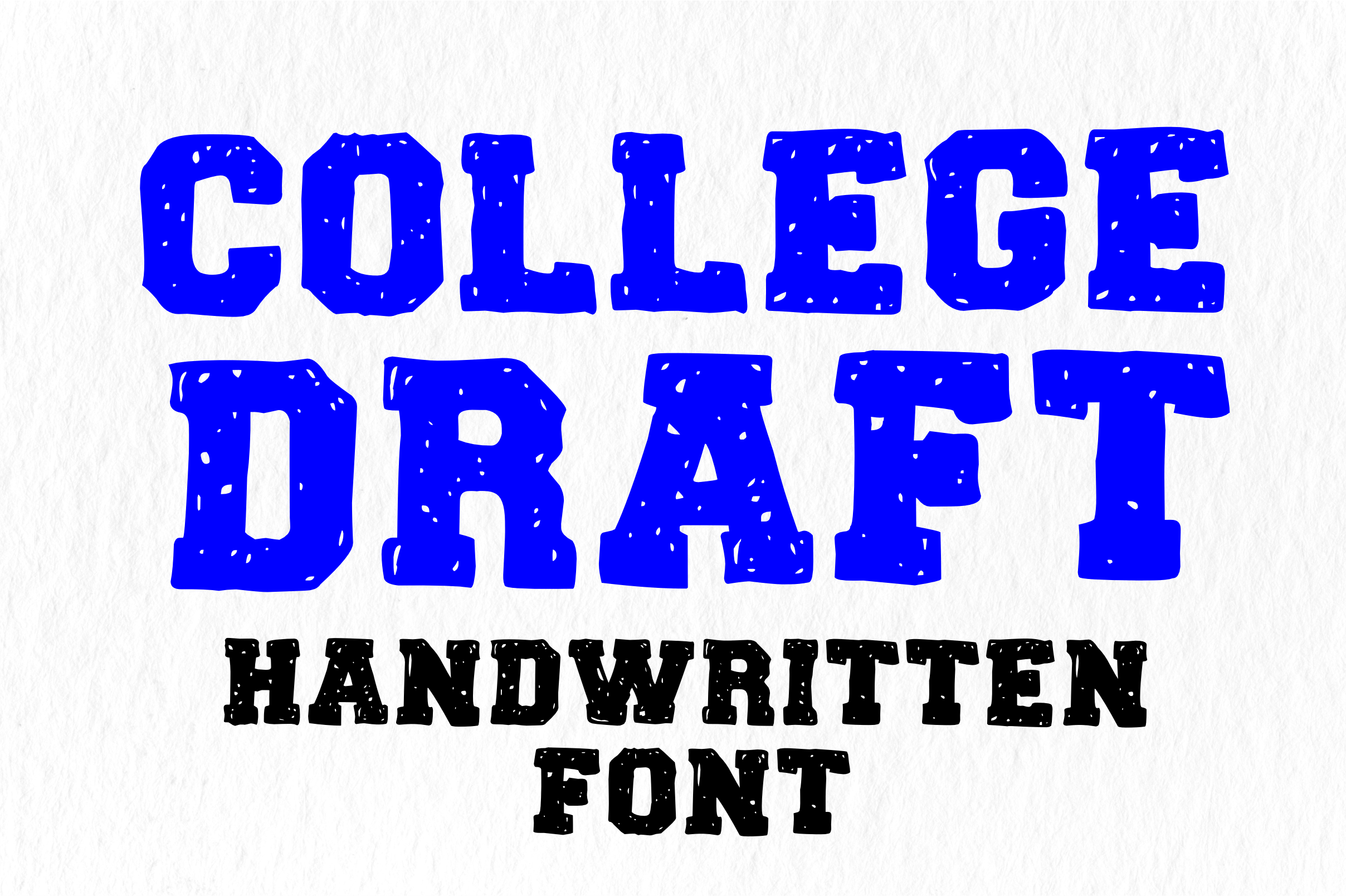
College Draft is a slab serif. The listing explains that slab serifs have thick, block-like serifs and cites Rockwell and Clarendon as vintage examples. That character could suit a vintage or educational title.
Best for: a vintage title, an educational header. By: Creative Fabrica
12. Cornella
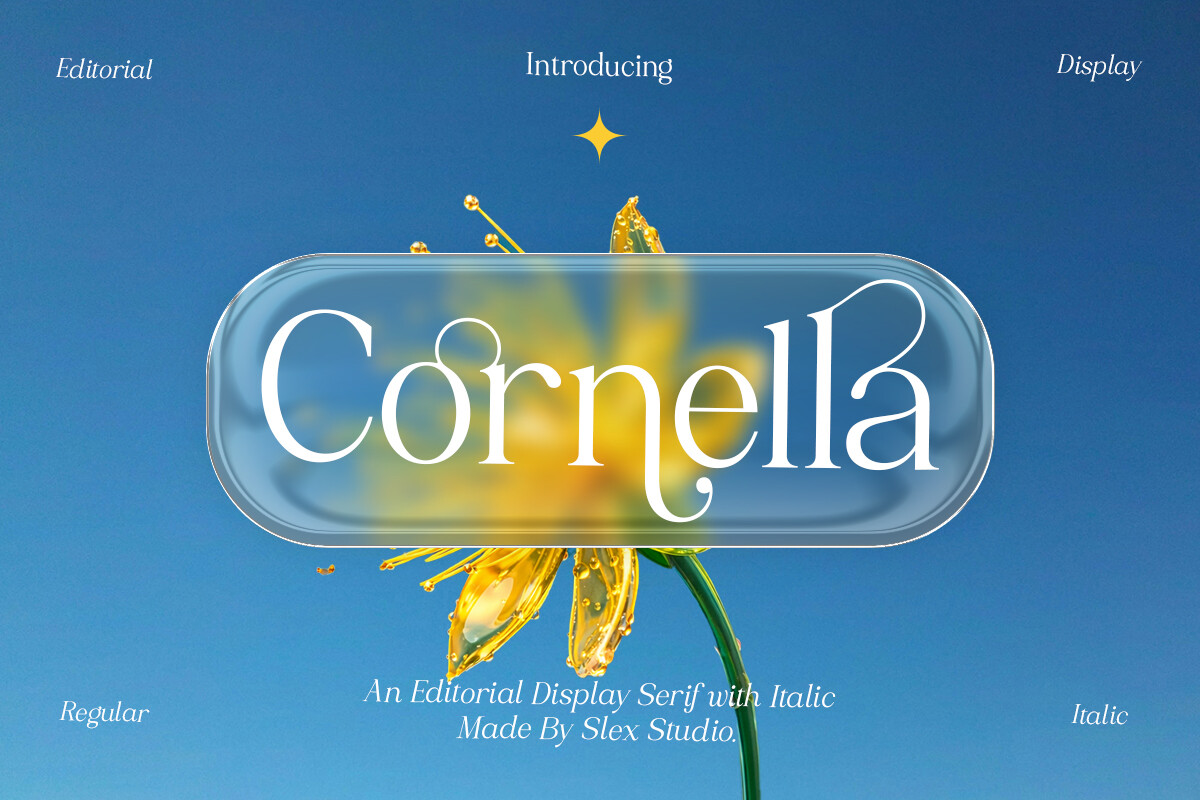
Cornella is an elegant editorial display serif in regular and italic styles, aimed at fashion editorials and magazine layouts. It is subscription-only. Its editorial positioning may suit a long-form or lifestyle title, so check the preview before using it.
Best for: a long-form title, a lifestyle header. By: Creative Fabrica
13. Maturation
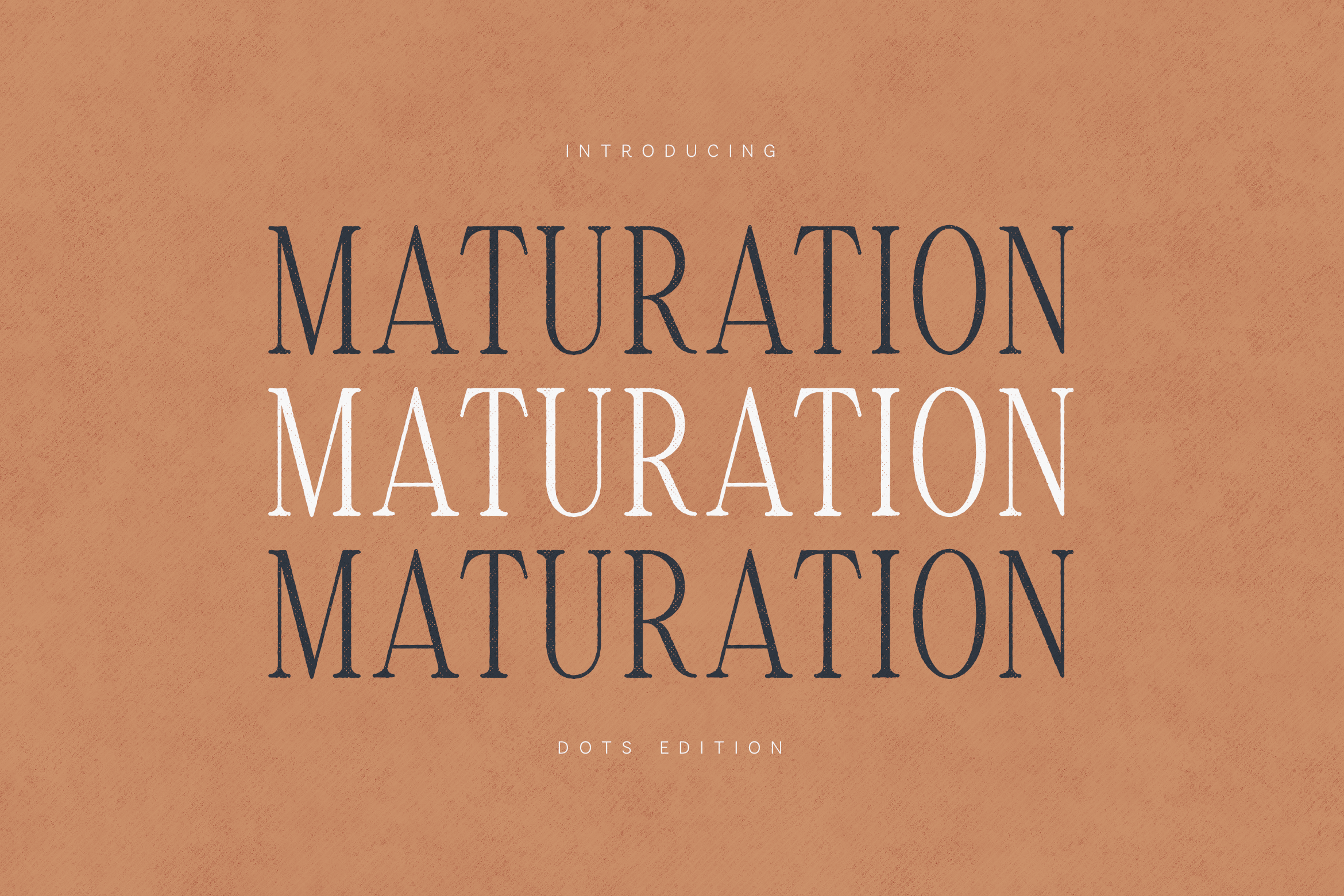
Maturation is positioned for magazine headlines and carefully spaced editorial layouts, with a Dots Edition variation. The facts are limited, so the composition and the look are worth checking in the preview. It is subscription-only.
Best for: a magazine-style headline, an editorial title. By: Creative Fabrica
14. Magnes
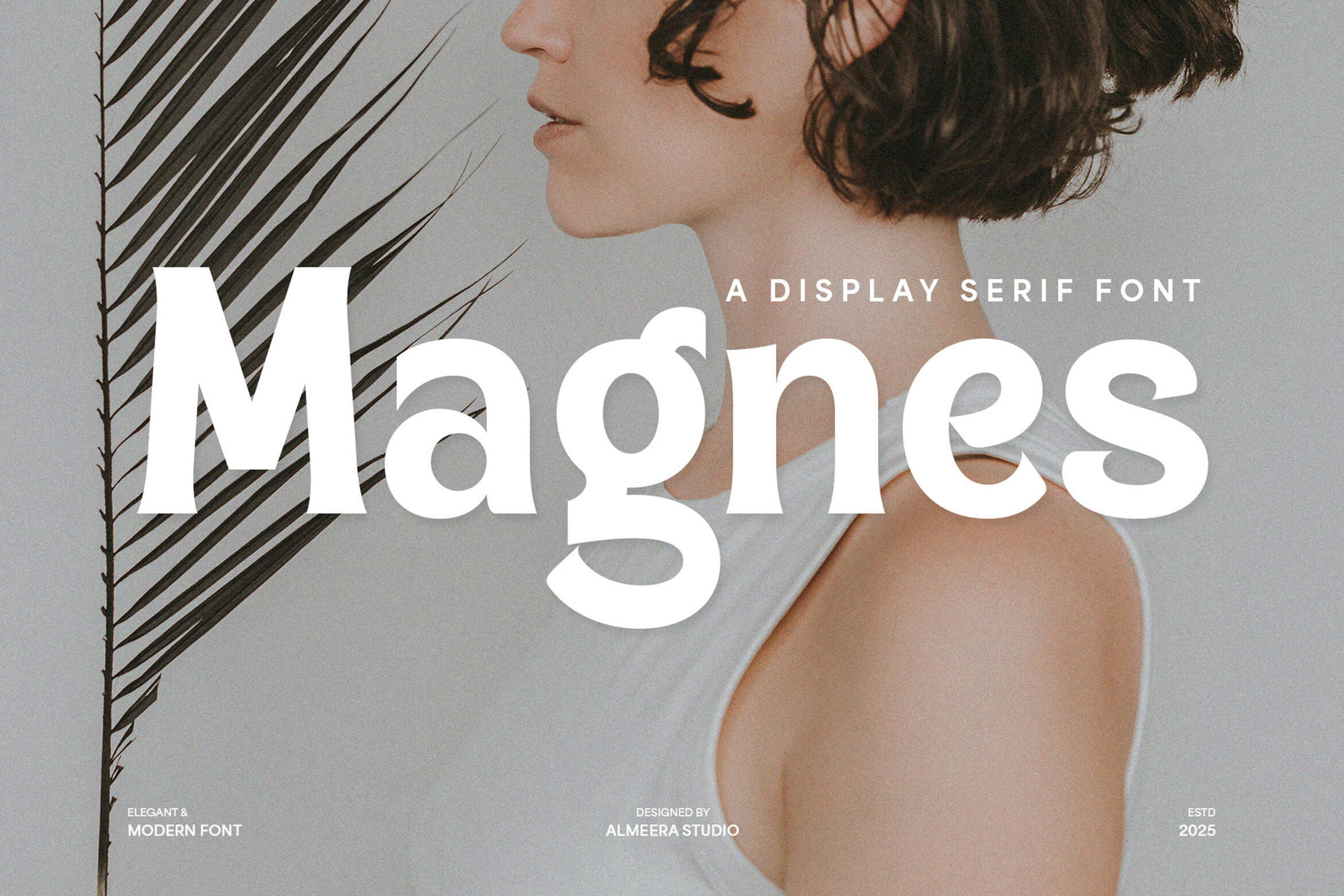
Magnes is a display serif pitched for magazine layouts and editorial headlines, with distinctive serifs. Its character could give an editorial-style title a bit of personality.
Best for: an editorial headline, a magazine layout. By: Creative Fabrica
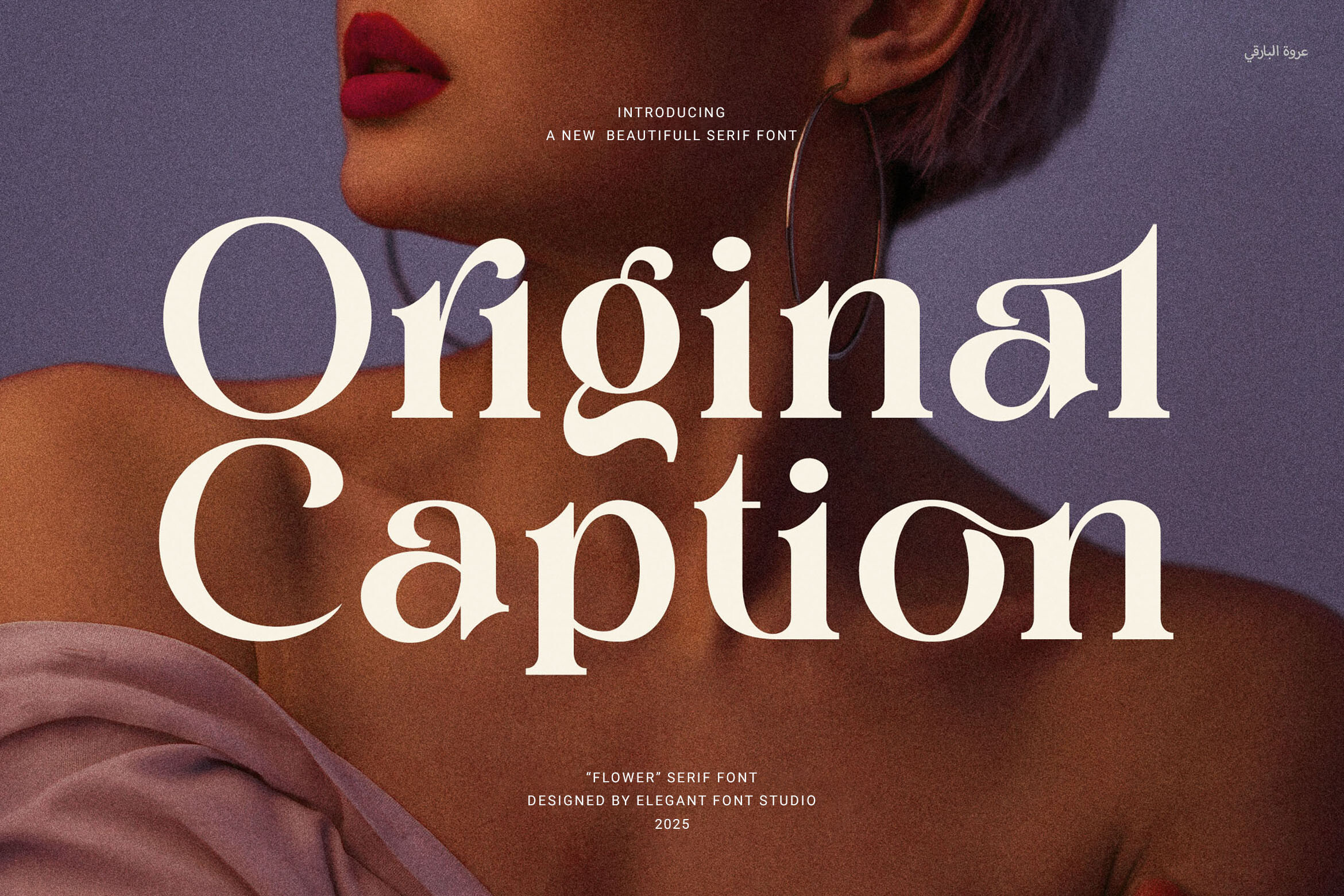
15. Captione
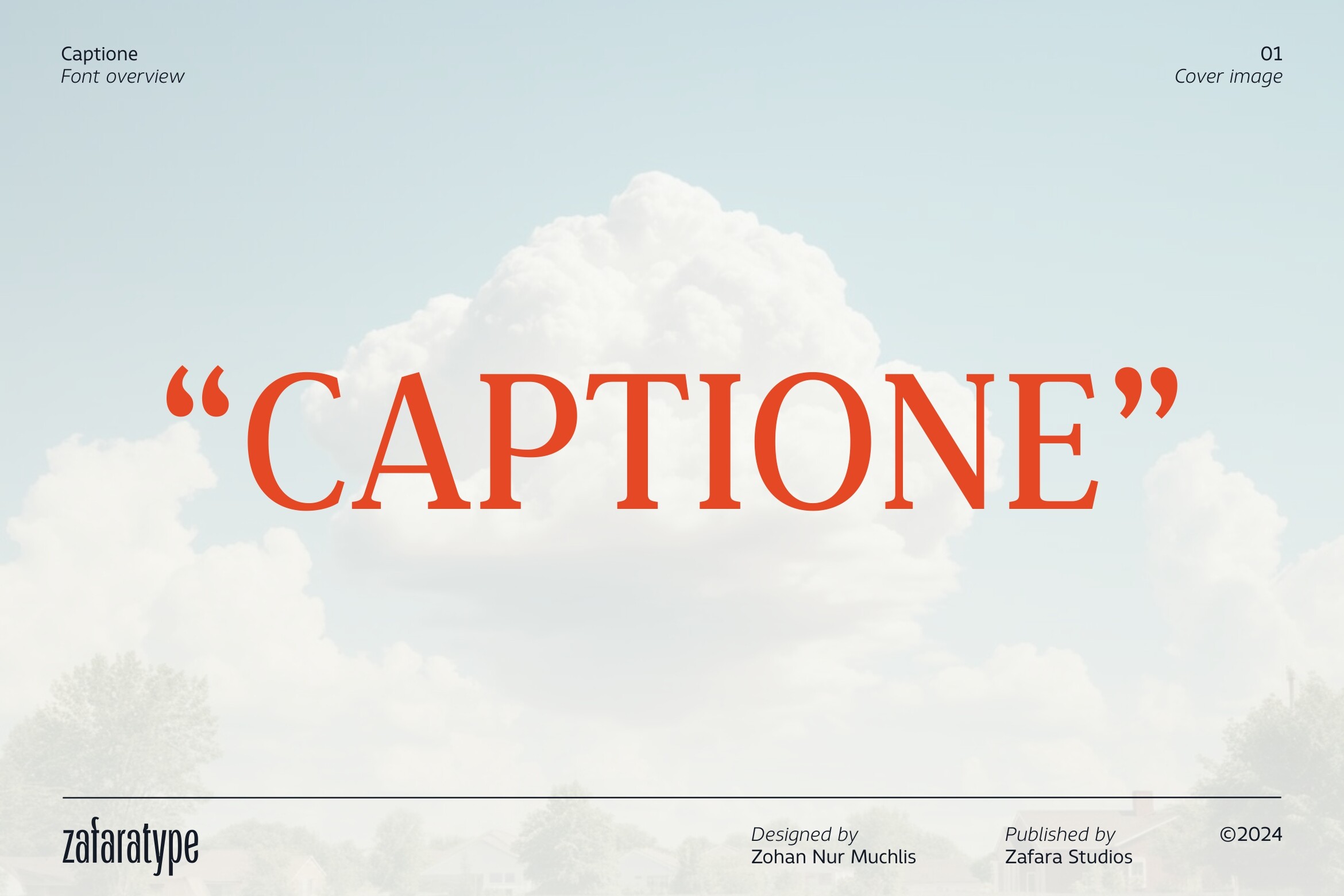
Captione is aimed at magazine layouts and editorial headers, with tall proportions and bracketed serifs. The tall proportions may help a longer title fit a narrow column, which is worth testing in a real layout.
Best for: a tall editorial header, a narrow-column title. By: Creative Fabrica
Best Display Number Font for Big Stats and Callouts
16. SegmentGrid
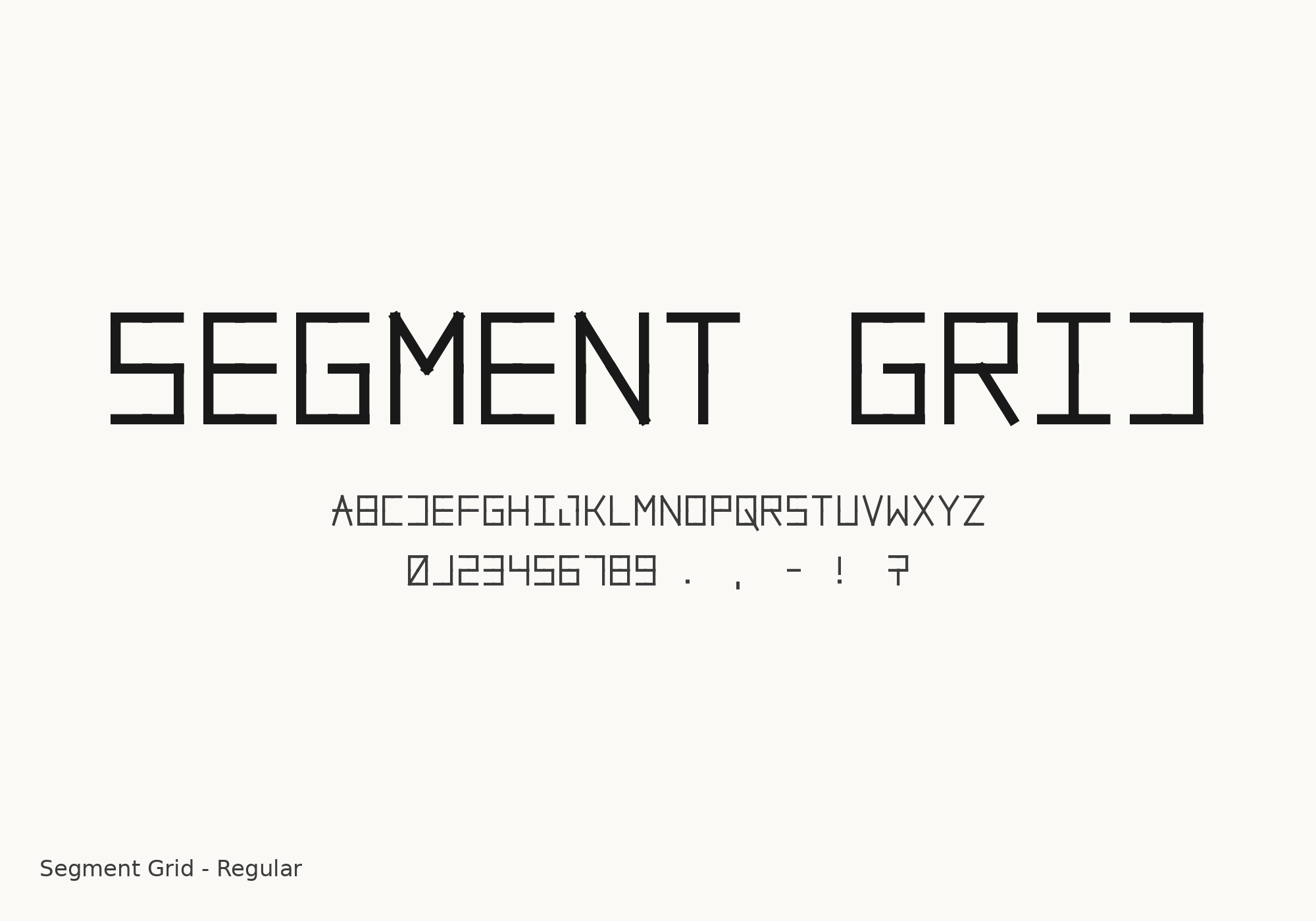
SegmentGrid is a segmented, digital-clock style face that the listing suggests for dashboards, HUD interfaces, posters and social graphics. Treat it as a dashboard-oriented accent: possibly good for big stat callouts on tech topics, not for the main title or long headlines. Check the alphabet and digits in the preview.
Best for: a big stat callout, a dashboard number. By: Creative Fabrica
How to Pair a Title Font With Your Text Font
The core idea is contrast between the two roles. A display title draws the eye, and a neutral text font carries the details without competing. Keep the total to two or three faces so the layout stays clean.
A few pairings work as a general guide. A bold sans-serif title pairs well with a plain sans for the body. A serif title can sit beside a sans for the data. A slab title works with a simple sans. For free text faces, Open Sans and Roboto are common neutral options, and the same goes for the Montserrat, Oswald and Playfair Display references mentioned earlier.
If the simplest setup is the goal, one family in several weights does the job. Museful Rounded, with its range from Thin to Black, is one example of a family that can cover both the title and the headers.
On size, keep the title noticeably larger than the section headers, and the headers larger than the body text. Exact point values depend on your canvas, so treat the proportions as a guide.
Whatever software you use, Canva, Adobe Illustrator, InDesign, Figma, PowerPoint or Google Slides, install the font before placing the title, and embed fonts when you export to PDF. Finally, shrink the layout to social and mobile size, check the contrast, and proofread the numbers and long headlines.
How to Choose the Right Title Font for Your Infographic
Match the face to the context. A report or presentation usually calls for a bold, neutral sans-serif. An educational or vintage piece leans toward a slab. A long-form or lifestyle title can take an editorial serif. A tech or dashboard topic suits a rounded tech face, with a segmented number as an accent. A sports theme fits a heavy, condensed style. These are suggestions based on the listing facts, not fixed rules.
On licensing, the facts confirm a subscription for five of the sixteen fonts, and the status is not stated for the rest. Check the product page and its terms before any commercial or client work, and note that none of the fonts listed here is confirmed as free on Creative Fabrica.
For the faces with thin listings, open the page and look at the preview, especially the digits and how a long title would sit. Treat SegmentGrid as an accent for numbers, not as the main title face.
A few quick answers. A good title font is one that stays legible when scaled down and contrasts clearly with the body text. A title can be serif or sans-serif; sans-serif is a common safe choice, while a serif adds an editorial feel. A bold headline pairs well with a neutral sans for the body. Most infographics work with two or three fonts. For big numbers, a heavy or distinctive number face works, but keep all stats consistent. And none of these are confirmed free for commercial use, so verify each product page.
Where to Download Fonts for Infographic Titles
Creative Fabrica is the primary source for this list, with the sixteen product pages linked above. Beyond that, Google Fonts, DaFont and Font Squirrel are common free libraries worth browsing for a body face or a backup title option.
For more practical typography guides and font lists, see the FontPro blog.