· fonts · 14 min read
8 Best Fonts for Brochures in 2026
Compare practical brochure fonts for headings, body text, and print layouts. Find readable, brand-ready typefaces you can download for your next project.
A brochure is read in the hand, not just on a screen. The typeface you choose can make a company feel polished, a destination feel inviting, or a product feel trustworthy before the reader reaches the first paragraph.
This guide breaks down what matters when choosing fonts for brochures: headings, subheadings, body text, and a short selection of options from Creative Fabrica. You will also get notes on layout, size, spacing, pairing, and licensing so the final piece looks clean and reads without effort.
What Makes a Great Font for a Brochure?
Print is unforgiving in ways a screen is not. A face that looks crisp on your monitor can soften, blur, or lose contrast the moment ink meets paper. Matte stock, glossy stock, uncoated paper. Each one changes how a typeface renders. If your font cannot stay clear at the small sizes you will use for prices, addresses, and contact details, it will not survive the print run.
Then there is the role question. A heading font and a body font do completely different jobs. The heading grabs attention and sets the tone. The body font gets out of the way and lets the reader move through the copy without friction. When both faces compete, the layout feels noisy. When both are too quiet, the whole thing reads flat.
Finally, brand fit. A brochure is often the only physical touchpoint a reader has with your brand. The typography should feel intentional, not like you grabbed whatever was installed on your machine. A luxury hotel brochure and a community wellness program need very different voices, and the typeface is where that difference shows up first.
Headline Fonts vs Body Fonts: Building a Clear Hierarchy
The best font for brochure headings needs presence. Think confident sans-serif, a serif with some character, or a display face for a cover. It should lead the eye without shouting. Subheadings can use the same family in a lighter weight, or a calmer sans-serif that keeps the hierarchy readable.
The best brochure body text font is usually the opposite. A neutral serif or a clean sans-serif that does not ask for attention. It should be comfortable for short paragraphs, bullet lists, and the kind of dense detail that fills the inside panels of a tri-fold. Decorative faces can be charming on a cover, but they get tiring fast when someone is reading a paragraph of them.
Hierarchy comes from contrast. Size, weight, and colour create a visual path: title first, subheading second, body third, call to action last. A simple squint test helps. If you can still tell what is most important when the page is a blurry rectangle, the structure is working.
Faces like Helvetica, Garamond, Lato, and Open Sans are useful references for this idea. They are not part of the selection below, but they show how a familiar heading face and a readable body face can share a page without fighting. The goal is not to stack styles. It is to give each part of the brochure a clear job.
8 Best Fonts for Brochures
This selection is grouped by role and mood. Sans-serif faces suit clean corporate layouts, serif faces suit elegant pieces, and display faces suit covers and travel titles. Each entry includes a short note on where it works best. Check the product page for available weights and license terms before you commit to a print run.
Sans-Serif Brochure Fonts for Headings and Clean Corporate Layouts
These sans-serif brochure fonts work well for headings, subheadings, and clean corporate layouts where the message should feel direct and organized.
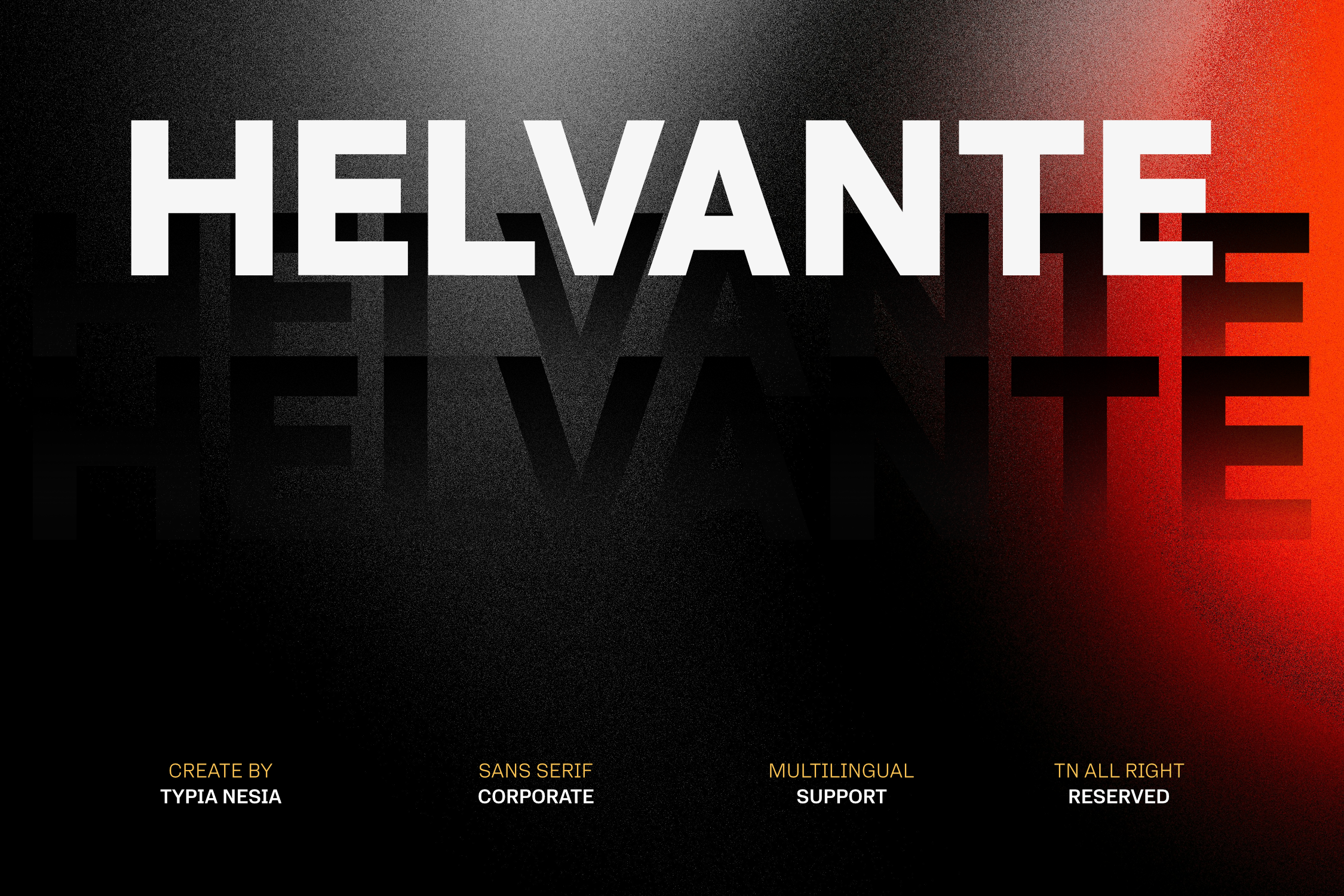
1. Helvante
Helvante is a sans-serif that suits brochure headings where the layout needs a calm, professional impression. It works well for corporate brochures, service pamphlets, and section headings that should feel organized without tipping into decorative territory. Because it sits squarely in the sans-serif group, it can share a page with a quiet body face and still keep the hierarchy clear.
Use it for titles, subheads, and short labels. Then check the product page for included weights and license terms before sending anything to print.
Best for: corporate brochures, service pamphlets, section headings. By: Typia Nesia
2. Relage
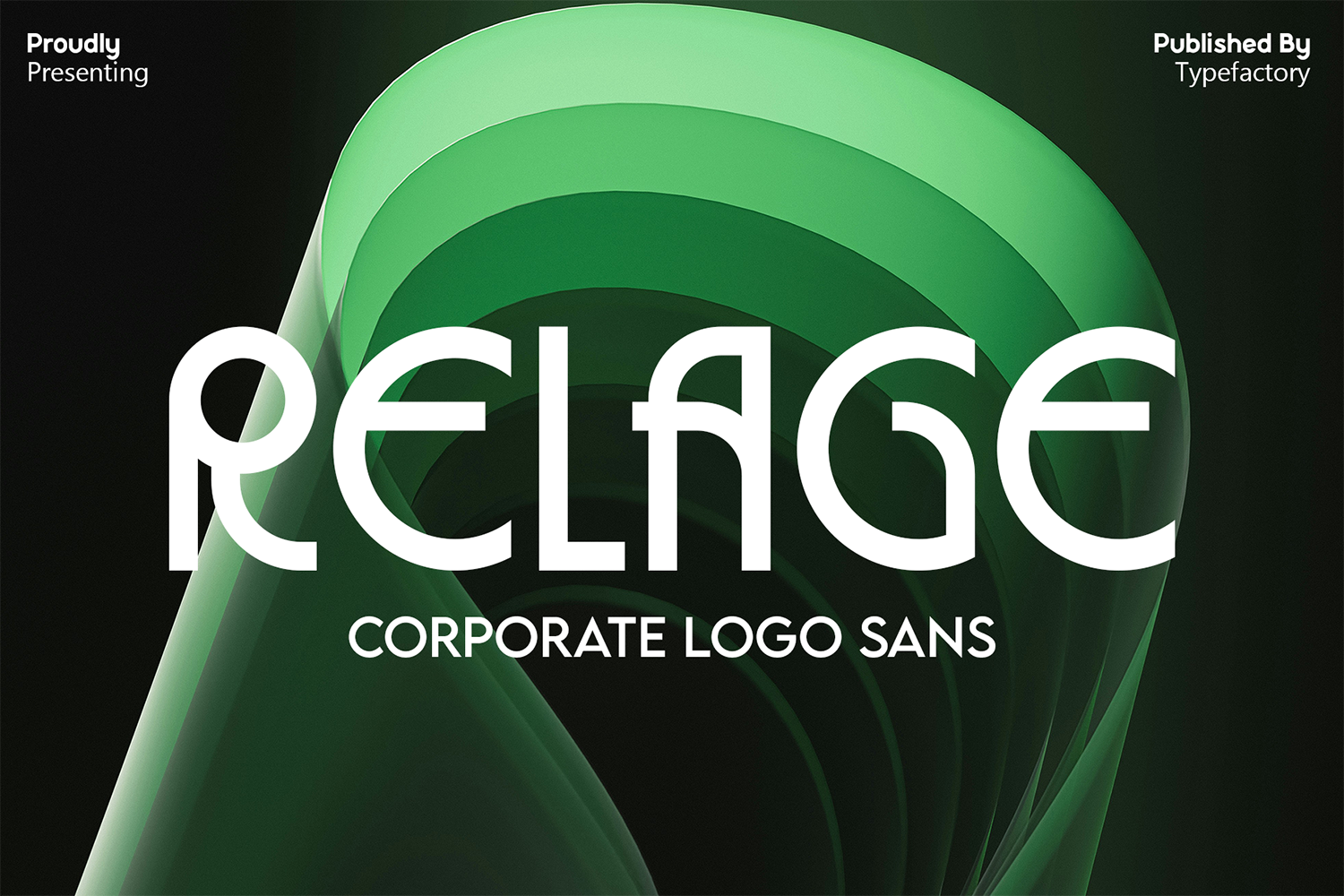
Relage is a modern sans-serif option for brochure titles and business layouts that need a current, confident feel. It fits company profiles, product brochures, and modern titles where the message should be direct and easy to scan. As a sans-serif face, it can carry a cover headline or a short intro panel without competing with the body text.
Pair it with a neutral reading face for longer copy. Review the product page for the exact weights and license terms you need.
Best for: company profiles, product brochures, modern titles. By: TypeFactory
3. Kilton
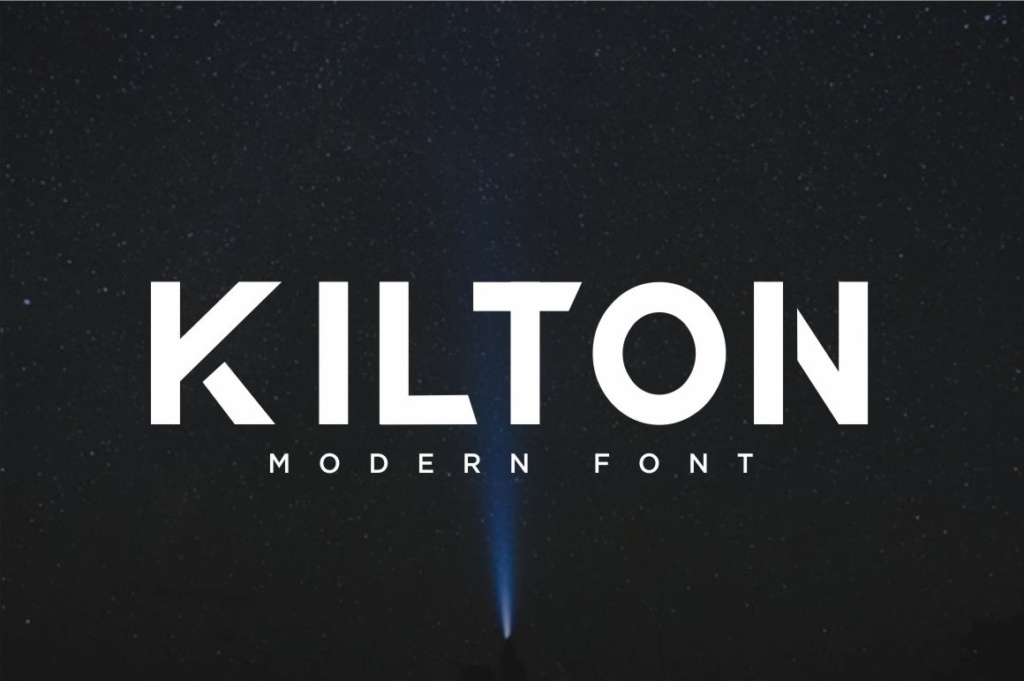
Kilton is a versatile sans-serif face that can handle brochure headings and short text blocks with a balanced, practical look. It is a useful choice for bi-fold brochures, event programs, and layouts where the same typeface needs to do a little more than just announce a title.
Keep it to headings, labels, and compact paragraphs. Let a separate body face carry longer reading. Check the product page for available styles and the license that fits your print project.
Best for: bi-fold brochures, event programs, short text blocks. By: Eldertype Studio
Serif Brochure Fonts for Elegant Headings and Readable Text
4. Grandeur Elegant Classic Serif
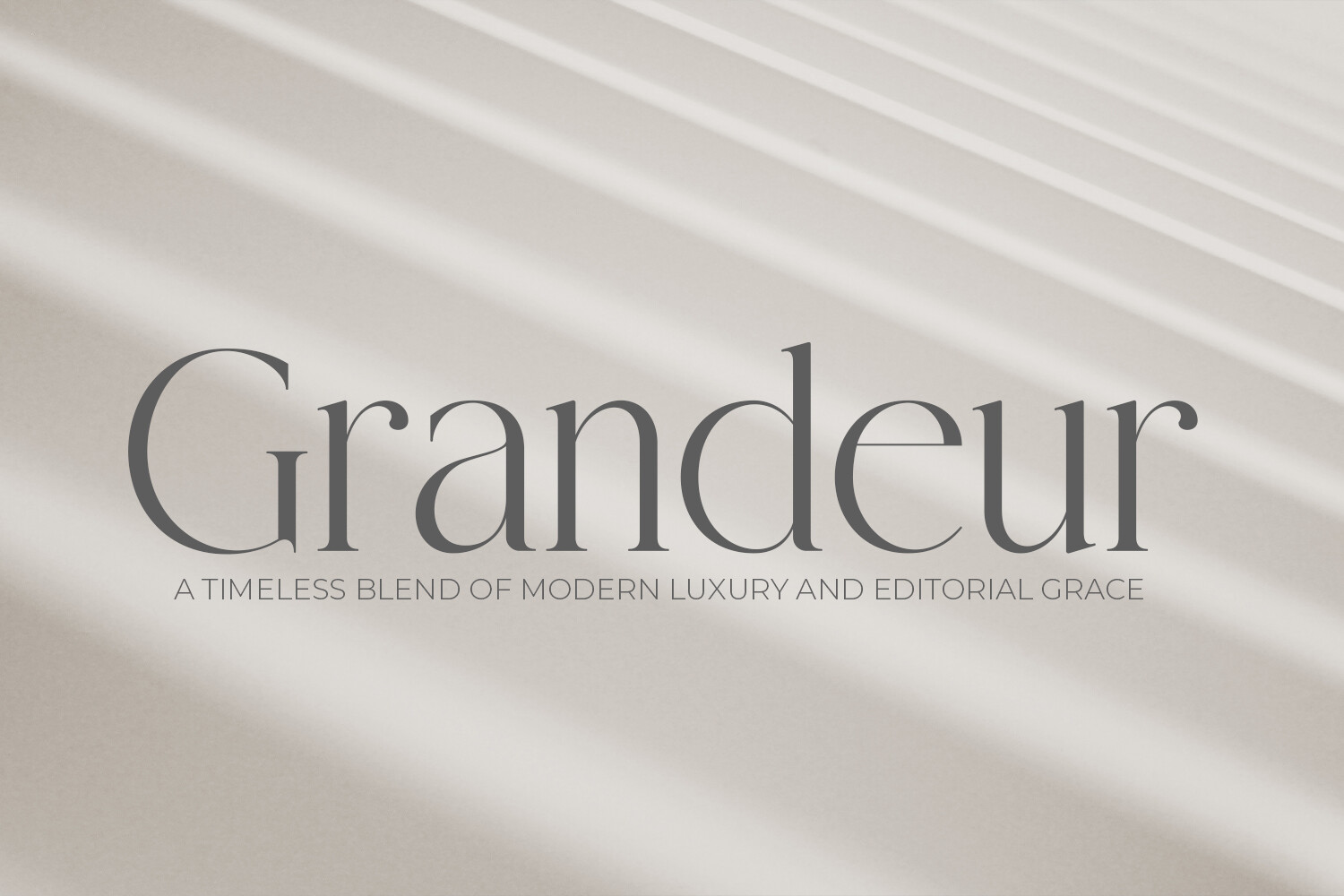
Grandeur Elegant Classic Serif is a refined serif option for brochure headings that need a premium, composed impression. It suits real estate brochures, hospitality materials, and luxury headings where the type should feel established rather than loud.
Use it for property names, hotel titles, or opening lines that set a polished tone. Then switch to a cleaner face for details, prices, and contact information. Check the product page for included weights and license terms before sending the file to print.
Best for: real estate brochures, hospitality, luxury headings. By: OWPictures
Download Grandeur Elegant Classic Serif
5. Merona
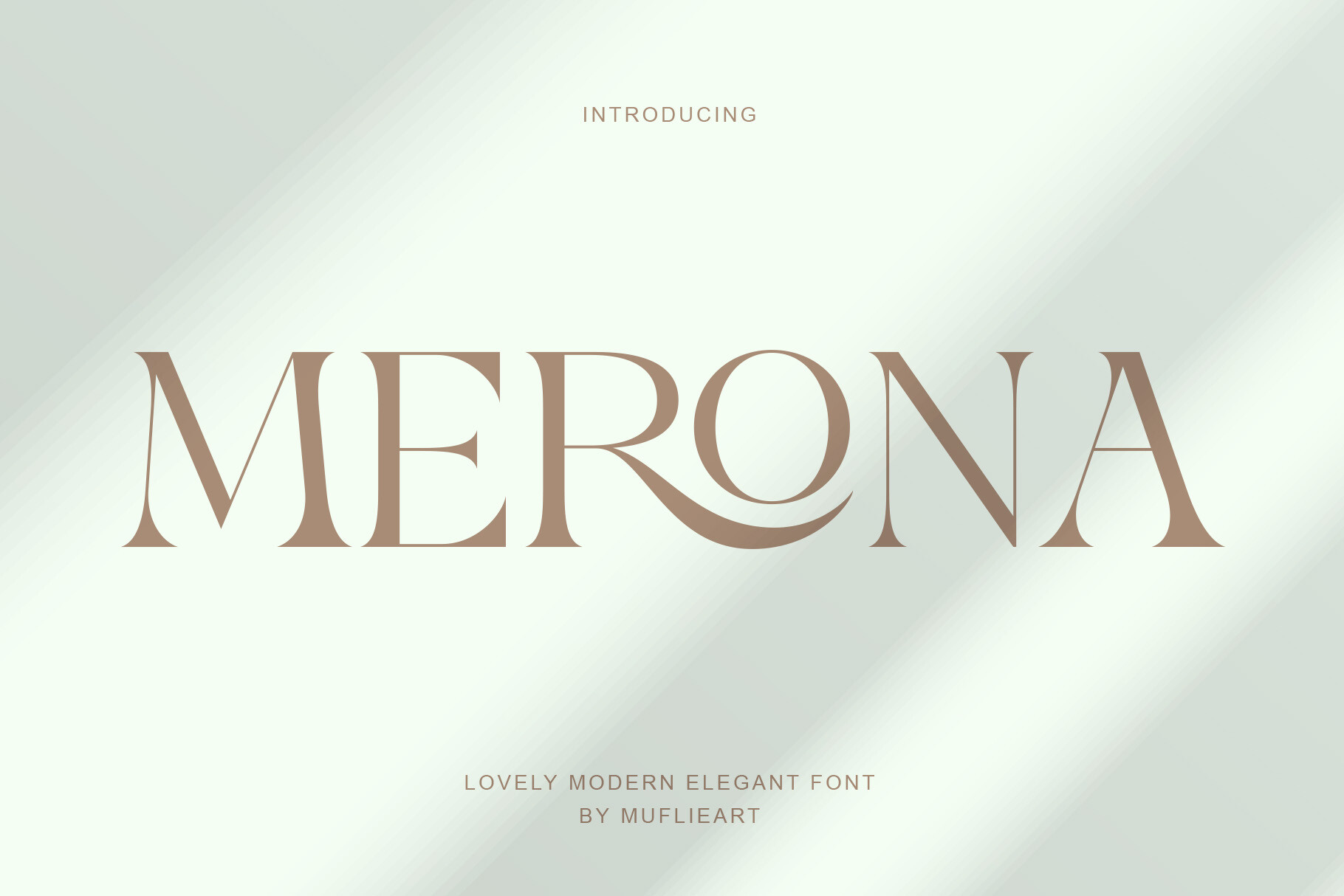
Merona is a classic serif face with a warm, readable character that works well for brochure titles and subheadings. It fits boutique brochures, lifestyle catalogs, and layouts where the brand feels personal, thoughtful, and a little more editorial than strictly corporate.
Use it for section names, short intros, and supporting headings. Pair it with a simple sans-serif or neutral serif for body copy. Check the product page for the styles and license terms included before finalizing your brochure layout.
Best for: boutique brochures, lifestyle catalogs, subheadings. By: Muflieart
6. Cecelia
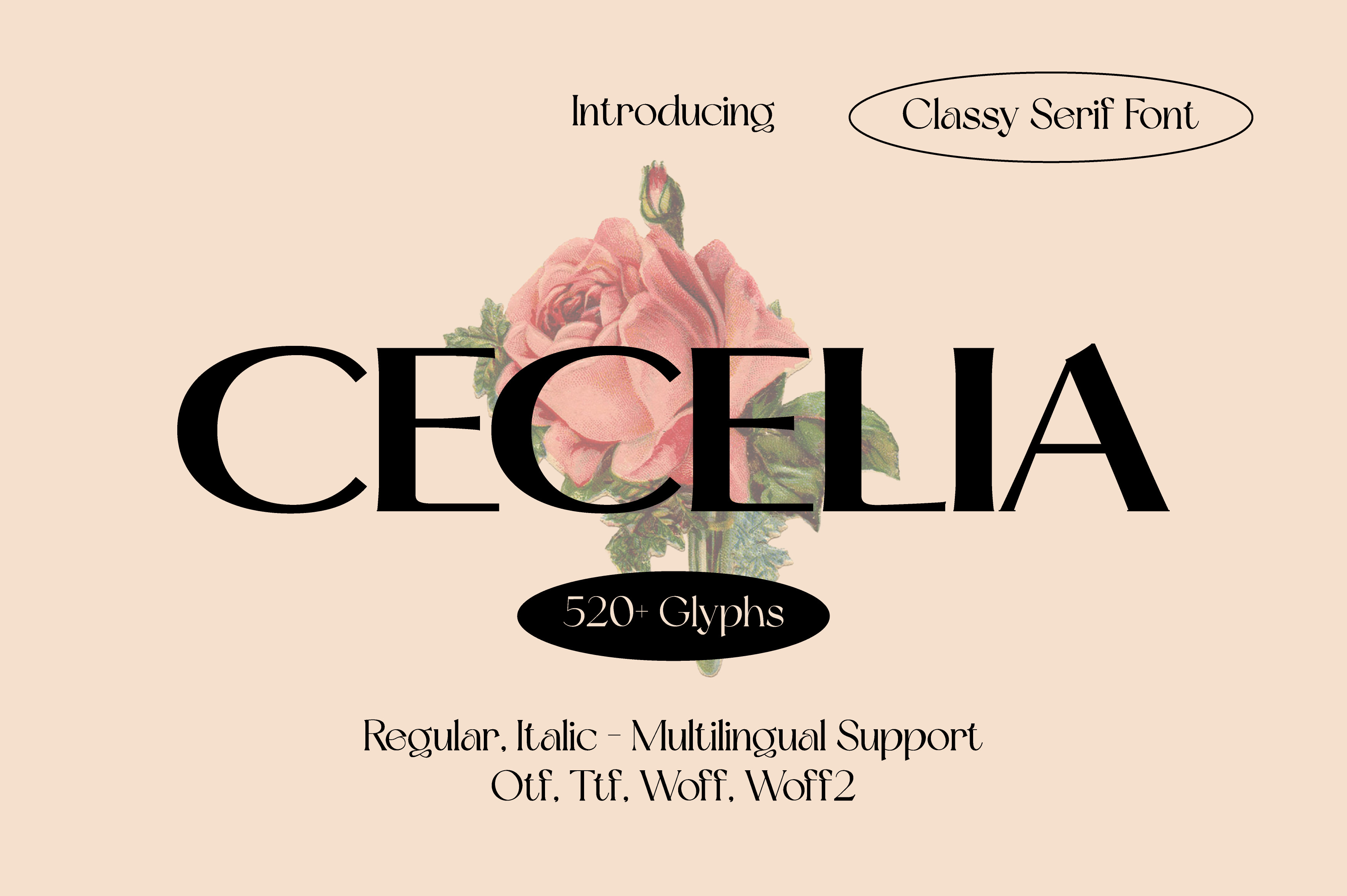
Cecelia is a graceful serif face that brings a softer, friendlier tone to brochure headings and pull quotes. It works well in wellness brochures, community programs, and layouts where the message should feel approachable rather than formal.
Use it for headings, highlighted quotes, and short accent lines that need a gentle visual lift. For longer body text, choose a quieter companion face and keep Cecelia to the moments where it can shine. Check the product page for available weights and license terms.
Best for: wellness brochures, pull quotes, soft-toned headings. By: Minimalistartstudio
Slab and Display Brochure Fonts for Titles and Travel
7. GetUp Semi Expanded

GetUp Semi Expanded is a bold slab and display choice for brochure covers, event titles, and section openers that need strong presence. It is best used at larger sizes, where its weight can create a confident opening without overwhelming the page.
Use it for a cover headline, a tour title, or a short call to action. Then move to a calmer body font for details. Display faces can be tricky in small sizes, so test it in print before committing. Check the product page for styles and license terms.
Best for: brochure covers, event titles, bold section openers. By: Artisans
8. Planet Adventure
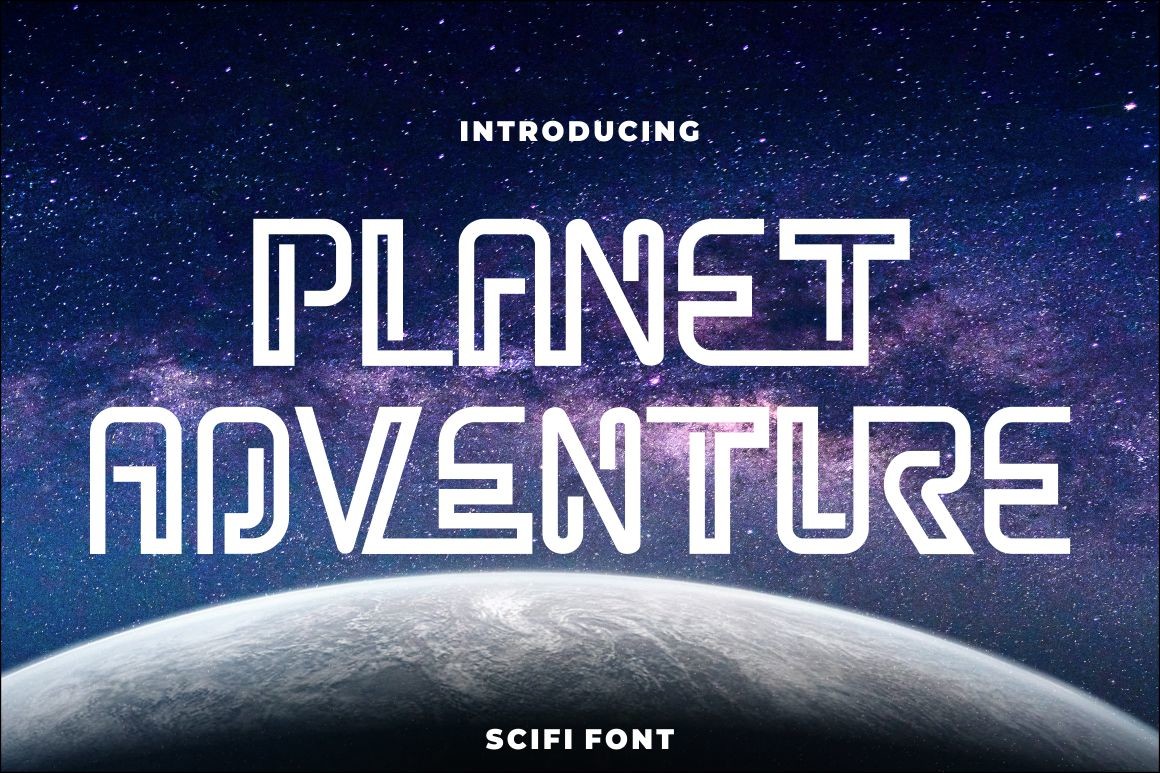
Planet Adventure is a display face with an adventurous spirit, suited to travel brochures, tour packages, and titles that need a sense of motion. It works best on covers, short headlines, and accent lines where the type can carry the mood of the trip.
Keep the body copy in a simple, readable face so the destination details stay easy to scan. Use Planet Adventure for the moments that should feel exciting, then check the product page for included weights and license terms.
Best for: travel brochures, tour packages, adventure titles. By: putracetol
How to Use Fonts in Tri-Fold, Bi-Fold, and Corporate Brochures
Tri-fold brochure fonts need to work in tight columns, so the type has to stay clear at small sizes. Put a large, confident title on the cover, keep inside subheadings compact, and give the body text enough leading so it does not feel crowded. Always check the folded proof. Text near folds can look uneven in ways you will not catch on screen.
Bi-fold brochures give you more room to work. You can let the cover headline breathe and use typography to separate the two inside panels. A strong title on one side and a calmer text block on the other creates a clear reading order without extra rules or boxes.
For corporate brochure typography, keep the system restrained. A calm sans-serif for headings and a neutral face for body copy usually works best. Use colour, not extra typefaces, to mark the call to action.
Travel brochure fonts can use a display face on the cover and a quiet body font inside. Real estate brochure fonts often pair an elegant serif for the property name with a clean sans-serif for square footage, prices, and contact details. Event programs and service pamphlets follow the same logic: one clear title, short labels, a body face that stays easy to read in small columns, and details kept away from the fold, edge, and panel.
Font Sizes, Spacing, and Print Legibility
Brochure font size is less about one perfect number and more about testing. Body text often starts around 10 to 11 pt, with 12 pt a safer choice for older readers or dense layouts. Headlines should be noticeably larger, often 24 to 30 pt or more on covers. These are starting points, not rules. Always test in print, and treat any figure here as a guide for your own proof.
Leading matters as much as size. A common starting point is 120 to 145 percent of the font size. Tight leading can make narrow columns feel cramped. Too much space can make the page feel scattered. Test a few values on a printed proof and keep the one that reads best for your layout.
Line length also affects readability. A column of roughly 40 to 75 characters is a useful target. Left-aligned text usually reads better than justified text in narrow brochure panels, because it avoids uneven gaps between words.
Thin weights can lose definition on tinted backgrounds or uncoated paper. If a light style looks crisp on screen but weak in print, move to a heavier weight or a darker colour. Keep text away from folds and edges, and review a physical proof before finalizing. A quick print test will catch issues that a monitor can hide.
Pairing Fonts and Choosing Colour for Brochure Text
A simple font pairing for brochures is one expressive face for headings and one calm face for body text. Two typefaces are often enough. Three is the practical maximum, and even then the third should be used sparingly, perhaps for labels or a call to action.
Contrast is the key. A serif heading with a sans-serif body can feel classic and clean. A display cover face with a neutral sans-serif body can feel bold but readable. Avoid pairing two similar faces that fight for attention, or two decorative faces that make the page feel busy.
Colour should support the type, not replace it. Use a dark, neutral colour for body text and reserve an accent colour for headings, icons, or the call to action. If text sits over a busy image, add a solid or semi-transparent overlay so the words stay legible. This keeps the visual hierarchy clear and calm.
Accessibility and Readability for All Readers
Accessible brochure design starts with contrast. Body text should be dark enough against the background to read without strain. Do not rely on colour alone to show importance. Add weight, size, or position so the meaning is clear even in black and white.
Avoid long blocks of all caps and small light text. Both can be hard to read, especially in a brochure that might be viewed in a lobby, a car, or a busy office. Choose letterforms that stay distinct at small sizes, so letters like I, l, and 1 do not blend together. Opinions differ on whether serif or sans-serif is easier to read in print, so test your choice with real readers rather than relying on a rule.
Leave room to breathe. Generous margins, spacing between blocks, and a larger body size for readers who need it all help. A brochure that feels cramped on the page will feel cramped in the hand.
Using Brochure Fonts in Canva and Design Software
You can use downloaded fonts, and sometimes Canva fonts, in a printed brochure if you have the rights to use them. In Canva, custom font upload is usually available through Brand Kit on eligible plans, but plans and features change, so check Canva’s current help pages for the exact options. Whether a font stays embedded in a print PDF is not something to assume, so run a test export and inspect it. You can also work in Adobe InDesign, Illustrator, Affinity, or Word by installing the font and using it in the layout.
For print, confirm that the file is set up correctly. Some printers ask for fonts to be embedded or converted to outlines. Export a print-ready PDF, then ask the printer to check the fonts. A quick test page can reveal missing glyphs, unexpected substitutions, or spacing issues before the full run. Also confirm the colour mode, resolution, and bleed with your printer before sending the file.
Tips for Choosing the Right Brochure Font and Checking Licenses
Before you print, check the license. Commercial print work, including brochures, usually requires a license that covers commercial use fonts for print, but terms vary by font and seller. Read the terms on each product page; this guide does not assume any licence for the fonts above. Look for details on commercial use, number of seats, client handover, and whether the license covers the final PDF or only the design file.
Run a practical test. Print a draft, view it from a normal reading distance, and ask a colleague to read it without help. If they stumble, the type may be too small, too light, or too decorative.
Also check symbol and language support. If your brochure includes accents, currency symbols, or non-English text, make sure the font covers those characters. Finally, match the type to the brand and audience. A brochure should feel like it belongs to the company, event, or destination it represents.
Where to Download Brochure Fonts
Creative Fabrica is a practical starting point for brochure fonts, with a large catalog of sans-serif, serif, slab, and display options. It is a practical place to find fonts for headings, body text, and special cover moments. You can also browse Google Fonts, DaFont, and Font Squirrel for additional references, but always confirm the license before using a font in a commercial brochure. For more typography guides and font collections, visit the FontPro blog.
A good brochure font is not the flashiest one on the page. It helps the reader move from title to details without effort. Pick a clear heading face, a calm body face, and a layout that gives the type room to work. Print a proof and let the typography support the message.