· fonts · 9 min read
13 Best Fonts for Newsletter Titles in 2026
13 newsletter title font picks from Creative Fabrica for image headlines, PDFs and print, plus web-safe email fallbacks, sizing and pairing tips.
What Makes a Great Font for a Newsletter Title?
The title of a newsletter decides whether a subscriber opens the story or scrolls past it. Its job is to lead the eye through the issue, not to carry the whole brand. The masthead sets the brand, the body text holds the reading, and the headline does the steering.
Three properties matter most for a newsletter headline font:
- Clear contrast with the body text in size and weight, so the eye lands on it first.
- Readability on a phone, where the title should fit in one or two lines.
- Character that matches the tone of the newsletter without getting in the way of the words.
A note before the list. The 13 fonts below are Creative Fabrica products, not a test. Twelve of the thirteen are subscription-only per their listings; Steelfish is listed in Creative Fabrica’s free font collection, so check the license on the product page. None is positioned by its listing for email, and listing claims are seller positioning. Four entries (Heroeau Elegant, Display Elyra, Wait Here, Working) have thin data or a weak match, so check the link before publishing. Roles in the list are suggestions, not facts.
Live Text, Image Headlines and Email Limits
There are two formats to keep separate. The first is a headline as an image, a PDF, or print, where any installed face works, including the Creative Fabrica picks below. The second is live headline text in an HTML email, where custom fonts in email are supported unevenly and some clients will swap in a fallback.
For live text, web-safe fonts for email are the safe base: Arial, Verdana, Georgia, and Times New Roman. Rockwell is a common slab choice for print newsletters. Helvetica is not strictly web-safe but usually renders close enough. Arial Black and Impact give a heavier look when you need it. Trebuchet MS suits short headlines better than long phrases. Web fonts such as Playfair Display, Open Sans, Lato, and Roboto are not everywhere, so use an email font fallback stack: the preferred face first, then the safe ones.
A headline image has tradeoffs. Some recipients block images by default, so add alt text and keep the title usable for search and copy. Do not hide the only meaning of a headline inside an image. Test the message in Litmus or Email on Acid before sending.
13 Best Fonts for Newsletter Titles
This list is built for headline images, PDFs, and print, where the Creative Fabrica faces below can be used, subject to each license. Each entry gives the style from the listing, a suggested role, and a practical note.
Best Serif and Display Fonts for Newsletter Titles
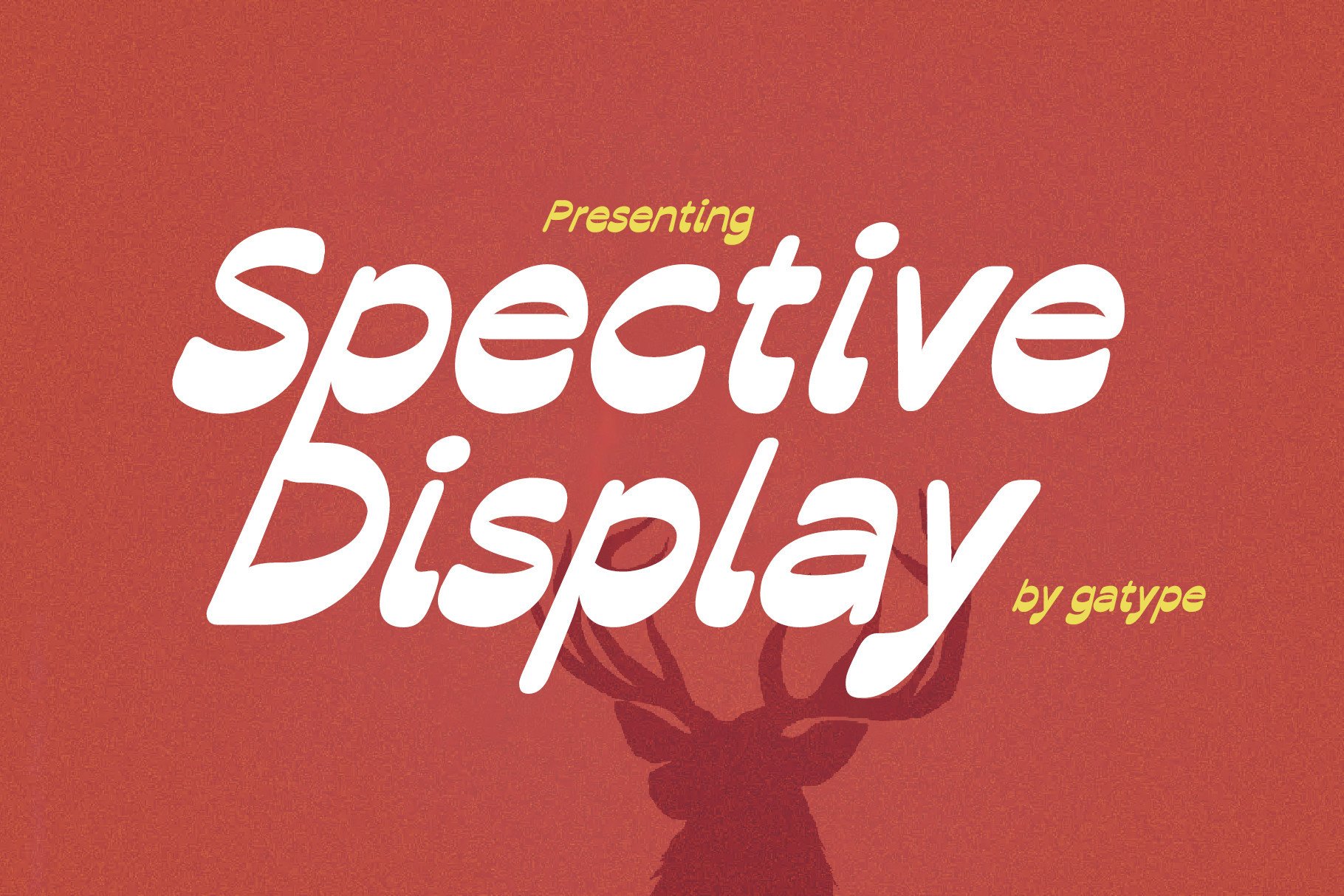
1. Spective
Spective is a display serif the listing pitches for editorial headlines, naming posters, t-shirts, and magazine and movie covers. The listing says subscription-only access includes personal, commercial, and POD use, though the license should be checked on the product page. It could suit an issue title or a large lead-story headline.
Best for: issue titles, lead-story headlines, magazine-style covers. By: Creative Fabrica
2. Bold Sharp
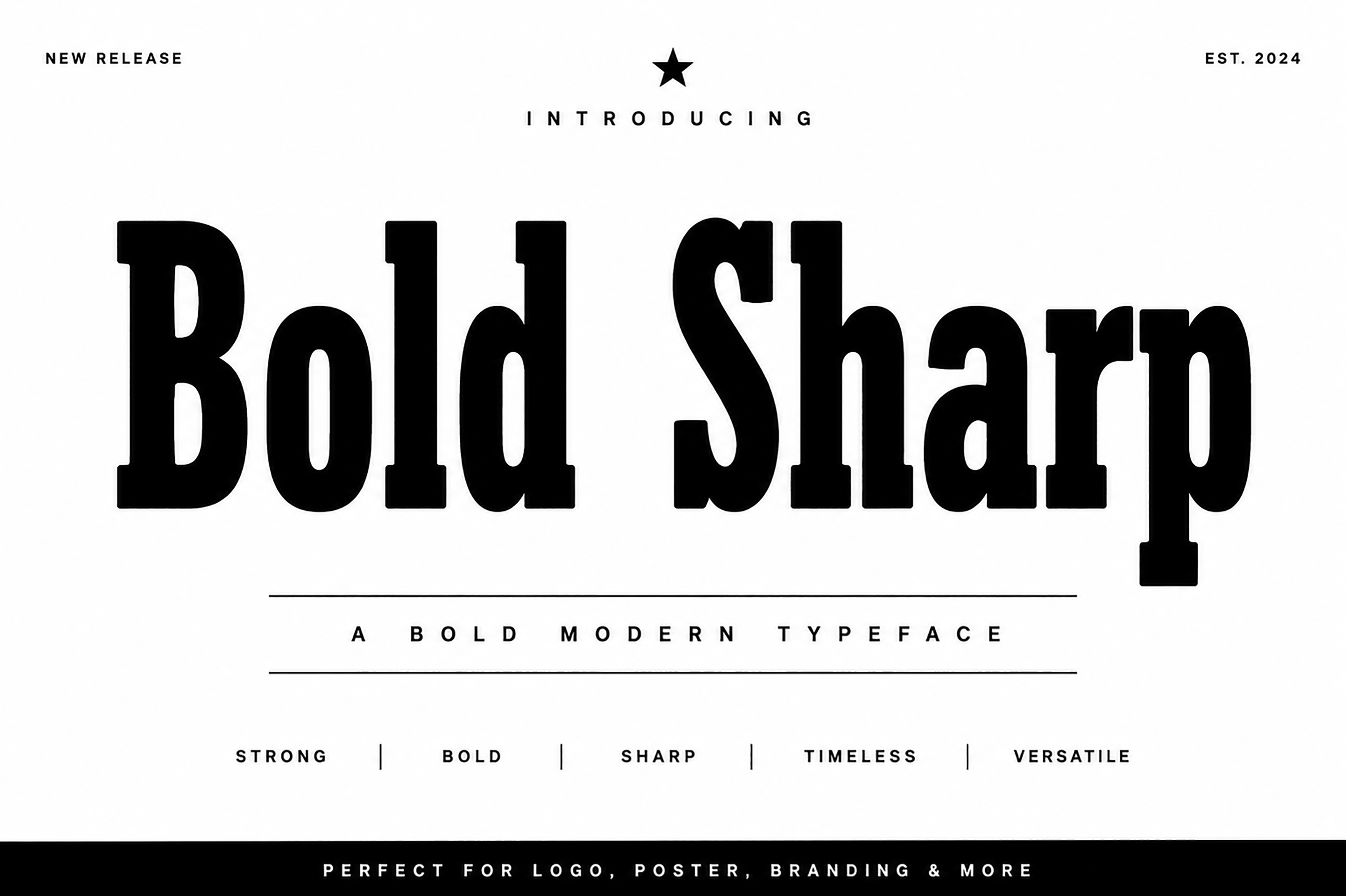
Bold Sharp is a high-contrast serif with heavy weights and sharp serifs. The listing positions it for editorial headlines, event posters, packaging, and corporate branding. For a newsletter, it could work as a headline for an event announcement, where the weight carries the date and the name.
Best for: event-announcement headlines, bold section headers. By: Creative Fabrica
3. Heroeau Elegant
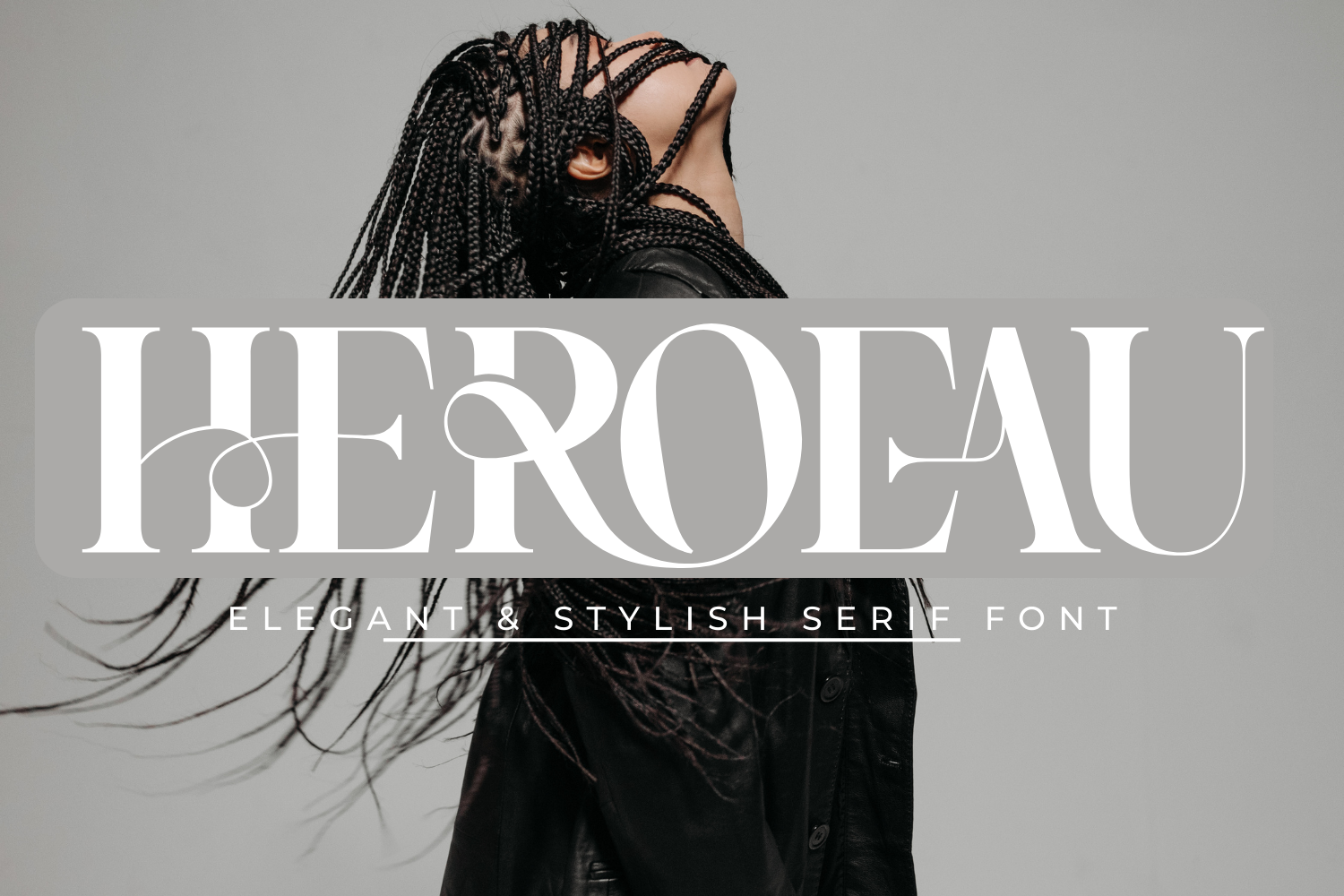
Heroeau Elegant is a serif. The listing says it can create luxury, gorgeous headlines and elegant designs with a vintage flair. The data here is thin, so open the link and confirm it leads to the right product before publishing. It could suit a boutique or lifestyle newsletter title.
Best for: boutique newsletter titles, lifestyle section headers. By: Creative Fabrica
4. Display Elyra
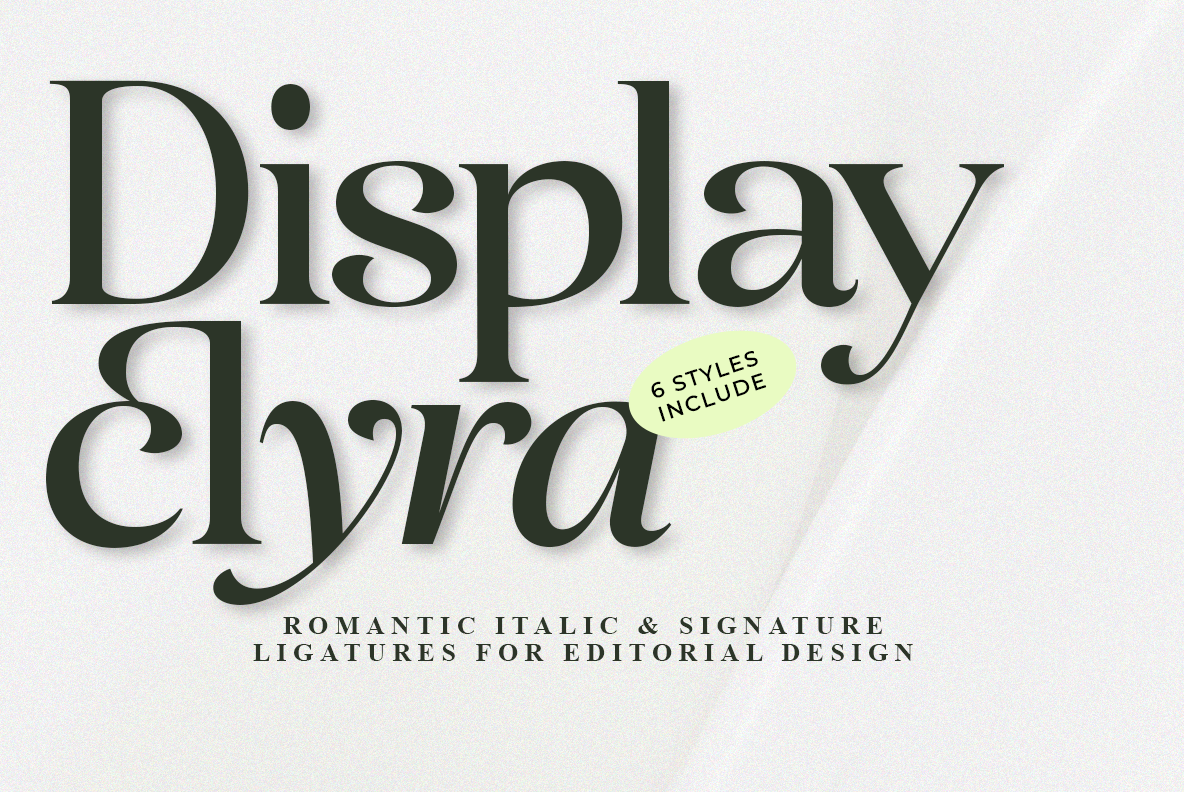
Display Elyra is a display font the listing pitches for magazine spreads, fashion lookbooks, and luxury invitations. Details beyond that are limited, so check the link before publishing and test it on a short title. It may fit a fashion or style-focused newsletter headline.
Best for: fashion newsletter titles, lookbook-style headers. By: Creative Fabrica
Best Slab and Playful Fonts for Creative Newsletters
5. Wait Here
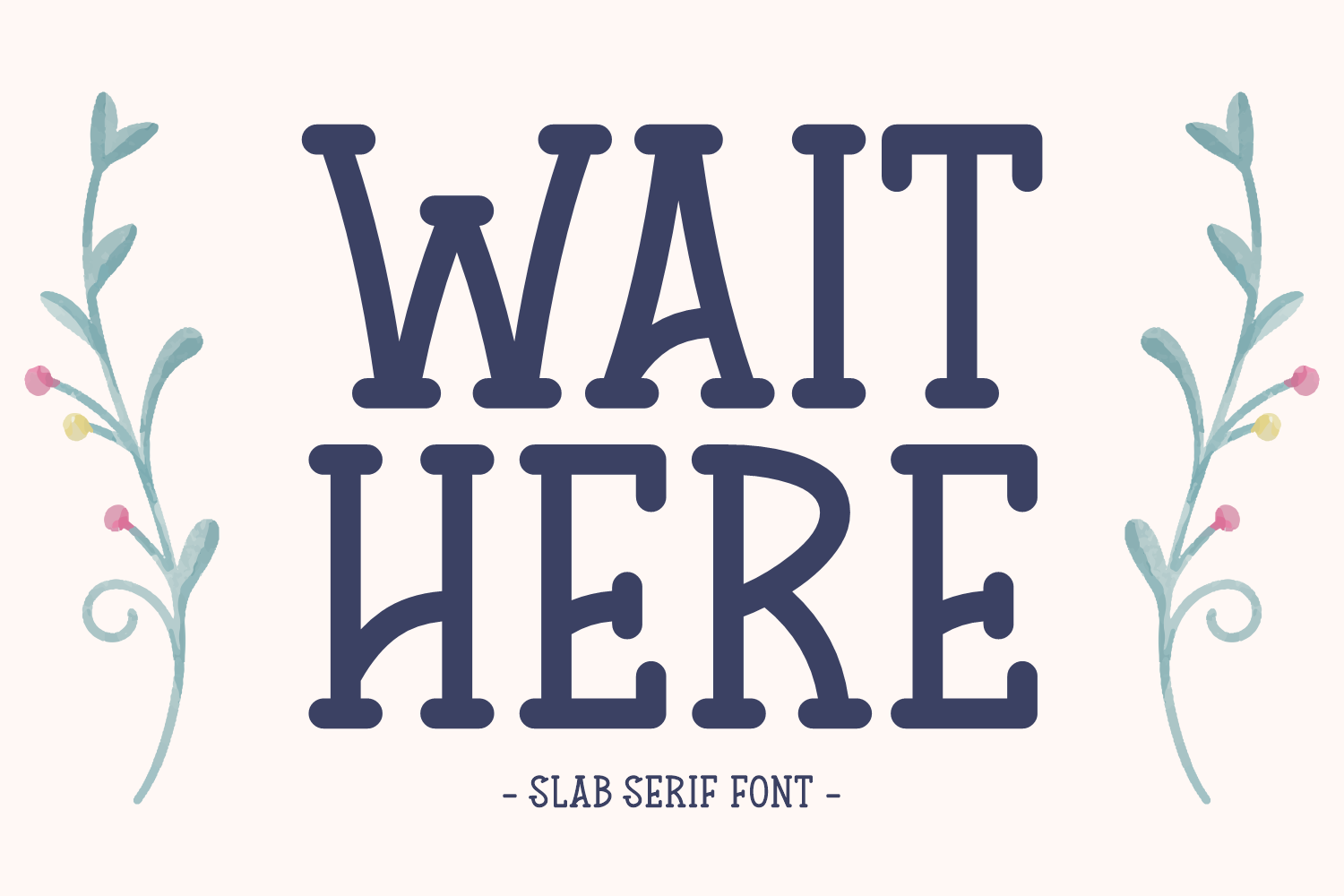
Wait Here is a slab serif the listing calls a clean headline font for titles, especially kids’ projects or apparel. The match to a typical adult newsletter is weak, so verify the link before publishing. It may fit a playful or kids-focused newsletter title.
Best for: playful newsletter titles, kids-focused section headers. By: Creative Fabrica
6. Adith
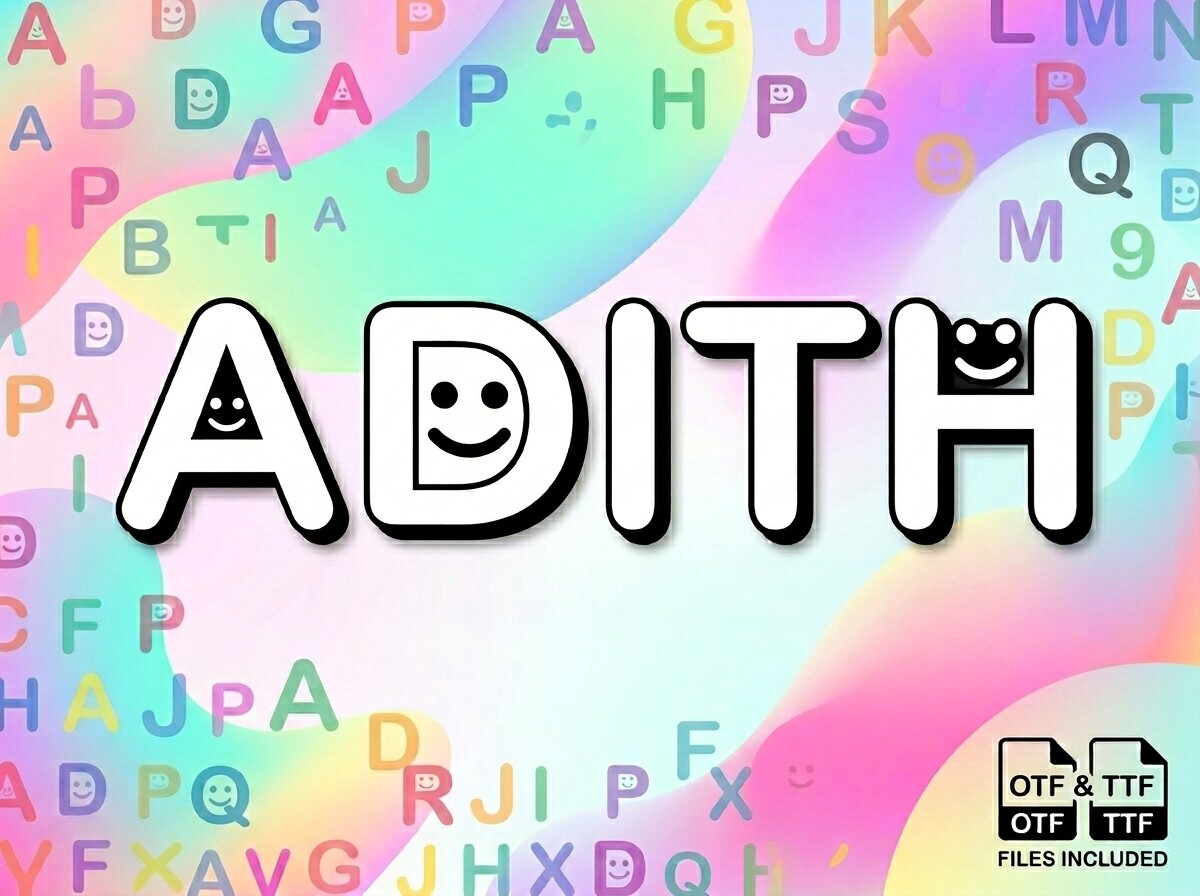
Adith is subscription-only. The listing says it suits a playful product or a standout title for a creative blog. That positioning could carry a headline in a newsletter aimed at a creative audience, where a bit of personality is welcome. Worth testing on a real title.
Best for: creative-audience headlines, playful block titles. By: Creative Fabrica
Best Condensed Sans Serif Fonts for Headlines
The seven condensed faces below have near-identical listing data, so they are separated by role rather than letterform. A condensed face can fit more words into a column width, which helps in a dense layout. Compare the previews on a real headline before choosing.
7. Maximalis
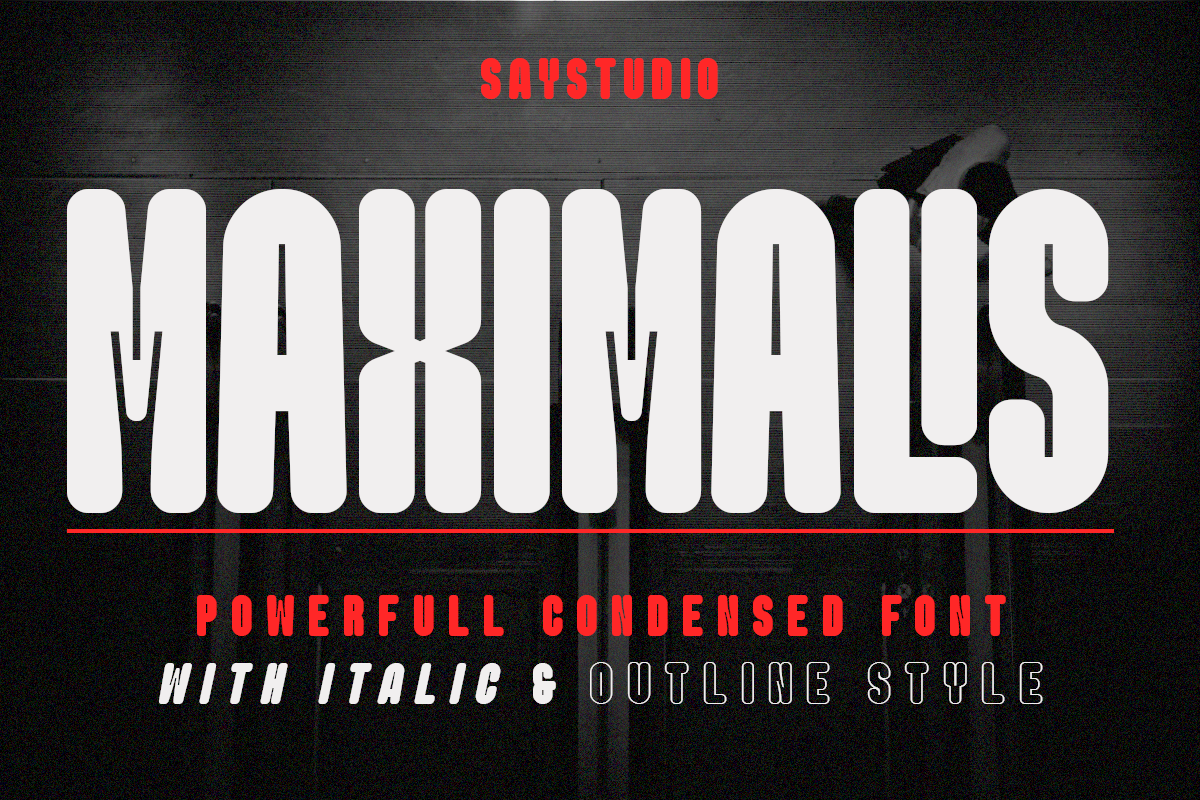
Maximalis is a condensed sans serif for bold headlines, with several styles, and it is subscription-only. It could suit a story headline in a tight newsletter column.
Best for: story headlines in tight columns, dense section headers. By: Creative Fabrica
8. Working
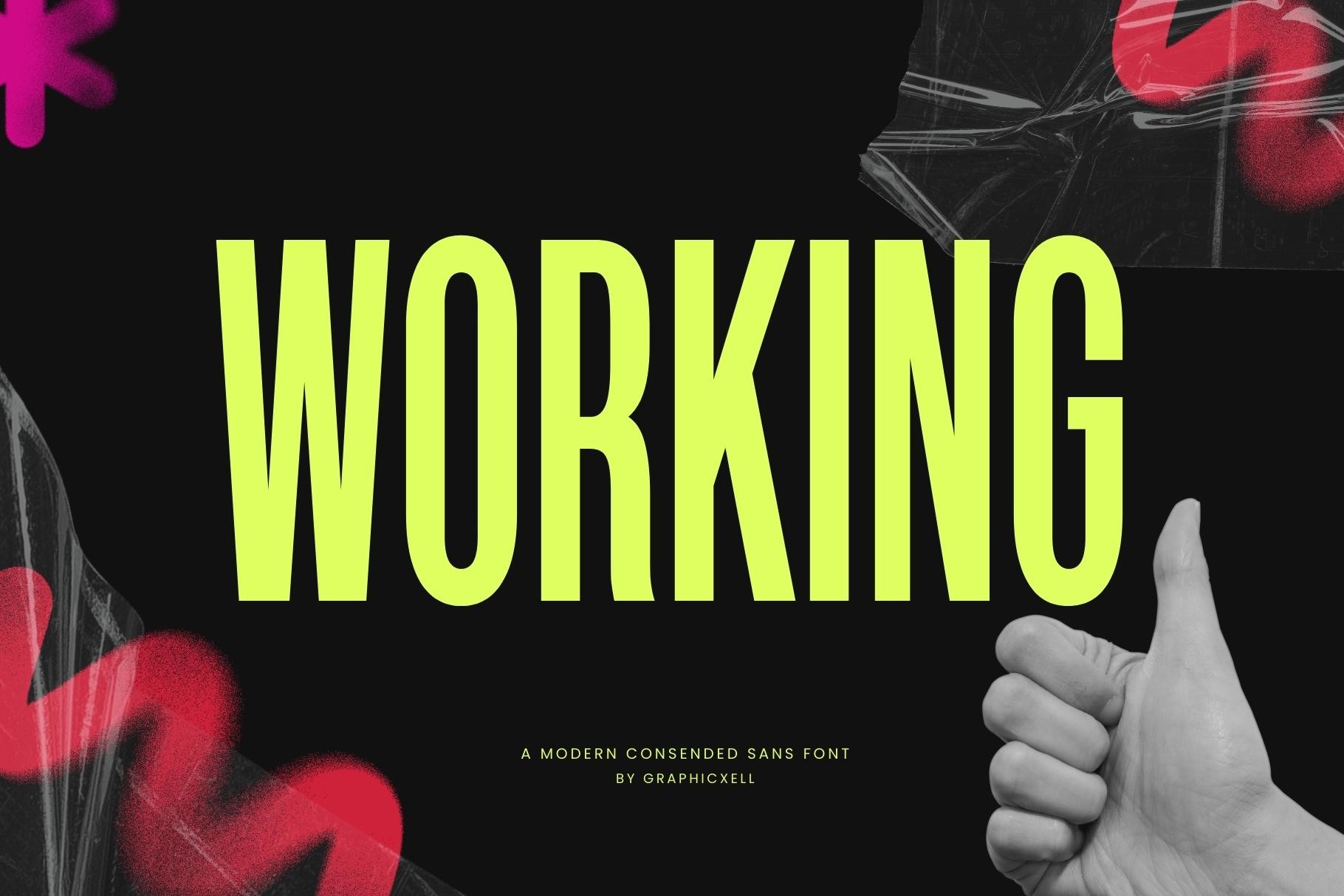
Working is a modern condensed sans serif suited to headings and titles, and the listing is subscription-only. The data is limited, so check the link before publishing. It could suit a short, direct headline where a condensed width saves space.
Best for: short direct headlines, compact block titles. By: Creative Fabrica
9. Steelfish
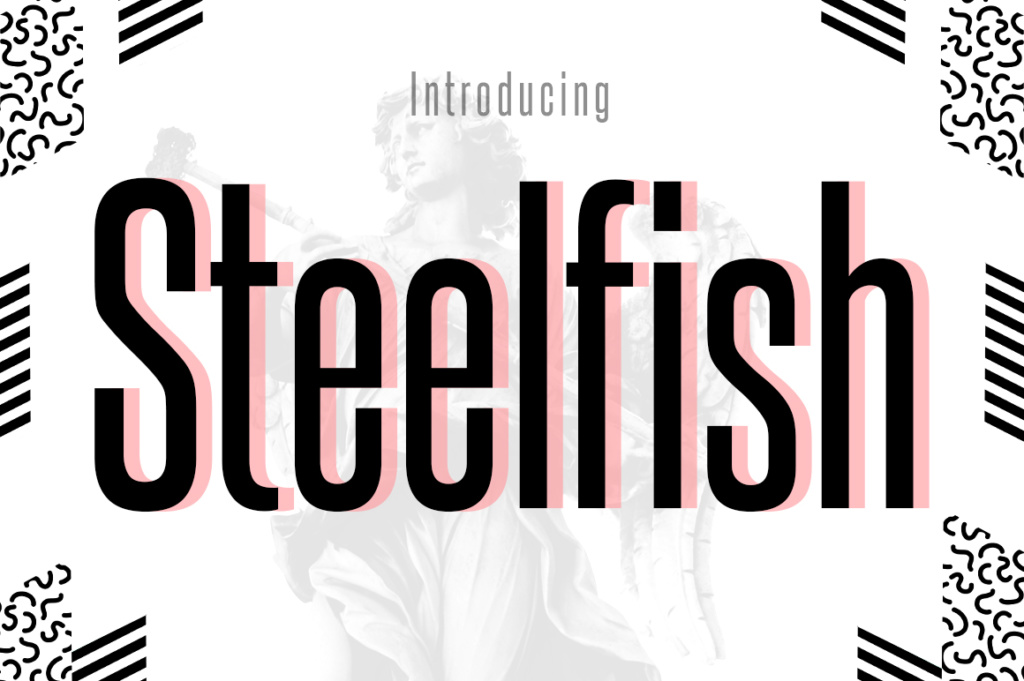
Steelfish is a condensed headline face listed in Creative Fabrica’s free font collection. Check the license on the product page before using it in a newsletter, since the listing does not state commercial-use rights. It could serve as a budget-friendly option for headline images, banners, and block graphics.
Best for: headline images, banners, block graphics. By: Creative Fabrica
10. Formasi
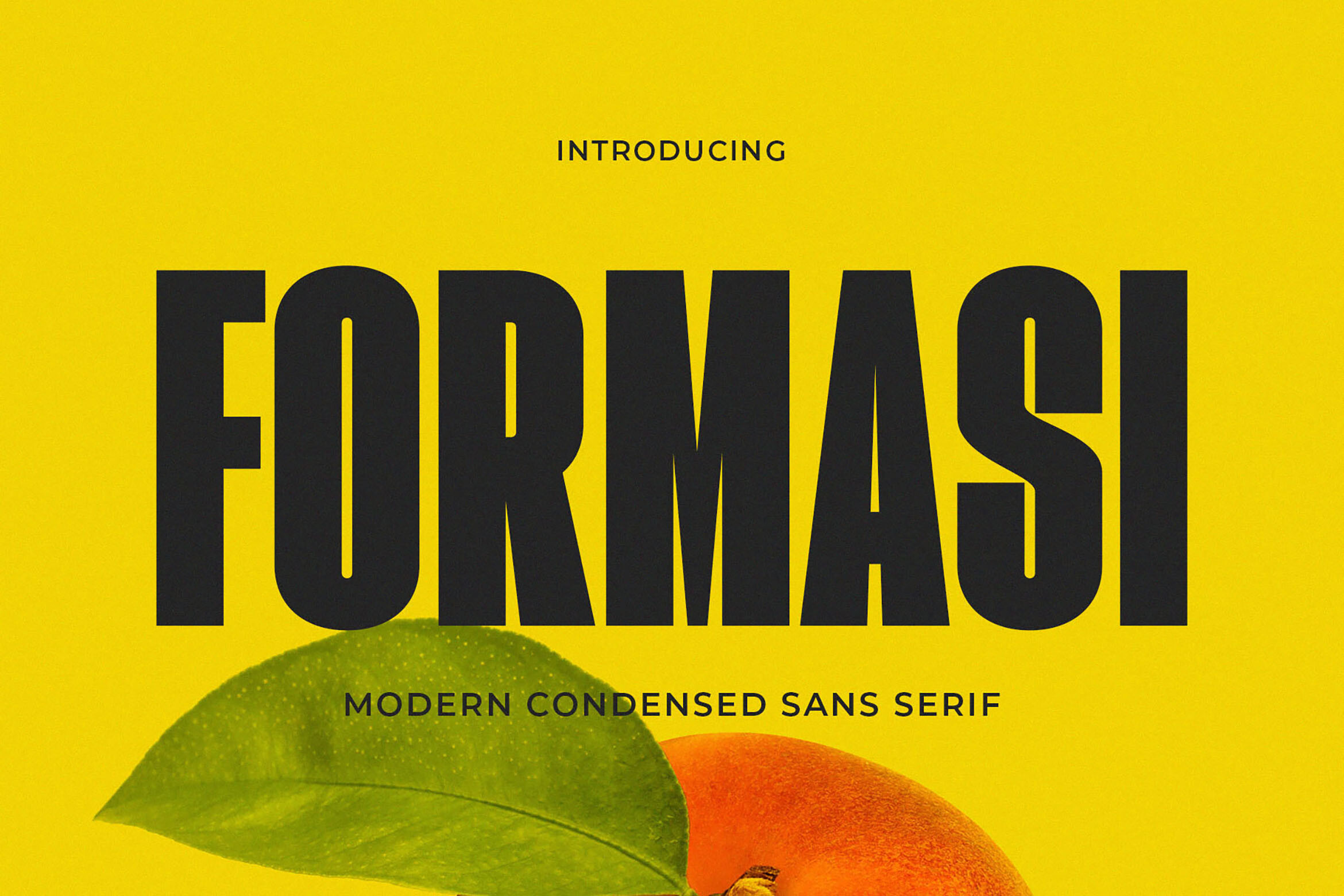
Formasi is a condensed sans serif with clean geometric proportions, pitched for magazine titles, and it is subscription-only. The magazine positioning could suit section headers in a journal-style newsletter. Worth testing on a real section title before you commit.
Best for: journal-style section headers, magazine titles. By: Creative Fabrica
11. Valcore
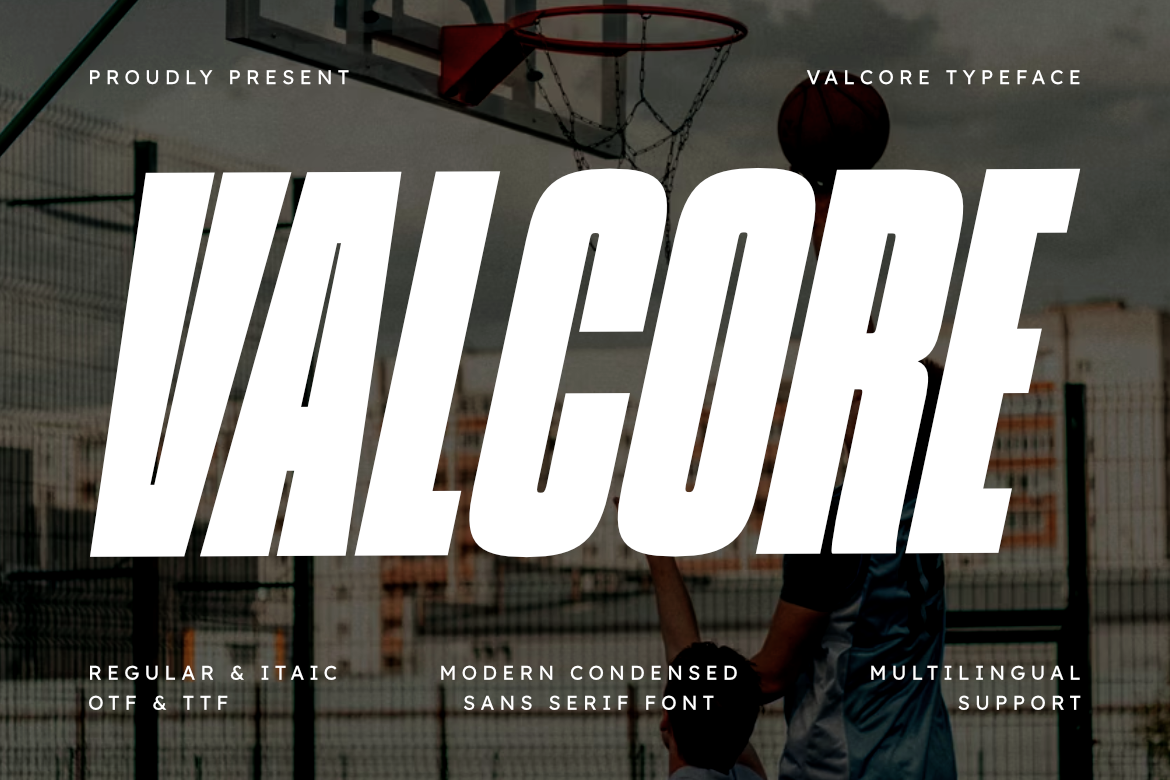
Valcore is a condensed sans serif for assertive headlines, and it is subscription-only. The listing’s assertive positioning could suit short call-to-action headlines. It may fit a promo block or a single-line push.
Best for: short call-to-action headlines, promo blocks. By: Creative Fabrica
12. Morinite
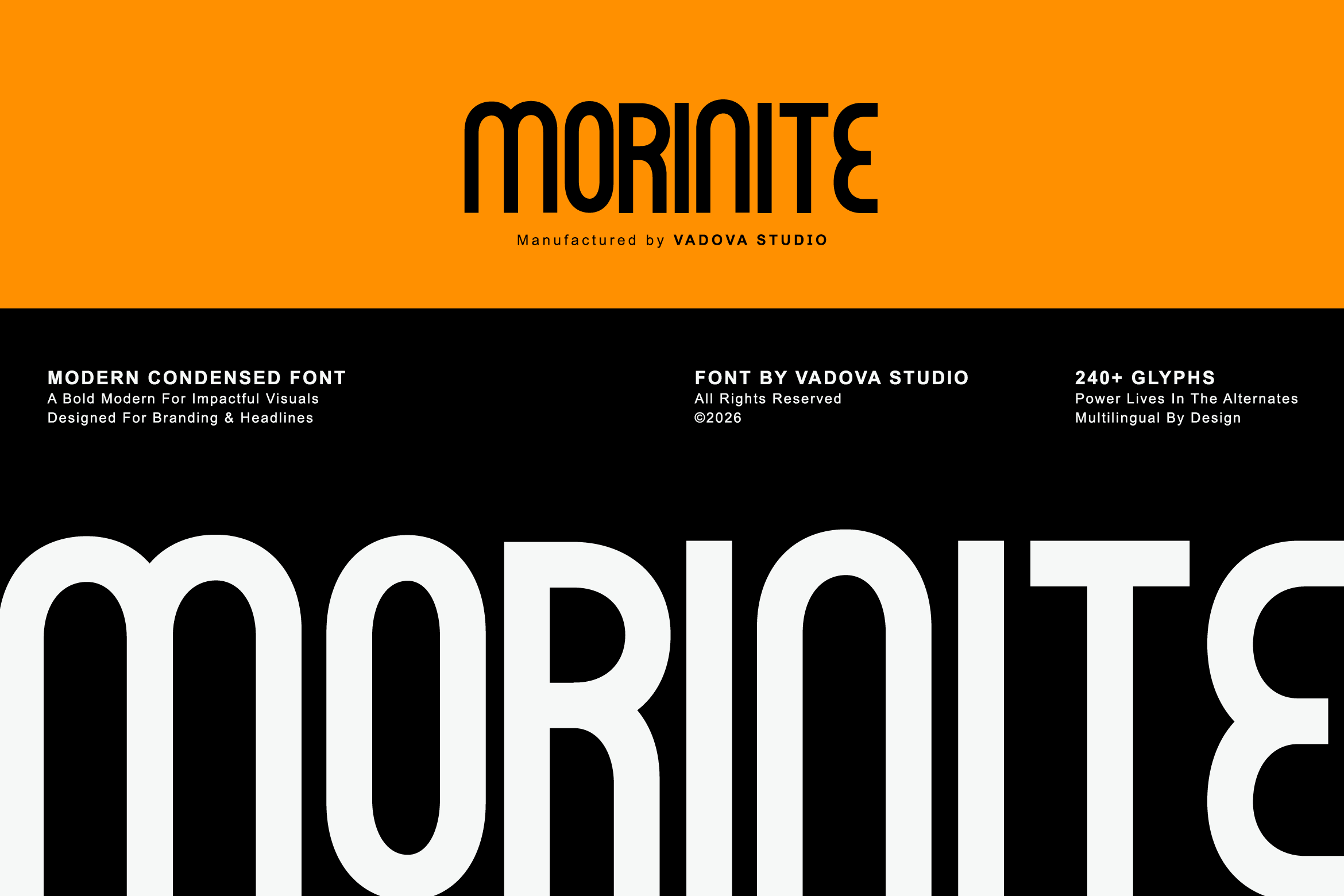
Morinite is a condensed sans serif built for impactful headlines, and it is subscription-only. The listing’s focus on impact points to a banner role, where a single line sets the tone for the whole issue. It could suit an issue banner or a featured-story header.
Best for: issue banners, featured-story headers. By: Creative Fabrica
13. Moendem
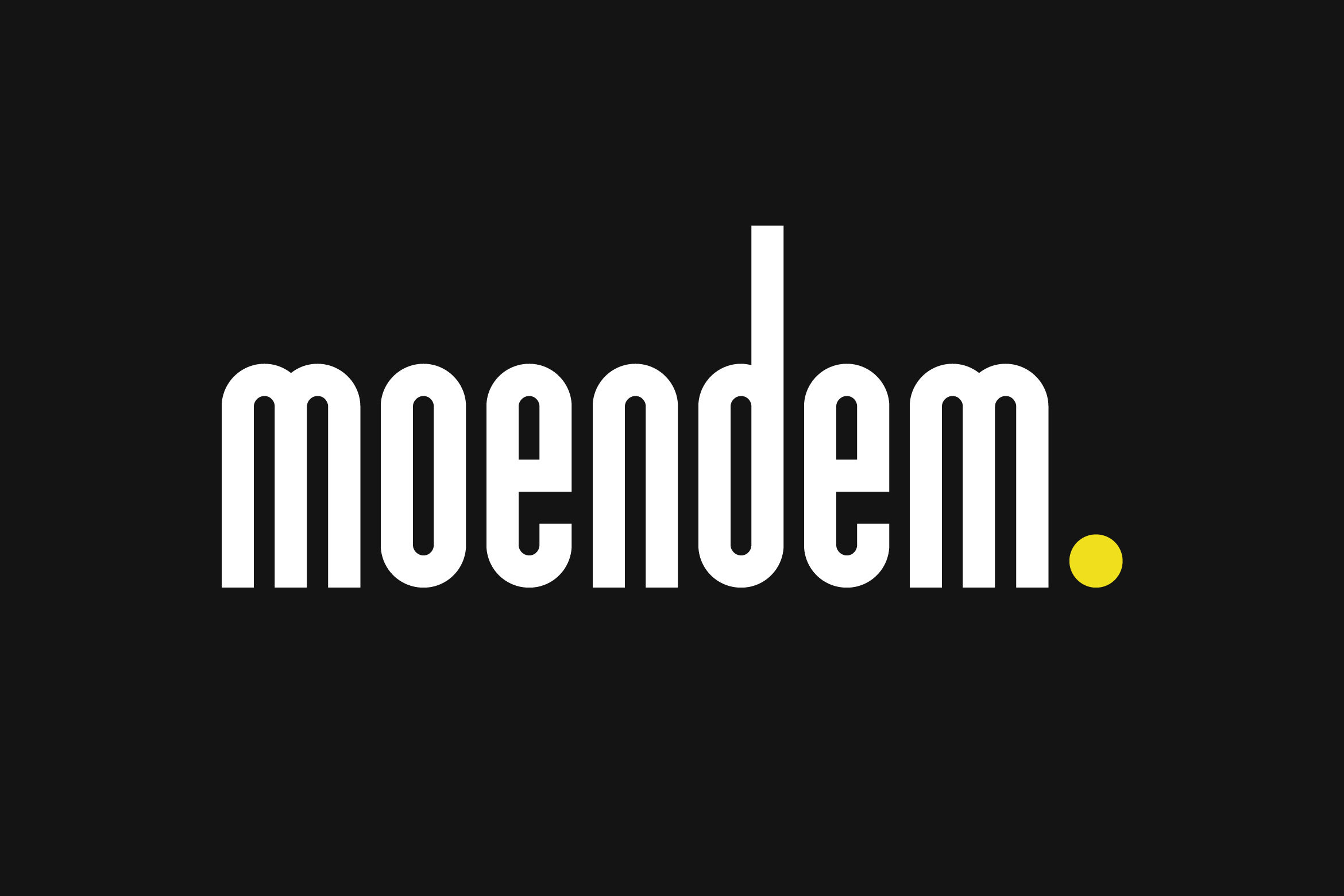
Moendem is a condensed sans serif for headlines and branding, and it is subscription-only. Because the listing ties it to branding, it could suit a headline that needs to match the newsletter’s own brand mark. Worth testing against the masthead to keep the look consistent.
Best for: brand-matched headlines, consistent section headers. By: Creative Fabrica
Headline Hierarchy and Pairing: Quick Settings for Newsletter Titles
Font hierarchy for newsletters runs in three steps: headline, subhead, and body text. The headline should stand apart in size and weight. A commonly used range puts a story headline around 24-32 px against body text around 16 px, but treat that as a starting point and check it on a phone.
Keep the headline to one or two lines on a phone. As a rough guide, a short headline holds up in an expressive display face, while a longer one usually reads better in a calmer cut. Line spacing for a headline is usually tighter than body text, with a commonly suggested range around 1.1-1.3 of the size.
For a newsletter font pairing, one common approach is a display serif or a condensed sans for the headline, paired with a neutral web-safe face like Georgia or Arial for the body. Keep it to two fonts, and hold the headline font steady across issues so the newsletter stays recognizable.
Use dark text on a light background as the safe default, then check the dark theme. If the headline is an image, check how it reads on a dark background too.
Build the headline in Canva, Figma, InDesign, Photoshop, Photopea, or Word, then export it as a PNG or an SVG-in-image at the size you need, at 2x for high-density screens, and add alt text.
How to Choose the Right Font for Your Newsletter Title
Match the face to the issue. A journal or editorial newsletter leans toward a serif or display face. A news or dense layout leans toward a condensed sans. A creative or playful newsletter can take a slab or a playful face.
On licensing, twelve of the thirteen fonts are subscription-only per their listings. Steelfish is listed in Creative Fabrica’s free font collection, so check the license on the product page. The listings do not state commercial-use rights, so for headline images, PDFs, and print, review the terms on the product page.
For the four thin-data entries (Heroeau Elegant, Display Elyra, Wait Here, Working), open the page, confirm the link leads to the right product, and test the preview on a real headline. A good general test is to type an actual headline at phone size and see if it still reads.
Is there one best font for a newsletter title? No. The best font for a newsletter title depends on the design and the brand, and a display face is acceptable for headlines because there is usually little headline text in an email. Serif vs sans serif for headlines comes down to tone: serif for editorial, condensed sans for news. And to answer directly, these fonts are not all free for commercial use; check each license.
Where to Download Fonts for Newsletter Titles
Creative Fabrica is the main source for the thirteen fonts above, most on a subscription. Google Fonts, DaFont, and Font Squirrel are additional free options to browse, but check the license on each face before using it in a commercial newsletter. For more on pairing and hierarchy, see the FontPro blog.