· fonts · 10 min read
13 Best Fonts for Resume Headers and Names in 2026
Thirteen Creative Fabrica fonts for resume names and section headings, with practical size, ATS, and PDF tips for a readable CV header design.
What Makes a Great Font for a Resume?
A recruiter spends a short time on your resume. A good font reads clearly on screen and in print, shows the hierarchy of name, headings and body text, and fits the tone of the industry. Both serif and sans serif styles can work.
This article covers 13 Creative Fabrica fonts for names, section headings, and personal branding on a CV. This is not a test, and none of these was checked in an ATS. The selection targets the header, not the main text.
Role suggestions below are editorial opinions. Listing claims are attributed to the product page. No listing names resumes directly, and a font name alone does not prove a font suits a resume.
Name, Headings and Body Text: Where Each Font Belongs
A resume has three typography jobs. The name is the most visible element and can carry a little personal character. Section headings should create a clear structure, and the main text should stay plain and easy to scan.
For body text, common safe choices include Calibri, Arial, Helvetica, Cambria, Georgia, Garamond, and Times New Roman. These are named as plain text only. Check the license and what your software includes.
Resume font size guidance is commonly suggested, not a rule. Body text is often set around 10.5 to 12 pt, headings around 14 to 16 pt, and the name around 16 to 18 pt. The same point size looks different across fonts, so check the PDF or a printout.
ATS advice is general. A common recommendation is to keep body text in a simple standard font, because decorative or script fonts may be harder to parse. Systems differ, so no ATS-friendly resume is guaranteed.
Saving a resume as PDF is often advised because fonts are usually embedded and the look is preserved. A DOCX file opened by a recipient may show a substitute font. Open the file on another device to confirm.
13 Best Fonts for Resume Headers and Names
These 13 fonts are grouped by style: 4 serif or slab serif, 4 sans serif, 3 script or signature, and 2 handwritten or monoline. They are meant for a resume font for name header, resume headings font, or personal brand mark. The main text should remain in a plain system font.
Closest listing matches are Bitfolio for professional portfolio titles, Correct Answer for business communications, First Name and Yourself Signature for personal branding, and Delyra Script for professional watermarks. The 5 script and handwritten fonts do not suit body text or contact details. They may be considered only for the name on a design led resume or personal letterhead, with care.
Best Serif and Slab Serif Fonts for Resume Headings
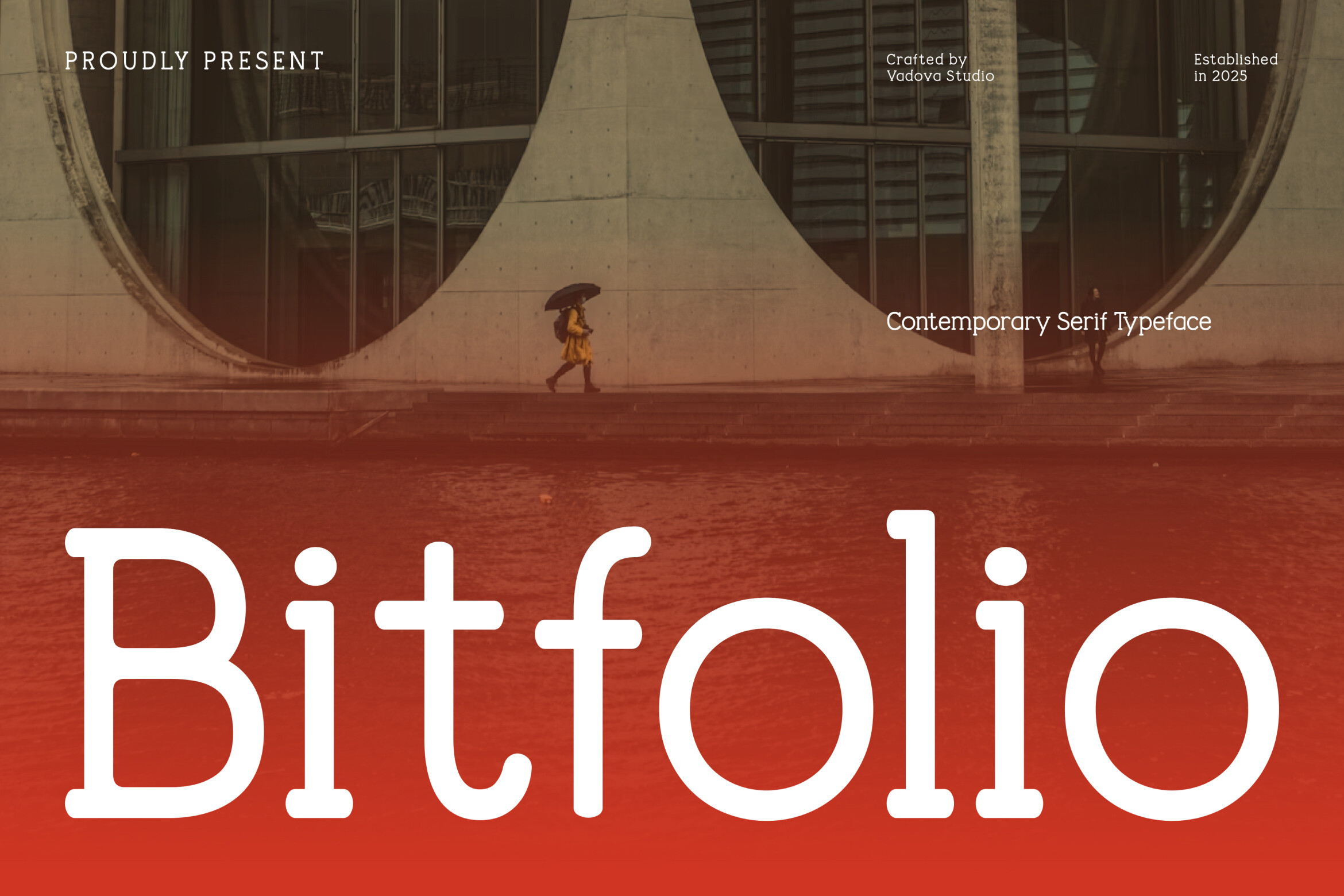
1. Bitfolio
Bitfolio is a serif with thick, rounded serifs and a balanced x-height. The listing names creative agency branding, professional portfolio titles, and high end tech startup identities. It could suit a name and section headings in a creative or tech resume. Test it in a PDF before committing.
Best for: Name header, section headings, creative CV. By: Creative Fabrica
2. Sofilera
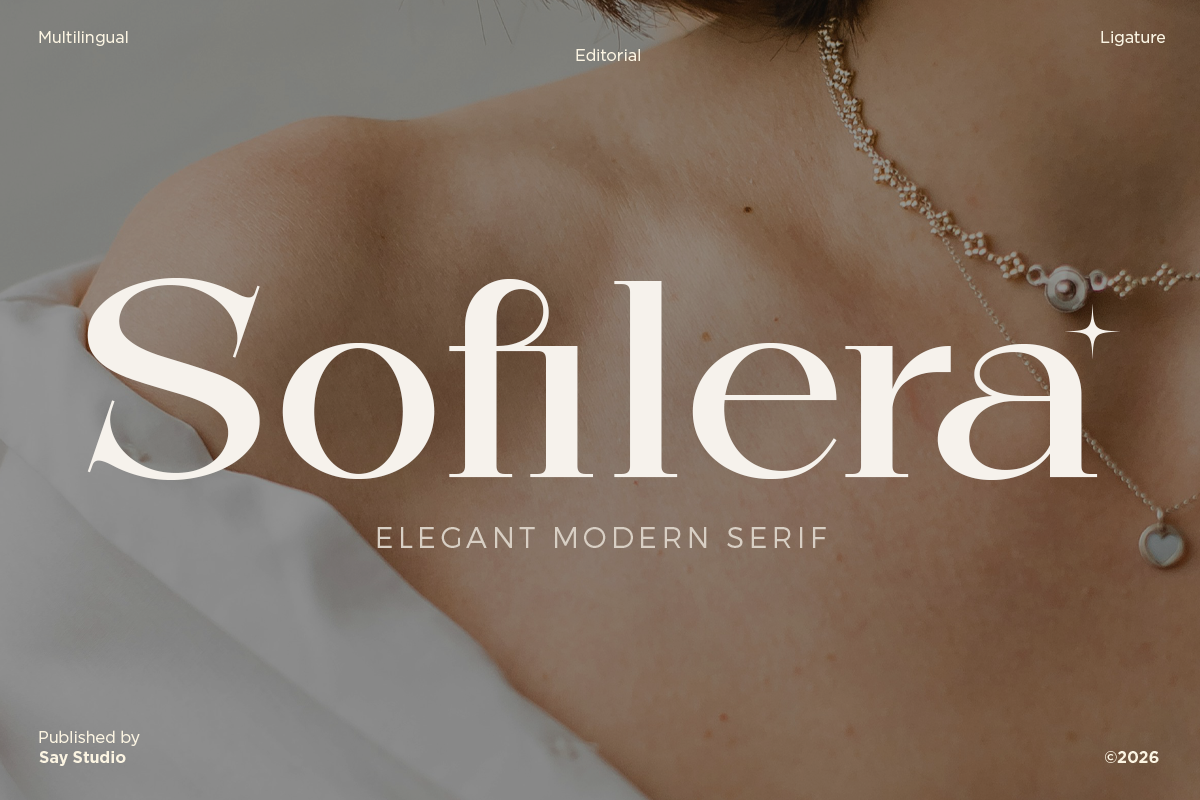
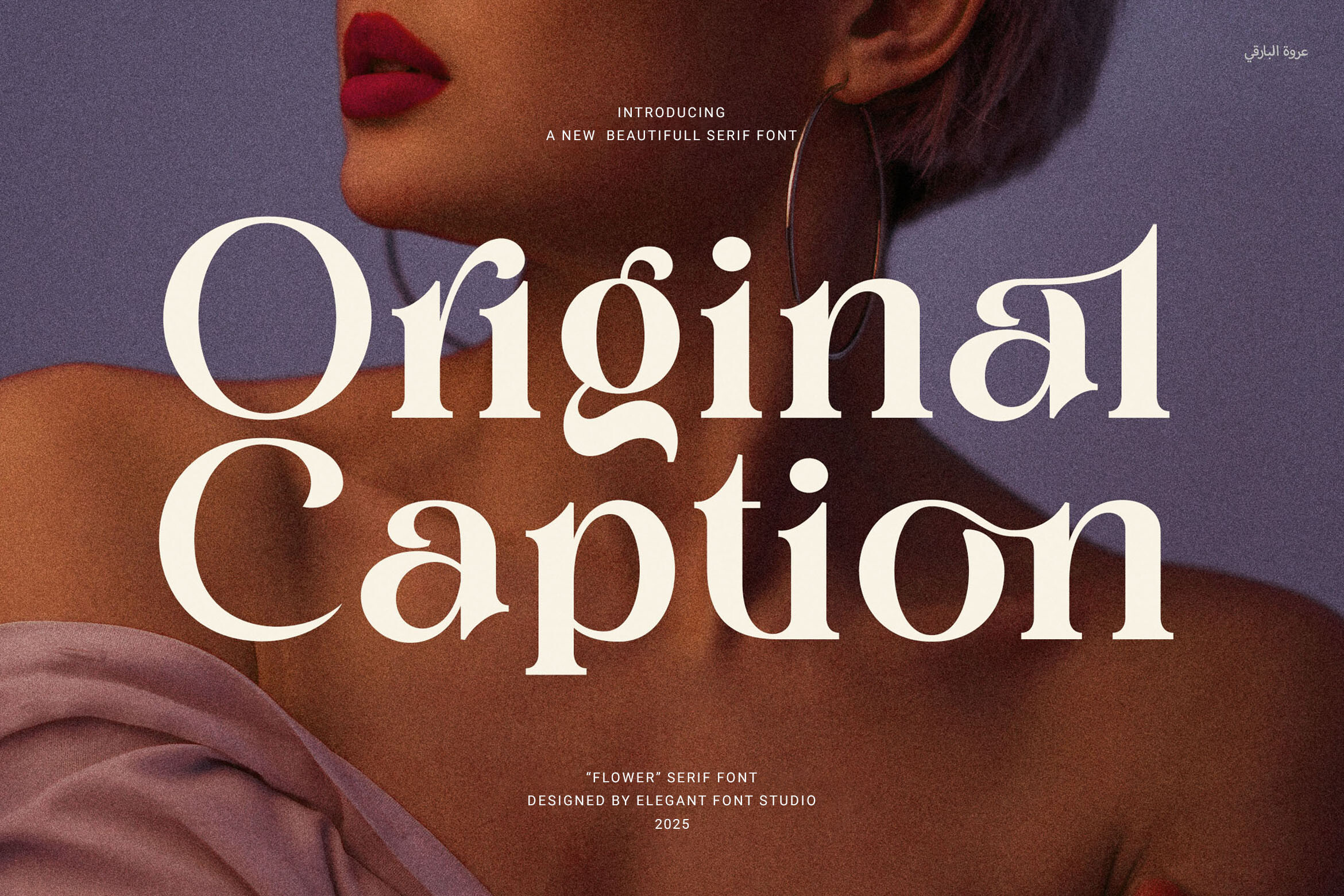
Sofilera is a serif inspired by high end fashion editorials. The listing says balanced proportions and smooth contrast suit large headlines, and it is listed for editorial magazine work. It could work as a large name on a design led resume. Check the preview first to see how it reads at your intended size.
Best for: Large name, editorial style header, design CV. By: Creative Fabrica
3. Ferra
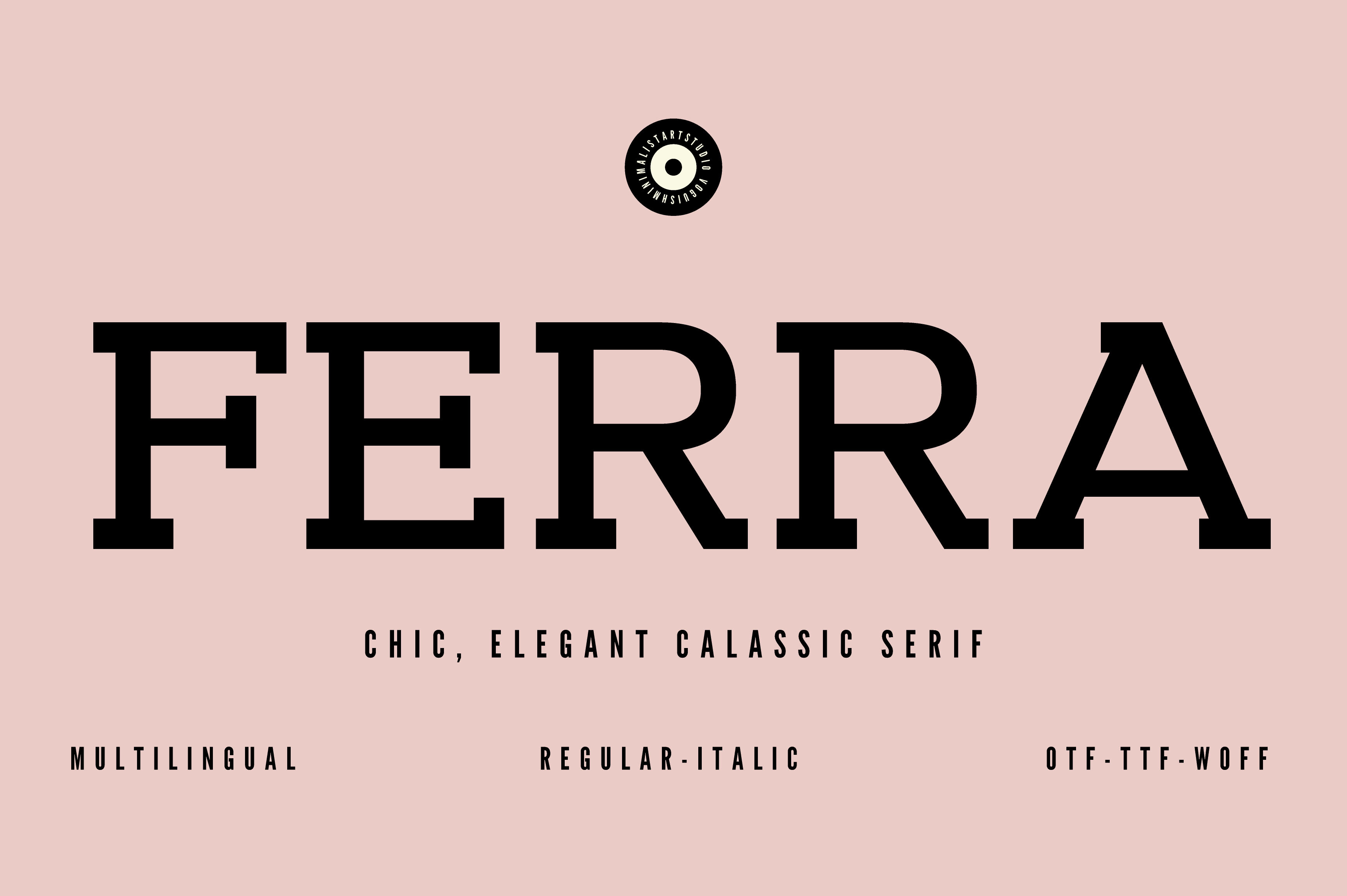
Ferra is a slab serif with clean lines and geometric precision. The listing gives limited detail, so the preview and product page should be checked. The listing says the designer did not make it available for single sale purchase. It could suit section headings in a structured resume, but confirm availability first.
Best for: Section headings, structured header, test availability. By: Creative Fabrica
4. Jeslab
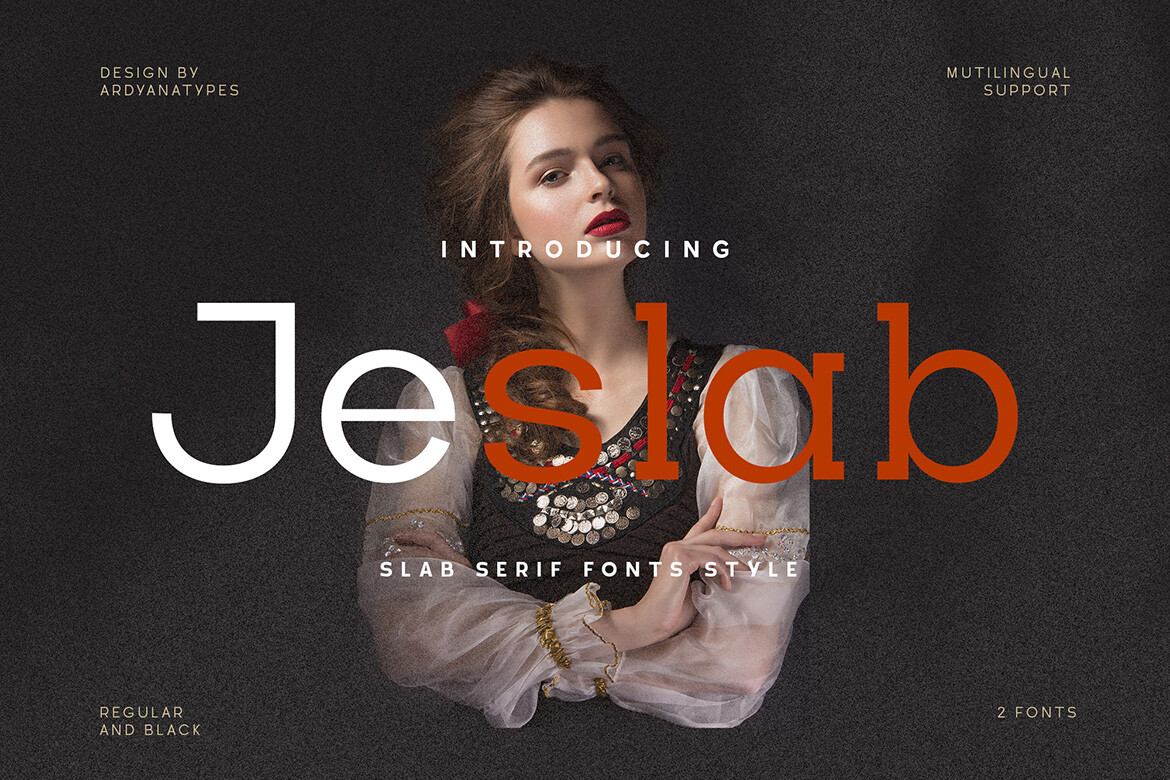
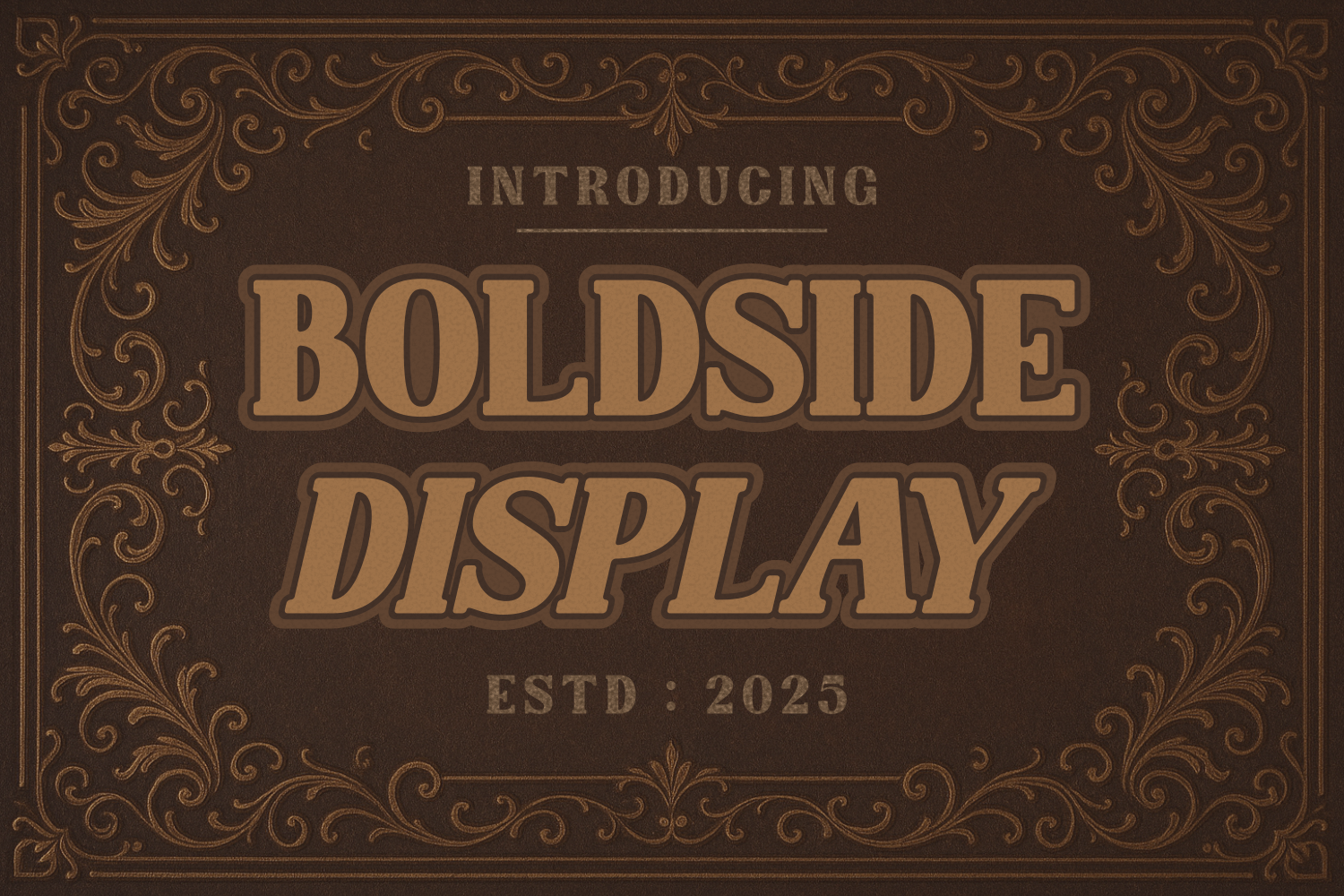
Jeslab is a modern slab serif. The listing names two styles, Regular and Black. Black could suit a name, while Regular could work for section headings. This is an idea to test, not a claim about extra weights. Keep body text plain in a PDF.
Best for: Name, section headings, slab serif header. By: Creative Fabrica
Best Sans-Serif Fonts for Resume Headers
5. Correct Answer
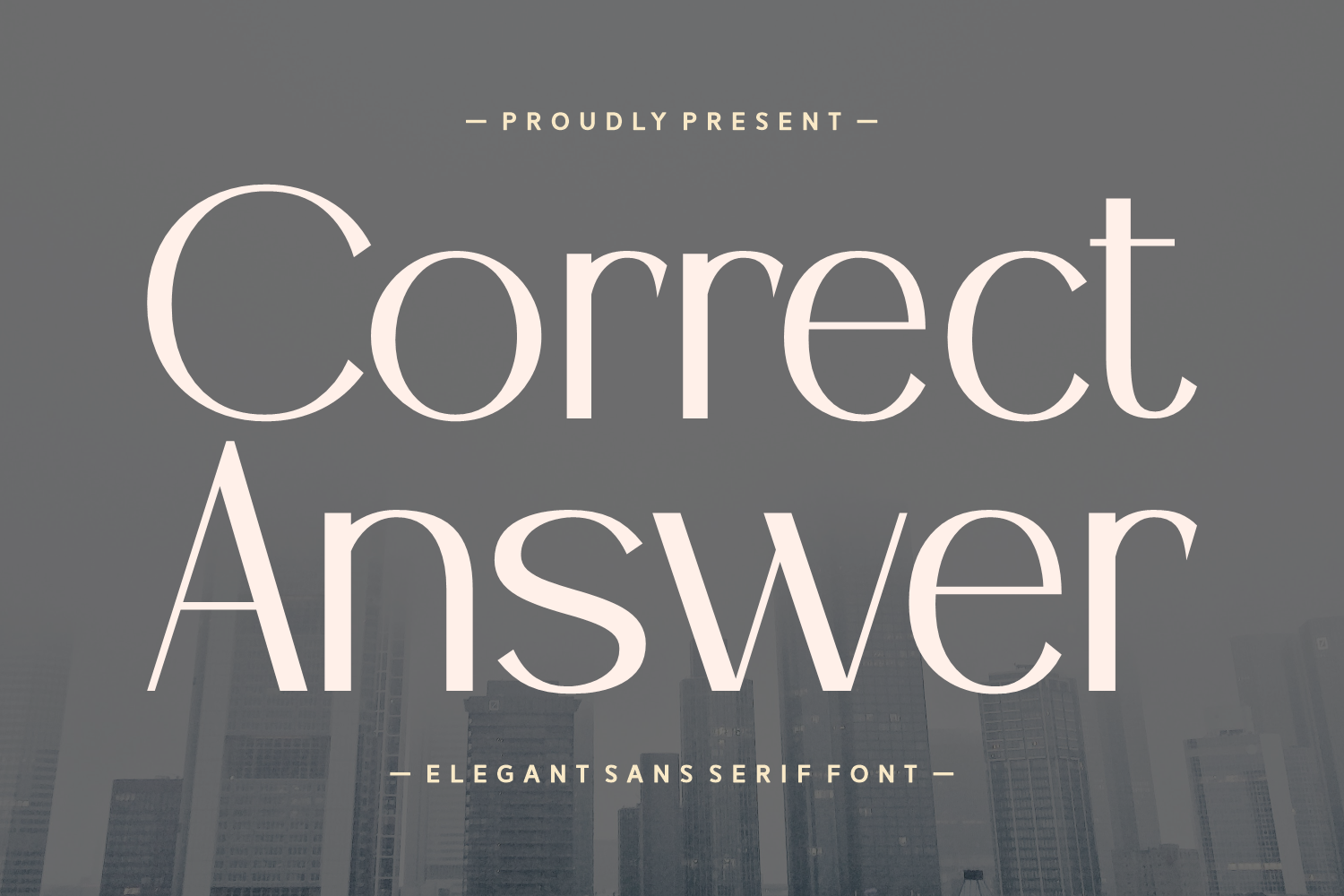
Correct Answer is a high contrast sans serif. The listing positions it for corporate branding, headlines, and business communications, and it is subscription only. It could suit a name and section headings in a business resume. Keep contact details plain and check subscription terms before using it.
Best for: Name, business headings, corporate CV. By: Creative Fabrica
6. Fontind Regular
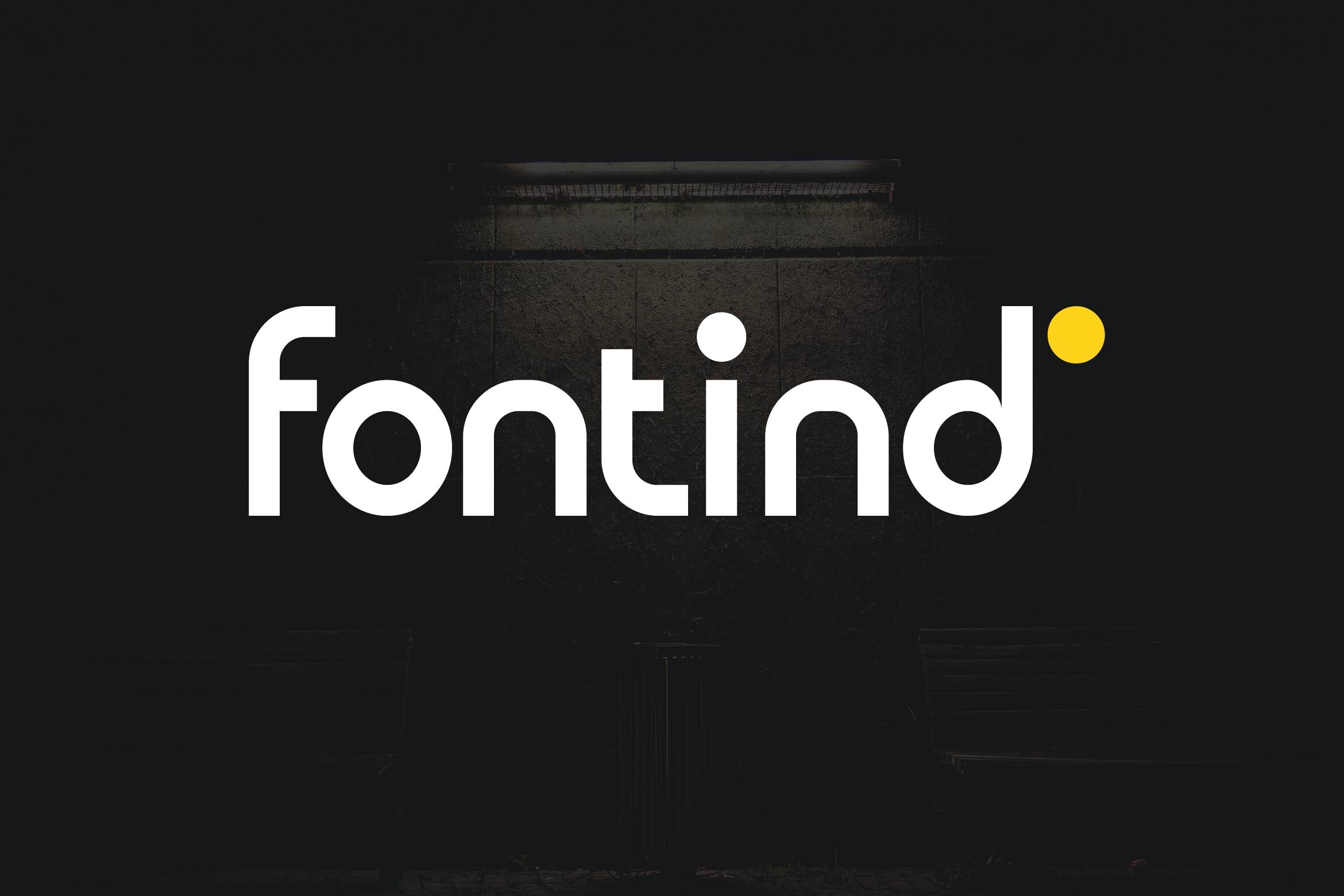
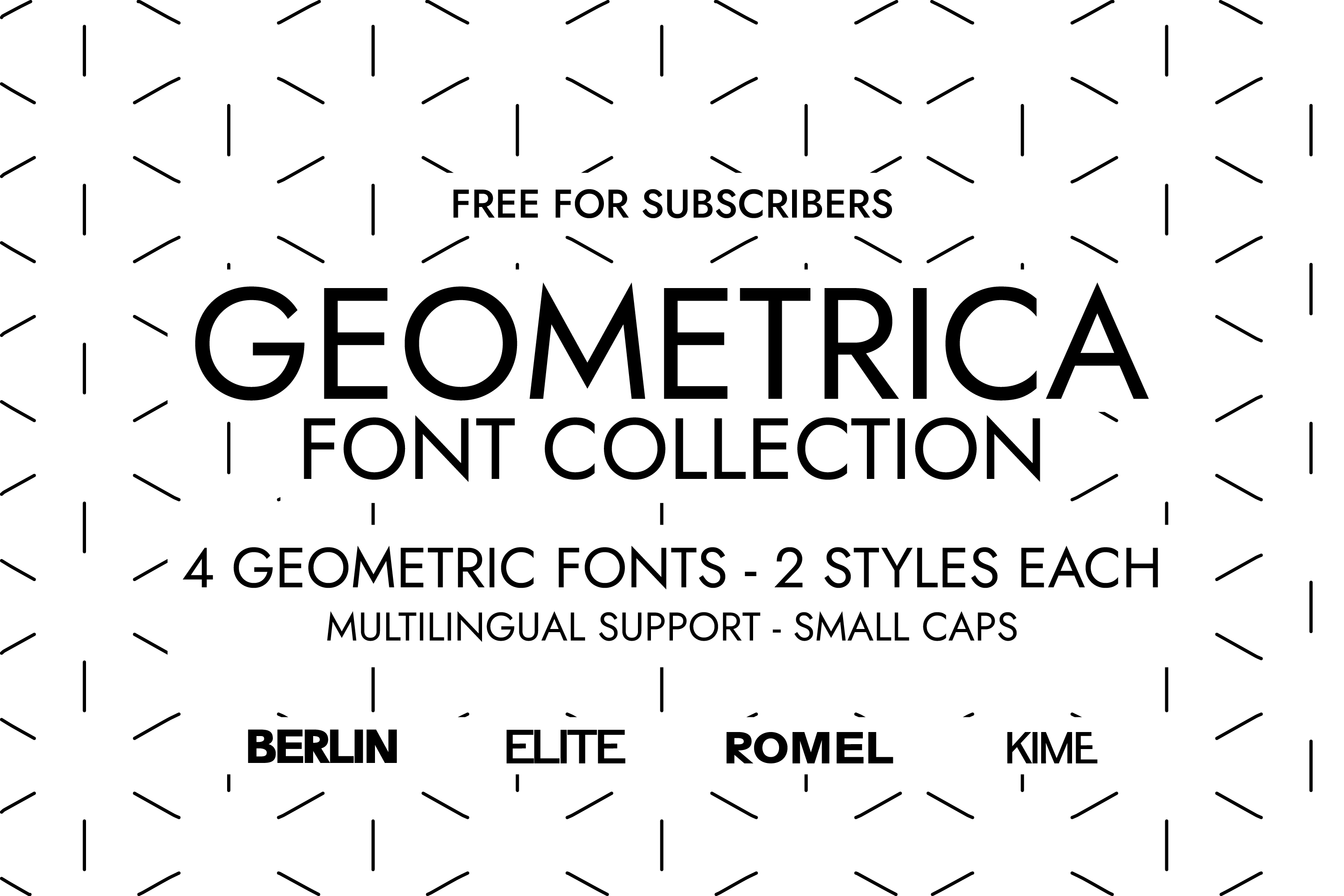
Fontind Regular is a modern geometric sans serif typeface. The listing describes clean curves, low contrast, and minimalist precision. It could suit a calm name and section headings in a modern resume. Pair it with a plain body font for a clean, restrained overall look.
Best for: Calm name, modern headings, minimalist CV. By: Creative Fabrica
7. Devyroles
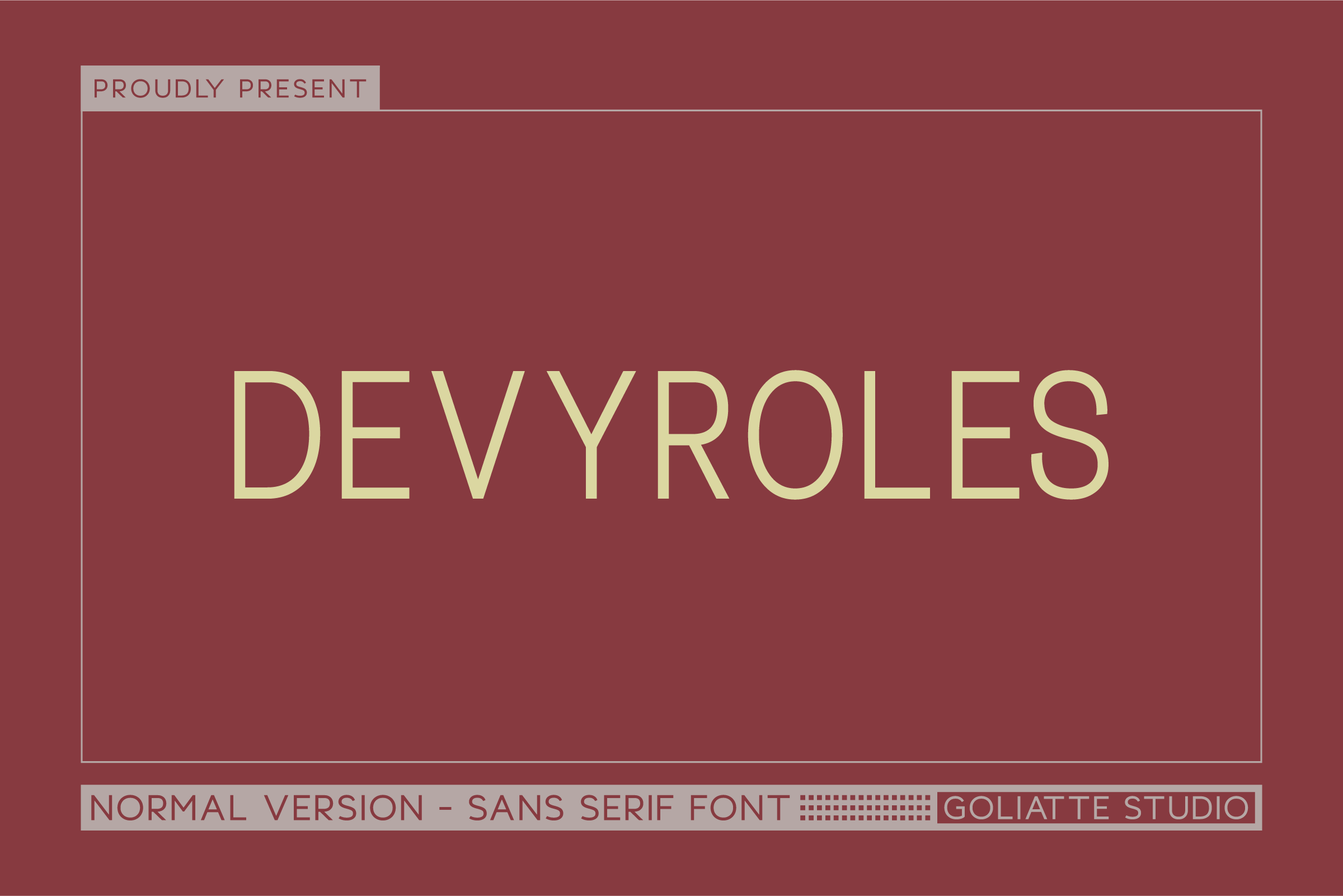
Devyroles is an all caps sans serif with a modern, minimalist aesthetic. The listing targets bold headlines. It could suit short section headings in caps on a design led CV. All caps on a long line can feel tiring, so test it on real section headings first.
Best for: Short caps headings, bold header, design CV. By: Creative Fabrica
8. Modeque
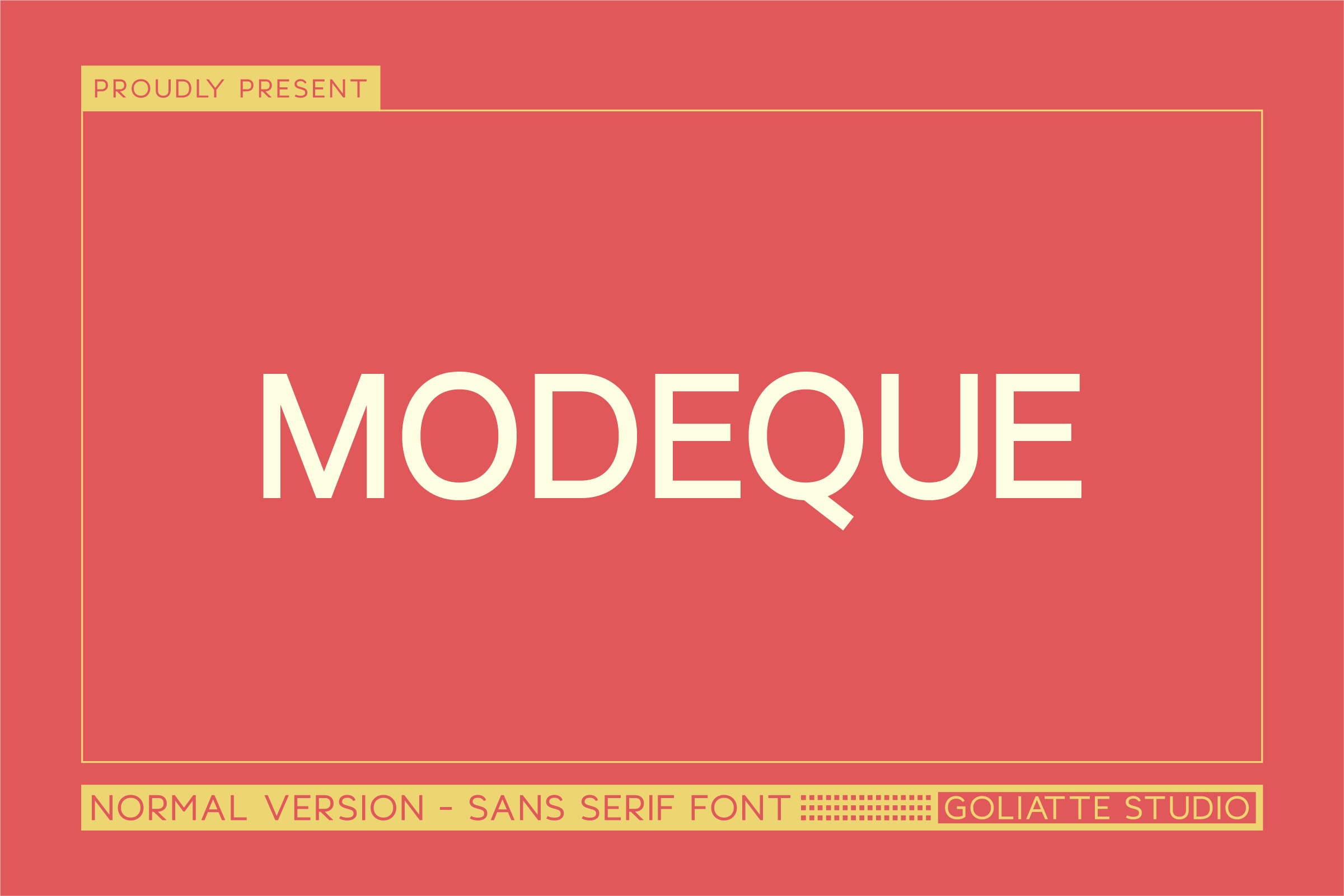
Modeque is an all caps sans serif. The listing mentions headlines and print materials, but the details are limited. The preview and listing page should be checked. It is not for body text. Test it on short section headings in a design led resume only.
Best for: Short section headings, print style header, test preview. By: Creative Fabrica
Devyroles and Modeque are both all caps sans serif fonts. The listing details make them hard to tell apart, so compare them on real section headings before choosing.
Best Script and Handwritten Fonts for Resume Names and Personal Branding
9. First Name
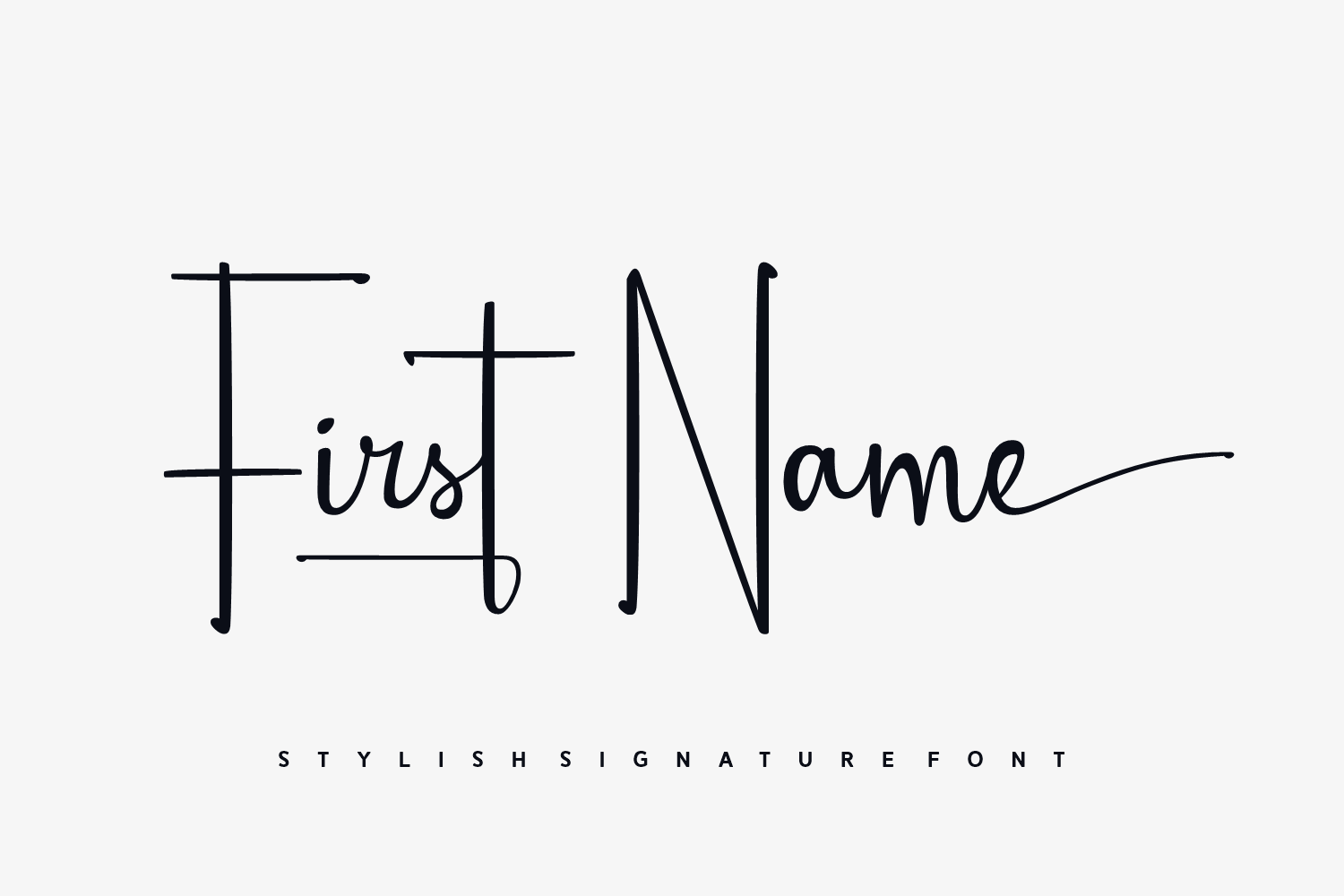
First Name is a thin stroke signature font. The listing recommends logos, personal branding, and business cards, and it is subscription only. The listing gives limited detail, so check the preview and product page. It could suit a name only on a design led resume.
Best for: Name only, personal branding, design resume. By: Creative Fabrica
10. Delyra Script
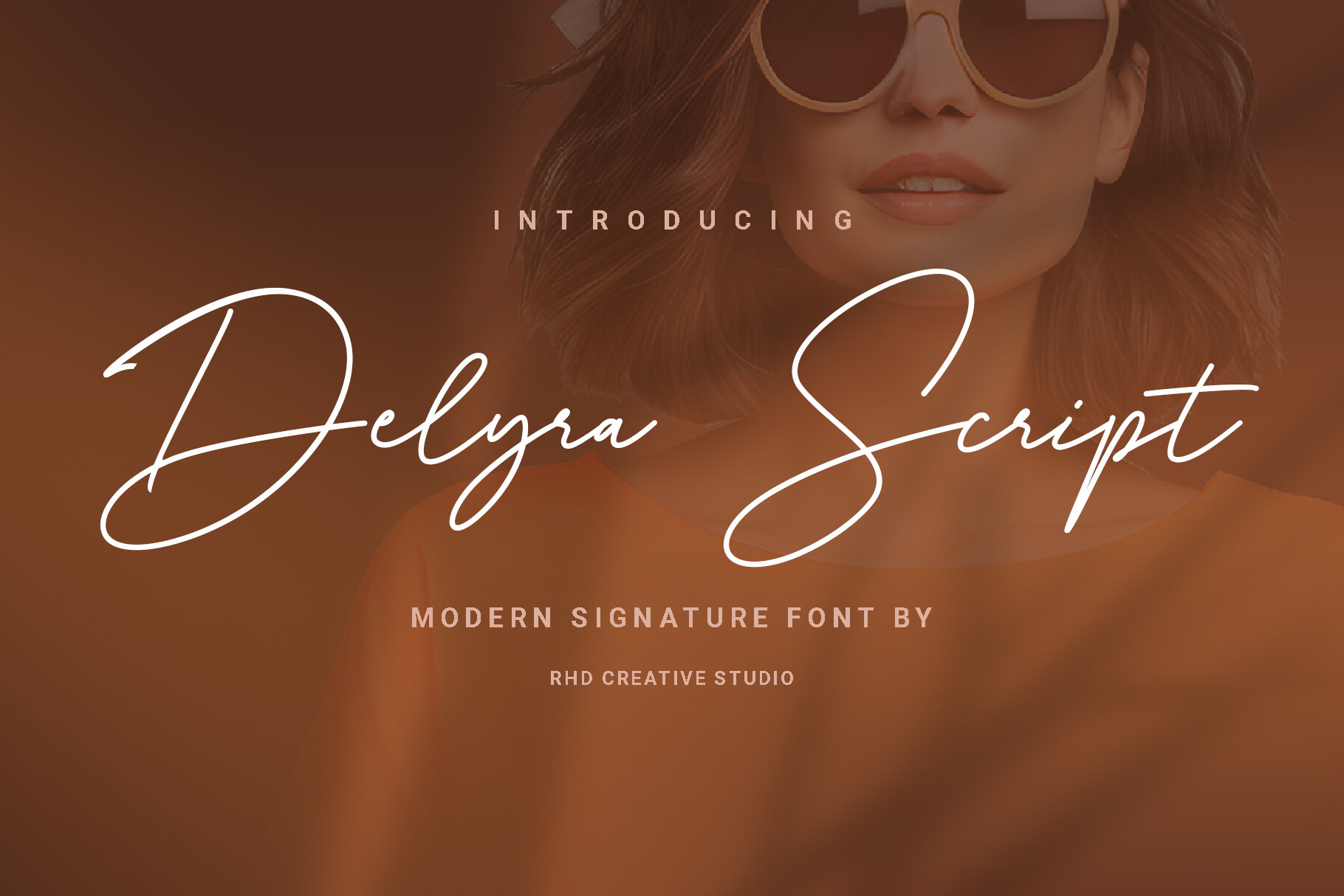
Delyra Script is a premium boutique and branding script with sweeping loops. The listing names high end boutique logos, wedding stationery, social media branding, and professional watermarks. It is subscription only. The match with resumes is weak. Use it for a monogram or watermark only.
Best for: Monogram, portfolio watermark, personal brand. By: Creative Fabrica
11. Yourself Signature
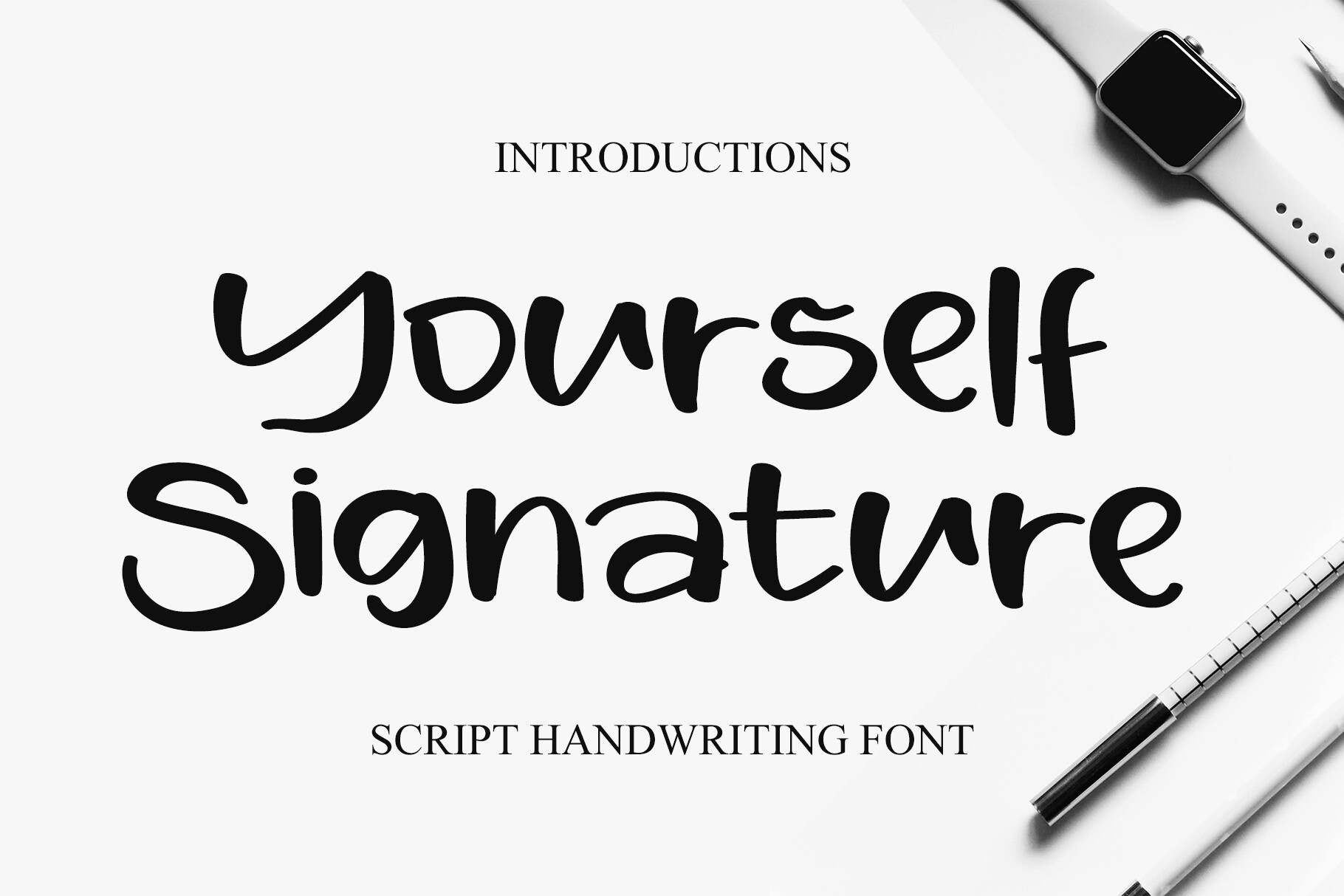
Yourself Signature is a playful, casual handwritten script with brush like strokes. The listing describes it for personal branding and headlines. The listing gives limited detail, so check the preview and product page. It could suit a casual creative name, but not conservative fields overall.
Best for: Casual name, creative header, personal branding. By: Creative Fabrica
12. Creative Team
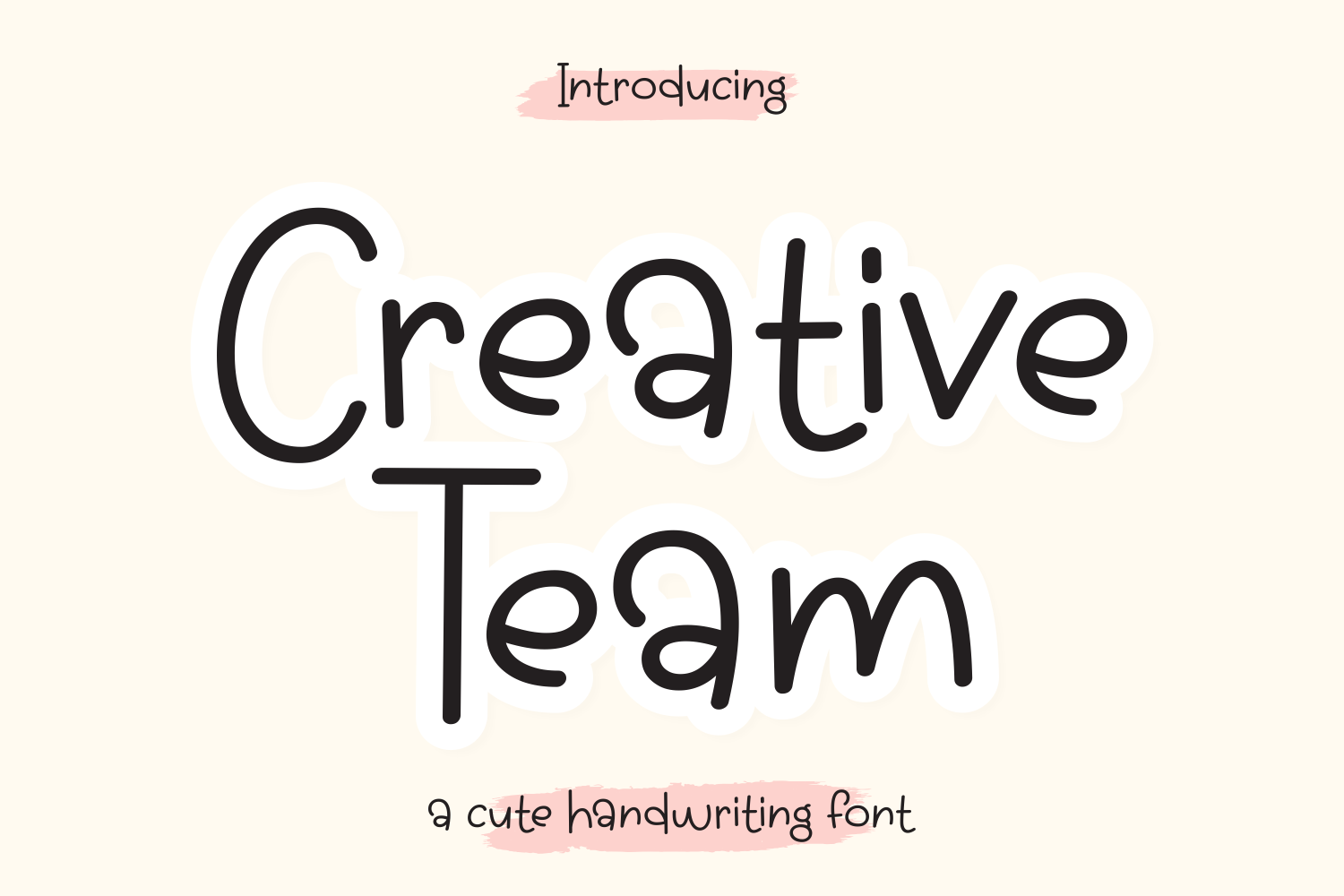
Creative Team is a monoline handwritten style true to minimalistic design, more playful in tone. The listing gives limited detail and does not name applications, so check the preview and product page. It is subscription only. It could work as a small accent mark only.
Best for: Small accent, design CV, personal mark. By: Creative Fabrica
13. Thin Monogram
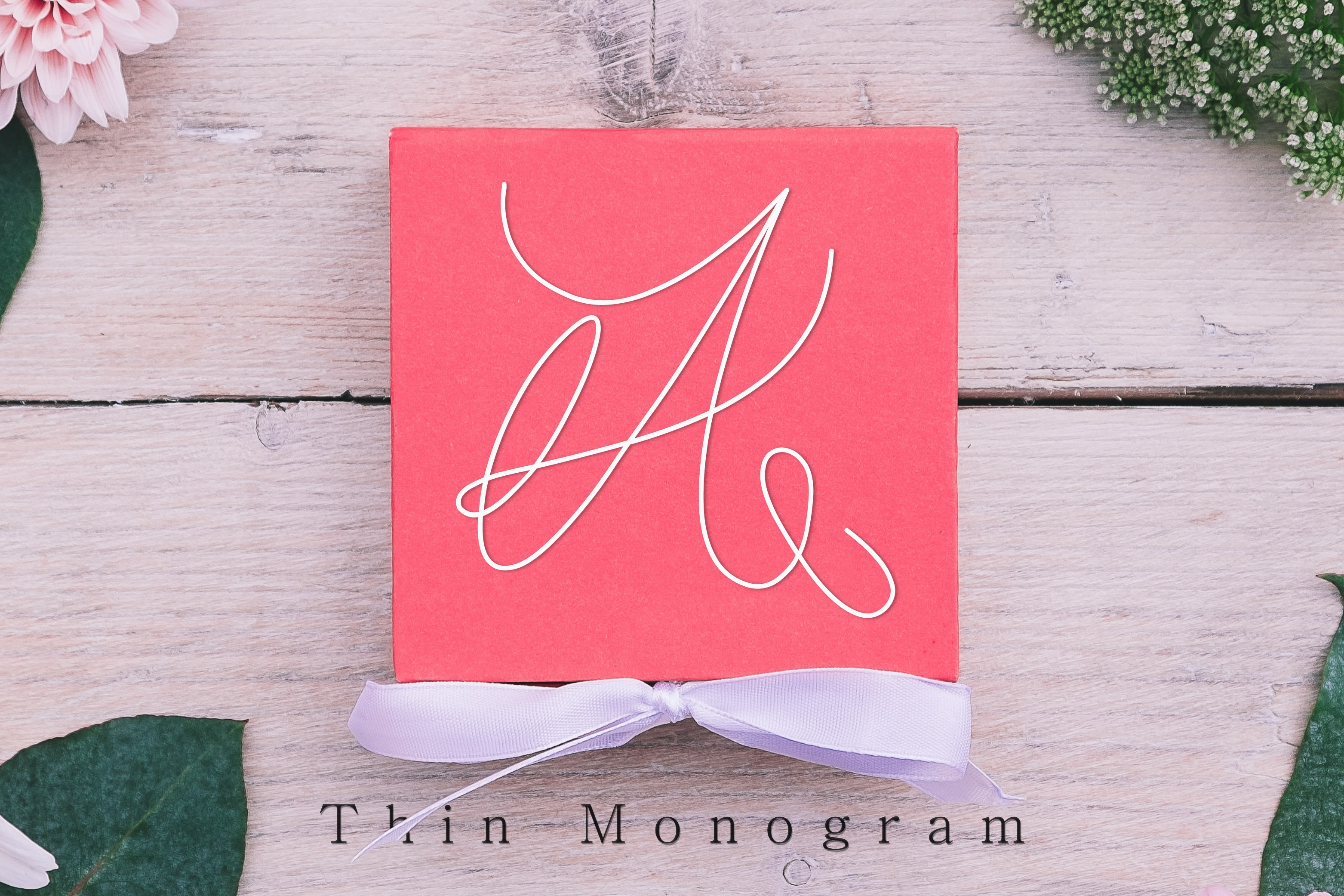
Thin Monogram is an elegant and dainty handwritten font featuring sweet swashes. The listing gives limited detail and does not name applications, so check the preview and product page. The word Thin in the name does not confirm stroke thickness. It could suit a monogram.
Best for: Monogram, initials, small personal mark. By: Creative Fabrica
How to Pair Display Fonts with Plain Body Text
A simple rule is to use one font family or one pair. A display font from this list can handle the name and section headings, while a plain font handles the main text. A serif or slab serif header can pair with a plain sans body font, and a sans header with Georgia, Cambria, or Garamond. Treat this as an opinion, not a rule.
Keep the style consistent. Use the same heading font for every section, keep sizes and spacing even, and avoid mixing several scripts. A font pairing for resume use should feel calm, not decorative.
Consider making two versions. One design led version can show a stronger header for people who will read the file directly. A plainer version is useful for online forms and ATS-friendly fonts.
Software matters. Word, Google Docs, Canva, Figma, and Illustrator all handle fonts differently. Installing a custom font depends on the program and plan, so check the app. After installing, save resume as PDF and open the file on another device.
How to Choose the Right Font for Your Resume
The best font for a resume is usually a plain, readable one for body text, with the header font chosen by role. Law, finance, and academia often suit a calm serif or sans header. Tech and startups may suit a clean sans. Creative roles can use a more expressive name or heading font. These are opinions, not guarantees.
What font size should a resume use? Commonly suggested sizes are about 10.5 to 12 pt for body text, 14 to 16 pt for headings and job titles, and 16 to 18 pt for the name. Check the result in a PDF or printout.
Are serif or sans serif fonts better for resumes? Both can work. The serif vs sans serif resume choice depends on tone and industry. Decorative or script fonts may be parsed less reliably by some ATS, though results vary and nothing is guaranteed. Keep them away from body text and contact details.
Should a resume be saved as a PDF to keep the font? Saving as PDF is common advice because fonts are usually embedded. A DOCX file may show a substitute font. Open the file on another device to verify.
Can a custom font be used for a name or headings? Yes, if it stays readable and the file format is accepted. For Ferra, the listing says it is not available for single sale purchase. Correct Answer, First Name, Delyra Script, and Creative Team are subscription only. For other fonts, check the license on the product page.
For fonts with limited listing detail (Ferra, Modeque, First Name, Delyra Script, Yourself Signature, Creative Team, Thin Monogram), open the product page and confirm the link points to the right product. For client work or a resume published on a website, check the license separately. A useful test is to type your name, export to PDF, and print a copy.
Where to Download Fonts for Your Resume
Creative Fabrica is the main source for the fonts in this list. Google Fonts, DaFont, and Font Squirrel can be additional places to look for plain body fonts, but check the license. The best resume fonts are often simple for body text and expressive for the header. For professional resume fonts and CV fonts, keep the header and body text balanced.
More font guides and resources are available in the FontPro blog.