· fonts · 11 min read
15 Best Free Fonts for Laser Cutting in 2026
Discover 15 best free fonts for laser cutting and CNC projects. Thick strokes, connected letters, and clean curves — tested and ready to cut.
Choosing the wrong font for laser cutting is a fast way to waste material and time. Thin strokes snap, disconnected letters fall apart, and ornate serifs turn into charred blobs under the laser beam. The right font, on the other hand, cuts cleanly and holds together — whether you’re making wooden signs, acrylic cake toppers, or personalized gifts.
We’ve selected 15 fonts that actually work for laser cutting and CNC projects. Each one has been evaluated for stroke thickness, letter connectivity, and curve quality — the three things that determine whether a font survives the cutting process or ends up in the scrap bin.
What Makes a Font Good for Laser Cutting?
Not every beautiful font translates well to physical materials. Here’s what separates a laser-safe font from a disaster waiting to happen:
Thick, consistent strokes. The laser beam has a physical width (kerf), and thin strokes get eaten away during cutting. Fonts with uniform, heavy strokes leave enough material to maintain structural integrity. As a rule of thumb, stroke width should be at least 2mm at your target size.
Connected letters. This matters most for script and cursive fonts. If each letter is an isolated shape, you end up with a pile of individual characters instead of a word. Connected scripts form one continuous piece — no bridges, no glue, no falling apart.
Simple curves and minimal detail. Hairline serifs, fine swashes, and intricate decorative elements look stunning on screen but become fragile or impossible to cut cleanly. The simpler the letterforms, the more reliable the cut.
No enclosed counters (or stencil bridges). The counter is the enclosed space inside letters like O, D, A, and B. When you cut these letters, the center piece falls out unless the font has built-in stencil bridges — gaps that keep the inner shape attached to the outer frame. Stencil fonts solve this automatically. For non-stencil fonts, you’ll need to add bridges manually in your design software.
Best Script Fonts for Laser Cutting
Script fonts are popular for personalized signs, cake toppers, and wedding decorations. The key requirement: letters must connect to each other, forming one continuous piece that won’t fall apart when cut. These four scripts have thick enough strokes and reliable connections to survive the laser.
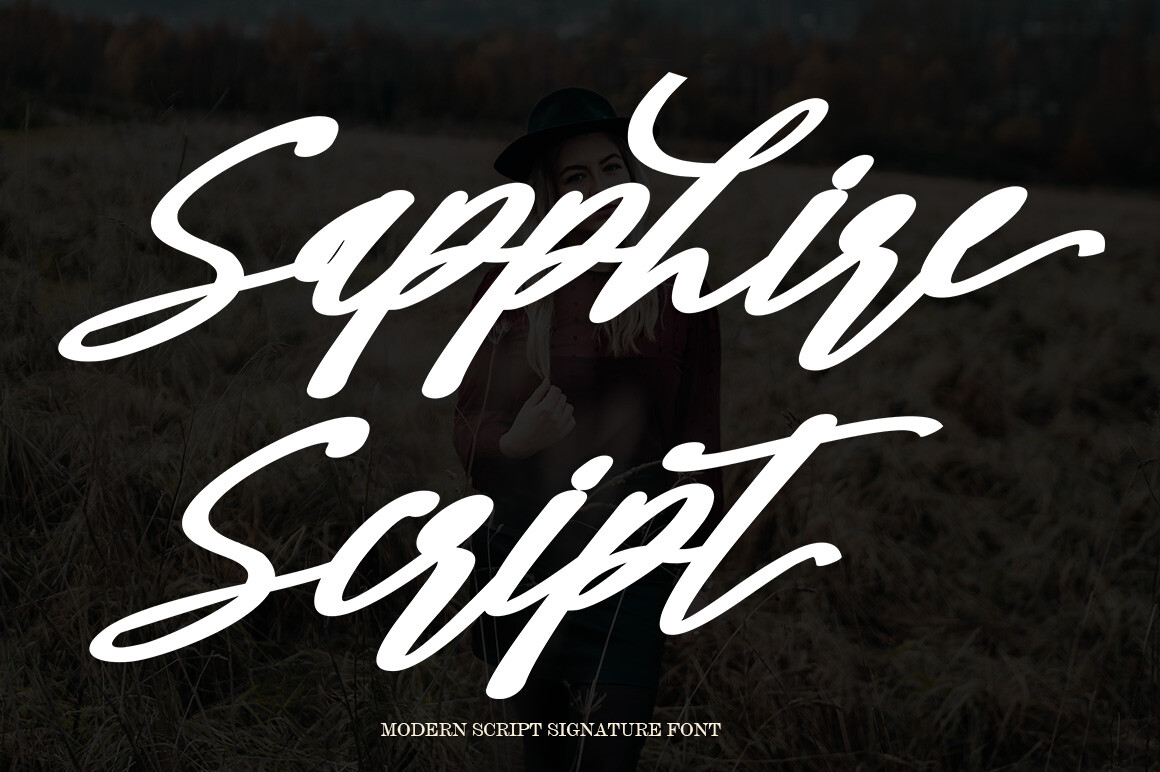
1. Sapphire Script
A bold, luxurious script with thick sweeping strokes and dramatic connections between letters. The heavy baseline and generous stroke width make it one of the most laser-friendly scripts available. Every letter flows into the next, creating a single continuous piece when cut. Ideal for wooden name signs, wedding decor, and personalized gifts where you need elegance without fragility.
Best for: wooden name signs, wedding decor, personalized gifts. By: Shape Studio
2. Thick Brush
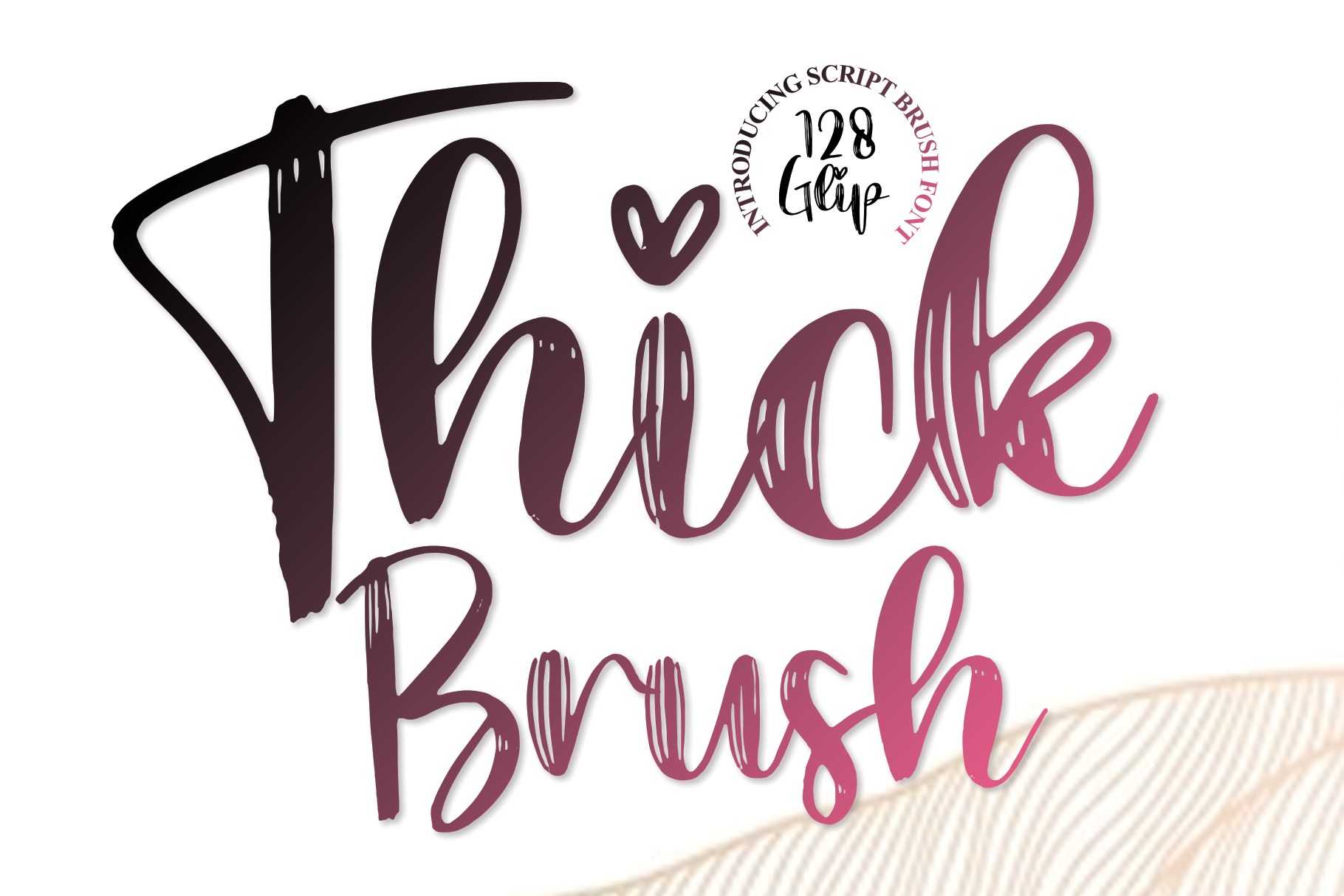
As the name suggests, this brush script puts thickness first. The strokes are substantially heavier than typical brush fonts, which gives every letter enough material to hold together under the laser. The natural brush texture adds character to the cut edges without creating fragile thin spots.
Best for: rustic signs, carved name plates, textured wall art. By: andikastudio
3. Logistra
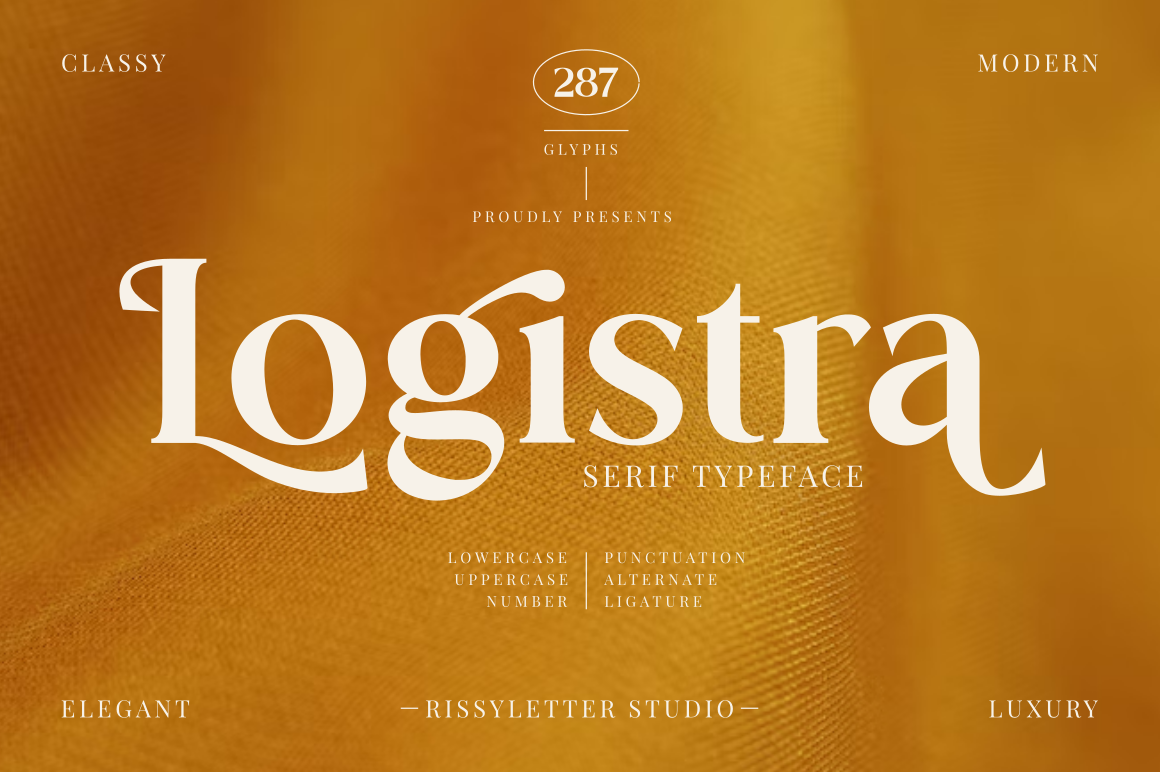
A graceful script that maintains consistent stroke weight across all letterforms. Where many scripts thin out at connection points, Logistra keeps its strokes solid. The result is a font that looks delicate on screen but cuts reliably in wood, acrylic, and MDF. Works especially well for cursive name signs and cake toppers.
Best for: cursive name signs, cake toppers, acrylic decor. By: Rissyletter Studio
4. Anteria Script
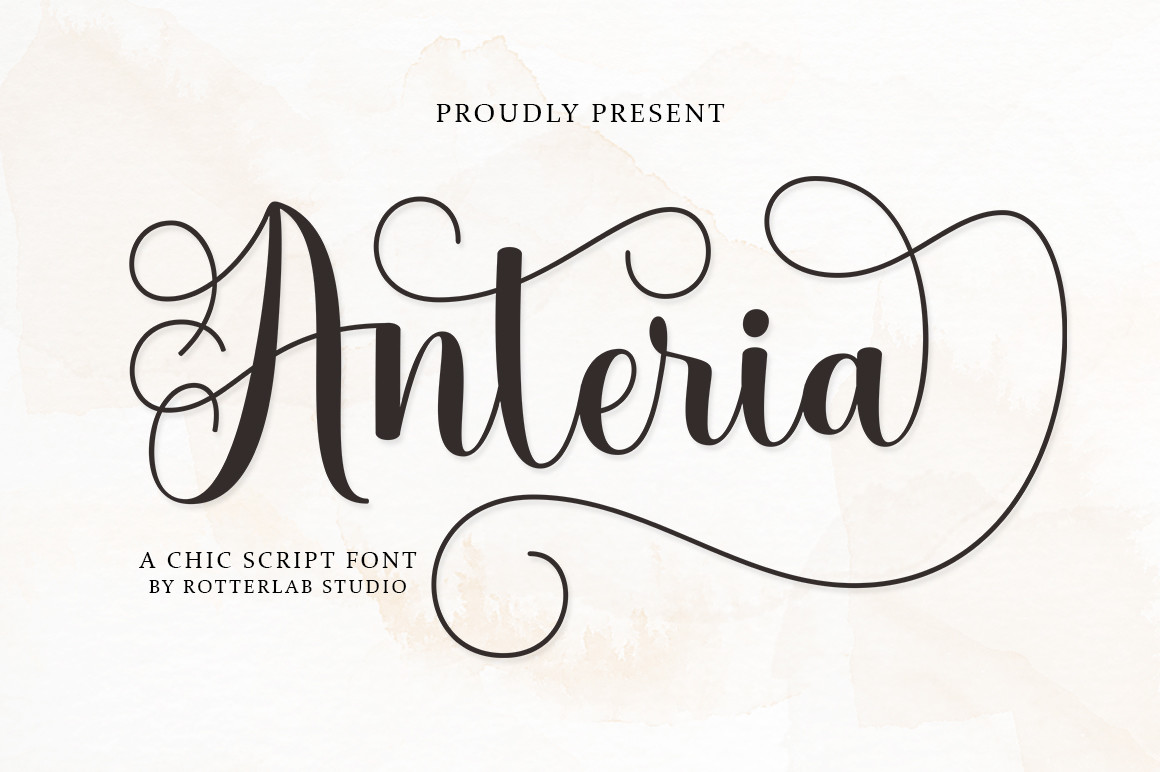
A modern script with confident, flowing letterforms. The connections between characters are thick and secure, making it a reliable choice for cutting machines. The slightly casual style works well for projects that need personality without the formality of traditional calligraphy — think nursery wall signs, custom keychains, and gift tags.
Best for: nursery wall signs, custom keychains, gift tags. By: rotterlabstudio
Best Sans-Serif Fonts for Laser Cutting
Sans-serif fonts are the workhorses of laser cutting. Their thick, uniform strokes and geometric shapes make them inherently laser-safe. These fonts are perfect for signage, house numbers, industrial-style decor, and any project where readability matters more than ornamentation.
5. Thicker
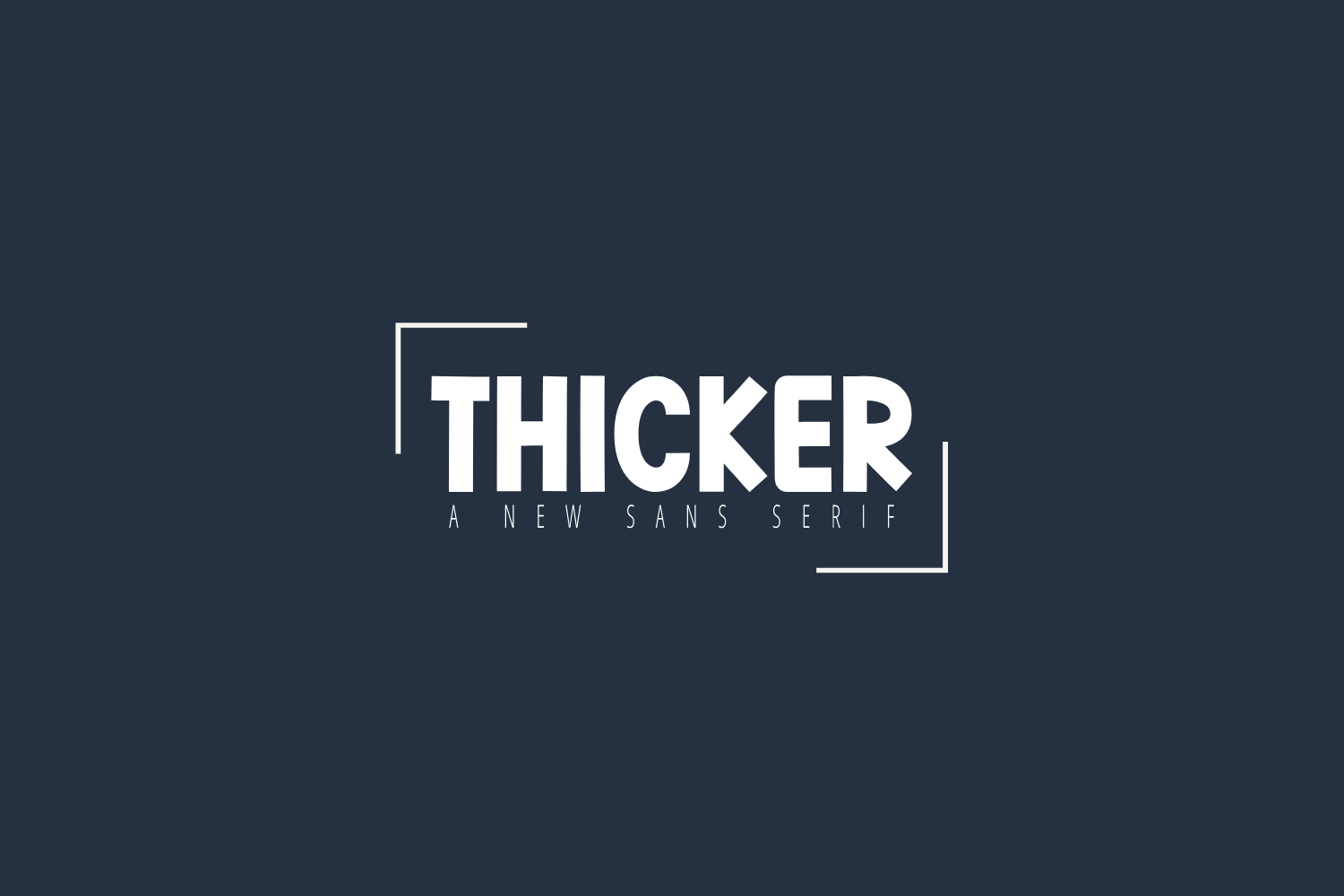
A bold sans-serif that lives up to its name. Every stroke is heavy and confident, with rounded terminals that soften the industrial look without sacrificing structural strength. The consistent weight means no thin spots to worry about, and the generous letter spacing reduces the risk of heat damage between adjacent characters.
Best for: bold signage, house numbers, industrial-style decor. By: Al Ghul
6. Extra Bold
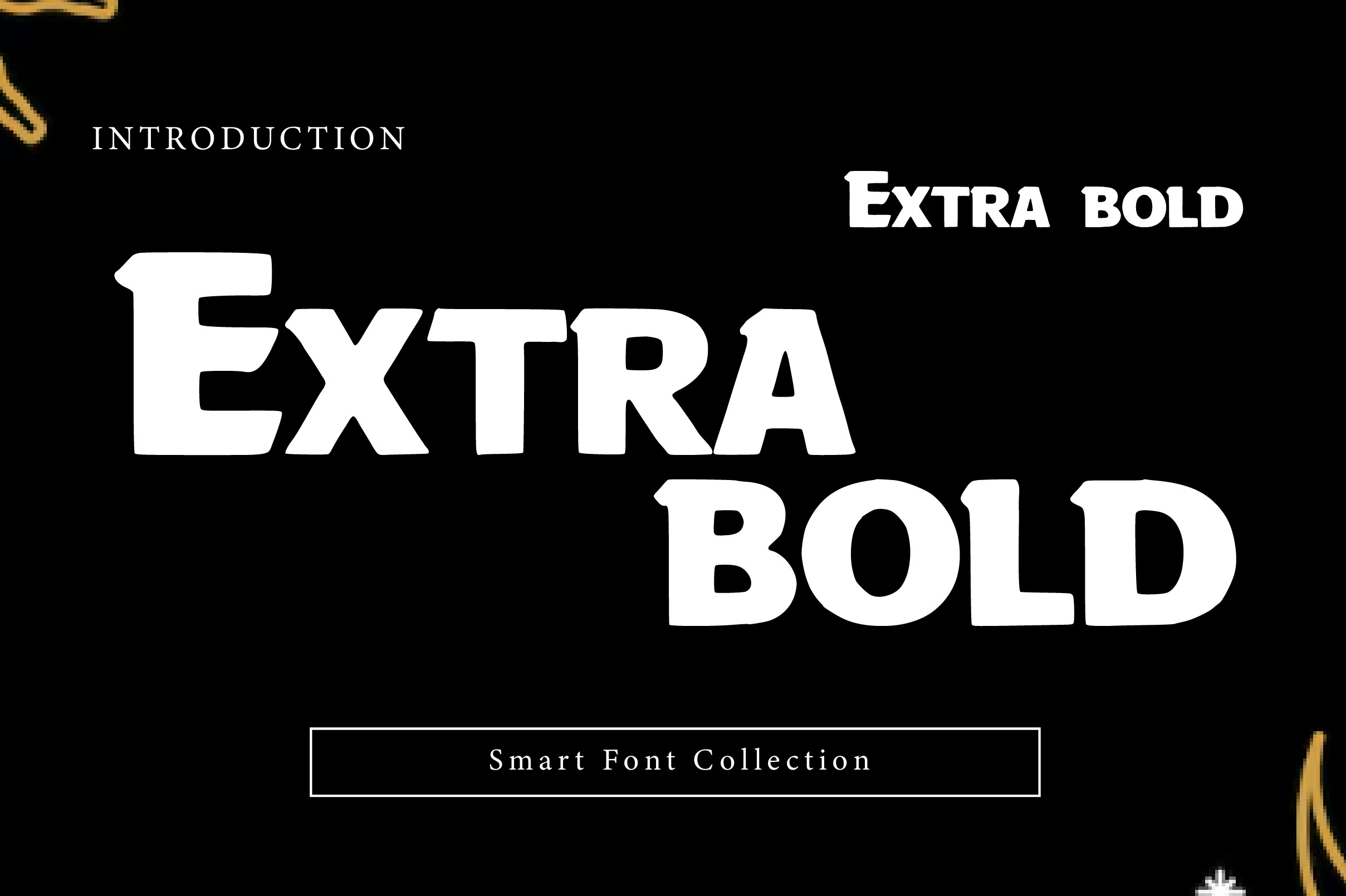
When you need maximum visual impact and zero cutting failures, Extra Bold delivers. This ultra-heavy display font has strokes so thick that even aggressive laser settings won’t compromise the structural integrity. Perfect for large-format signs, workshop nameplates, and outdoor displays cut from thick materials.
Best for: large-format signs, workshop nameplates, outdoor displays. By: Wow Magic
7. Gotuna
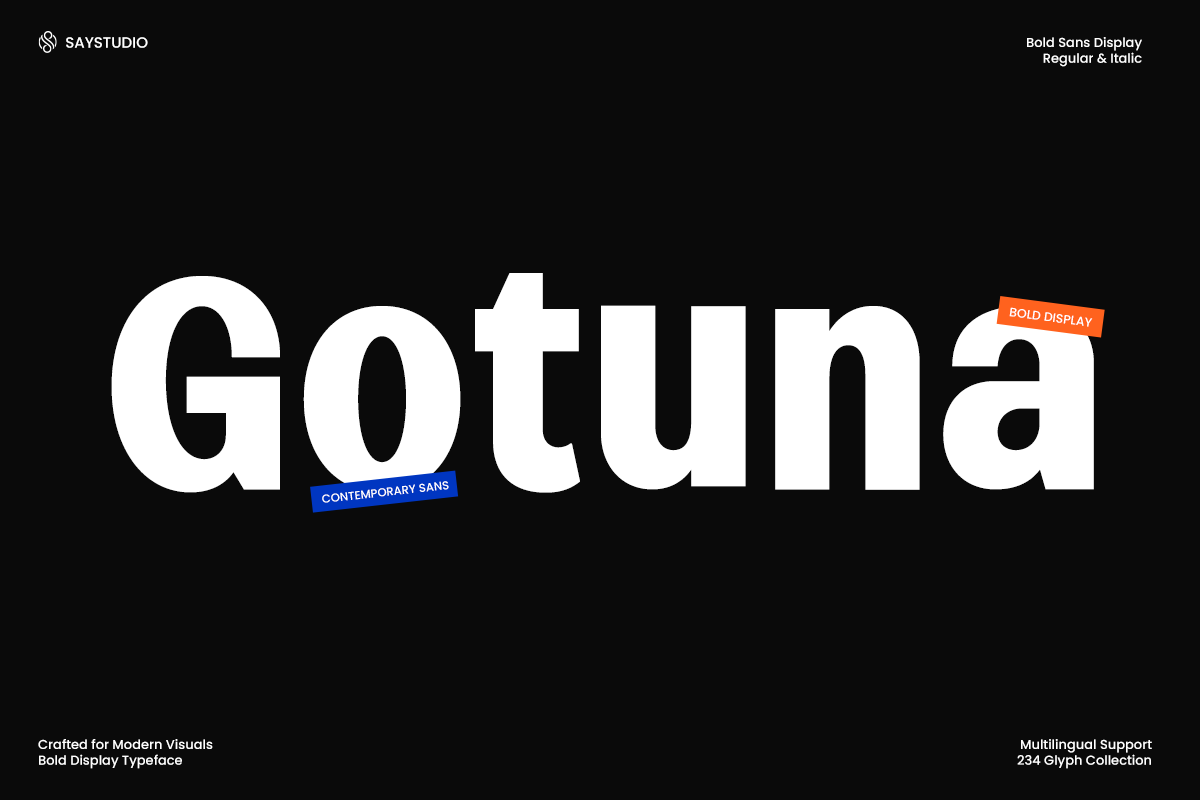
A contemporary bold sans-serif crafted for modern visual communication. Gotuna strikes a balance between heavy weight and clean aesthetics — it’s bold enough for laser cutting but refined enough for professional signage. The geometric consistency of the letterforms means predictable, reliable cuts every time.
Best for: professional signage, modern decor, precision projects. By: SayStudio
8. Always Bold
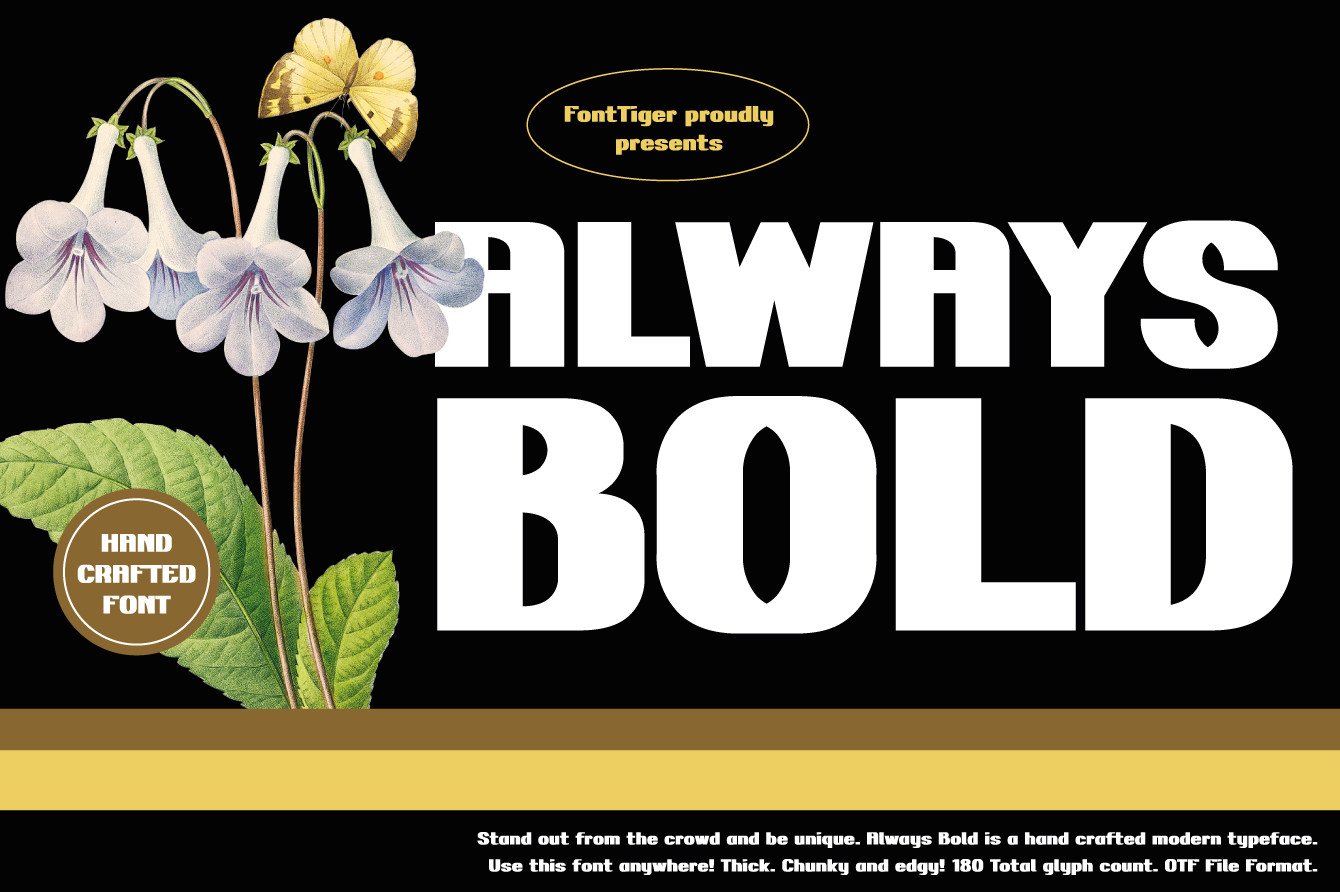
An assertive display font with thick, confident strokes. The slightly condensed proportions make it efficient with material — you get bold, readable text without wasting sheet space. Works particularly well for workshop signs, garage nameplates, address numbers, and any project where the text needs to command attention.
Best for: workshop signs, garage nameplates, address numbers. By: FontTiger
9. Thick Bold
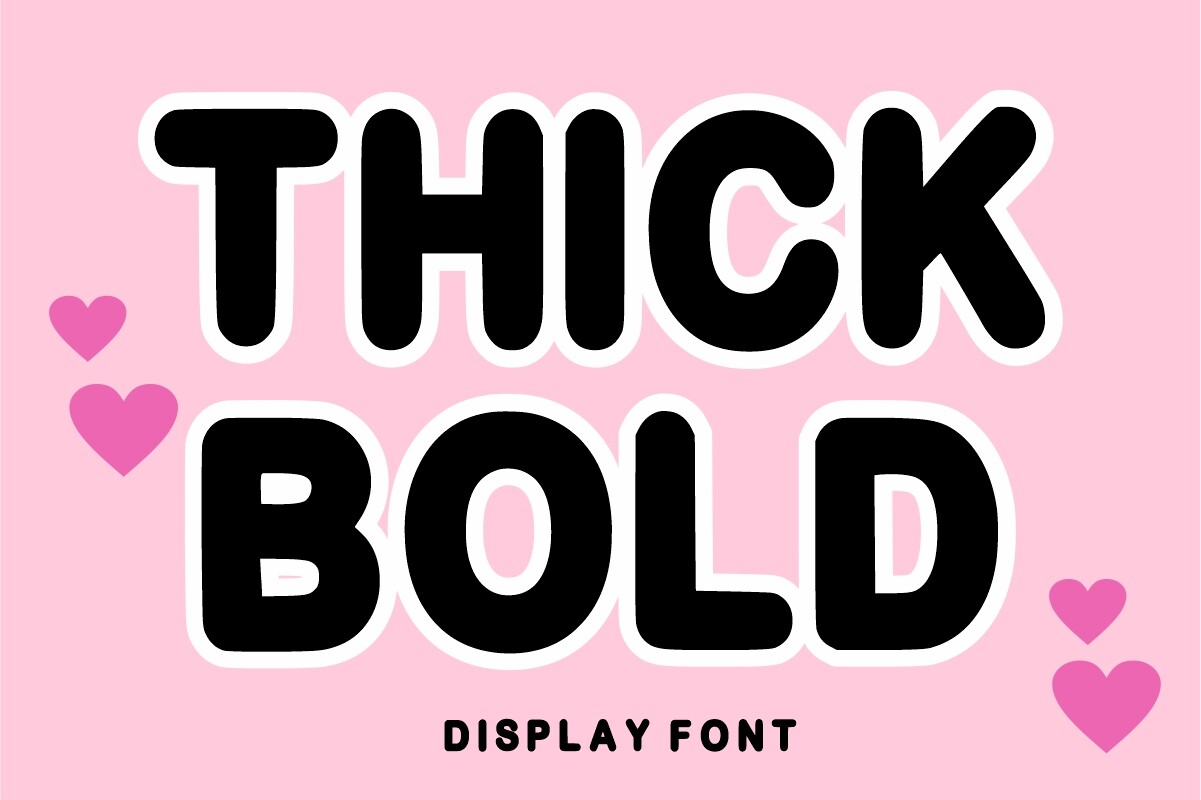
An ultra-heavy display font with rounded letterforms that provide maximum impact without sharp edges. The rounded style gives cut pieces a friendly, approachable feel — perfect for children’s room signs, playful decor, and craft fair products. The absence of sharp corners also means less risk of splintering in wood.
Best for: children’s room signs, playful decor, craft fair products. By: mardanimirza12
10. Condensans
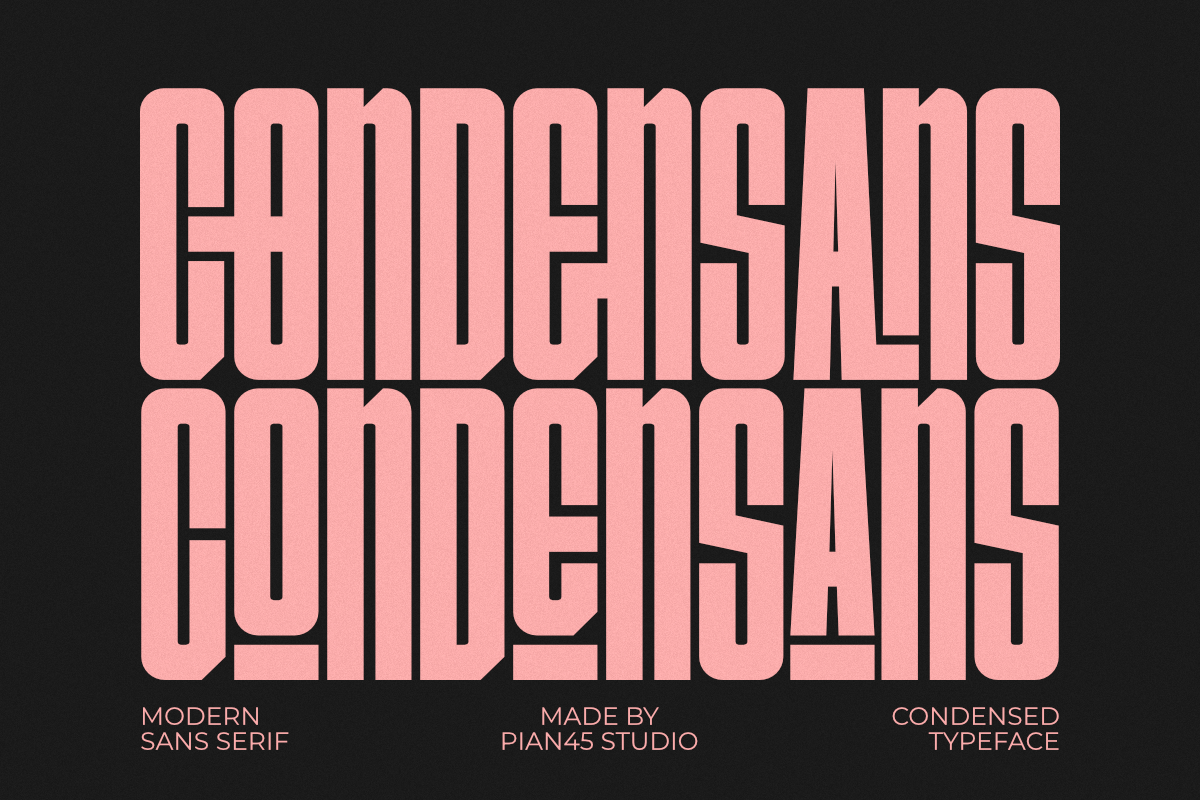
A condensed sans-serif that maximizes text density without sacrificing stroke weight. When you’re working with limited material or need to fit longer text into a fixed space, Condensans lets you do it without compromising cuttability. The narrow proportions with maintained stroke thickness make it uniquely practical for laser work.
Best for: space-efficient text, longer messages, material-saving cuts. By: Pian45
Best Stencil and Decorative Fonts for Laser Cutting
Stencil fonts are naturally laser-safe because they’re designed with built-in bridges that keep enclosed counters attached. No manual editing needed — just type, convert to paths, and cut. These fonts also include decorative options that bring unique character to your projects.
11. Milan Stencil
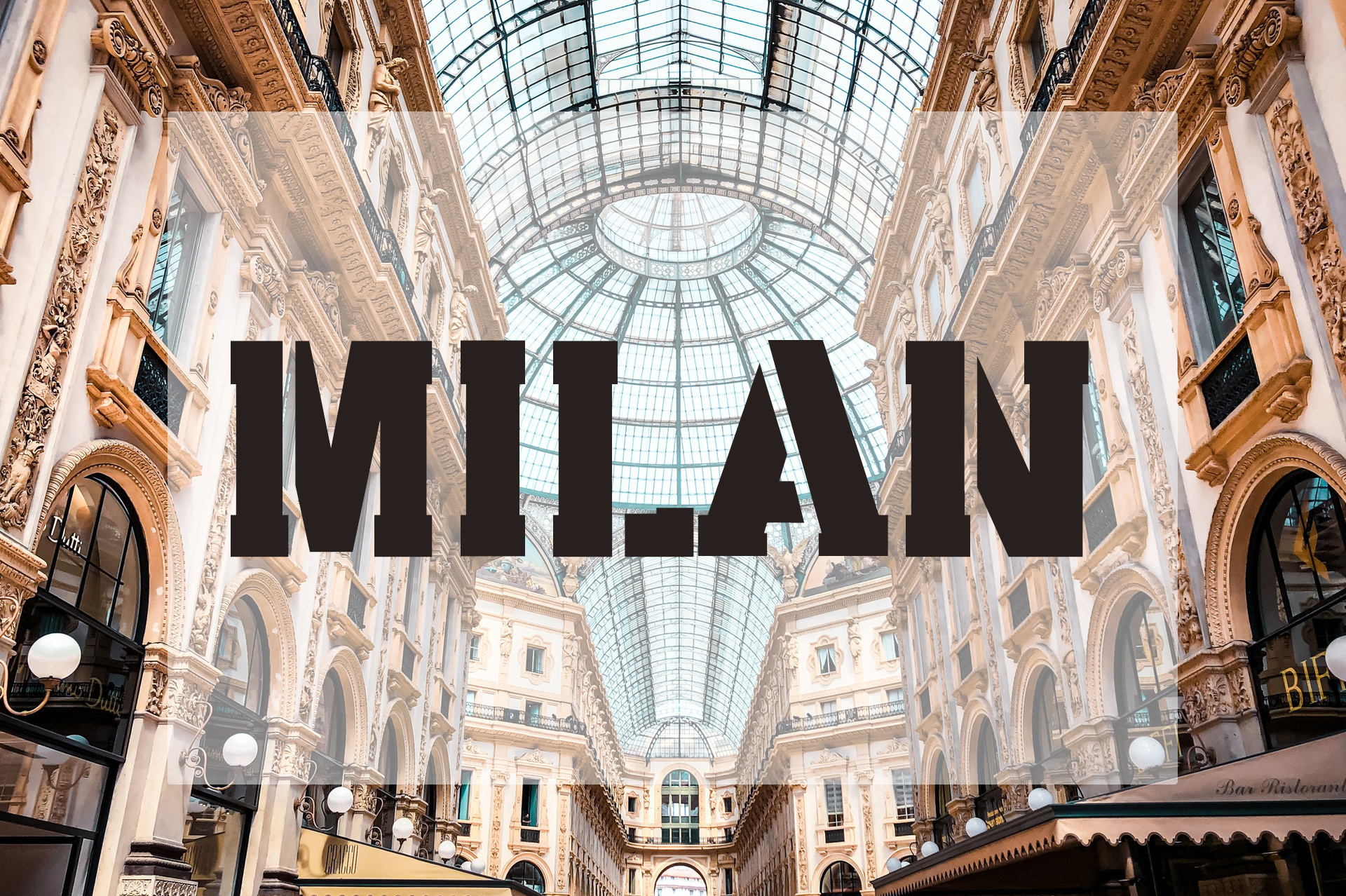
A bold stencil font with a distinct urban edge. The sharp lines and geometric breaks give it an industrial, military-inspired aesthetic that works beautifully for workshop signs, tool labels, and garage decor. Every counter is pre-bridged, so letters like O, B, and D cut perfectly without any manual editing.
Best for: workshop signs, tool labels, garage decor. By: Vladimir Carrer
12. Babet
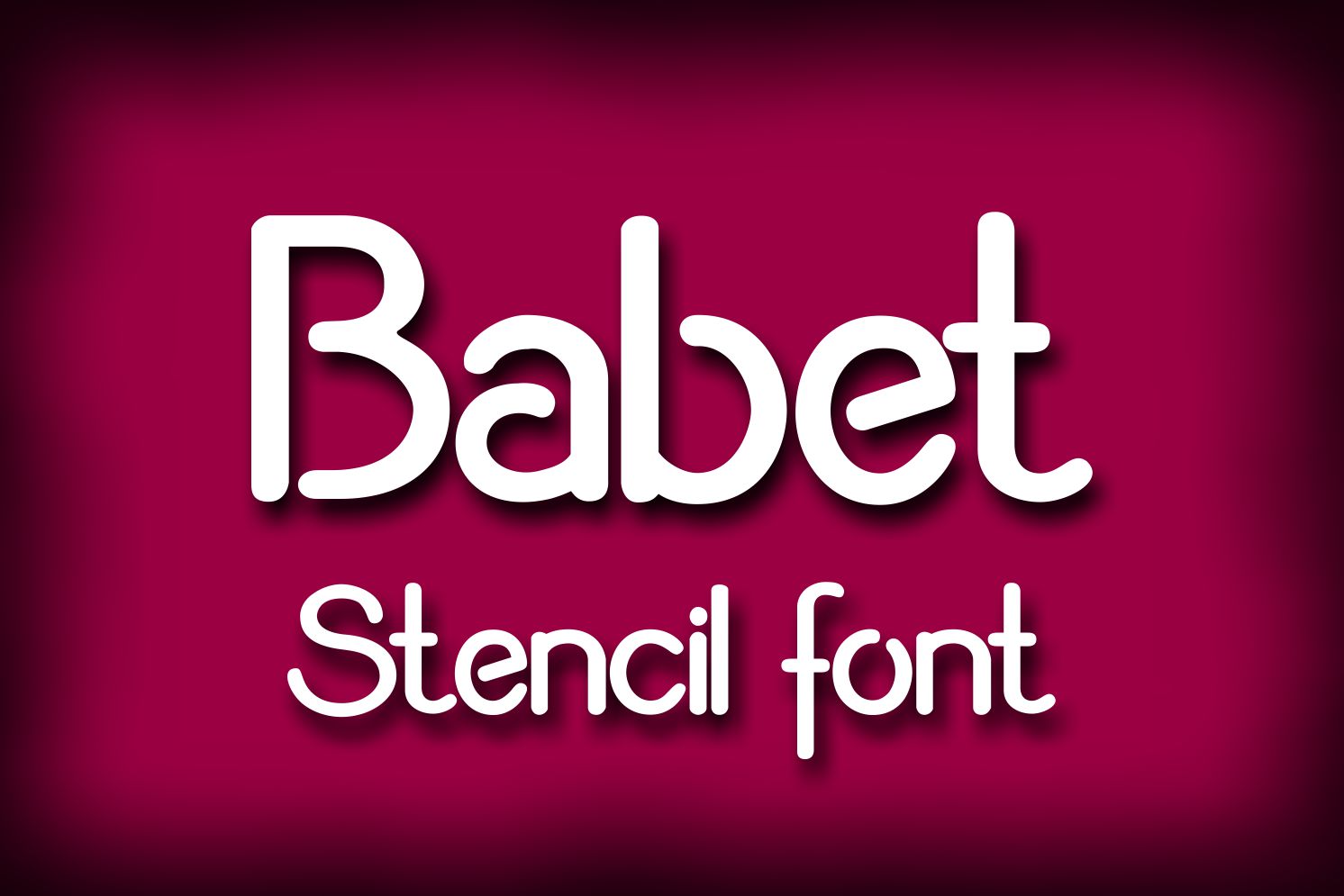
Designed specifically with cutting machines in mind, Babet is a stencil font that maintains legibility while ensuring every letter can be laser cut without modification. The proportional bridges are carefully placed to be functional without being visually distracting. Compatible with Glowforge, xTool, Cricut, Silhouette, and any CNC/laser system.
Best for: Glowforge projects, xTool cuts, universal CNC applications. By: Digital Typeface Studio
13. Stencil Solid
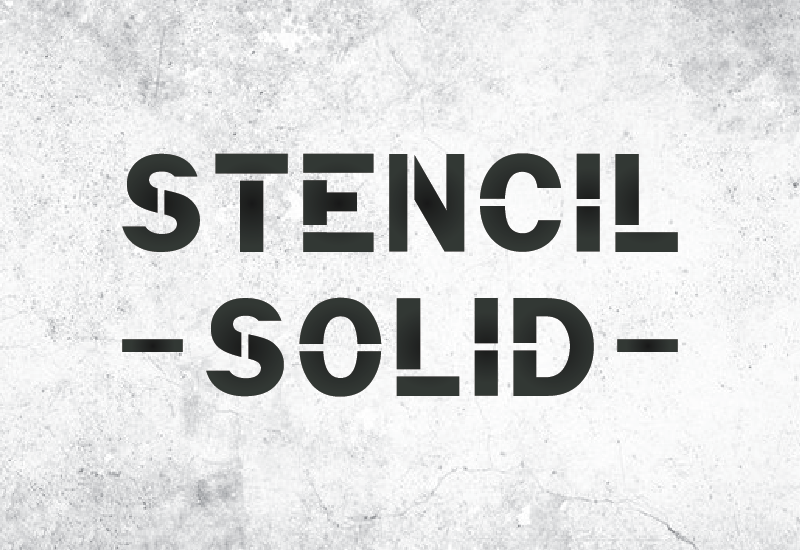
Bold, chiseled characters that command attention. Stencil Solid brings a heavier weight to the stencil category — where many stencil fonts feel thin and utilitarian, this one has the visual presence to work as display typography. The extra weight also means more structural strength in the cut piece.
Best for: heavy-duty applications, durable signage, structural projects. By: GraphicsNinja
14. Direkt Stencil
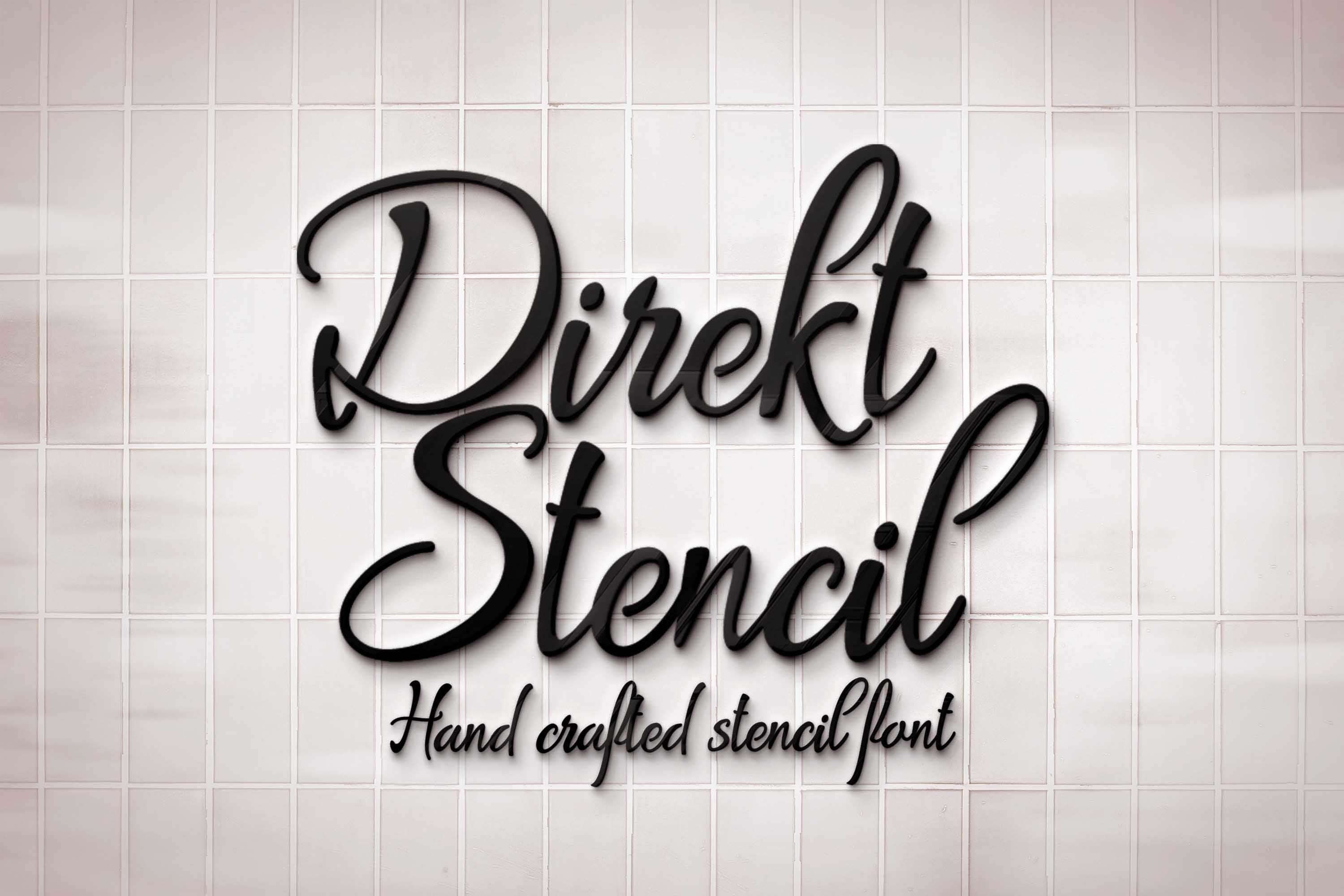
A clean, modern stencil font that feels more contemporary than military. The minimal bridge design keeps the text looking sleek while maintaining structural integrity during cutting. Works especially well for modern home decor, address signs, and professional environments where the classic stencil look might feel too aggressive.
Best for: modern home decor, address signs, professional environments. By: Digital Typeface Studio
15. Laser
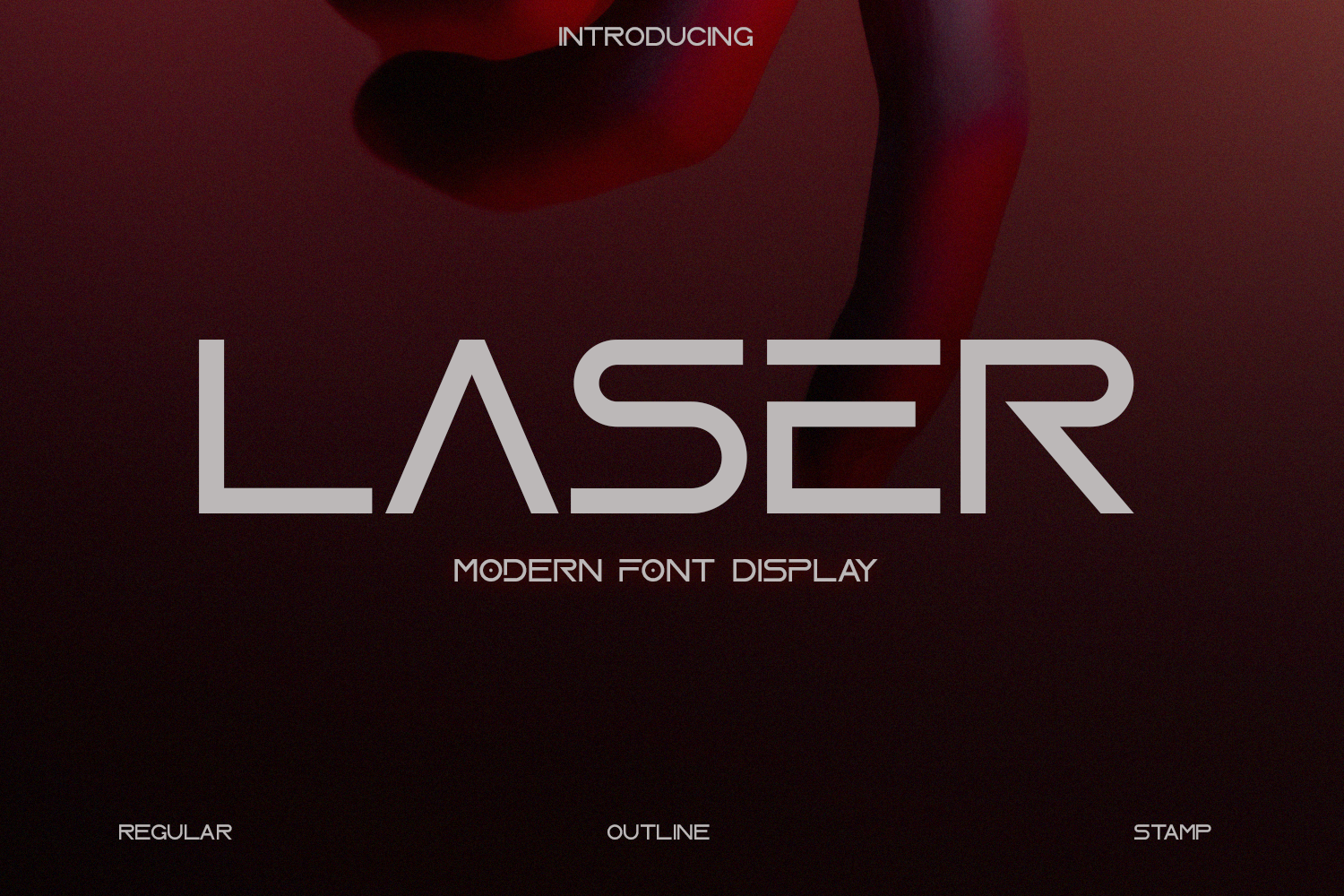
Named for its intended use case, Laser is a futuristic display font that brings a sci-fi aesthetic to your cutting projects. The geometric, angular letterforms are inherently laser-friendly — straight cuts dominate over curves, which means faster cutting times and cleaner edges. Perfect for gaming room signs, tech branding, and modern industrial decor.
Best for: gaming room signs, tech branding, modern industrial decor. By: Line creative
How to Prepare Fonts for Laser Cutting
Having the right font is only half the battle. Here’s how to prepare any font for the cutting machine:
Convert text to outlines. Your laser cutter reads vector paths, not editable text. In Inkscape, select your text and go to Path → Object to Path. In Illustrator, use Type → Create Outlines. This converts each letter from a font reference into editable vector shapes.
Check for disconnected parts. Zoom in on every letter and look for pieces that aren’t attached to anything — the dot on a lowercase i, the crossbar on a lowercase t if it doesn’t touch the vertical stroke, or the counter in an O without bridges. These pieces will fall out during cutting.
Weld overlapping letters. When script font letters overlap at connection points, you often get doubled paths that the laser will cut twice — weakening the material. In Inkscape, select all letters and use Path → Union to merge overlapping shapes into a single path.
Add bridges manually when needed. For non-stencil fonts with enclosed counters, add small rectangular bridges connecting the inner shape to the outer frame. Keep bridges at least 1.5mm wide for wood and 1mm for acrylic.
Test on scrap material first. Before committing to your good material, run a test cut on a scrap piece of the same material and thickness. Check for thin spots, fragile connections, and charring around detail areas.
Common Mistakes to Avoid
Using hairline fonts. Fonts with thin, delicate strokes might look elegant in a design file, but the laser kerf eats through thin strokes entirely. If the stroke width is less than 1.5mm at your cut size, choose a heavier font.
Forgetting to weld overlapping letters. Overlapping script letters create double-cut lines where they meet. The laser passes twice over the same spot, burning through and weakening the connection. Always weld before cutting.
Skipping the test cut. Material thickness, laser power, speed settings, and kerf width all interact. A font that cuts perfectly in 3mm birch plywood might fail in 6mm MDF. Test every combination.
Ignoring kerf compensation. The laser beam removes material as it cuts (kerf), making every cut piece slightly smaller than designed. For precision work, offset your paths outward by half the kerf width — typically 0.05-0.15mm for CO2 lasers.
Using fonts with licensing restrictions. If you’re selling laser-cut products commercially, verify the font license covers physical goods. All fonts featured in this article are available for download with commercial-use licensing through Creative Fabrica.
Where to Find More Free Laser-Cut Fonts
Beyond the 15 fonts in this collection, several resources specialize in laser-safe typography:
Creative Fabrica has over 2,400 fonts tagged for laser cutting, with new ones added regularly. Filter by style, weight, and license type to find exactly what your project needs.
Google Fonts offers a large free library — filter by weight (700+) to find bold fonts suitable for cutting. Fonts like Oswald, Bebas Neue, and Archivo Black work well with laser cutters.
DaFont has a dedicated laser cutting category with community-rated fonts. Check the comments for real-world cutting results from other makers.
Each of the 15 fonts above includes a direct download link — click the download button to grab the font files and start cutting. All fonts are available in OTF and TTF formats, compatible with Inkscape, Adobe Illustrator, LightBurn, LaserGRBL, and any other software that supports custom fonts.
For more typography guides and font roundups, visit the FontPro blog.