· fonts · 10 min read
13 Best Fonts for Glowforge in 2026
Find the best fonts for Glowforge projects: bold sans serifs for cutting, stencil fonts for signs, scripts for engraving, and monoline fonts for scoring.
The best fonts for Glowforge depend on whether you are cutting, engraving, or scoring. Here are 13 fonts from Creative Fabrica, grouped by laser operation, plus tips for preparing your files and getting clean results every time.
What Makes a Font Work for Laser Cutting?
Glowforge handles three operations, and each one demands different things from your typography. Cutting slices all the way through the material, so fonts need thick strokes, simple shapes, and no tiny interior holes that might fall out or burn away. Engraving scores the surface without cutting through, which means detailed scripts and decorative fonts hold up fine. Scoring draws a single line, and monoline fonts follow that path cleanly.
Stencil fonts deserve special attention for cutting. Their built-in bridges keep the centers of letters like O, A, and B connected to the surrounding material, so nothing drops out. Without those bridges, you lose the interior pieces of closed letterforms.
Kerf is the material the laser beam removes as it cuts. Bold fonts compensate for kerf better than thin ones, because a thin stroke can shrink below readable size after the laser takes its share.
Always convert your text to outlines before exporting to SVG. If you want free starting points, Bebas Neue and Montserrat on Google Fonts are solid bold sans serifs that cut well at larger sizes.
Bold Sans Serif Fonts for Glowforge
Bold sans serifs are the safest starting point for Glowforge cutting projects. Their thick, uniform strokes survive the laser cleanly, and the simple letterforms leave enough material between cuts to keep the piece strong. If you are making wooden signs, acrylic keychains, or leather tags, start here.
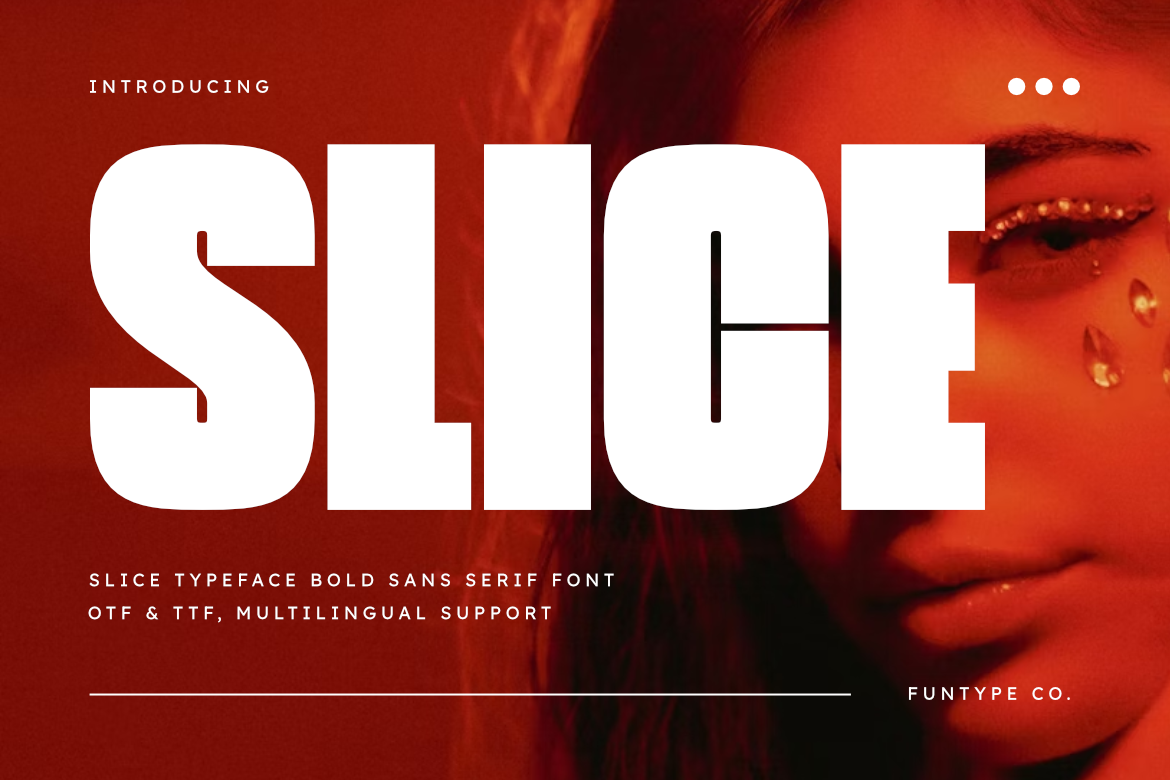
1. Slice
Slice is a bold geometric sans serif with clean edges and consistent stroke weight. The letters are wide enough to cut cleanly in wood, acrylic, and leather without losing detail, and the spacing keeps each character distinct even at smaller sizes.
I like it as a go-to for simple name signs and keychains where the text needs to be readable from a distance.
Best for: wooden name signs, acrylic keychains, bold headlines. By: Funtype Co.
2. Extra Bold
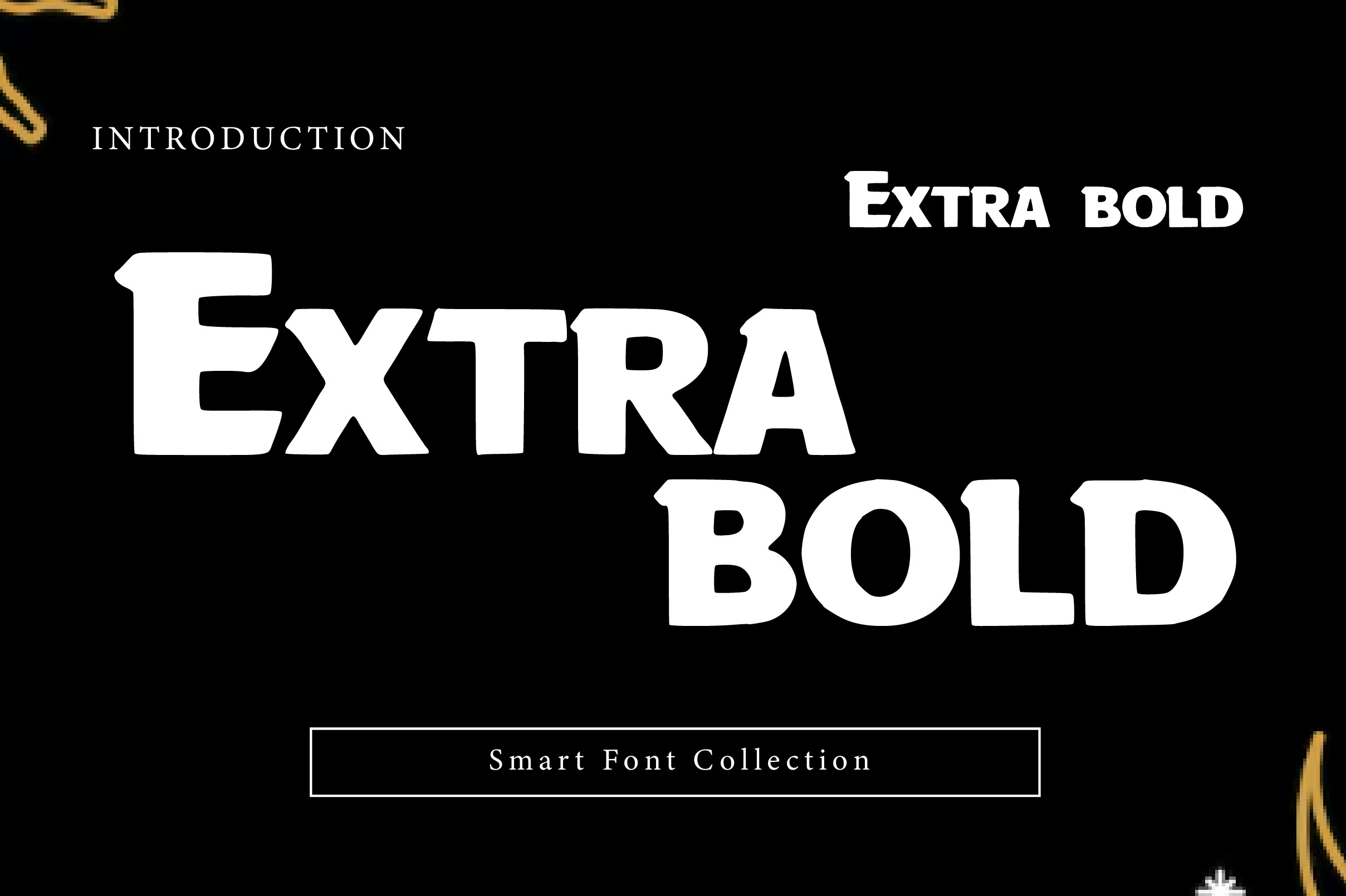
Extra Bold is a powerful, heavy display font built to grab attention. The thick strokes and strong structure mean every letter retains plenty of material after the laser removes its kerf, making it one of the most forgiving fonts for Glowforge beginners. It cuts cleanly even in softer woods like basswood and birch plywood.
If you are new to laser cutting and want a font that is hard to mess up, this is a strong first choice.
Best for: beginner-friendly cutting, thick wooden signs, Proofgrade plywood. By: Wow Magic
3. Glory Bold
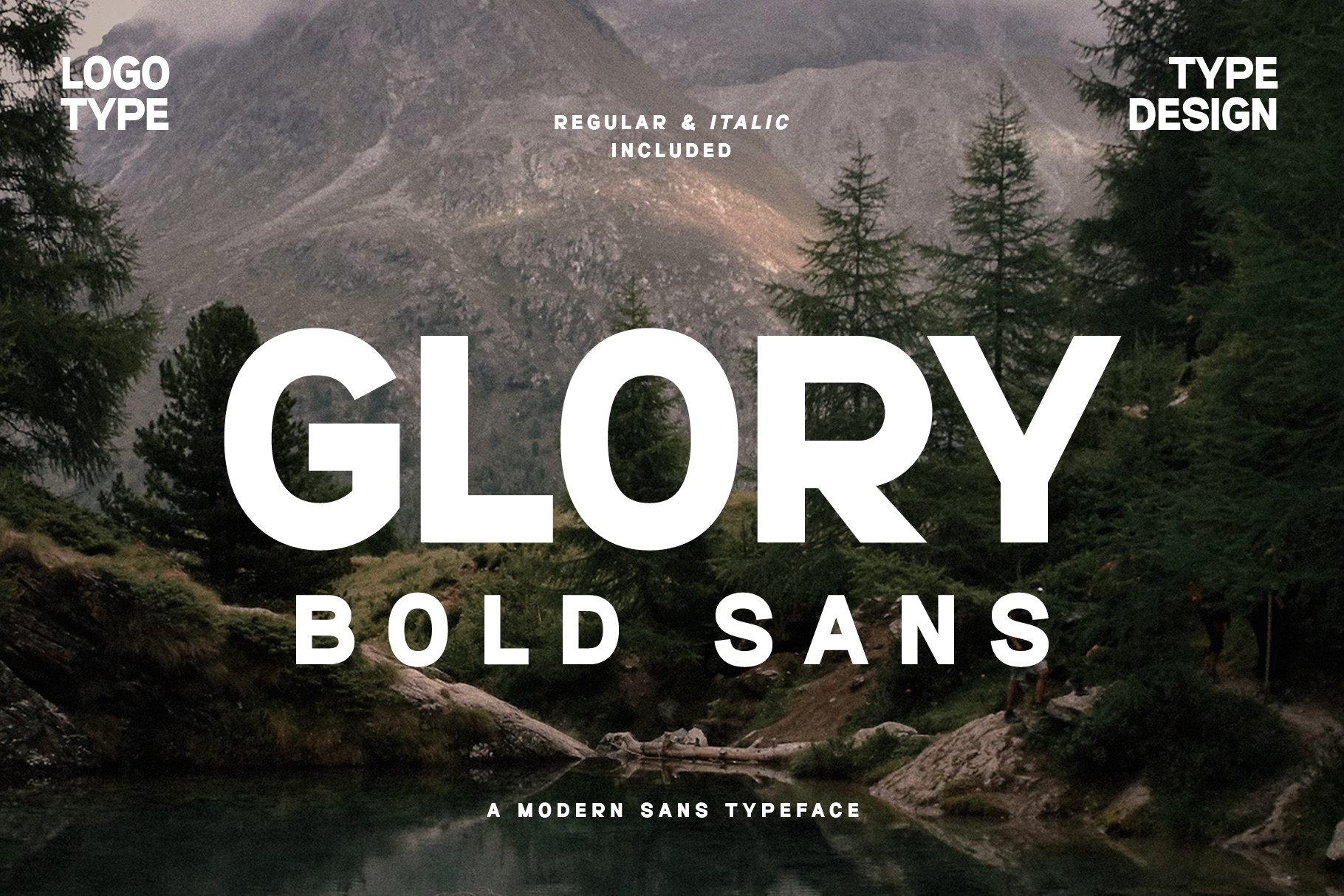
Glory Bold is a sleek, modern sans serif with rounded edges and a balanced, even weight. The friendly letterforms make it predictable for the laser, and it scales well from small tags to large wall art.
It works well for modern home decor signs and gift tags where you want the type to feel inviting rather than industrial.
Best for: modern signs, gift tags, wall art. By: Graphicxell
4. Roughcraft
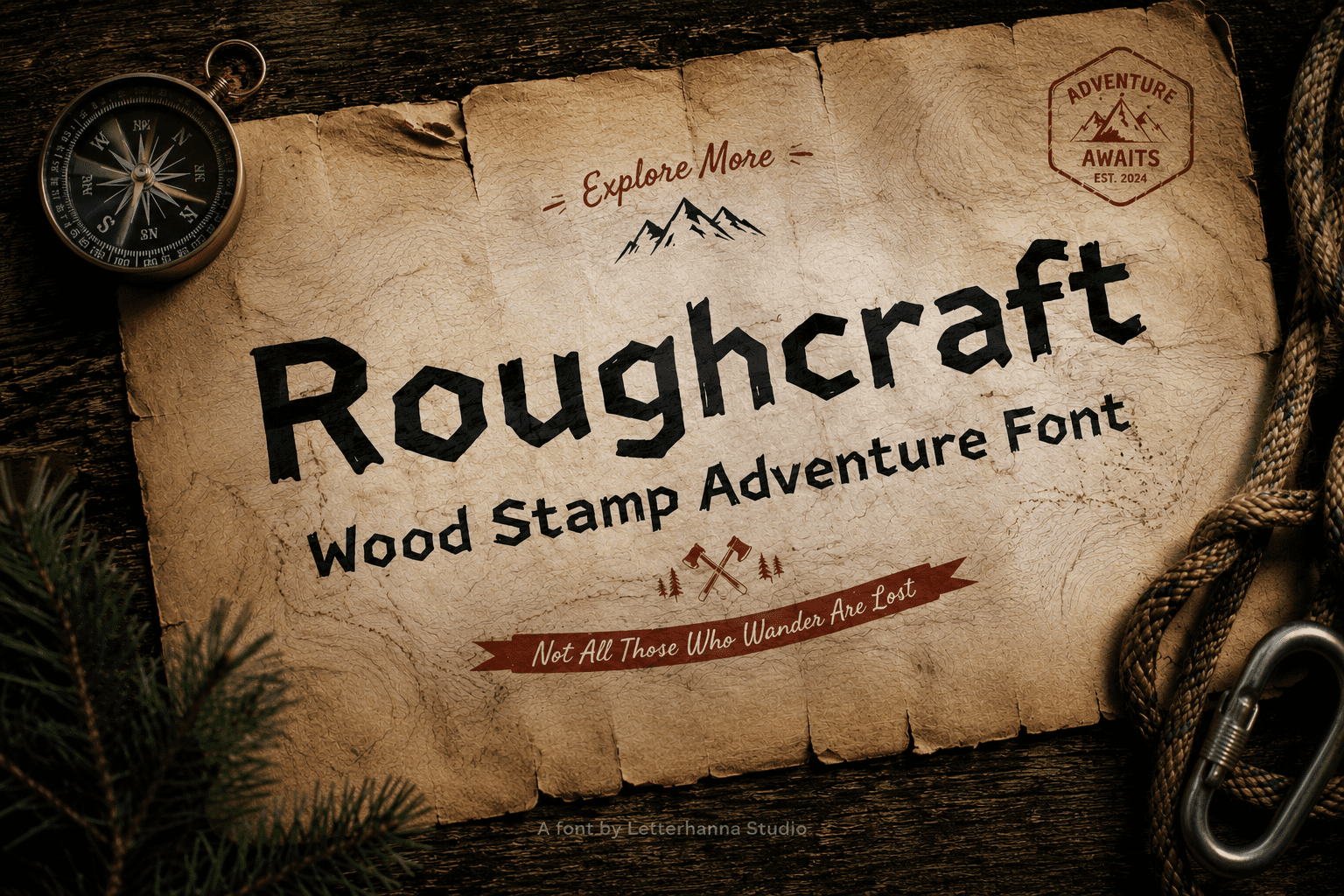
Roughcraft channels the raw energy of hand-lettered signage and carved wooden titles. The bold weight and slightly textured edges give each letter a handmade quality that looks great on rustic signs and workshop decor. The thick strokes survive the laser cleanly.
Use it for farmhouse signs, workshop labels, or any project where you want the text to feel hand-carved rather than machine-perfect.
Best for: rustic signs, workshop decor, farmhouse style. By: letterhanna
5. Signal
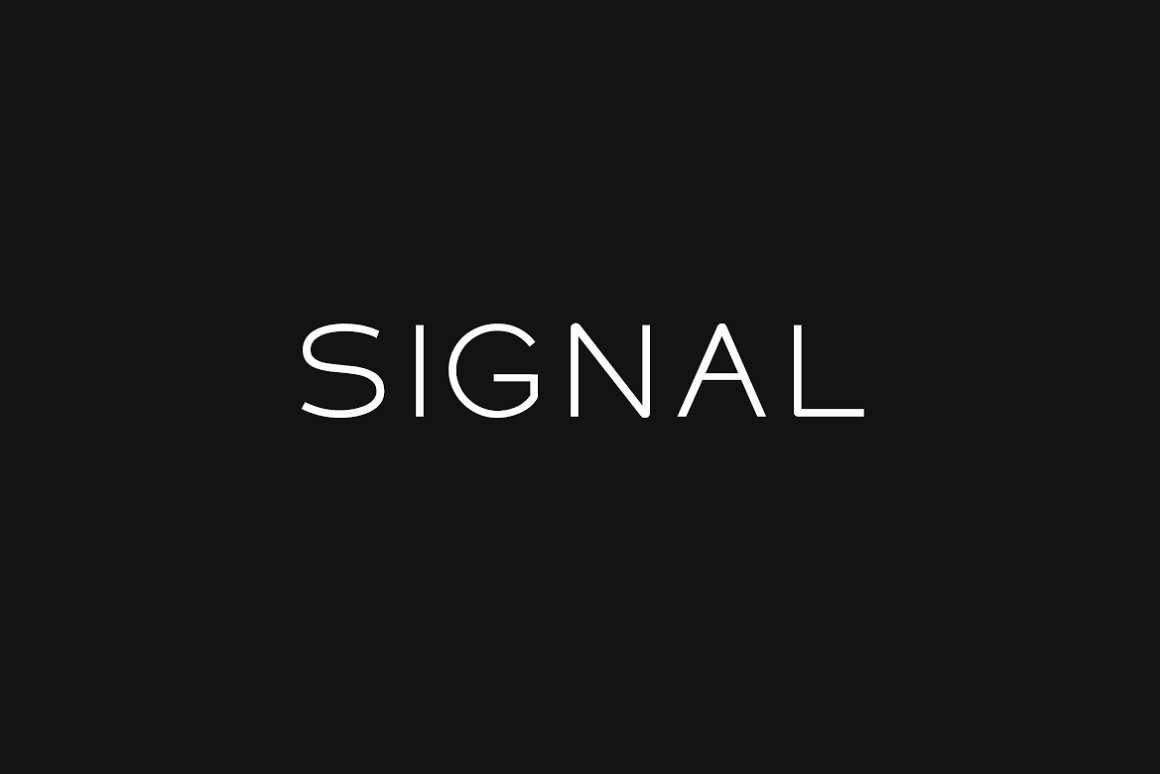
Signal is a clean, geometric display font that balances thickness with a refined proportion. The structured letterforms give it a professional look that works well for business signage and address plaques.
I reach for it when a sign needs more text than a single word, like a short phrase or a name with a subtitle underneath.
Best for: multi-word signs, address plaques, business signage. By: designova
Stencil Fonts for Glowforge
Stencil fonts solve the biggest problem in laser-cut lettering: closed letterforms. Letters like O, D, A, B, and R have enclosed counters that fall out when you cut them. Stencil fonts add bridges that connect the interior to the surrounding material, keeping everything in one piece. If you are making signs, address plaques, or decorative panels, stencil fonts save time and frustration.
6. Fontuna Stencil
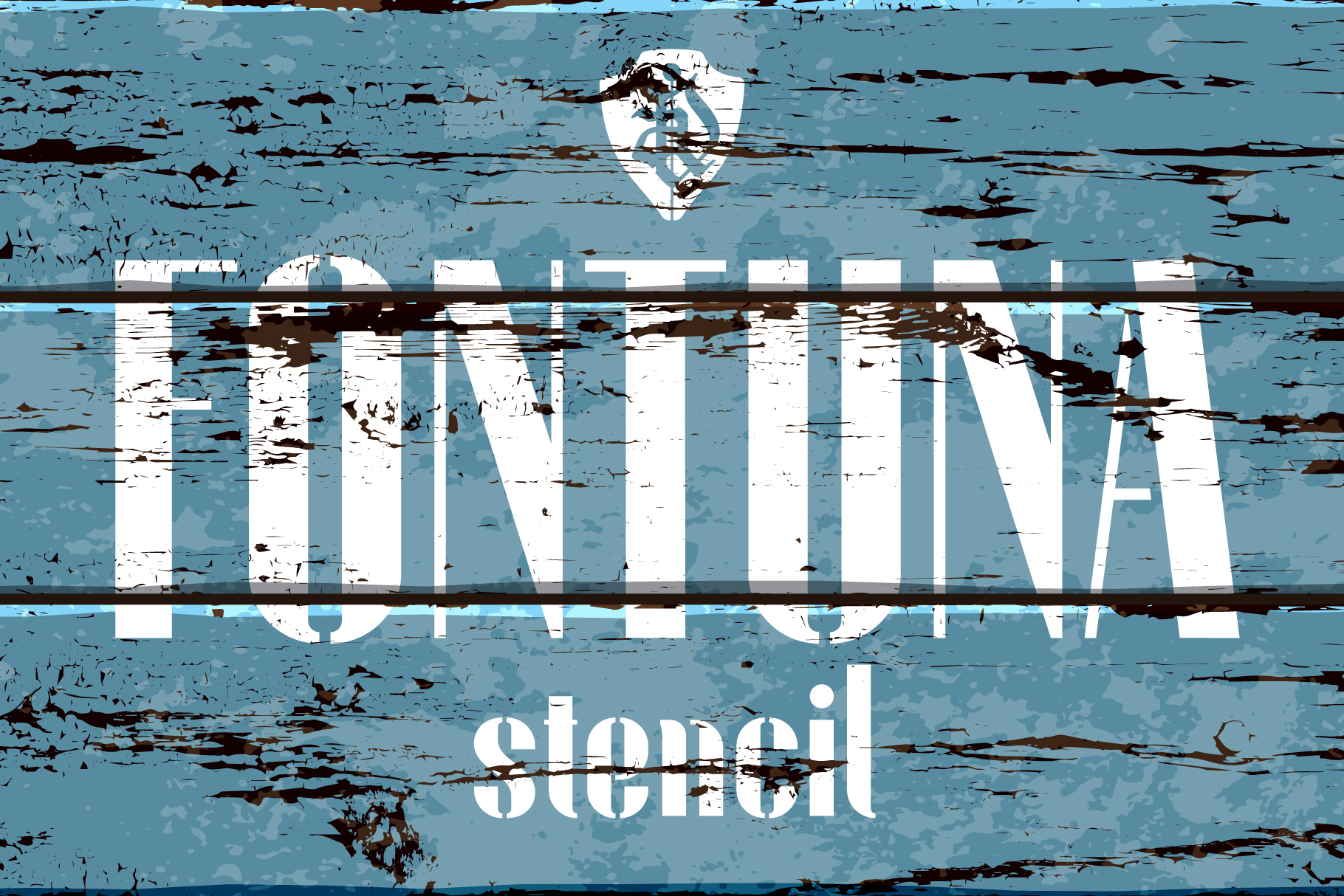
Fontuna Stencil is a clean, modern stencil with well-placed bridges and consistent spacing. It reads clearly at both large and small sizes, and the bridge placement feels natural rather than forced.
It is a strong option for address signs and house numbers where the letters need to stay connected but still look polished.
Best for: address signs, house numbers, clean stencil signage. By: NREY
7. Slanted Box Stencil
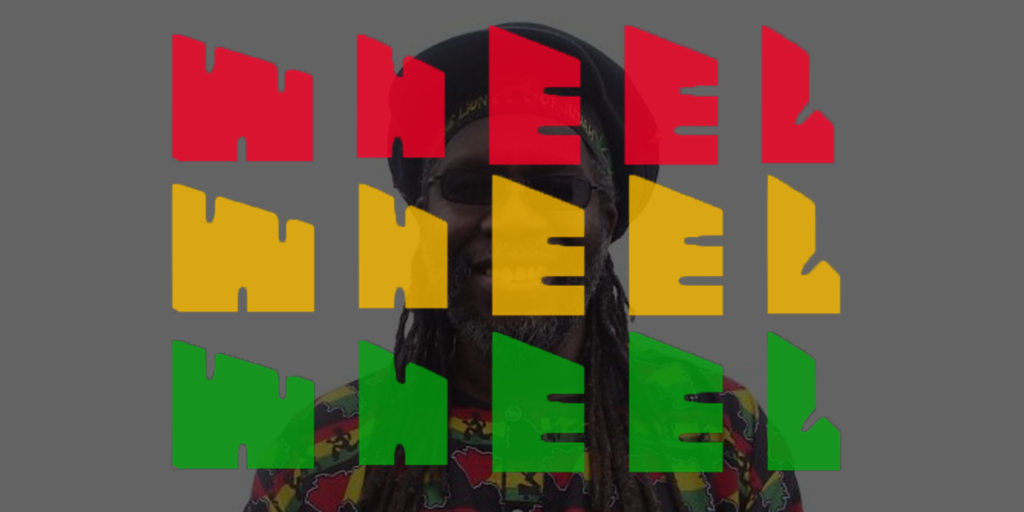
Slanted Box Stencil adds an italic angle to the classic stencil form, giving it a sense of motion and energy. The slant works well for workshop signs, tool labels, and anything that benefits from an industrial or military feel.
The bold weight keeps the strokes thick enough for reliable cutting, and the bridges are wide enough to hold in thinner materials.
Best for: workshop signs, tool labels, industrial stencil art. By: Will Haller
8. Fashion Stencil
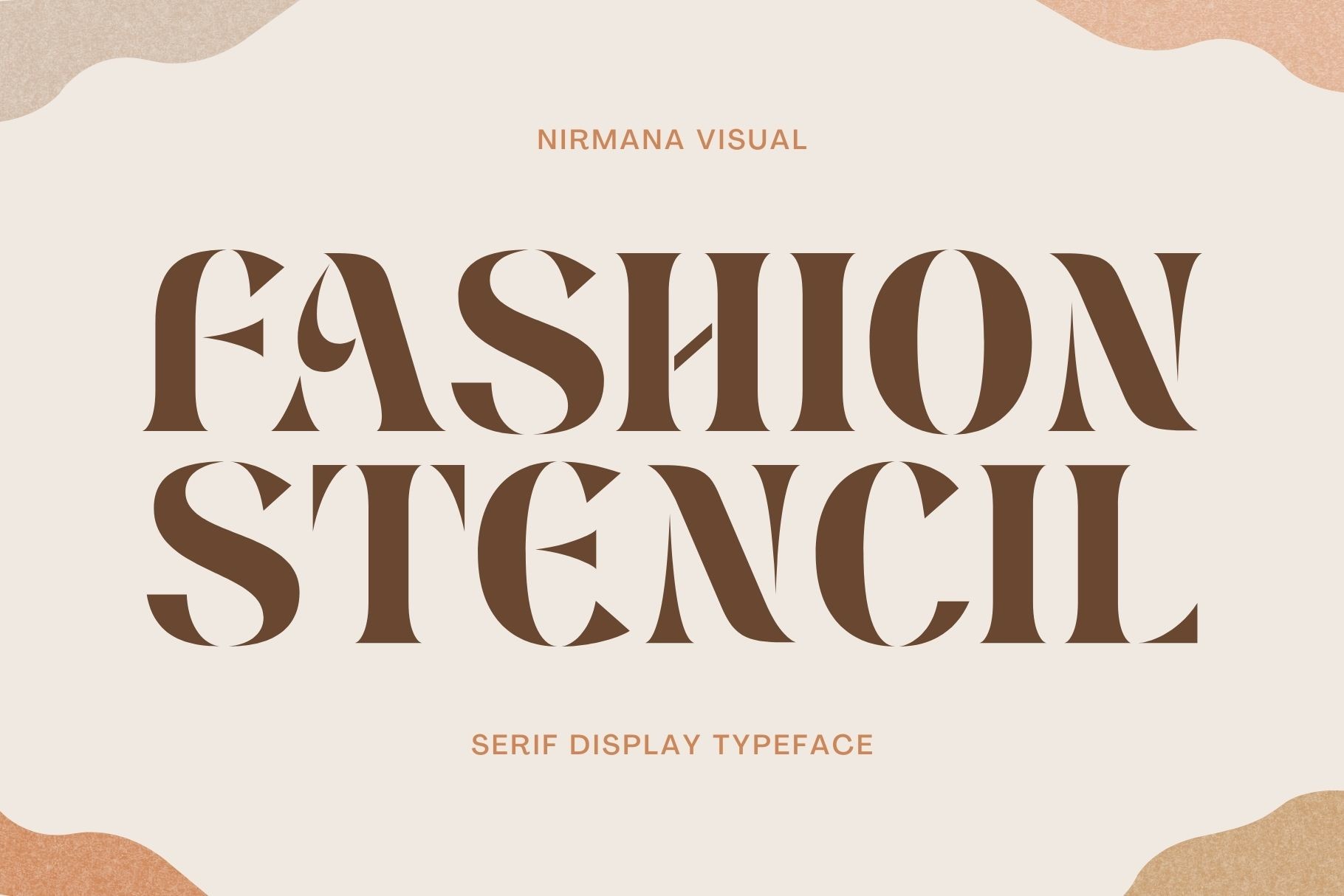
Fashion Stencil brings a more refined, editorial look to the stencil category. The bridges are thinner and more discrete, so the letters look closer to a traditional serif at first glance. It suits projects where you want the stencil function without the military aesthetic.
Use it for boutique signage, product labels, or decorative panels where the design needs to feel upscale.
Best for: boutique signage, product labels, decorative panels. By: Sigit Dwipa
9. Stencil Ptx
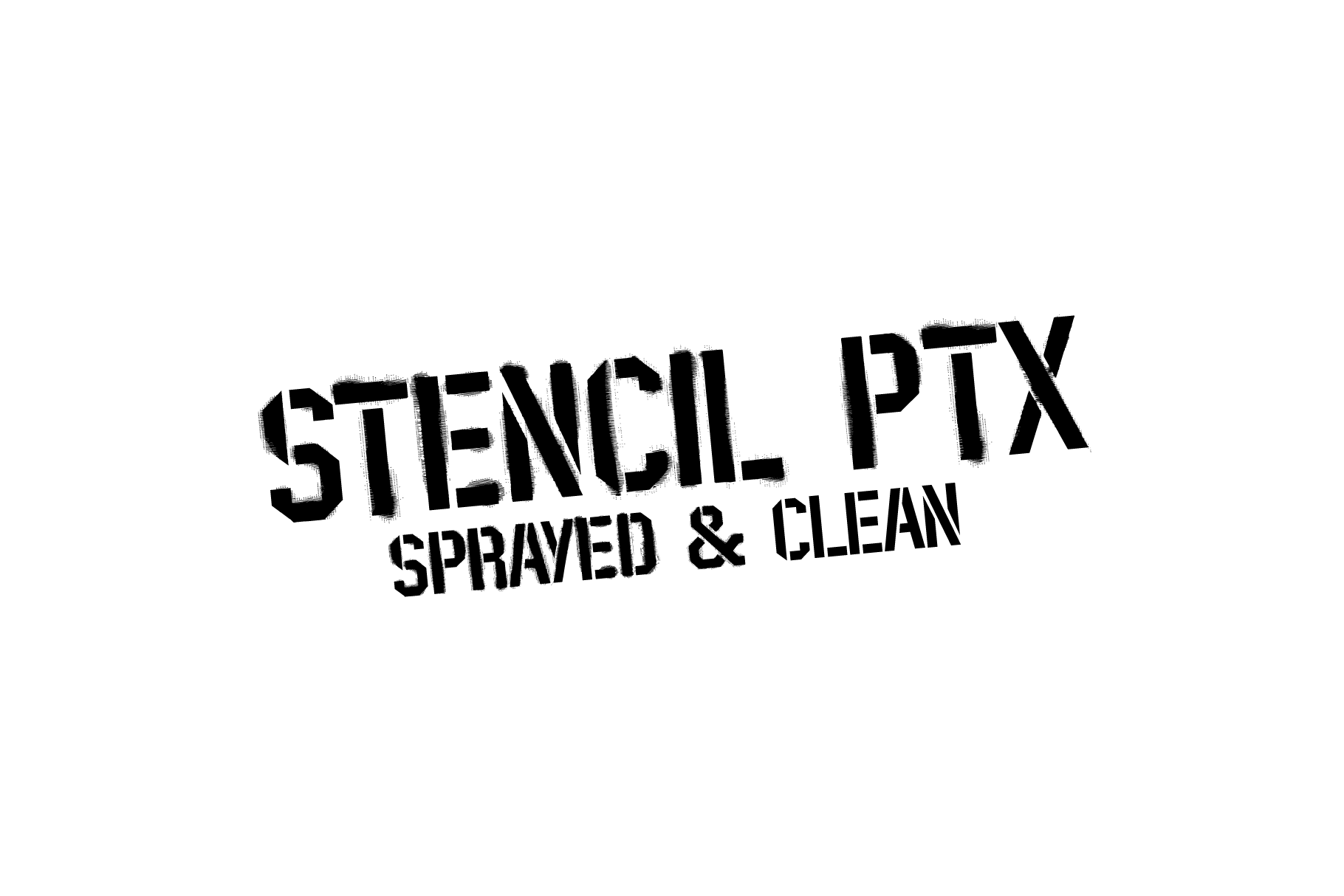
Stencil Ptx is a classic, no-frills stencil with a bold weight and well-proportioned bridges. The design is straightforward, which makes it reliable across a wide range of materials and project types.
If you want a stencil font that just works without any surprises, this is it. It is the workhorse of this group.
Best for: general stencil cutting, wooden signs, yard signs. By: Pedro Alexandre Teixeira
10. Balton Stencil
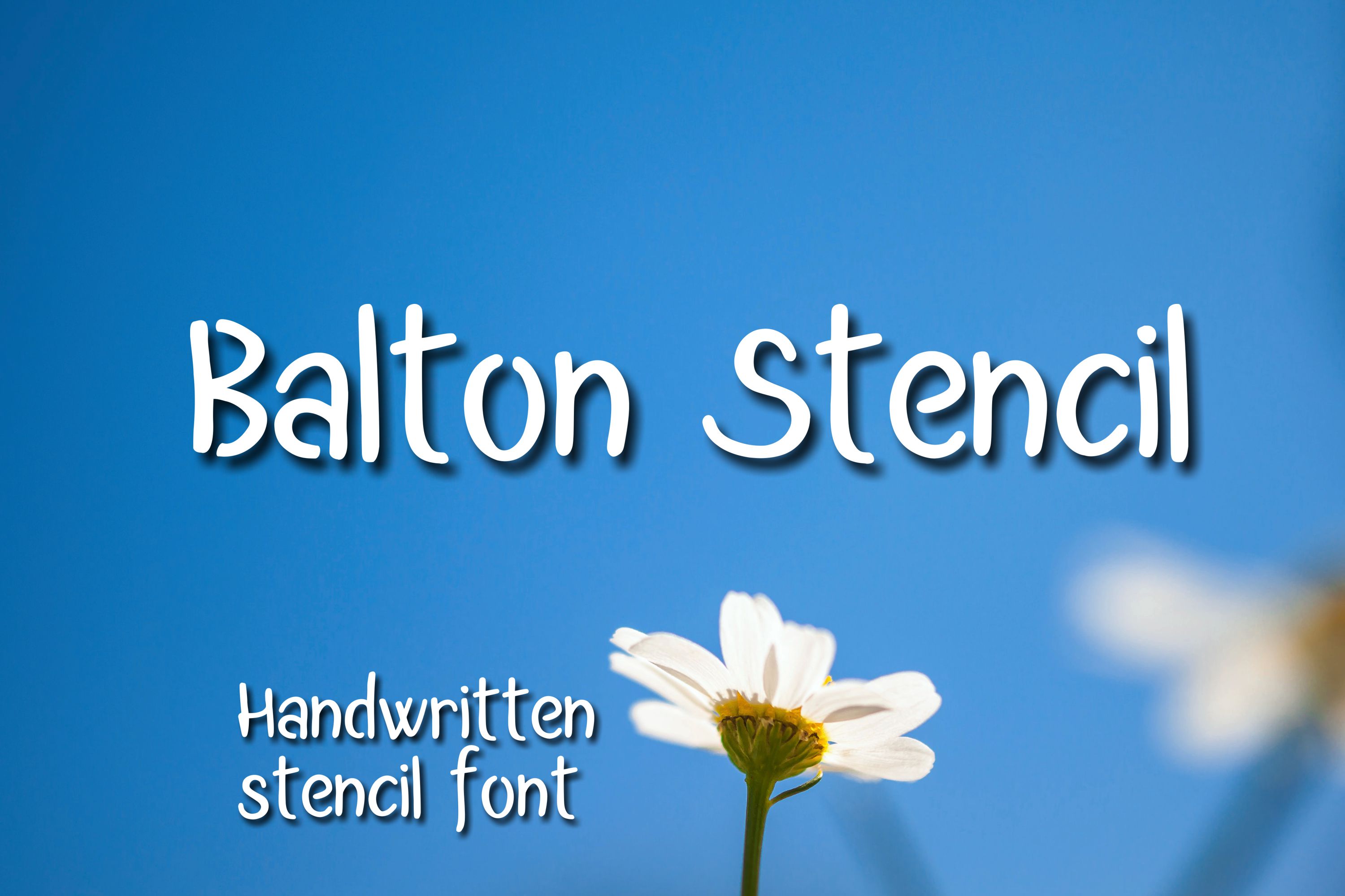
Balton Stencil has a slightly rounded, modern character that softens the usual stencil sharpness. The rounded edges feel friendly, making it a good choice for home decor, kids’ room signs, and gift projects.
It pairs well with the bolder fonts in this list if you need a stencil accent alongside a solid headline font.
Best for: home decor, kids’ room signs, gift projects. By: Digital Typeface Studio
Script and Decorative Fonts for Engraving
Engraving opens up the full range of font styles because the laser marks the surface without cutting through. That means thin strokes, tight curves, and decorative flourishes hold up well. Script and decorative fonts are ideal for engraved cutting boards, jewelry boxes, photo frames, and personalized gifts. If you enjoy lettering styles, you might also like our list of best calligraphy fonts.
11. Carved Wood
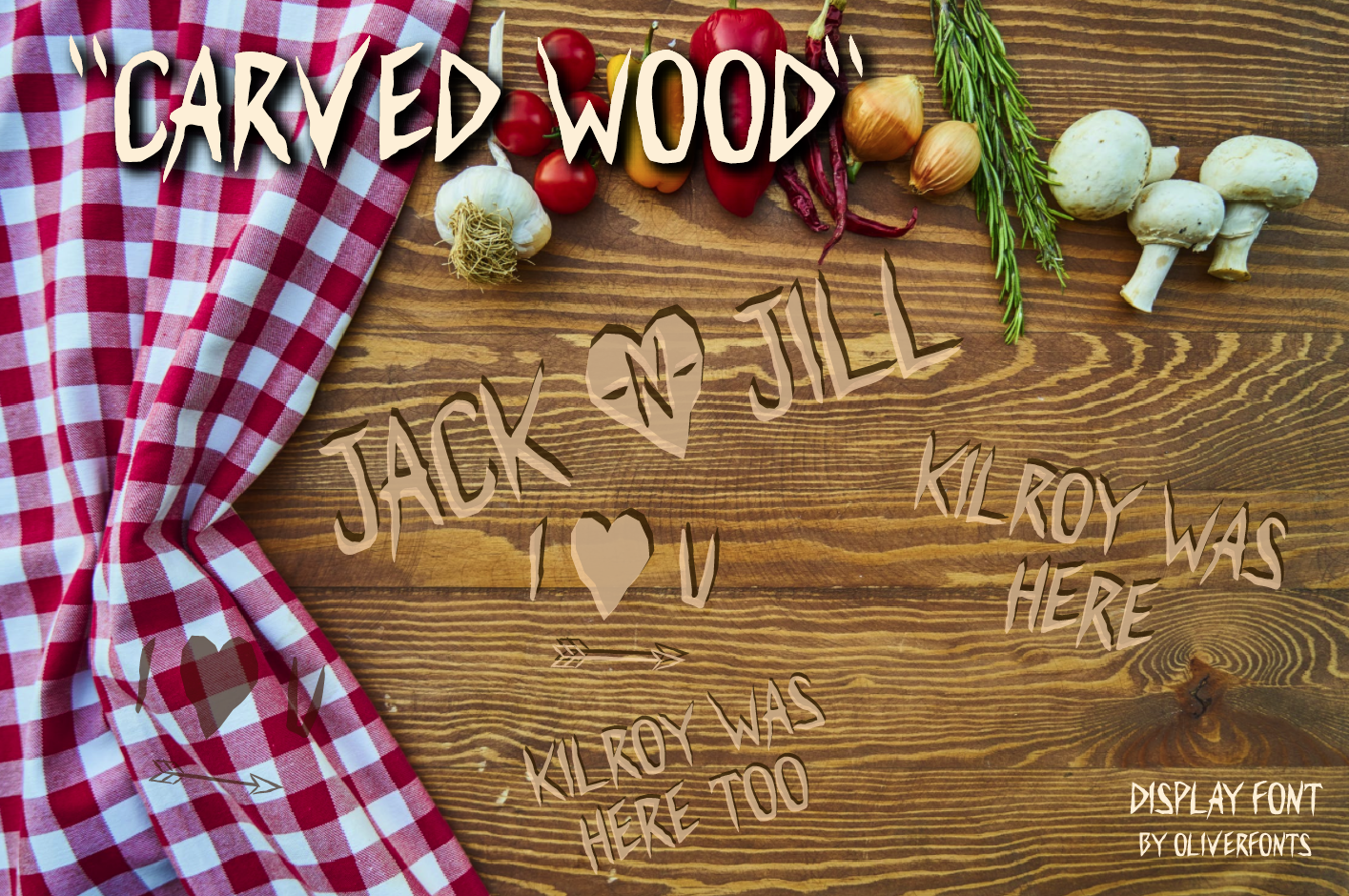
Carved Wood is a bold, decorative display font that mimics the look of hand-carved lettering. The thick, textured strokes engrave beautifully on hardwood and leather, and the organic character shapes add warmth that pairs well with rustic projects.
I like it for personalized signs, engraved cutting boards, and wooden gift boxes where the text should feel handcrafted.
Best for: engraved signs, cutting boards, rustic gift items. By: OLIVERFONTS
12. Wood Working
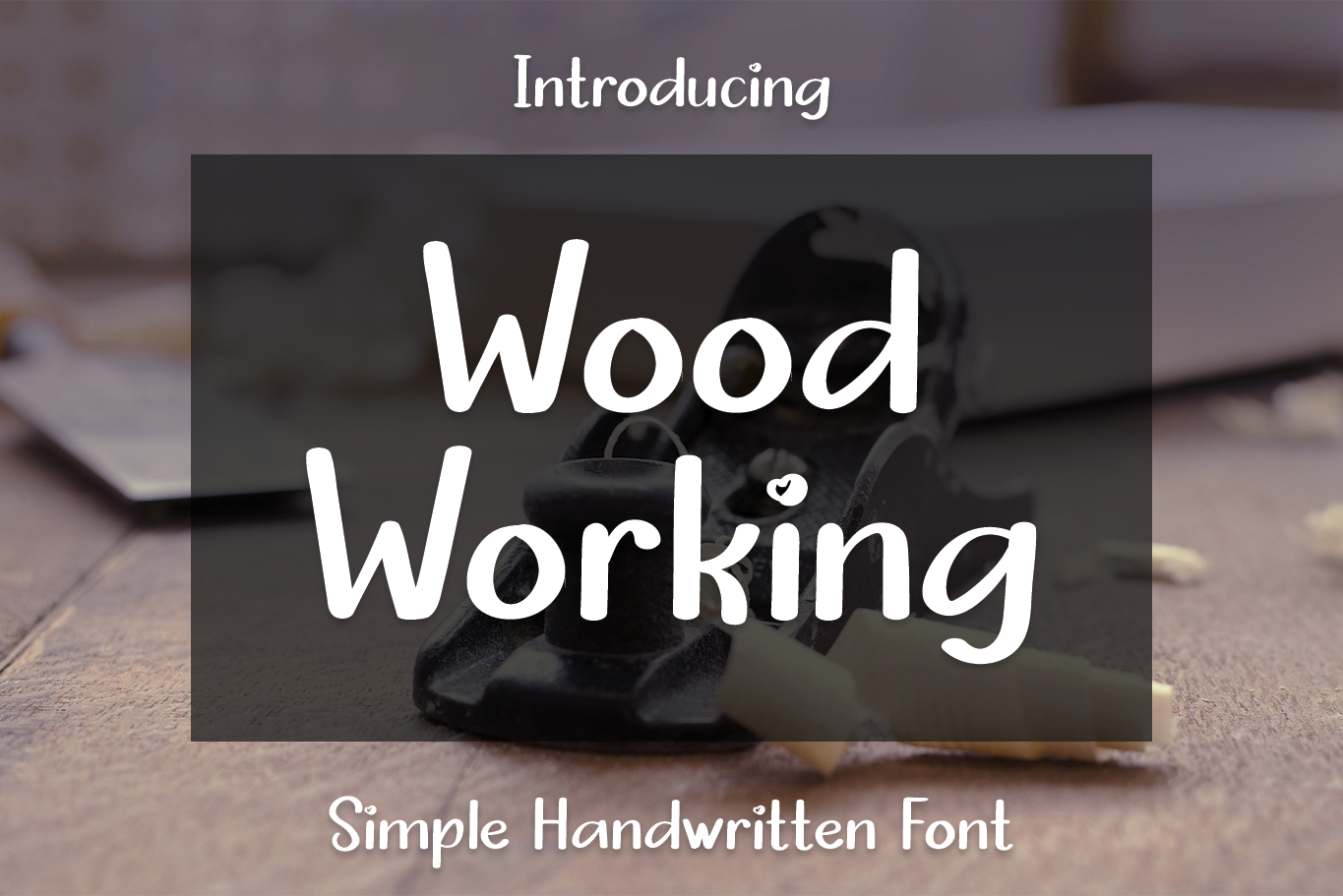
Wood Working is a friendly, handwritten font with a casual warmth that feels personal. The slightly uneven baseline and natural character give engraved text the look of genuine handwriting rather than machine-set type.
Use it for kitchen signs, family name plaques, and gift items where the lettering should feel personal and approachable.
Best for: kitchen signs, family plaques, engraved gift items. By: el hotcig
13. Be Bold
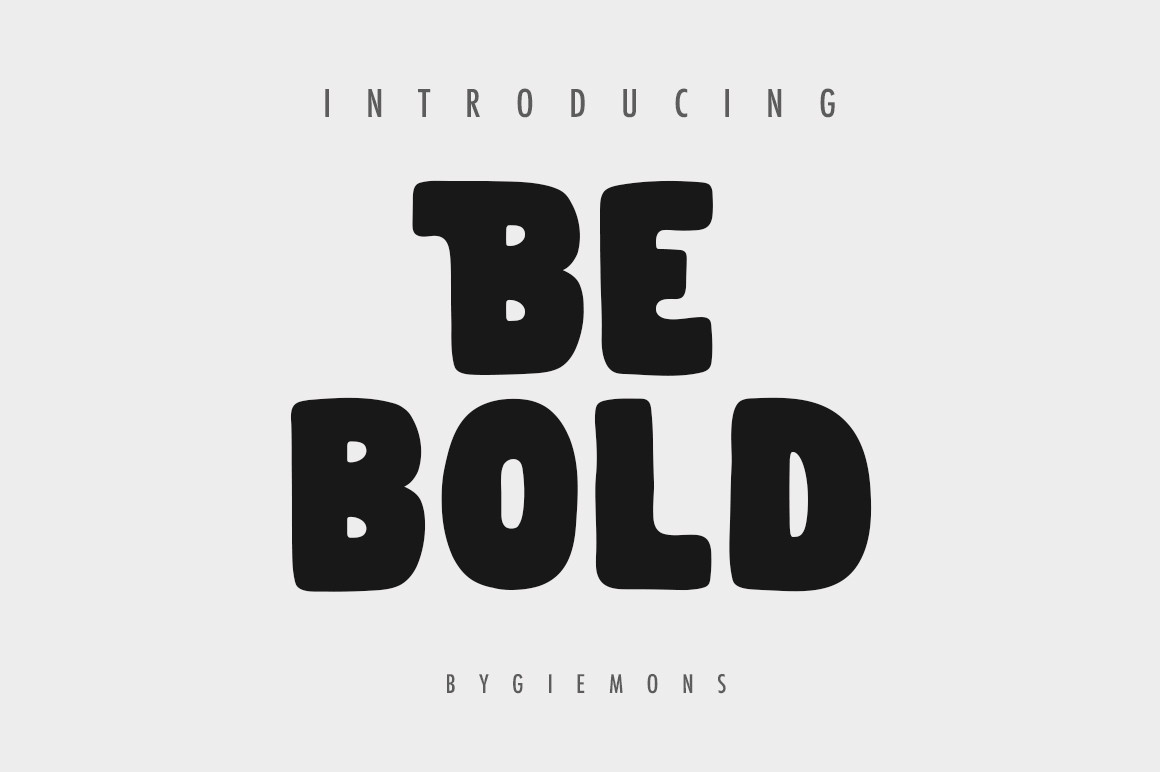
Be Bold is a thick, decorative display font with character shapes that feel custom-drawn. The heavy weight and playful proportions make each letter stand out when engraved into the surface, creating depth and visual interest.
It is a good pick for engraved logos, decorative plaques, and one-of-a-kind art pieces.
Best for: engraved logos, decorative plaques, art pieces. By: Giemons
How to Use Fonts on Your Glowforge
Start in a design application like Inkscape (free) or Adobe Illustrator. Type your text, choose your font, and then convert the text to outlines or paths. This step is important because the Glowforge app does not load fonts from your computer. It reads vector paths.
Export your design as an SVG file. In Inkscape, go to File > Save As and choose Plain SVG. In Illustrator, use File > Export > Export As and pick SVG. Upload the SVG to the Glowforge app in your browser, where you can position it on your material and assign each element to cut, engrave, or score.
Test on scrap material first, especially with a new font. What looks right on screen can behave differently once the laser meets the material. Proofgrade materials come with preset power and speed settings that simplify this, but a test cut still helps you spot thin strokes that might not survive.
For cutting, consider kerf compensation. You can offset your paths slightly outward in Inkscape or Illustrator to account for the material the laser removes. This matters most with small text and tight details.
If you are looking for more laser-ready fonts, including free options, check out best free fonts for laser cutting.
Tips for Choosing the Right Glowforge Font
Match the font to the operation. Bold sans serifs and stencil fonts are built for cutting. Scripts and decorative fonts shine during engraving. Monoline fonts are made for scoring. Picking the right category first saves trial-and-error time.
Use stencil fonts for any sign that will be cut out. The bridges keep enclosed letter parts connected, so you do not have to manually add bridges in your design software.
Test at the size you will actually use. A font that looks great at 3 inches might lose detail at half an inch. For cutting, I recommend staying above 1 inch for most fonts. For engraving, you can go smaller, down to about half an inch with clean fonts.
Pair a bold font with a script for layered projects. Cut the headline in a bold sans serif and engrave the detail text in a script. The contrast between cut and engraved elements adds depth.
Check the license before selling. If you plan to sell laser-cut items on Etsy or at craft fairs, make sure the font license covers commercial use. The license details are listed on each product page on Creative Fabrica.
Where to Download Glowforge Fonts
Creative Fabrica is the primary source for the fonts in this list, and each product page includes full license details. For free alternatives, Google Fonts offers options like Bebas Neue and Montserrat that work well for basic cutting projects. For more font guides and laser cutting tips, visit the FontPro blog.