· fonts · 13 min read
13 Best Body Fonts for Print, Resumes, and Web in 2026
Compare the best body fonts for print, resumes, CVs, and web. Find readable serif and sans-serif options for long text, plus setup and licensing tips.
You pick a headline font in about ten seconds. You live with your body font for hours.
That is the whole problem. The typeface carrying your novel, your resume, or your blog post is the one readers actually stare at. It needs to stay comfortable at small sizes, keep a steady rhythm, and get out of the way. No shouting. No decoration for decoration’s sake.
This list breaks down 13 readable fonts for long text, split into serif and sans-serif groups. After the list, you will find practical notes on size, spacing, pairing, and licensing. The goal: pick a body font for a resume, print project, or web page without guessing.
What Makes a Great Body Font?
A great body font is invisible. That is the whole point. It keeps letters distinct, maintains a steady visual rhythm, and never makes the reader pause to decode a shape.
For long reading, legible fonts for small sizes matter far more than decorative personality. A face that looks striking at 48 pt in a headline can turn muddy at 10 pt in a paragraph. If that happens, it is not your body font.
There is no single best font for body text. The right choice depends on your medium, your layout, and how long the reader will spend on the page.
Here is what to look for:
- Clear letterforms with even spacing
- A comfortable x-height (the body of lowercase letters)
- Easy separation of similar characters: I, l, and 1 should feel different. O and 0 should stay distinct.
- Punctuation that does not crowd the line
- A regular or book weight that works for paragraphs without feeling heavy
Print and screen have different habits. Classic book serifs like Garamond, Caslon, Palatino, and Jenson have carried printed books and magazines for decades. Clean sans-serif faces like Helvetica, Verdana, and Calibri are often suggested for screens, UI text, and modern documents.
The old rule of serif for print and sans-serif for screen came from low-resolution displays. On modern screens the difference is often small. Serif vs sans-serif for body text is less about rules than about testing. A face that feels calm on paper may look too tight on a phone. A face that reads well on a website may feel too plain in a printed report.
One thing to avoid: Didot-like display faces in body copy. Thin strokes and low x-heights can look elegant in a title but may struggle in long paragraphs. Choose a face that stays open and readable, then test it at real size on the real surface.
Best Serif Body Fonts for Print and Long Reads
Serif fonts are a traditional choice for books, magazines, academic papers, and other long-form print work. They can give a page a calm, editorial feel while keeping the text easy to follow.
These seven are serif body font candidates worth testing for print and long reads.
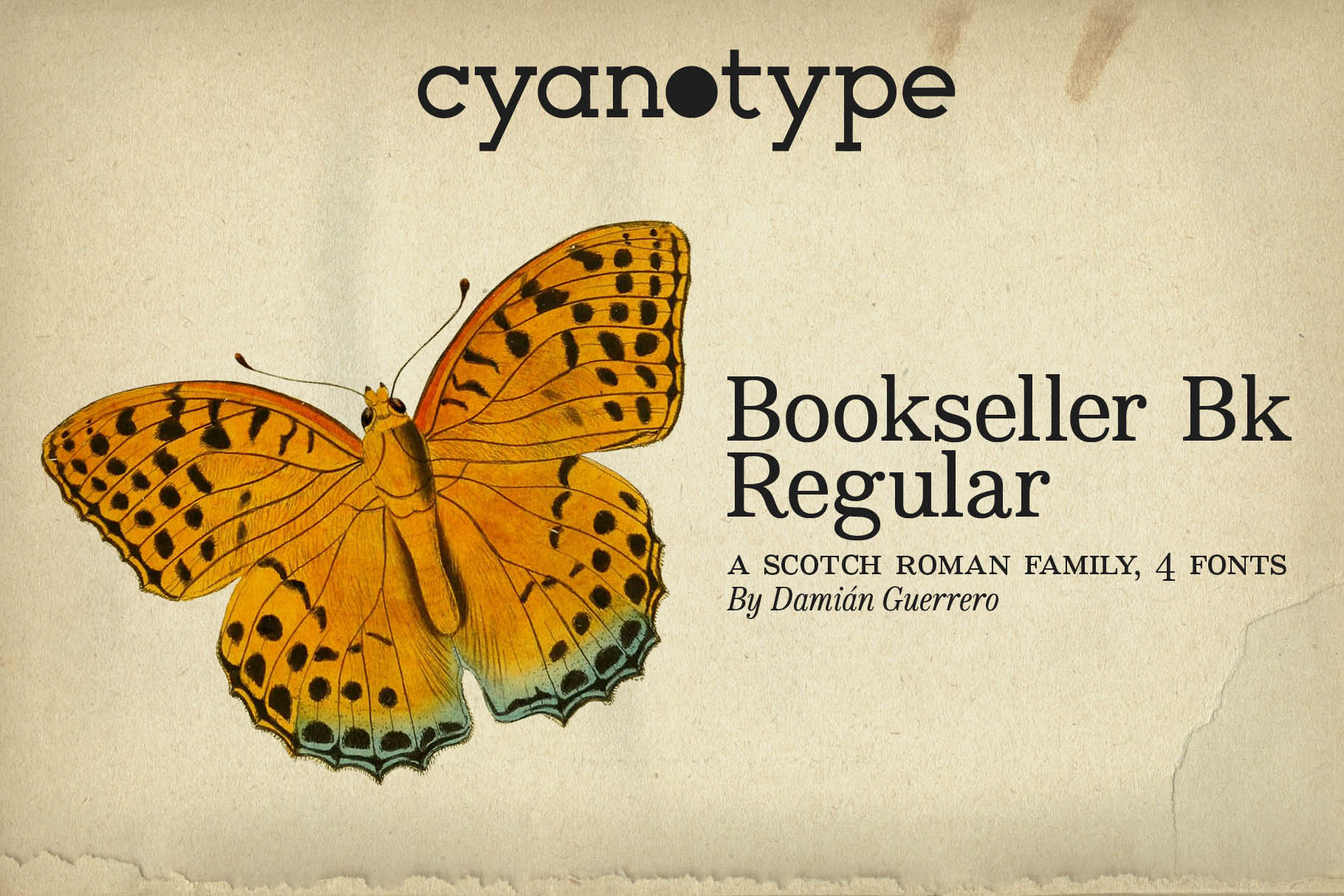
1. Bookseller Bk Regular
Bookseller Bk Regular is a serif option for longer text, with a name that points to book interiors. It suits projects where the type needs to sit quietly on the page and support sustained reading without drawing attention to itself. Test it in a novel, long article, or printed layout and see how it feels after a few paragraphs.
Best for: book interiors, long articles, print layouts. By: cyanotype
Download Bookseller Bk Regular
2. Vernacular Serif
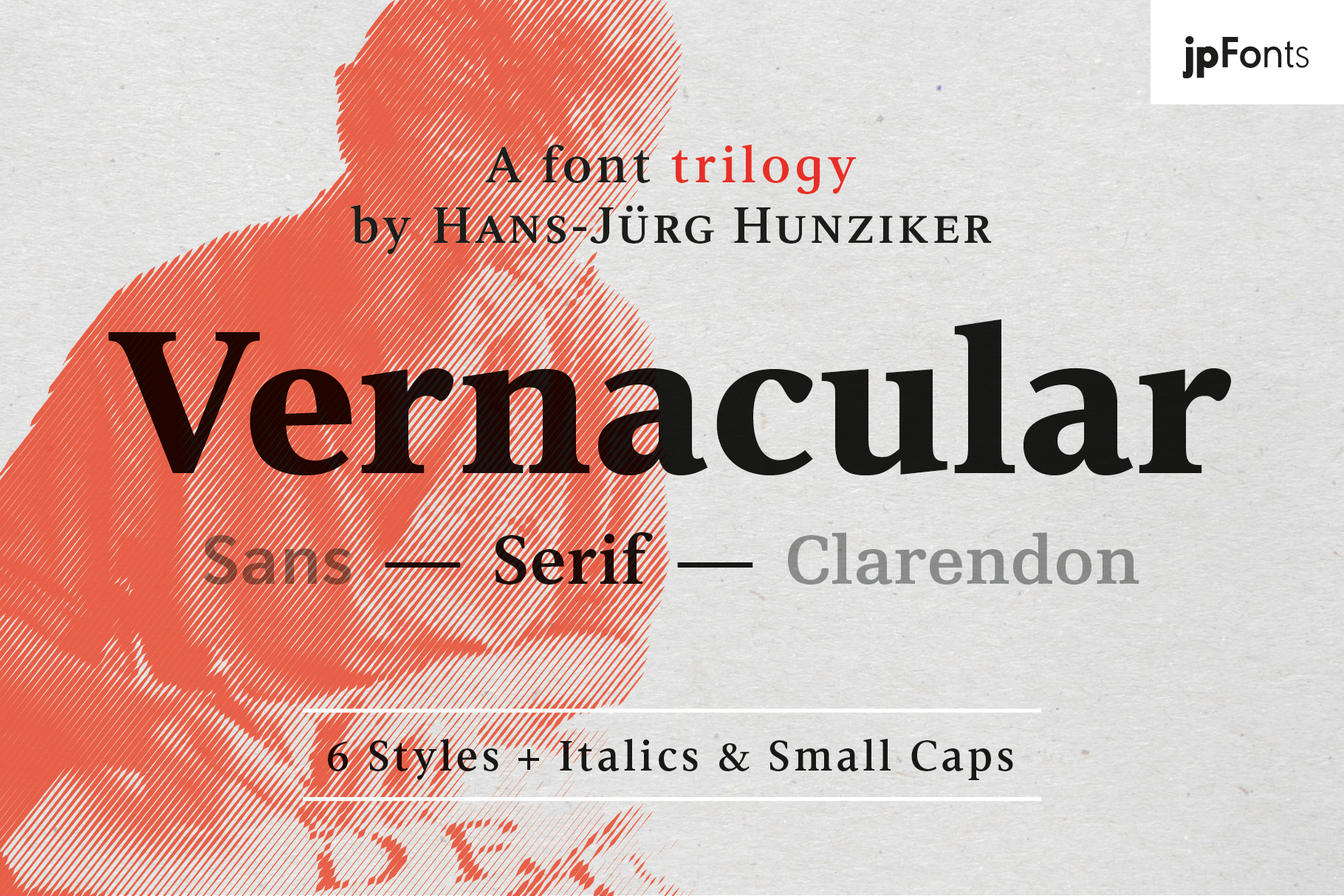
Vernacular Serif is a text face for editorial work, print, and CV body copy. It is a candidate when you want a text face that reads as professional rather than decorative. Vernacular Sans, by the same designer, appears later in this list, and the two may be worth trying together.
Best for: editorial text, print, CV body copy. By: peter.rosenfeld
3. The Bilstein Editorial
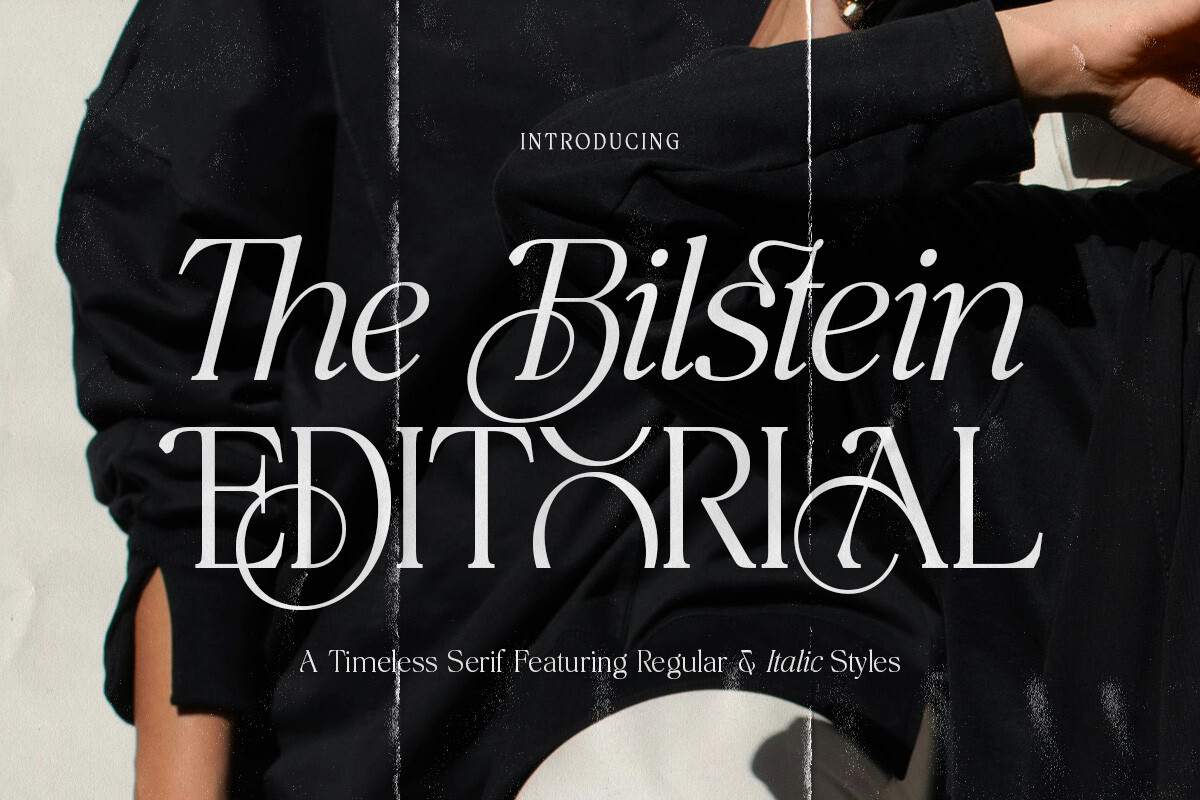
This one has an editorial name and an editorial purpose. The Bilstein Editorial fits magazines, editorial layouts, and long-form articles where the text needs to feel polished without becoming the main attraction. Test it in a full paragraph before deciding, since short samples can be misleading.
Best for: magazines, editorial layouts, long-form articles. By: Pista Mova
Download The Bilstein Editorial
4. Cornella
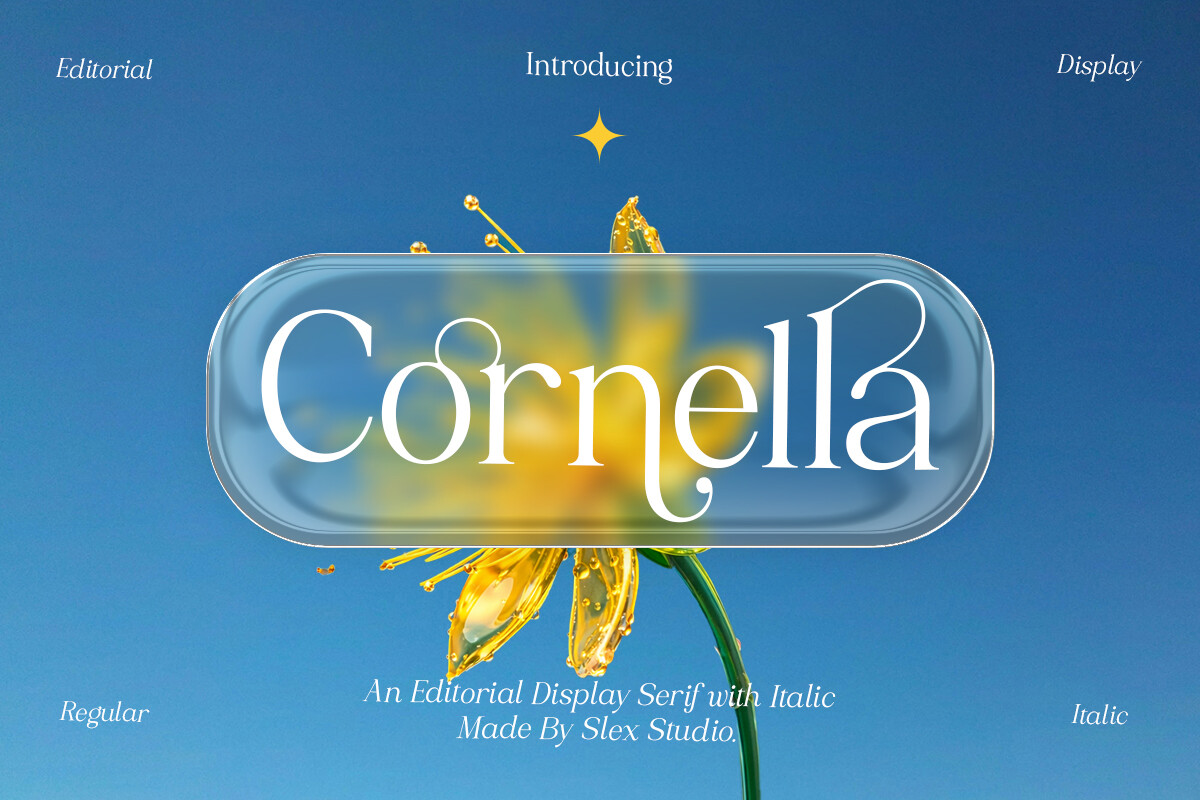
Cornella is a serif option for print layouts, reports, and blog text. It suits documents that need a readable base for paragraphs, captions, and supporting copy. If your project is clarity-first print work, set it up on a test page alongside a familiar book serif and compare how they feel at the same size.
Best for: print layouts, reports, blog text. By: Slex_studio
5. Conso
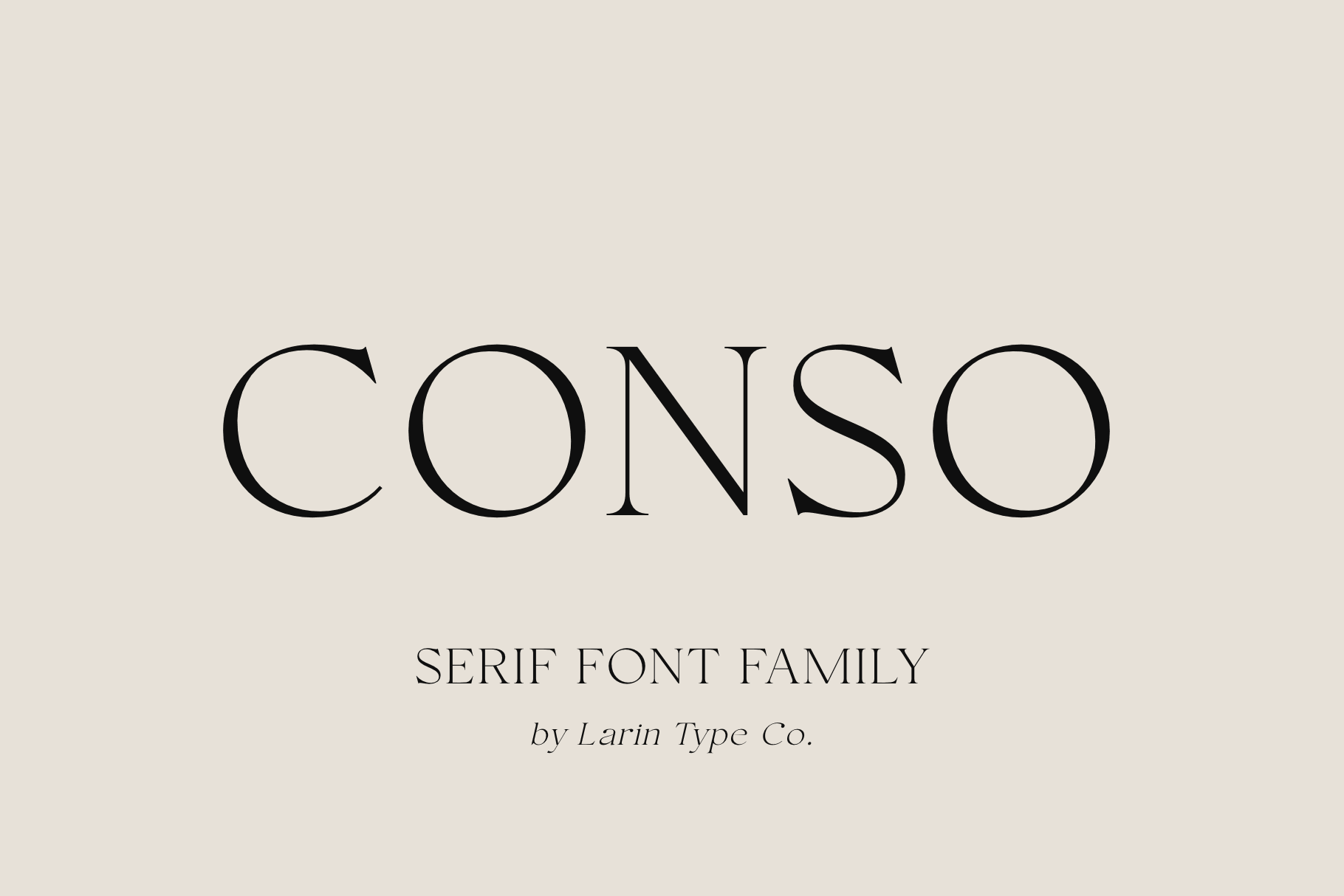
Conso is a serif option for articles, brochures, and resumes. That range makes it worth considering if you want one text face across print and digital formats. Test it at a realistic size in a full page before committing.
Best for: articles, brochures, resumes. By: Pasha Larin
6. FX Njungkel
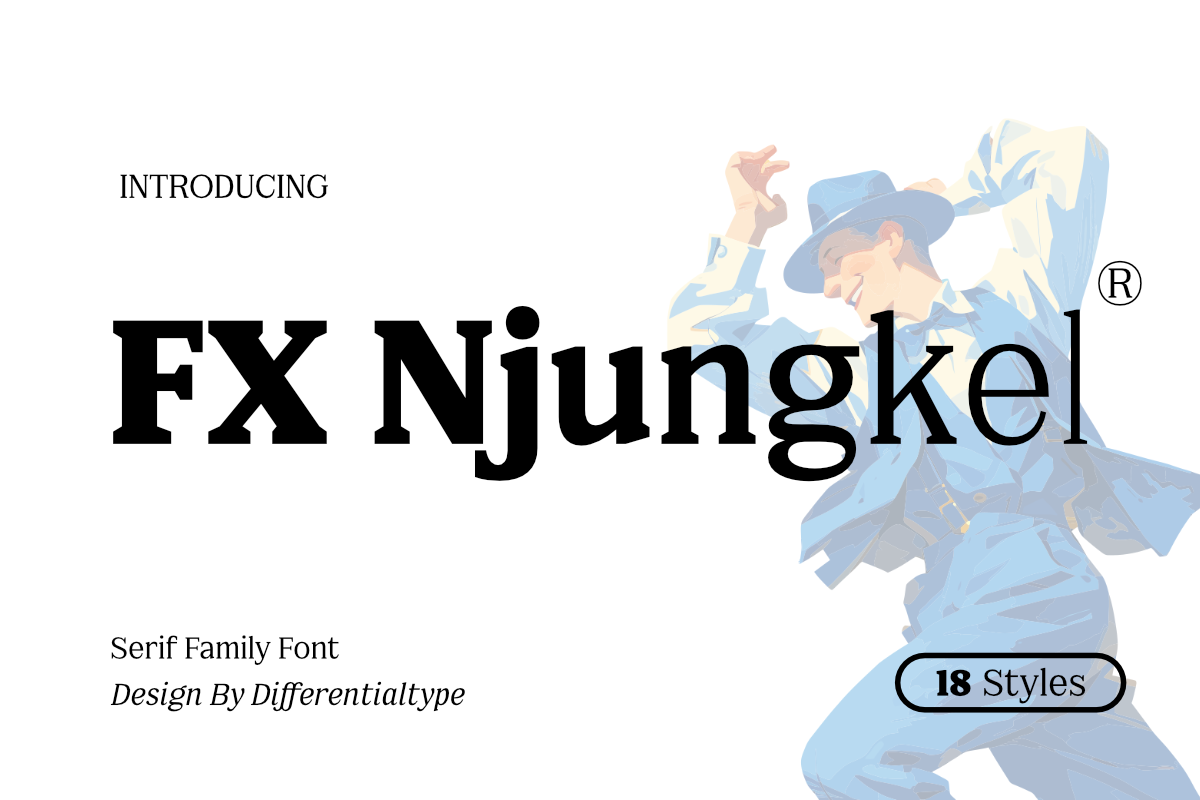
FX Njungkel is a serif option for paragraph text. It fits editorial text, printed documents, and web articles. If your project spans both print and screen, this is worth testing in both contexts to see how it holds up.
Best for: editorial text, printed documents, web articles. By: Differentialtype
7. Folker
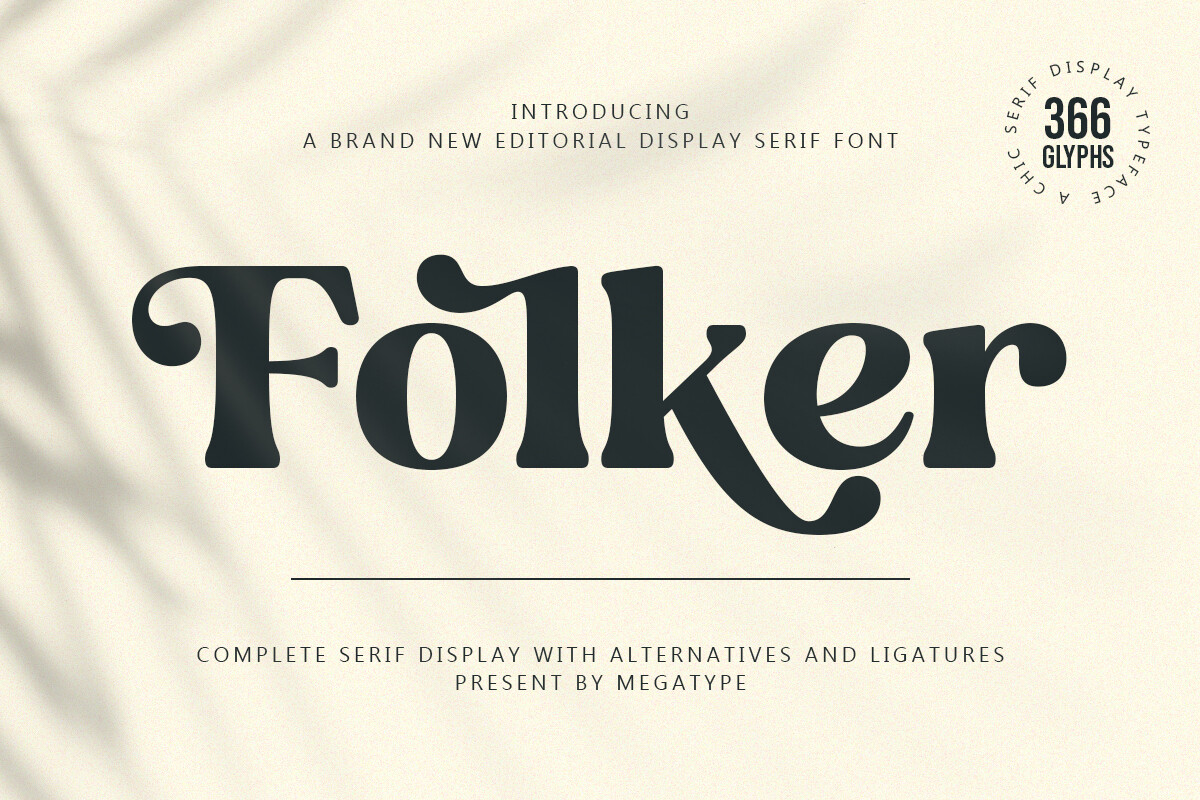
Folker is a serif for print projects, long copy, and publications. It suits documents where the reader will spend real time with the text, from book-style layouts to longer reports. Compare it in a real page proof before you finalize the layout. Screen previews can hide how a face behaves on paper.
Best for: print projects, long copy, publications. By: Megatype
Best Sans-Serif Body Fonts for Screens and Clean Layouts
Sans-serif body fonts are popular for websites, apps, presentations, and modern resumes. They tend to feel clean and direct, especially when the layout has a lot of structure around the text.
These six are sans-serif candidates for screens and clean layouts.
8. Vernacular Sans
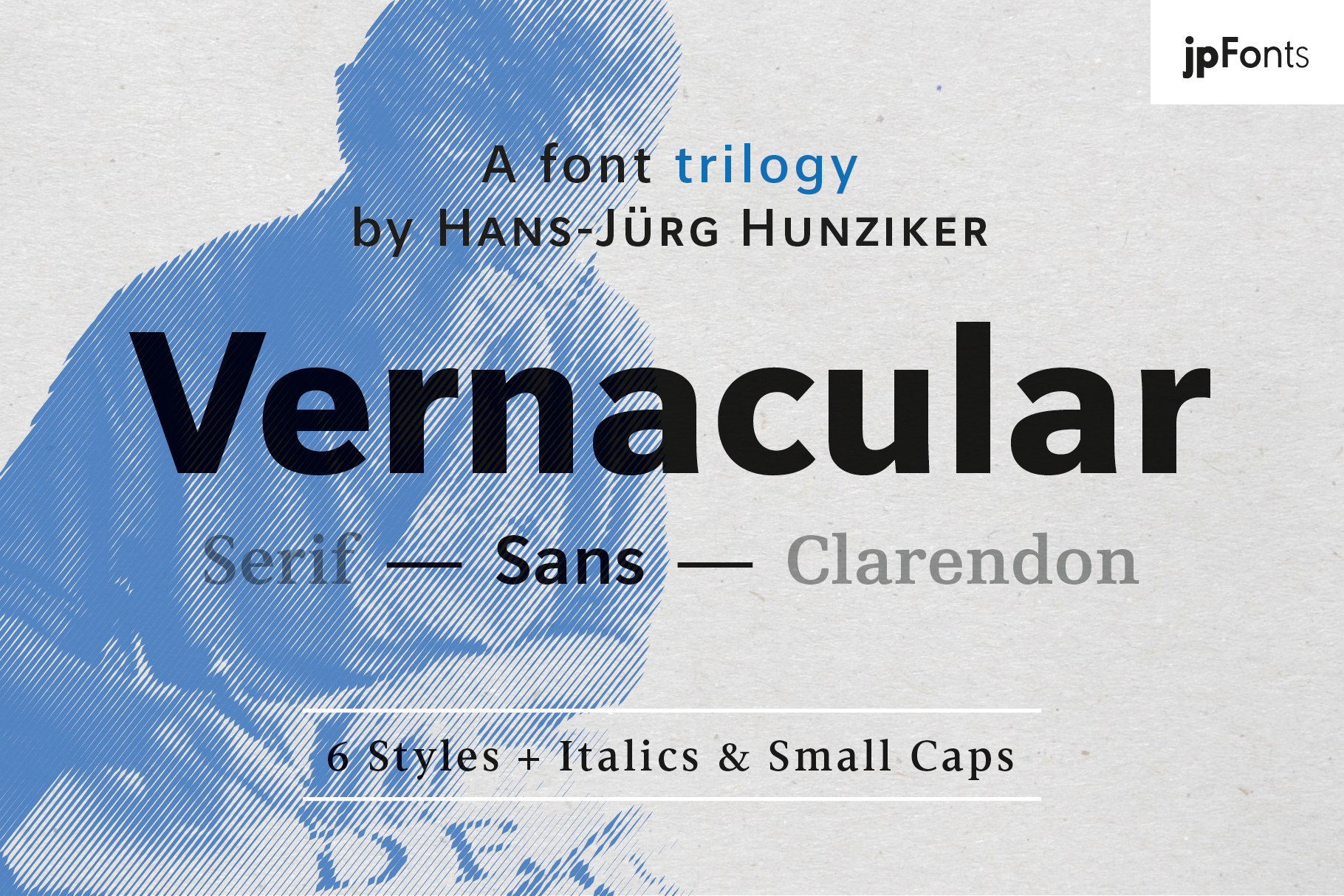
Vernacular Sans is a sans-serif option for web copy, resumes, and UI text. It suits projects where the body text needs to feel current and uncluttered. Since the serif version above comes from the same designer, the two may be worth trying together in one mockup before you decide which direction suits your project.
Best for: web copy, resumes, UI text. By: peter.rosenfeld
9. Gorga Text
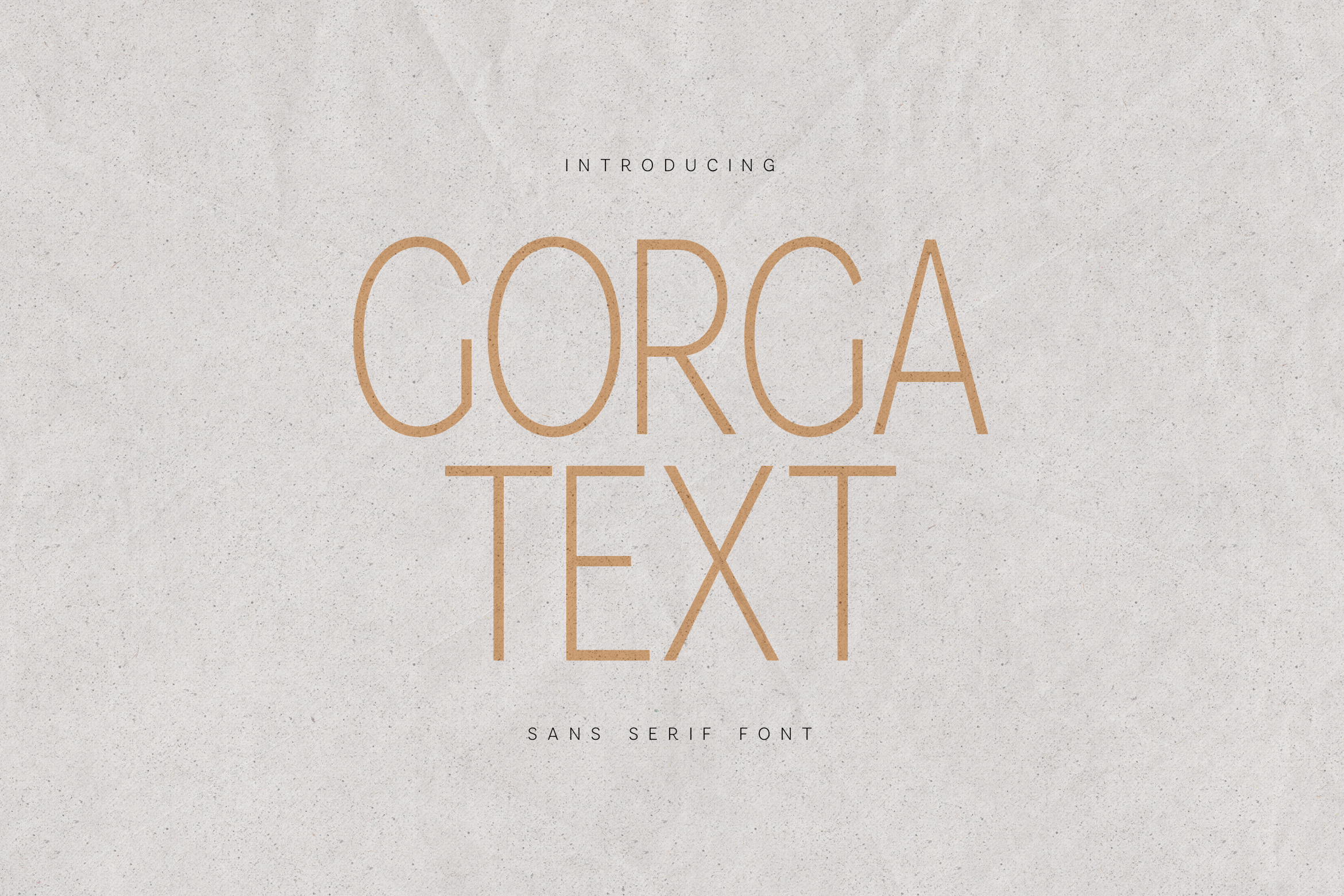
The “Text” in the name points to paragraph use. Gorga Text is a sans-serif option for paragraphs, blog posts, and presentations where the type needs to stay readable without competing with the design. Set it in real copy, not a specimen sheet, and see how it feels after a few lines.
Best for: paragraphs, blog posts, presentations. By: vladfedotovv
10. Story Editor
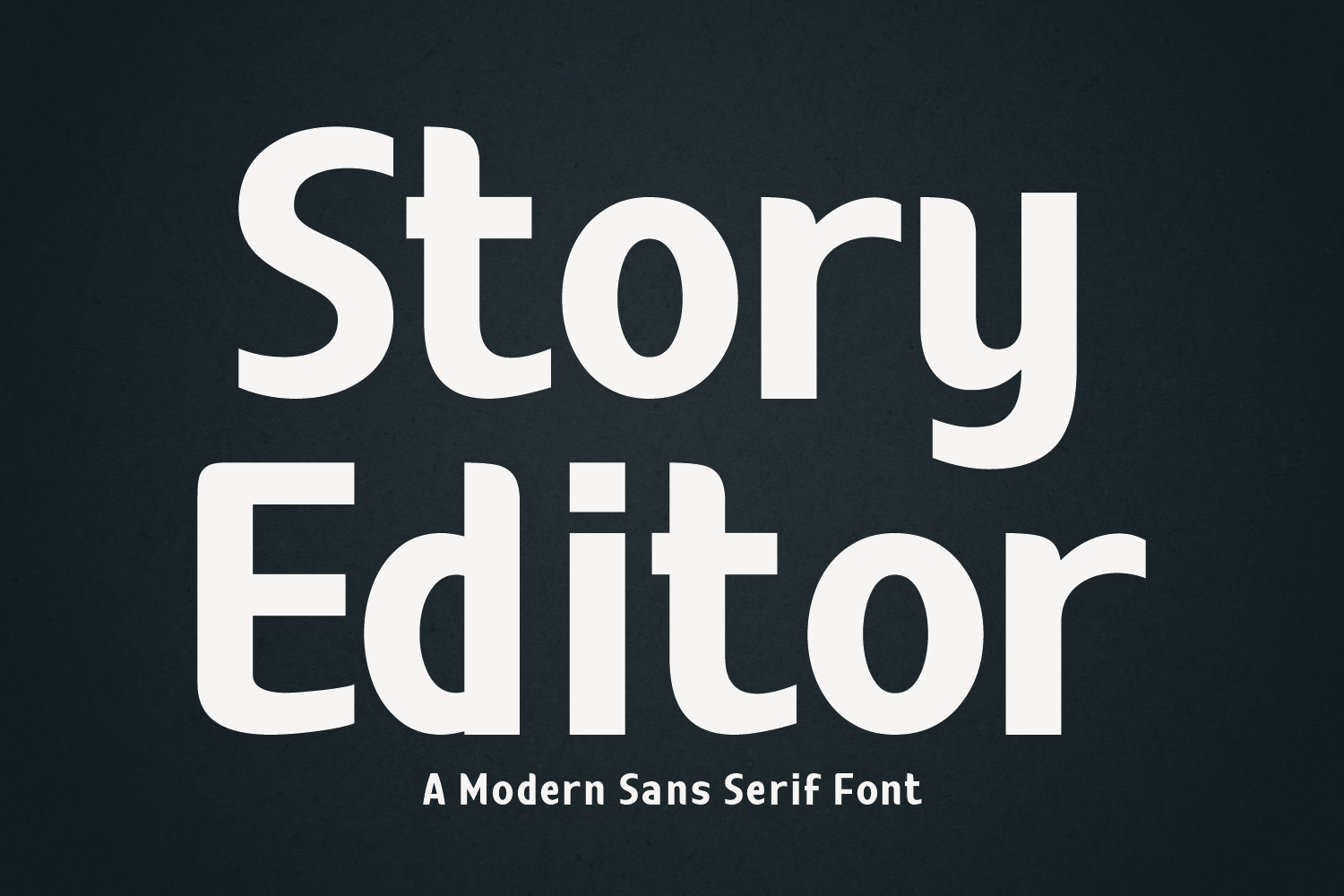
Story Editor is a sans-serif option for articles, newsletters, and digital editorial work. It suits content that needs to feel organized and easy to read on a screen. If you are comparing it against more neutral sans-serif choices, do it in a sample article layout rather than a single line of text.
Best for: articles, newsletters, digital editorial. By: Creative Fabrica Fonts
11. Fledgling
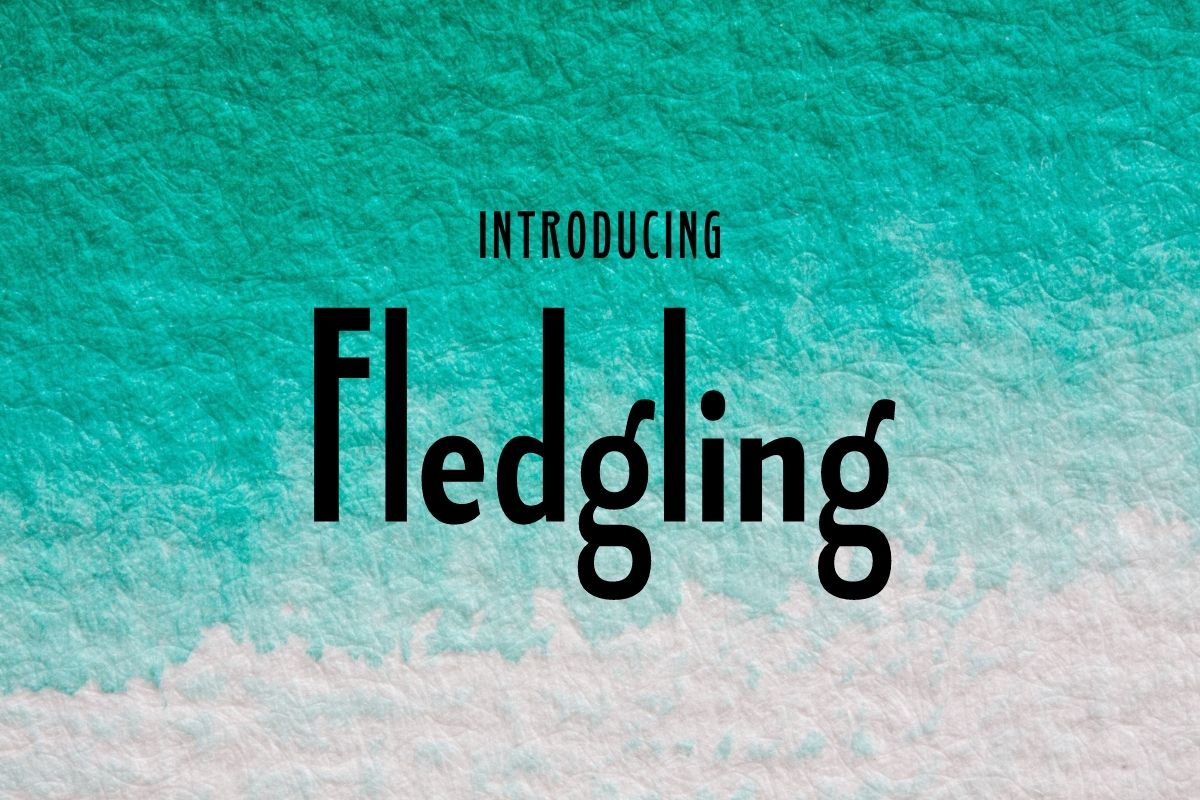
Fledgling is a sans-serif option for web text, handouts, and simple layouts. It suits layouts where the content should do the heavy lifting. Test it at a realistic size in a simple layout proof to make sure it holds up.
Best for: web text, handouts, simple layouts. By: Typodermic
12. Manguesy
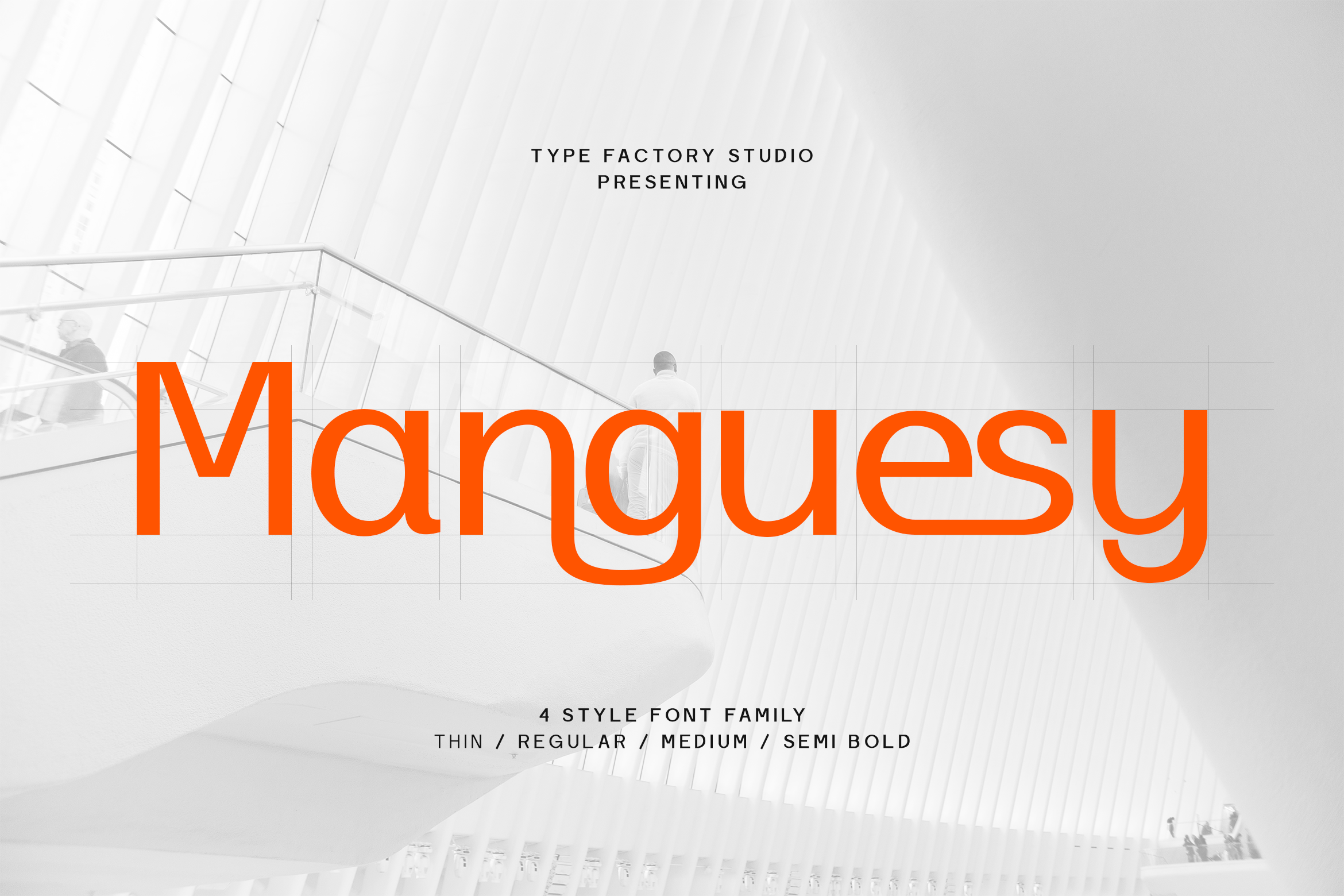
Manguesy is a sans-serif option for resumes, web copy, and modern documents. It suits projects where the body text needs to feel current, tidy, and easy to scan. Before sending a final file, compare it in a full page layout. A single line of text will not tell you how it behaves over a full resume.
Best for: resumes, web copy, modern documents. By: TypeFactory
13. Kelaba Sans
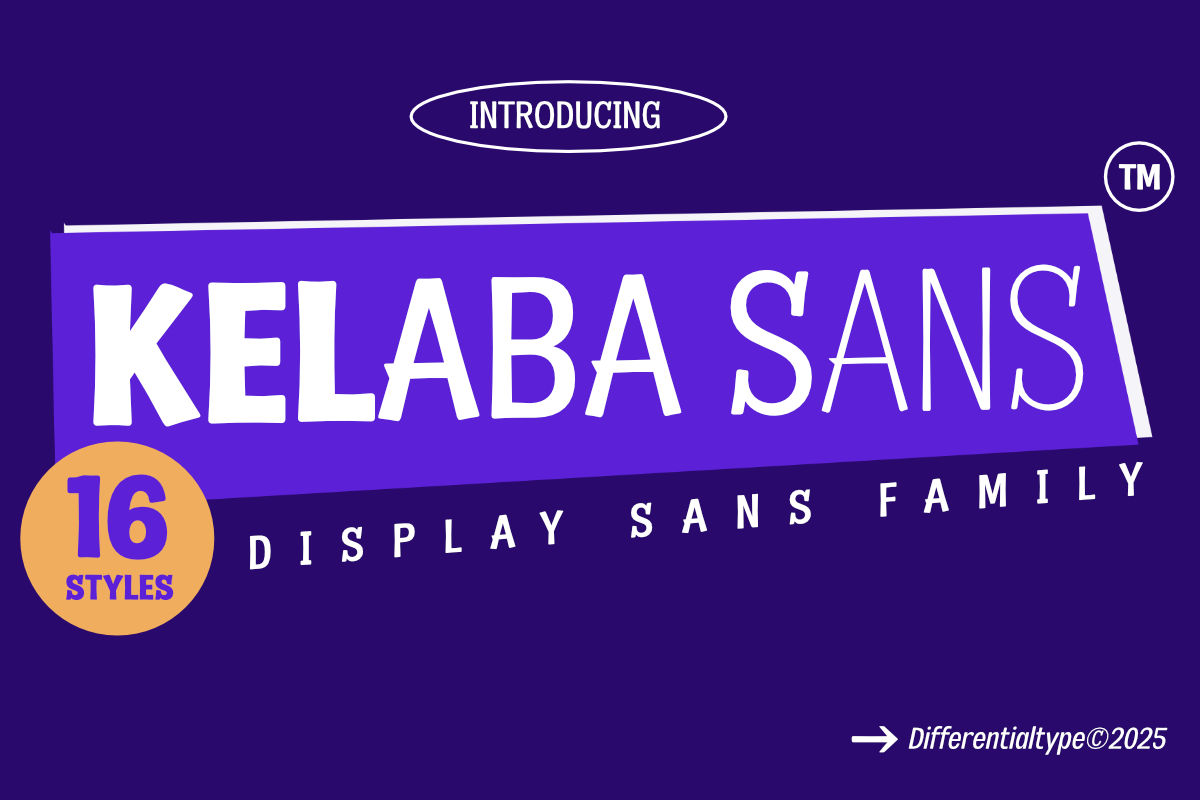
Kelaba Sans is a sans-serif option for body text. It fits UI text, CVs, and clean print layouts. Test it alongside a heading font in a real layout sample page so you can see how the two work together, not just how the body text looks on its own.
Best for: UI text, CVs, clean print layouts. By: Differentialtype
Best Body Fonts for Resumes and CVs
For a resume or CV, the body font should be clean, professional, and easy to read in both PDF and print. A good body font for resume or CV work is usually a standard serif or sans-serif, not a decorative display face.
Here is the thing: the recruiter should focus on your experience, not on unusual letterforms. If the type is doing the talking, it is the wrong choice.
A common starting range is about 10.5 to 12 pt for body text, with headings slightly larger. Guidelines vary, so test the final document on screen and in print. If you are sending a PDF, make sure the font renders consistently. If you are submitting to an applicant tracking system, stick to widely recognized typefaces and standard formatting.
The sans-serif group above (fonts 8 through 13) is a place to look for a modern CV. The serif group (fonts 1 through 7) can work for a more classic resume.
A few practical rules:
- Use one main font for the body and, if needed, one second font for headings
- Keep the layout simple
- Avoid all caps in paragraphs
- Check that your name, contact details, and section headings are easy to scan
A resume should feel calm and credible. The type supports the content. It does not compete with it.
Best Body Fonts for Print: Books, Magazines, and Documents
For print, body text fonts for print should be chosen with the page in mind. Books, magazines, reports, and brochures all have different rhythms, but they share the same basic need: comfortable reading over many lines.
For the best fonts for books and magazines, test a few serif options at your final size. Serif faces are often the default for long printed text, especially in books and magazines, because they give the page a familiar editorial feel.
A common book body size is around 9 to 11 pt, though the right size depends on the typeface, paper, trim size, and printing method. Smaller text usually needs more leading. Larger text can allow a tighter line.
Line length matters as much as size. A rough print target is around 45 to 75 characters per line, but you should test a real proof rather than relying on the number alone.
Paper and ink also affect how thin strokes behave. A face that looks crisp on a computer screen may soften on coated or uncoated stock, especially at small sizes. Before you finalize a book, magazine, or document, print a sample page and read it for a few minutes. If the text feels tiring, adjust the size, spacing, or font before you move to the next stage.
How to Set Body Text: Size, Spacing, Contrast, and Pairing
Body text size and line spacing are where readability is won or lost. Get these wrong and even a beautiful font will feel exhausting.
Size. For web, 16 px is a common baseline, roughly close to 12 pt at default browser settings. For print, use the size that fits the medium: around 9 to 11 pt for books, 10 to 12 pt for resumes, and a comfortable size for reports and brochures. Do not set the type too small just to fit more content.
Leading. This is the space between lines. A common range is about 120 to 150 percent of the font size, with smaller text often needing more space. If a paragraph feels dense, increase the leading before you increase the font size. It is the cheaper fix.
Line length. On desktop screens, a rough target is around 60 to 80 characters. In print, aim for a line that is long enough to read smoothly but short enough to avoid eye strain. If your line is too long, the reader’s eye has to travel too far to find the next line.
Contrast. The text should stand out clearly from the background. For long reading, very high contrast can feel harsh. A dark gray on a light background is often easier on the eyes than pure black on pure white. Avoid low-contrast combinations, especially on screens.
Font pairing for body text. Keep it limited. One font for the body, one for headings. If the body is a serif, a clean sans-serif heading creates useful contrast. If the body is a sans-serif, a stronger serif or a heavier sans-serif can provide structure.
Tips for Choosing the Right Body Font
Before you download a font, check the license on the product page. A desktop license usually covers use in fixed-size media. Web use may require a separate webfont license when the font is embedded in a website. Some projects also need PDF embedding, app use, or client use.
Because license terms vary by font, do not assume that a free or paid font is automatically safe for every use. Free fonts have license terms too. Read them.
Test the font at the size you will actually use. A body font that looks fine at 24 pt may fall apart at 10 pt. Check the regular weight, italic, and bold if your layout needs them. Look at numbers, punctuation, and any special characters your project requires.
If your work includes Cyrillic, diacritics, or other language-specific symbols, confirm that the font supports them before you build the layout. A missing glyph discovered halfway through a project is costly to fix.
Also test the font in your real software. Word, Google Docs, Canva, Figma, Illustrator, and InDesign can all handle fonts differently. For client work, make sure the license covers the intended use.
Where to Download Body Fonts
Creative Fabrica is a useful place to find body fonts for print, resumes, and web projects. The fonts in this list are linked to their product pages, where you can see previews and check the available options. You can browse more options at Creative Fabrica.
If you are looking for more typography resources, the FontPro blog has additional guides on fonts, layout, and design tools.
You can also browse other sources such as Google Fonts, DaFont, and Font Squirrel for additional options. As with any font, check the license before using it in a client project, a website, or a printed product. The best body fonts read well in your project and are licensed for your use.