· fonts · 12 min read
17 Best Pixel Fonts in 2026
Find the best pixel fonts for retro games, 8-bit art, arcade designs and merch: classic bitmap styles, arcade faces, modern display fonts and craft-ready picks.
The best pixel fonts range from clean 8-bit typefaces built for game UI to bold arcade-style display faces and even pixelated scripts for craft projects. Here are 17 of them from Creative Fabrica, grouped by style, plus tips for sizing, licensing, and getting the most out of pixel typography.
What Are Pixel Fonts and Why Use Them?
Pixel fonts (also called bitmap fonts) are typefaces where every letter is built from small square blocks rather than smooth curves. They started out of necessity: early computer screens and game consoles had limited resolution, so designers worked character by character on a tiny grid. That constraint produced a look that is now one of the most recognizable aesthetics in design.
In 2026, pixel fonts are everywhere. Indie game developers use them for authentic retro game fonts in UI and dialogue. Graphic designers reach for them when a project needs 8-bit nostalgia, whether that is a poster, a logo, or a social media graphic. Crafters cut them on Cricut machines for t-shirts and stickers. And brands use them to signal fun, nostalgia, or tech culture.
What separates a good pixel font from a generic one is legibility, personality, and practical details like glyph coverage and licensing. A well-made pixel art font holds up at its native grid size, scales cleanly at integer multiples, and includes the characters you actually need.
If you like the retro look but want something more sci-fi, check out these futuristic sci-fi fonts for a different direction.
Classic 8-Bit Pixel Fonts
These are the workhorses: clean, grid-aligned pixel fonts that capture the look of early computing and console gaming. If you need a bitmap font for game UI, app interfaces, or tech-themed branding, start here.
1. Techbit
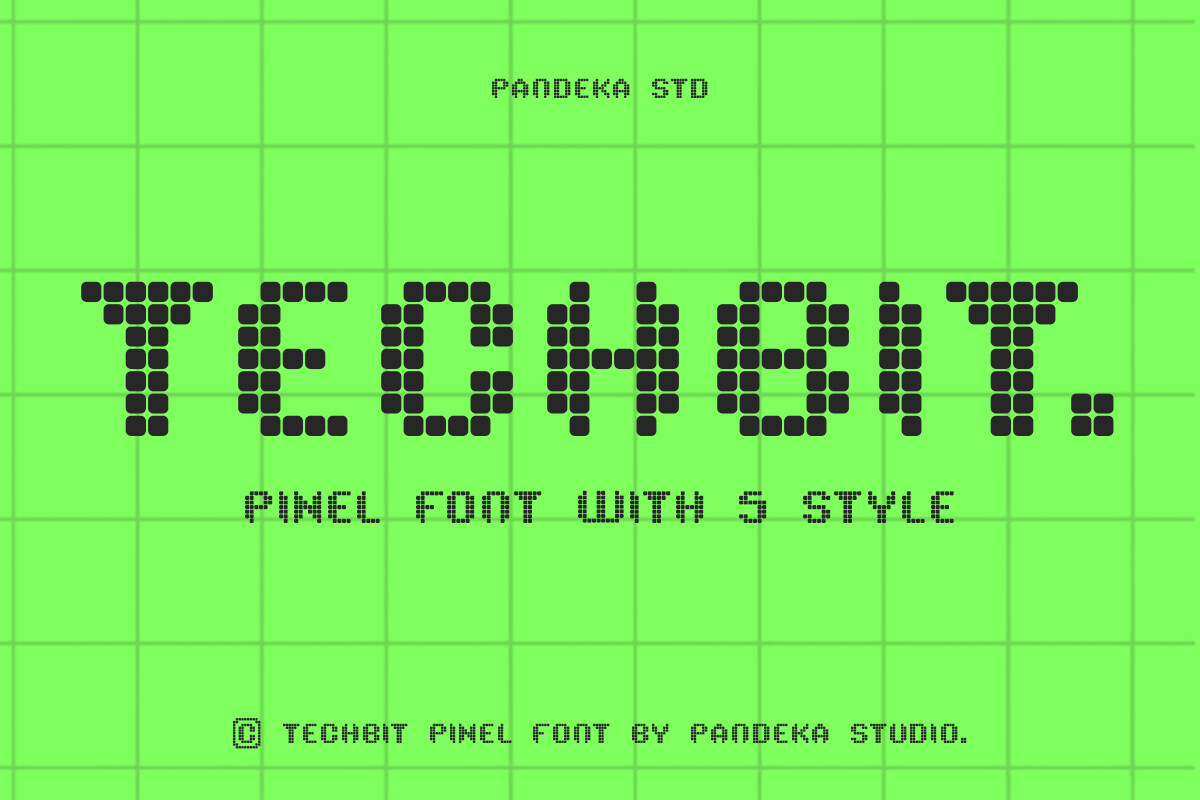
Techbit is a modern pixel font family with sharp, blocky letterforms and a clean digital aesthetic. It blends retro pixel style with soft edges that help legibility, making it a strong choice for projects where the type needs to read well at small sizes.
I reach for fonts like this when the design needs an 8-bit look without sacrificing clarity. It works across screens, print, and merch.
Best for: game UI, app interfaces, tech-themed branding. By: pandekastudio
2. Block Pixel
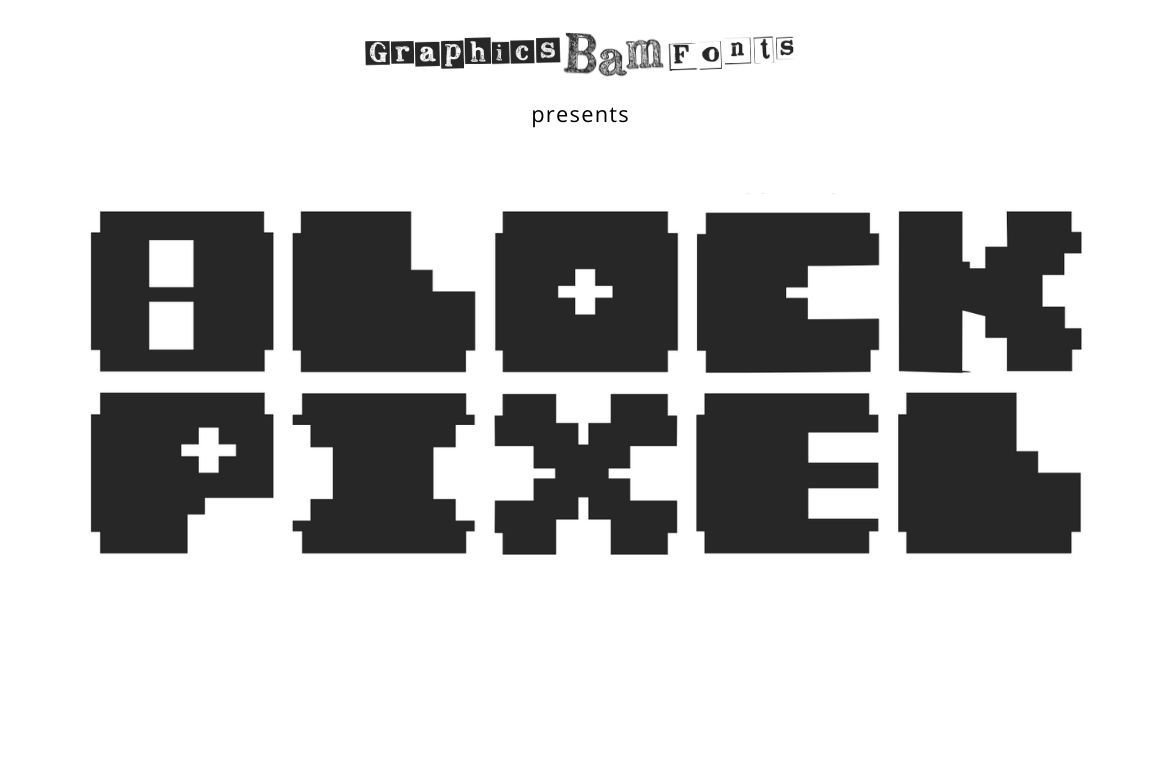
Block Pixel is a rough retro display font with a handmade, nostalgic feel. The bold, sharp-edged letterforms capture classic 8-bit computing aesthetics with a bit of texture that gives it character.
Use it when the design needs weight and warmth. It is a solid pick for game titles, retro branding, and poster headlines where the type should feel like it was pulled from an old screen.
Best for: game titles, retro branding, poster headlines. By: GraphicsBam Fonts
3. Bit Font
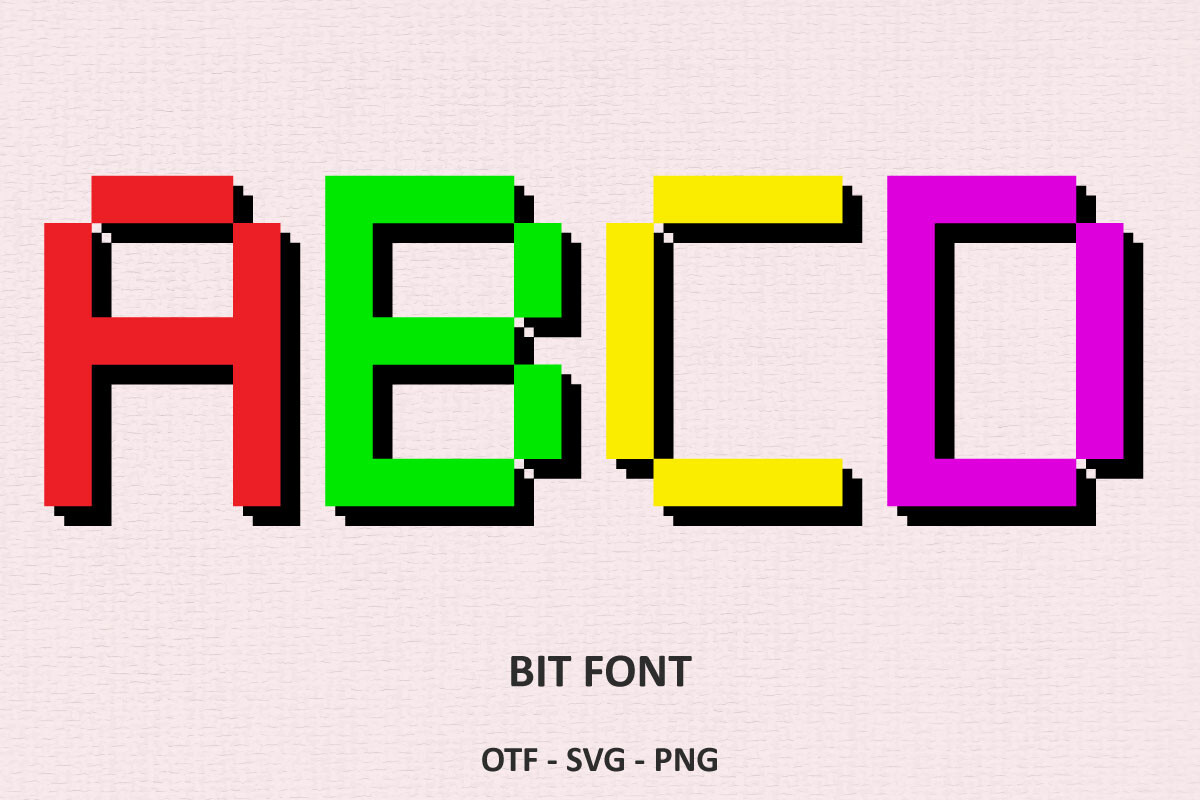
Bit Font is a digital typeface inspired by classic 8-bit display screens. The letterforms are clean and authentic, with the kind of precision that makes early computer and console typography so appealing.
It is a versatile pick that works for book covers, greeting cards, t-shirts, and retro-themed stationery. If you need a no-fuss pixel font that just looks right, this one delivers.
Best for: book covers, t-shirts, retro-themed stationery. By: Font Craft Studio
4. Block Blueprint
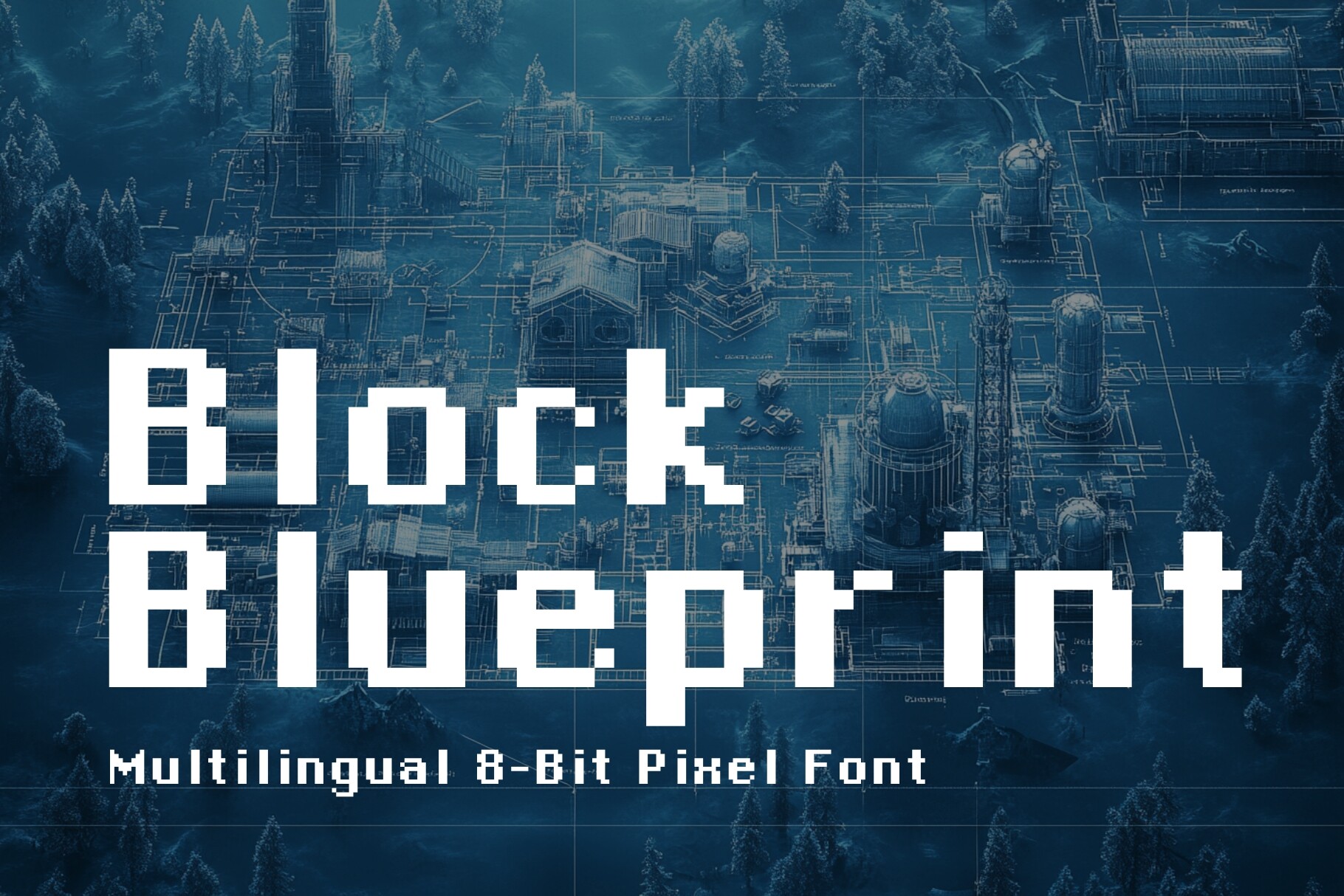
Block Blueprint is a clean, legible pixel font designed for readability across sizes. It has the 8-bit aesthetic but with enough refinement to work in professional contexts like digital dashboards, tech branding, and educational materials.
I like this one when the project needs to feel techy but still polished. The grid alignment is precise, and the characters stay readable even when the layout gets dense.
Best for: digital dashboards, tech branding, educational materials. By: HipFonts
5. LL Pixel
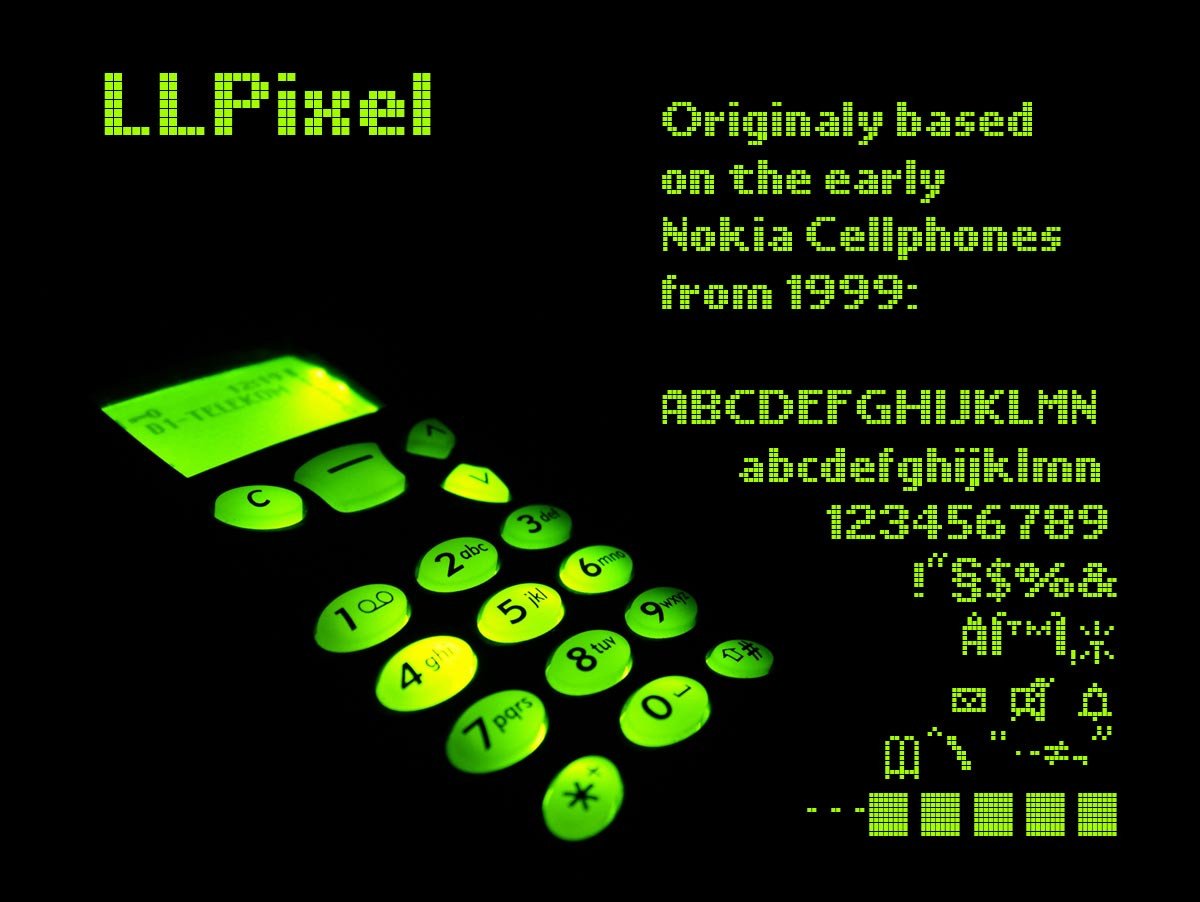
LL Pixel combines pixel style with geometric precision. The letterforms sit on a tight grid with clean edges, which gives it a modern feel while keeping the retro DNA intact.
It is a natural fit for retro branding, web design headers, tech logos, and pixel art projects. If you are building a brand around the pixel aesthetic, this font has the structure to carry it.
Best for: retro branding, tech logos, web design headers. By: Markus Schroppel
Retro Arcade and Gaming Fonts
Arcade fonts bring the energy of coin-op cabinets, console title screens, and score displays. These are bolder, louder, and more expressive than the classic 8-bit group. Use them for gaming posters, stream graphics, YouTube thumbnails, and anything that needs to feel like a high score screen.
6. Arcade Pixel
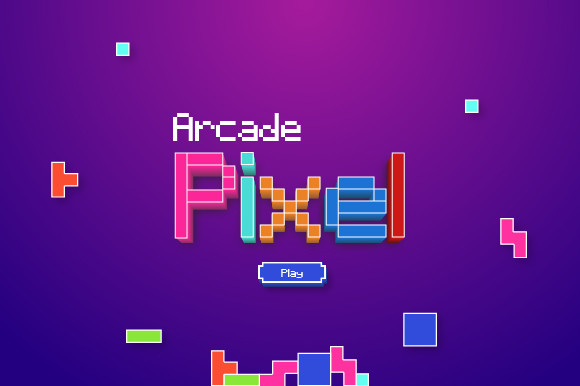
Arcade Pixel is a bold display font with authentic arcade-style character. The letterforms are eye-catching and heavy, built for projects that need a classic coin-op gaming vibe.
It works well for gaming logos, arcade-themed events, and web designs. If the project needs to feel like a cabinet marquee, this is a strong starting point.
Best for: gaming logos, arcade-themed events, web designs. By: sambogocreative
7. Pixel Retro
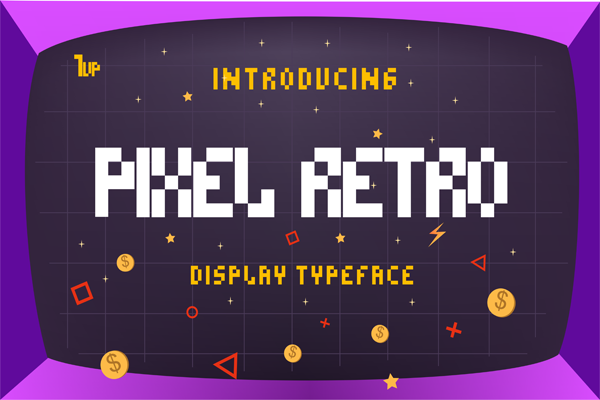
Pixel Retro is a retro display font with endless variations to explore. It captures the authentic look of vintage arcade and console game typography, with enough personality to stand out in a crowded design.
Use it for game branding, retro posters, social media graphics, and YouTube thumbnails. The variety of characters gives you room to experiment without reaching for a second font.
Best for: game branding, retro posters, YouTube thumbnails. By: DJ Creative
8. Retropix
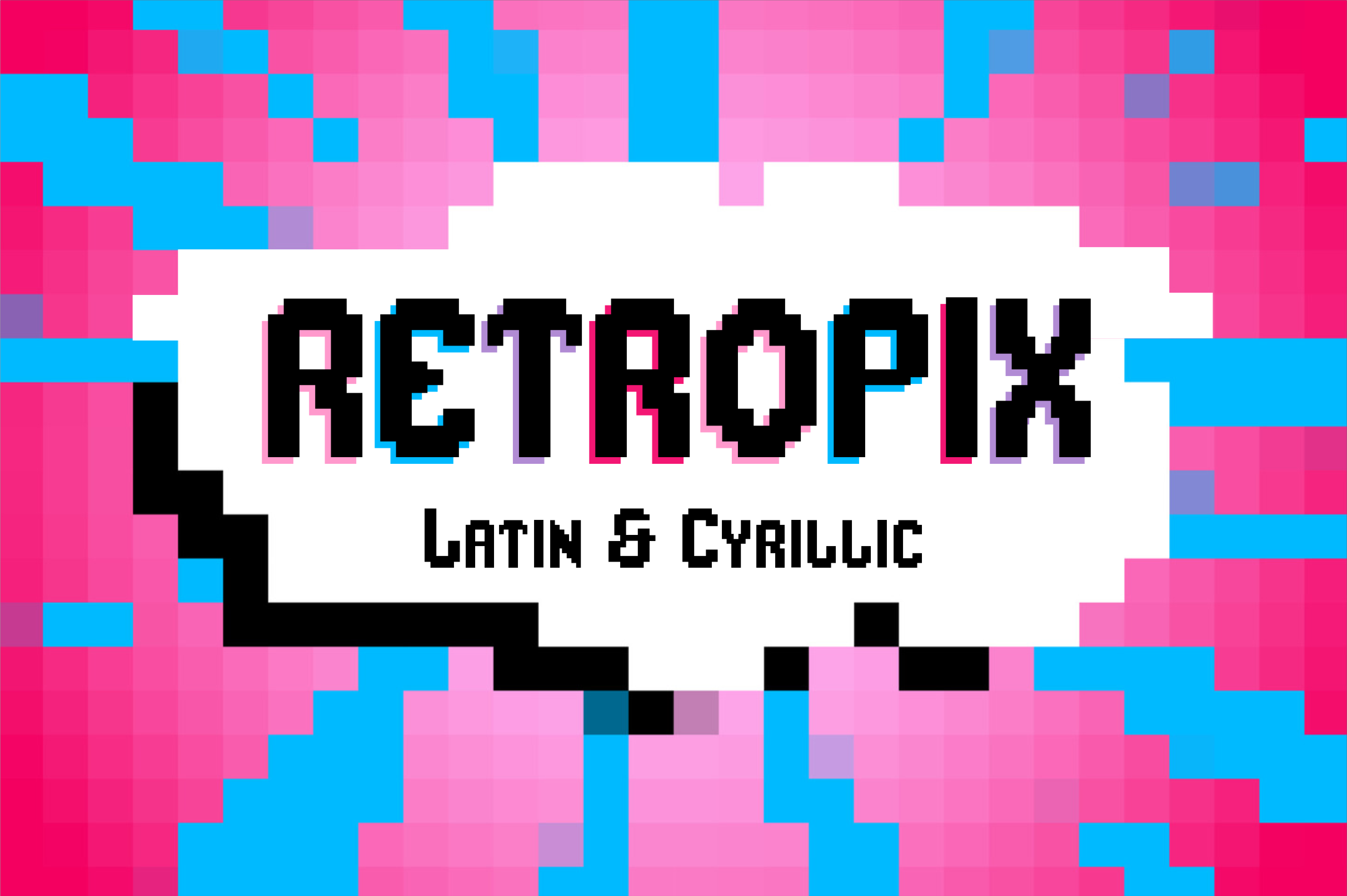
Retropix is a pixelated retro-style font inspired by classic video games and modern voxel aesthetics. The bold, sharp-edged letterforms bring the nostalgic feel of the 8-bit era while remaining fresh enough for contemporary design work.
It is a good fit for game titles, retro event invitations, brand identities, and posters. If you are looking for a pixel font that bridges old and new, this one hits the mark.
Best for: game titles, retro event invitations, brand identities. By: Tedha Studio
9. Superstar 8Bit
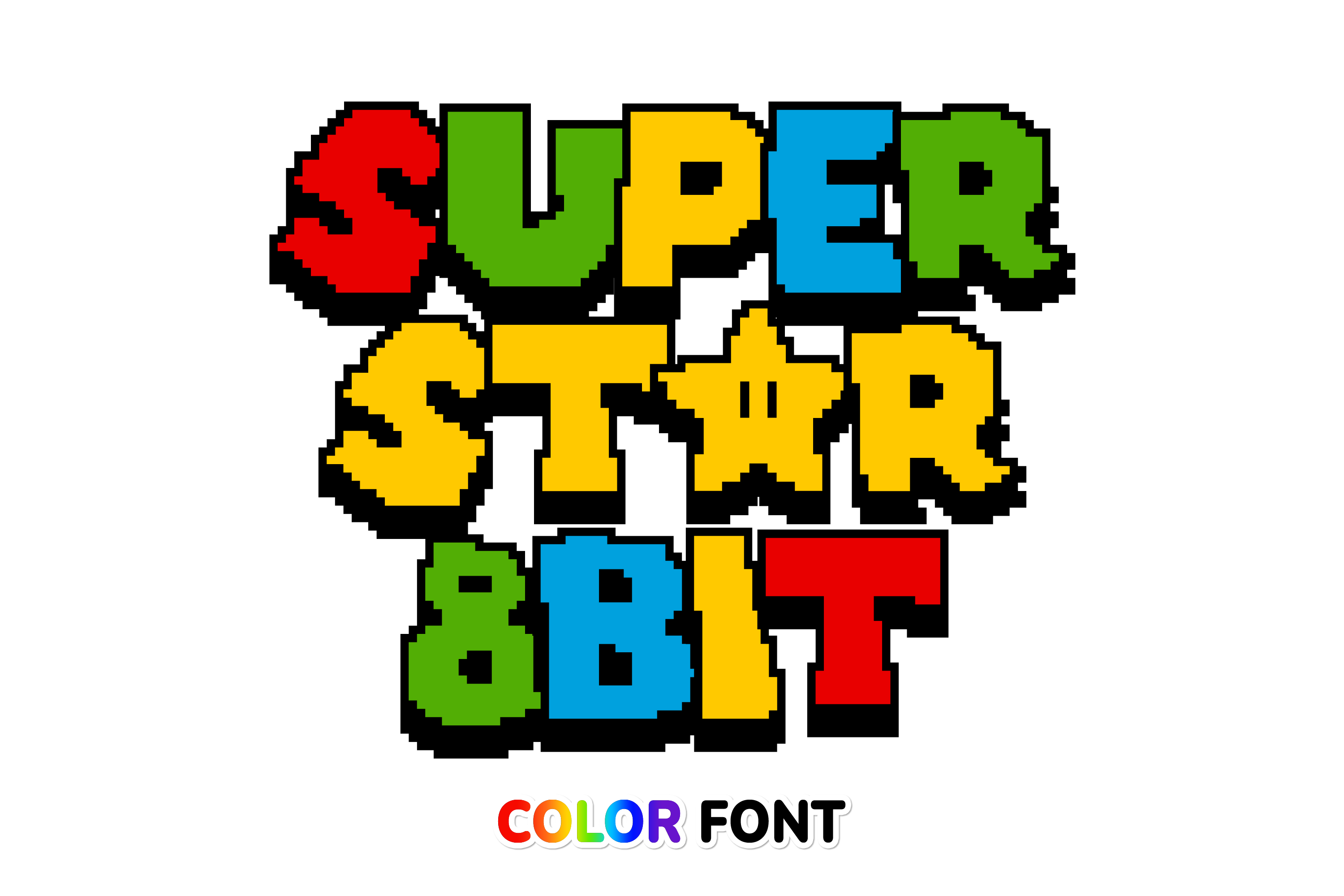
Superstar 8Bit is a color font designed in the style of pixel games. It uses the OpenType-SVG color font format, so the characters come with built-in multi-colored fills for maximum visual impact right out of the box.
This is the font I would pick for gaming posters, party invitations, and stream graphics where color does the heavy lifting. Keep in mind that color fonts need software that supports OpenType-SVG (most modern apps do).
Best for: gaming posters, party invitations, stream graphics. By: JUSTTYPE
10. Plump Pixel
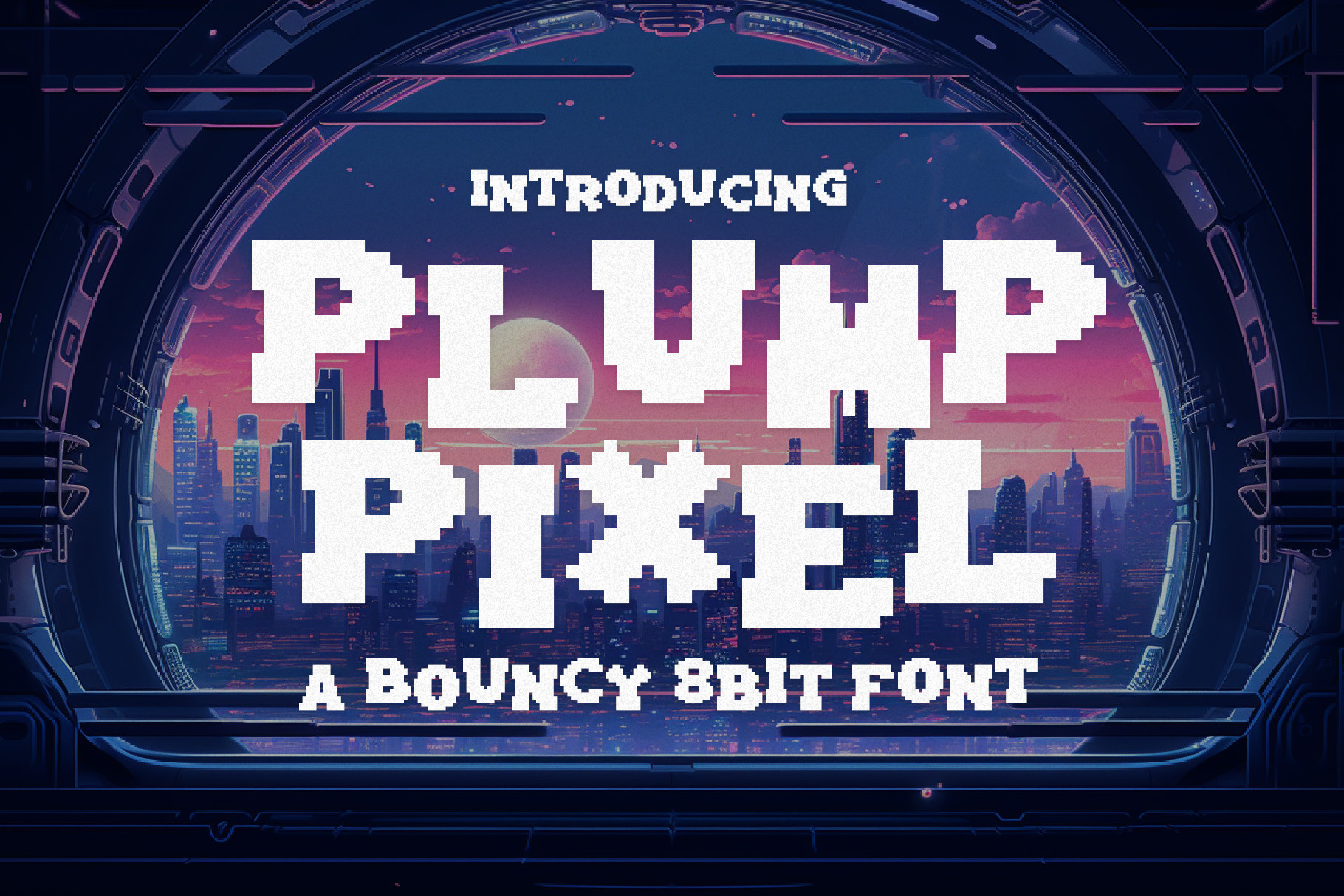
Plump Pixel is a bouncy 8-bit pixel font with a chubby, playful appeal. Each letter is crafted with a buoyant spirit that makes the font feel joyful and approachable, a nice change from the sharper pixel styles.
It is a natural choice for kids’ game designs, party invitations, playful branding, and greeting cards. If the mood is fun and lighthearted, this font matches it.
Best for: kids’ game designs, party invitations, playful branding. By: HipFonts
Modern Pixel Display Fonts
These fonts take the pixel concept and push it somewhere new. They blend pixel aesthetics with glitch effects, contemporary display typography, and bold serif hybrids. Use them when you want the pixel look but need it to feel current, edgy, or unexpected.
If you enjoy fonts that mix retro and modern, the best retro 70s fonts list covers another era worth exploring.
11. Neo Pixel
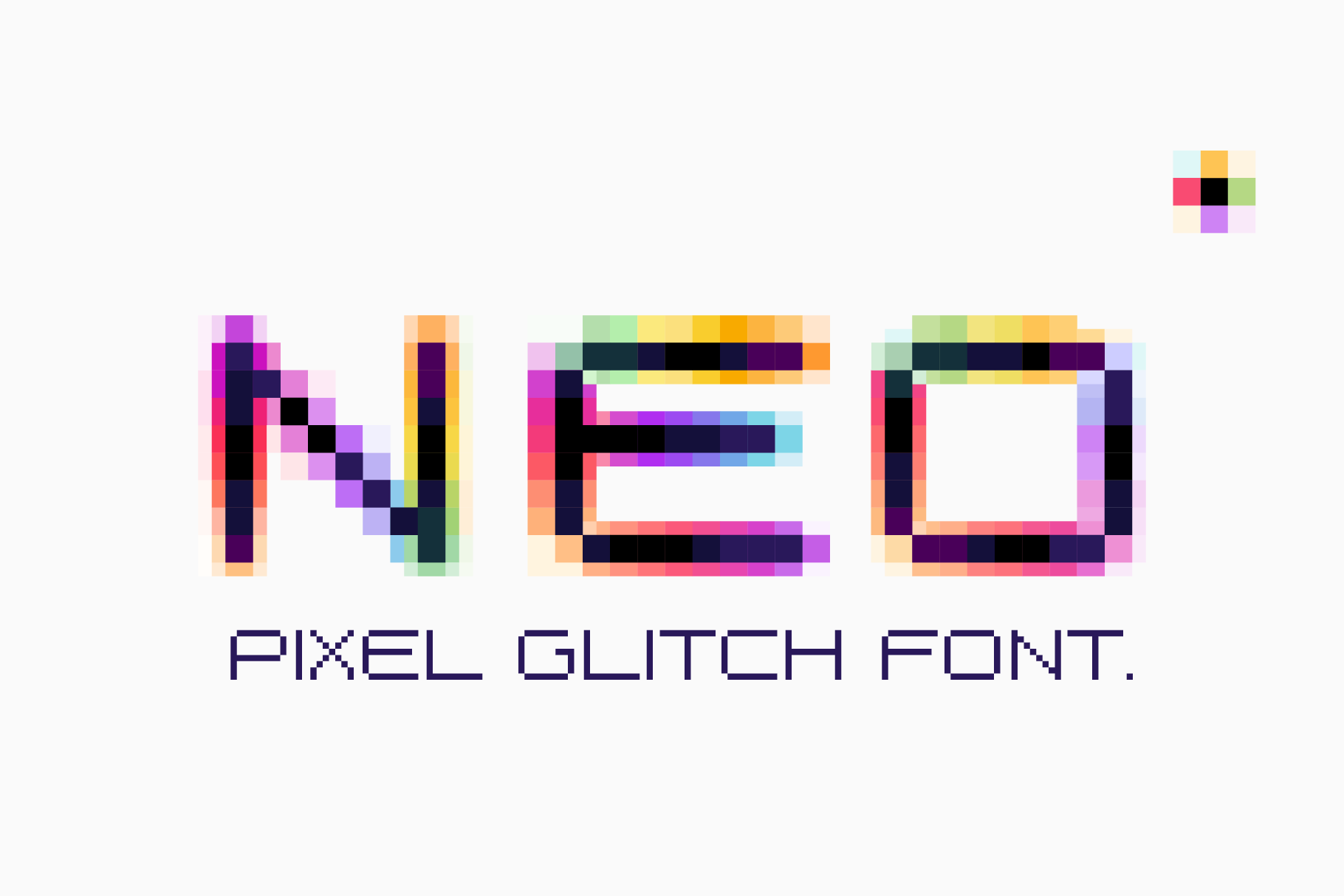
Neo Pixel is a glitch-distorted pixel font with a color shift effect. This OpenType-SVG color font delivers neon-tinged pixel aesthetics that feel more cyberpunk than classic arcade.
It is perfect for nightlife labels, electronic identity design, cyberpunk-themed projects, and music visuals. If the design needs to feel like a screen on the fritz, this is the font that sells it.
Best for: cyberpunk designs, nightlife labels, music visuals. By: kaer_cf
12. MultiType Pixel
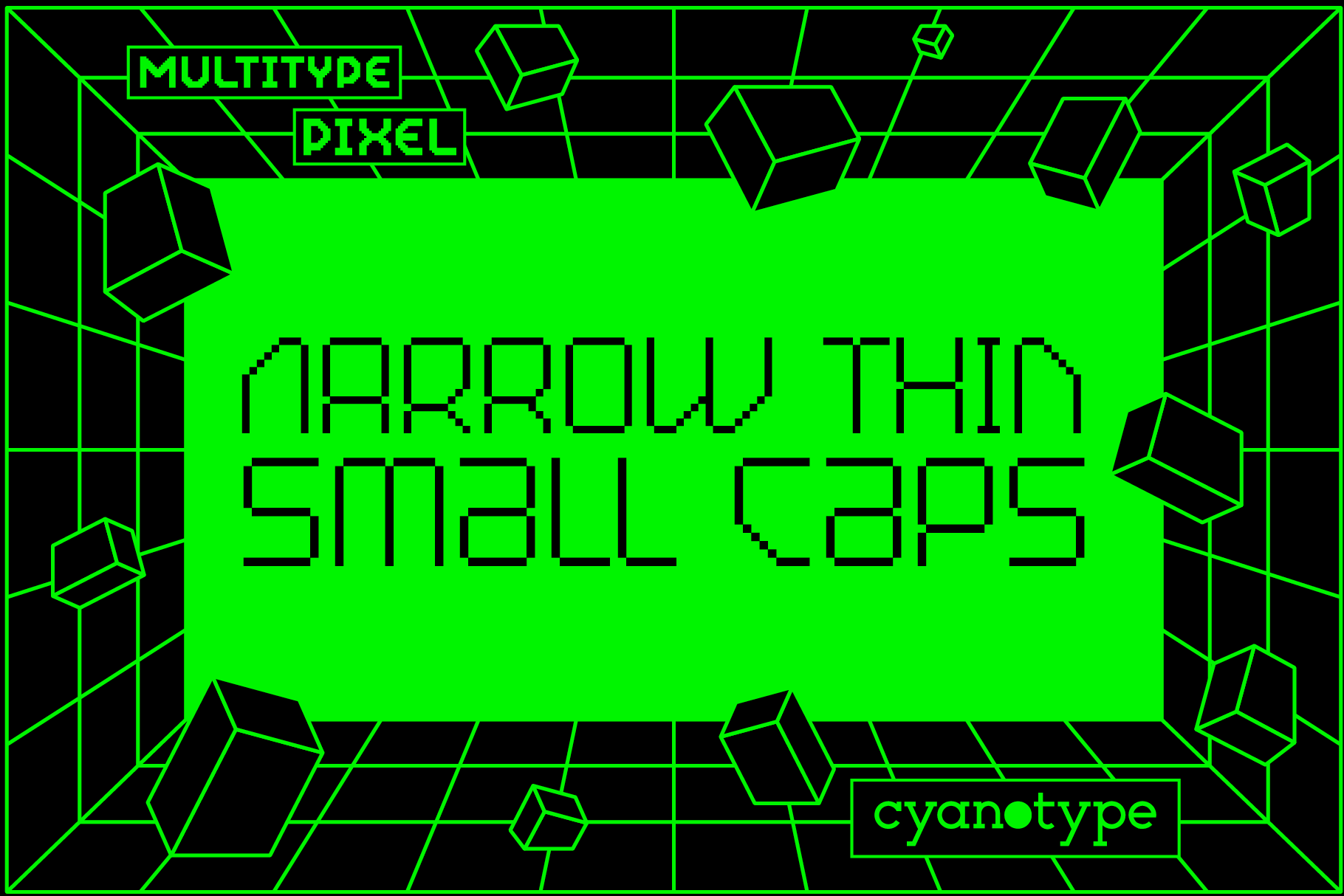
MultiType Pixel is a uniquely shaped pixelated display font that adds a distorted, trendy touch to designs. It combines pixel aesthetics with contemporary display typography for a look that works in editorial, fashion, and tech startup branding.
Use it for album covers, fashion graphics, or any project where the type needs to feel like it belongs in a gallery, not a game. It is one of those fonts that designers notice.
Best for: trendy branding, editorial design, album covers. By: cyanotype
13. Pixelout
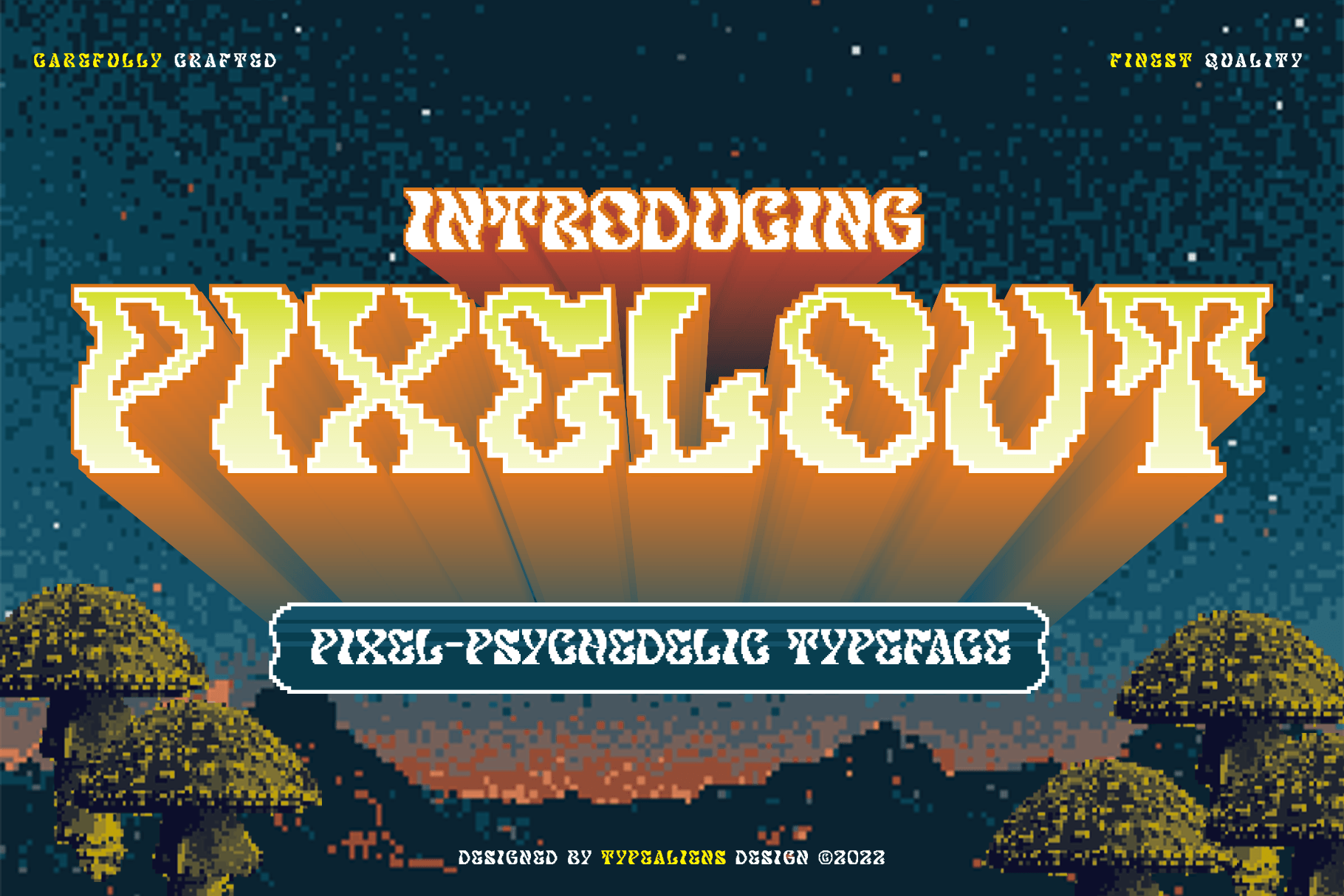
Pixelout is a display font built on bold serifs, then given a psychedelic twist and a low-pixel effect. The result is a hybrid that blends classic typography structure with retro pixel distortion.
It is a strong pick for concert posters, album art, editorial headlines, and festival graphics. If you need something that feels like a poster from a music venue, this font brings that energy.
Best for: concert posters, album art, festival graphics. By: typealiens
14. Pixel Machine
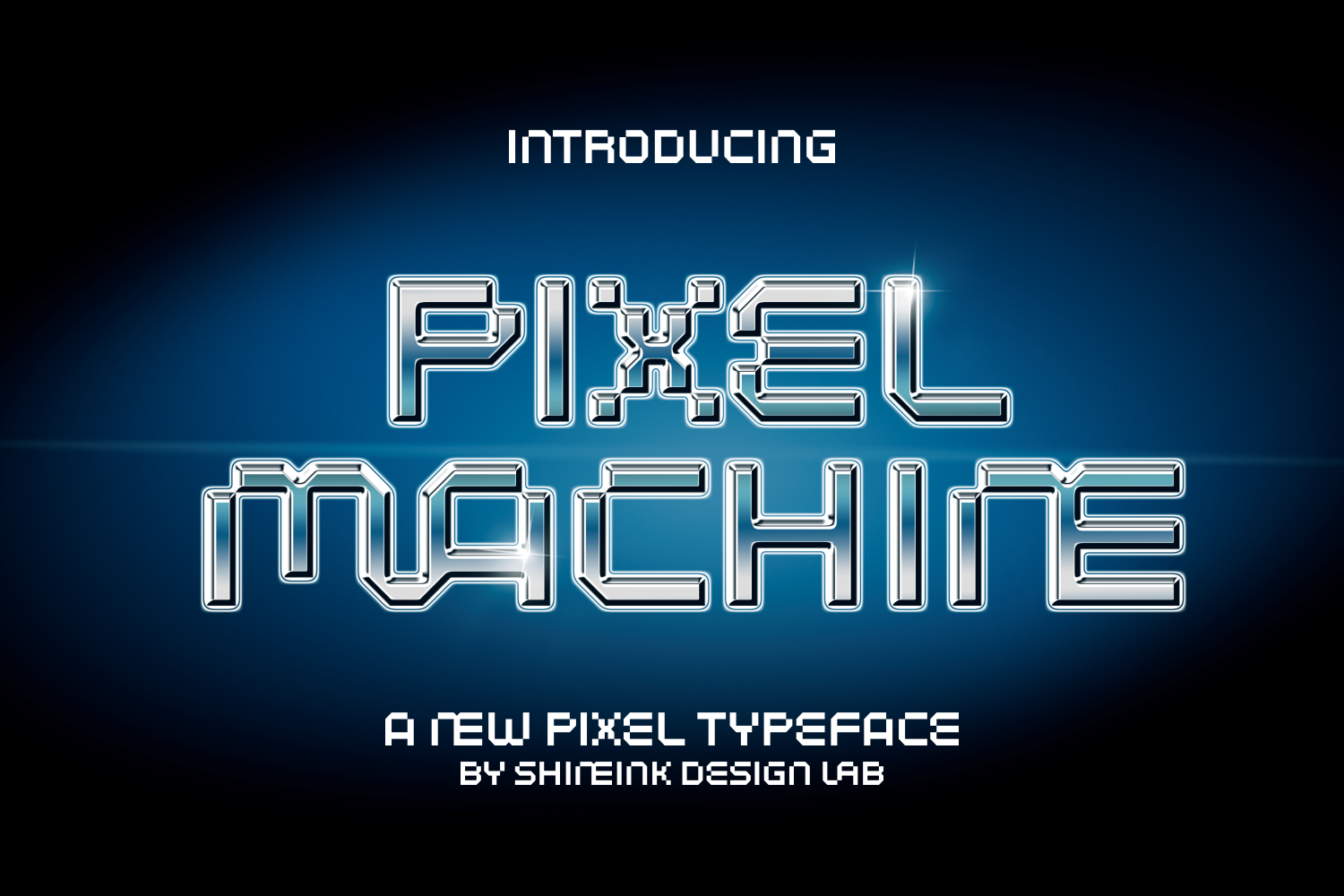
Pixel Machine is a playful, eye-catching display font that emulates old-school video game aesthetics with colorful, personality-filled characters. It is PUA encoded, so all glyphs are accessible in crafting software and design apps.
It works well for gaming projects, digital designs, branding, and Twitch or YouTube channel art. The PUA encoding is a nice practical touch if you plan to use it in Cricut Design Space or Silhouette Studio.
Best for: gaming projects, channel art, social media graphics. By: shineink.designlab
Pixel Fonts for Crafts and Merch
Pixel fonts are not just for screens. Crafters use them for cross-stitch patterns, Cricut projects, embroidery, and t-shirt designs. The fonts in this group have features that make them especially useful for physical projects: rounded edges for clean cuts, PUA encoding for glyph access, and unique hybrid styles that stand out on merch.
15. Pixel Purl
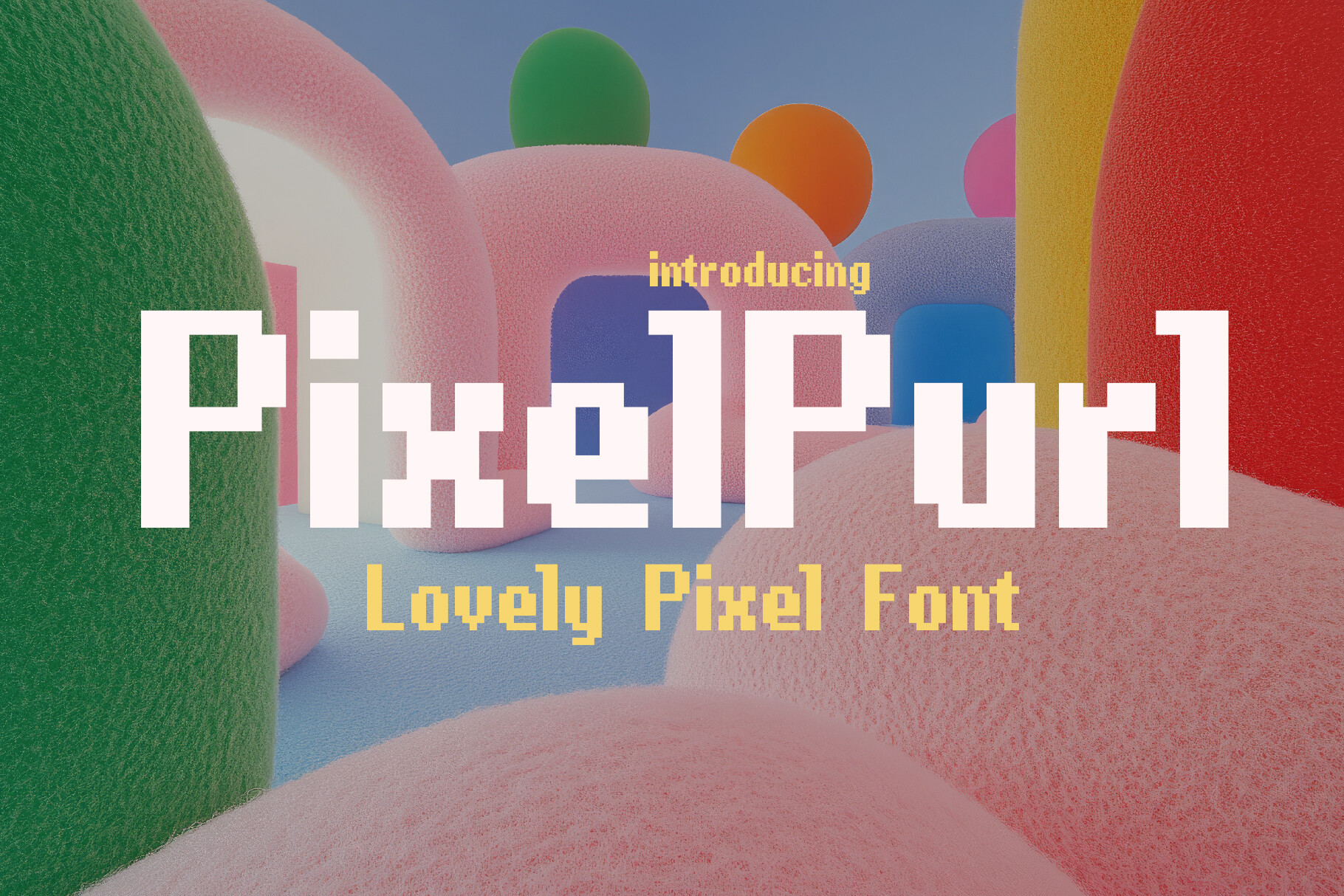
Pixel Purl is a bold typeface inspired by retro gaming and medieval fantasy storytelling. The letterforms are rounded and friendly, with a craft-friendly aesthetic that translates well to cross-stitch patterns, Cricut designs, and physical projects.
It also works for game titles, posters, and UI design. If you want a pixel font that crosses over from screen to craft table, this one does it well.
Best for: cross-stitch patterns, Cricut designs, game titles. By: HipFonts
16. Blackbit
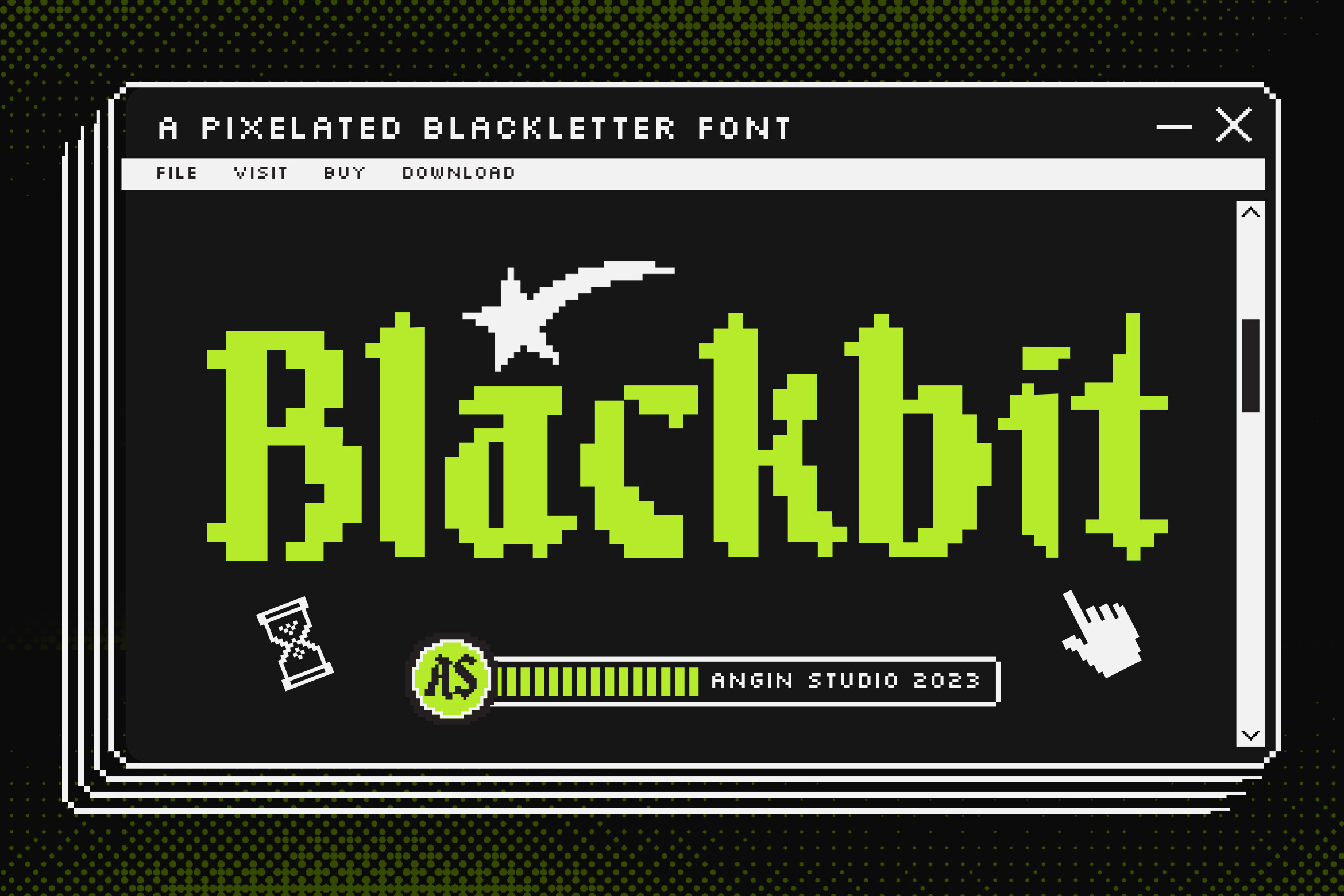
Blackbit is a pixelated blackletter font inspired by the golden era of retro games. It combines gothic blackletter styling with pixel aesthetics, creating a look that recalls 8-bit and Sega-era visuals with a modern twist. It supports multiple languages, which is a practical bonus for international merch.
Use it for gaming merchandise, band logos, t-shirt designs, and poster art. The blackletter-meets-pixel combination is uncommon, and it gives merch a distinctive look that is hard to replicate with a standard pixel font.
Best for: gaming merchandise, band logos, t-shirt designs. By: Angin Studio
17. Larasati Pixelated
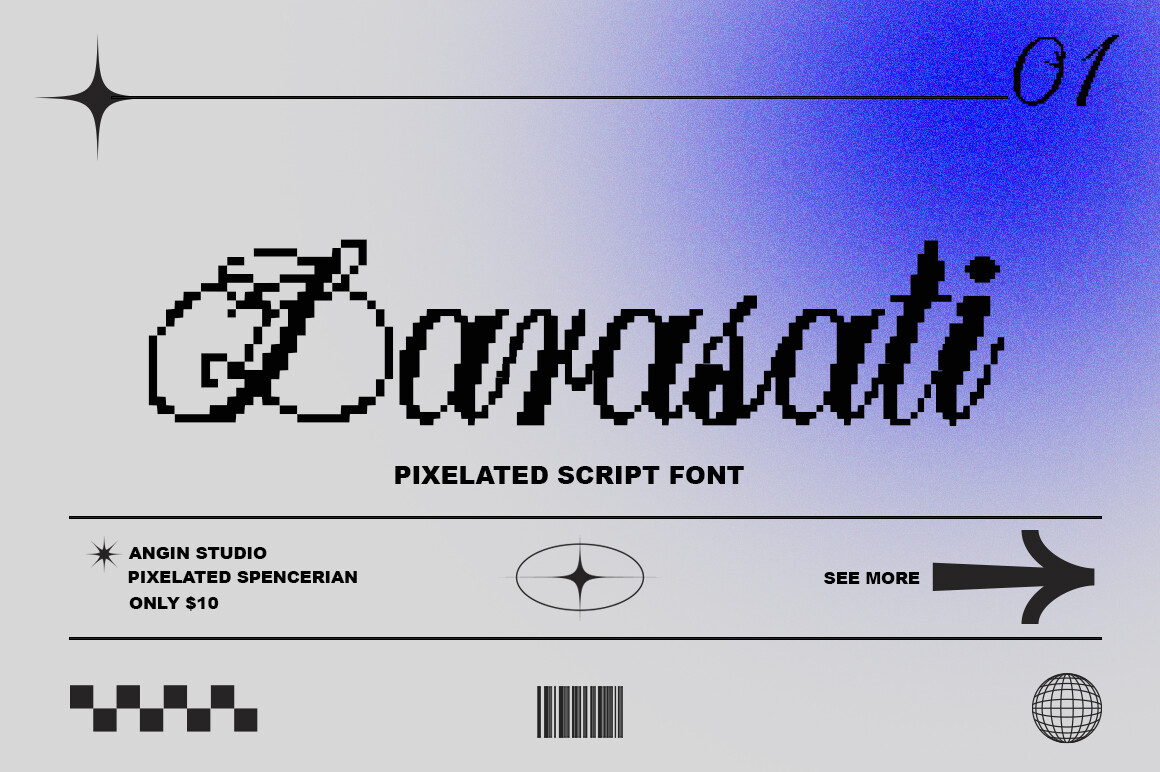
Larasati Pixelated is a pixelated Spencerian script that combines vintage elegance with pixel design. The flowing cursive letterforms rendered in pixel blocks create an unexpectedly beautiful contrast, and it is unlike anything else on this list.
It is a standout choice for wedding crafts with a retro twist, embroidery patterns, Cricut projects, greeting cards, and decorative signage. If you want a pixel font that surprises people, this is the one.
Best for: wedding crafts, embroidery patterns, decorative signage. By: Angin Studio
How to Choose and Use the Right Pixel Font
Pixel fonts have a few quirks that set them apart from standard typefaces. Here are the practical tips that matter most.
Get the sizing right. Pixel fonts look best at their native size or exact multiples of it (8px, 16px, 24px, 32px). Using non-integer scaling causes blurry edges that defeat the whole point of a crisp, blocky look. For web use, disable anti-aliasing with CSS image-rendering: pixelated on scaled images and consider font-smooth: never for the type itself.
Check color font support. Fonts like Superstar 8Bit and Neo Pixel use the OpenType-SVG color font format. They look great in modern design apps, but older software may not render the colors correctly. Test before committing to a color font for a full project.
Think about cutting and crafting. If you plan to cut pixel fonts on a Cricut or Silhouette machine, look for fonts that are PUA encoded so all glyphs are accessible in crafting software. Bold, blocky pixel fonts cut cleaner than thin or highly detailed ones. Weld any touching letters so they cut as one piece.
Pair with care. Pixel fonts are strong personalities. Pair them with simple sans-serifs or monospaced fonts for body text. Using two pixel fonts in the same design usually creates a clash. One pixel display face for the headline and one clean supporting font for details is a reliable formula.
Check the license. Before you sell shirts, stickers, posters, or digital products, review the license on the product page. Creative Fabrica includes commercial licenses with most of their fonts, but always confirm what is covered for your specific use case.
Tip: Scale your design down to the size where it will actually be seen. If the pixel grid still reads clearly, you have the right font and the right size. If the edges blur or the character gets lost, go up to the next integer multiple or choose a bolder face.
Where to Download Pixel Fonts
Creative Fabrica is the main source for the fonts in this list, and each product page includes license details so you can confirm commercial use before downloading. If you want free pixel fonts for quick mockups, Google Fonts offers Pixelify Sans, Press Start 2P, and Silkscreen as solid starting points.
For more font ideas, design resources, and practical guides, browse the FontPro blog.